Speak to a sourcing specialist
sales13@apterpower.com

2711-T9C1X

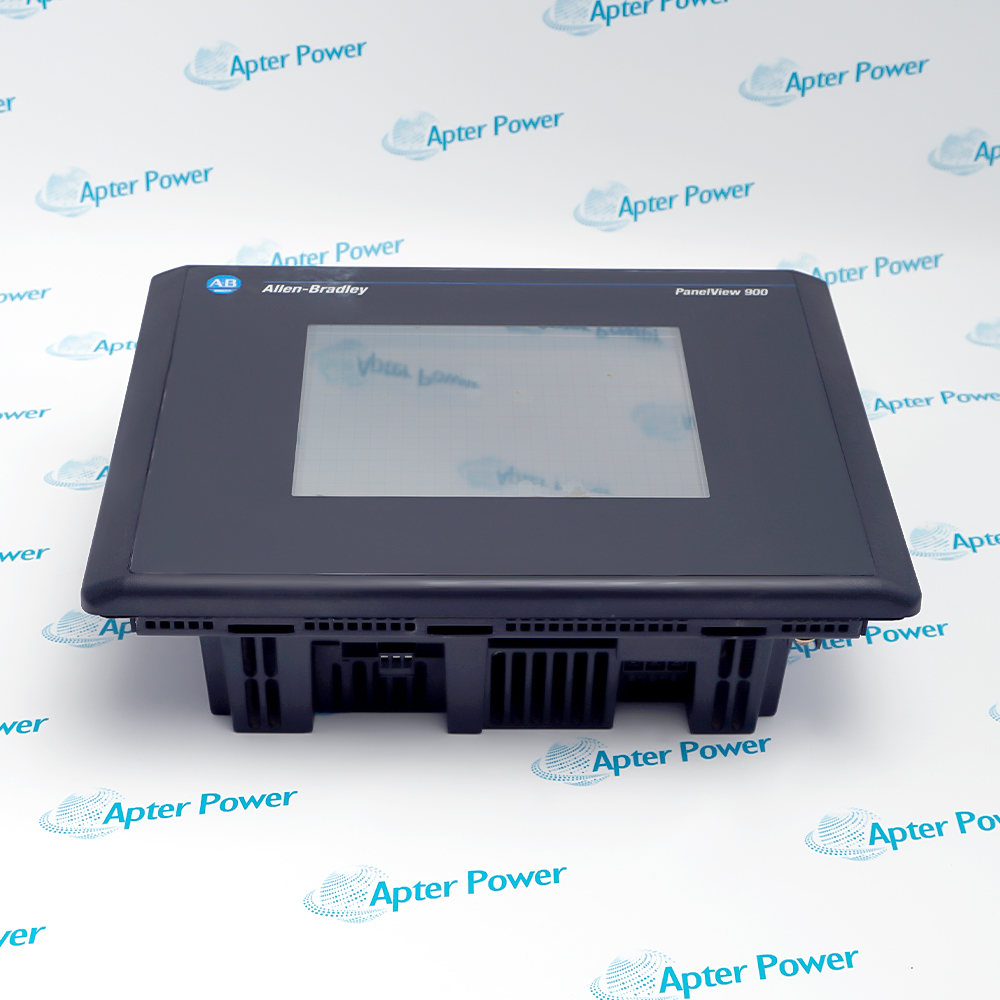
PanelView 900 Color Touch Screen Operator Terminal
Allen-Bradley 2711-T9C1X (1)
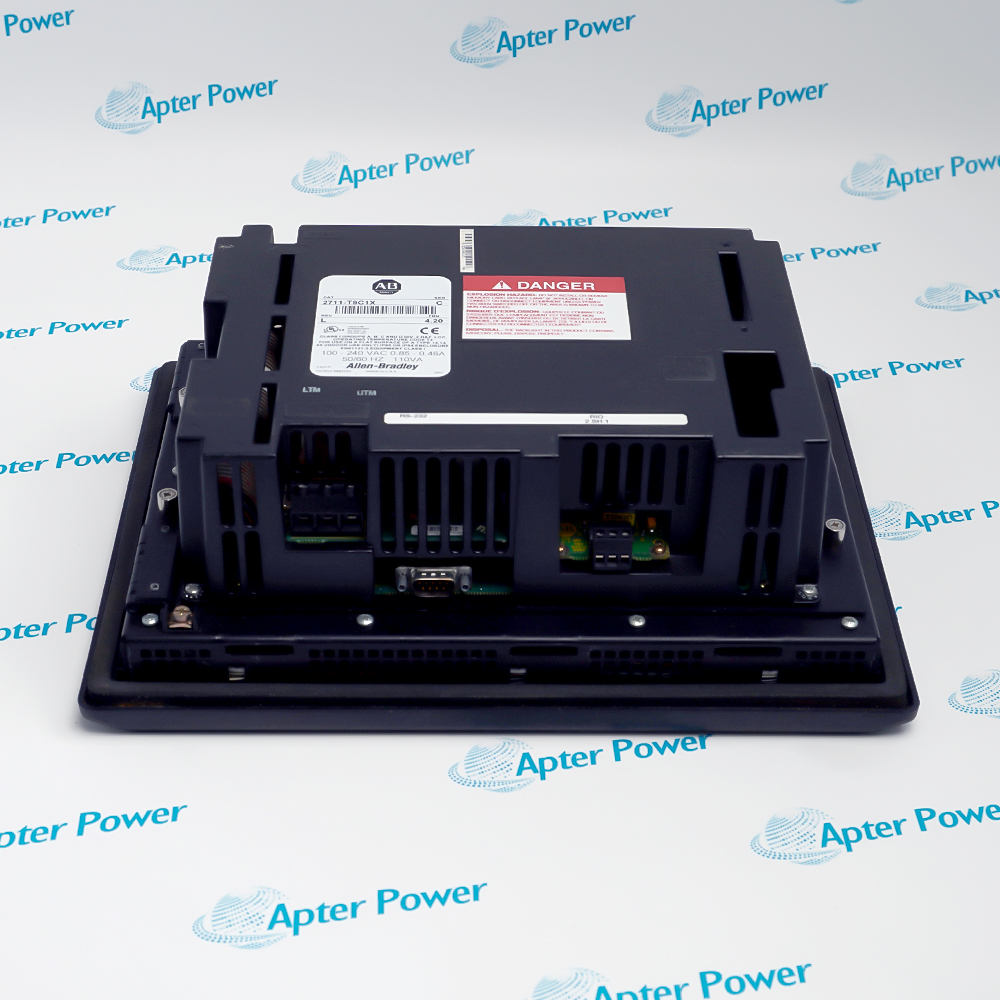
Allen-Bradley 2711-T9C1X (2)
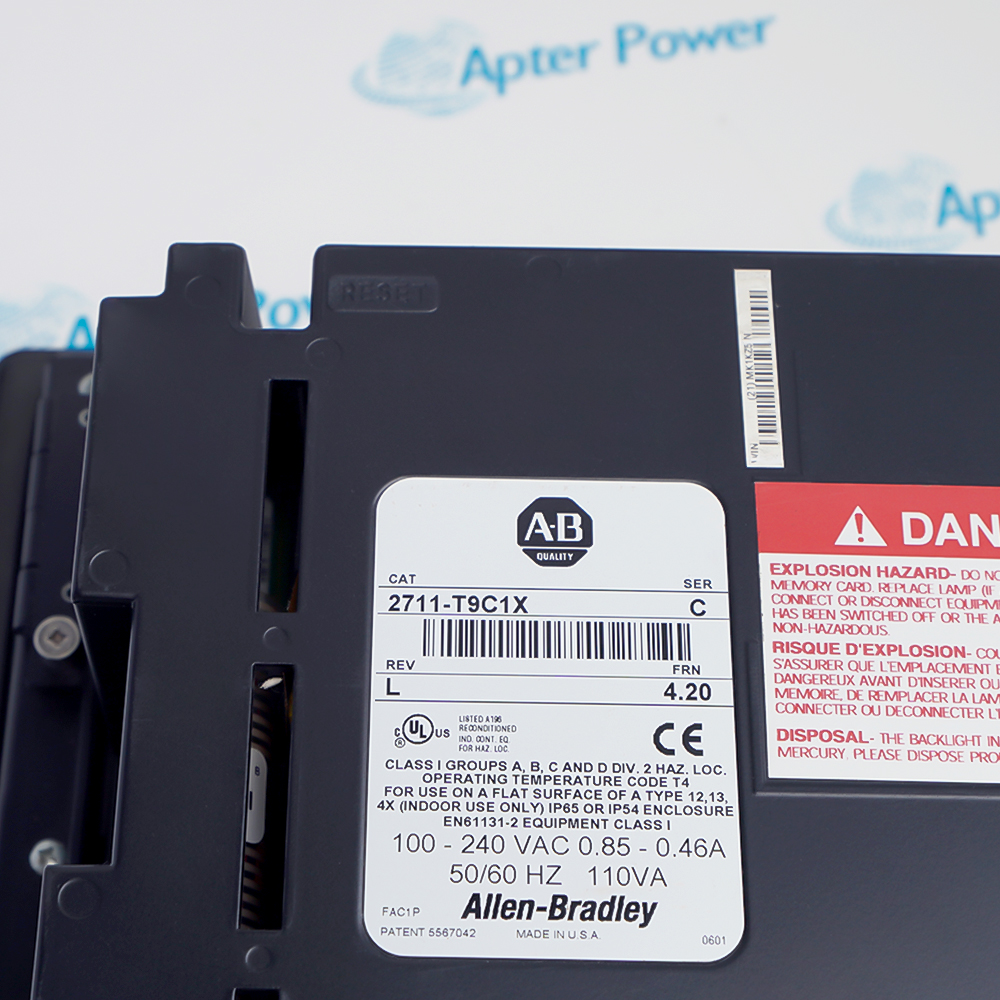
Allen-Bradley 2711-T9C1X (3)
Allen-Bradley 2711-T9C1X (1)
Allen-Bradley 2711-T9C1X (2)
Allen-Bradley 2711-T9C1X (3)
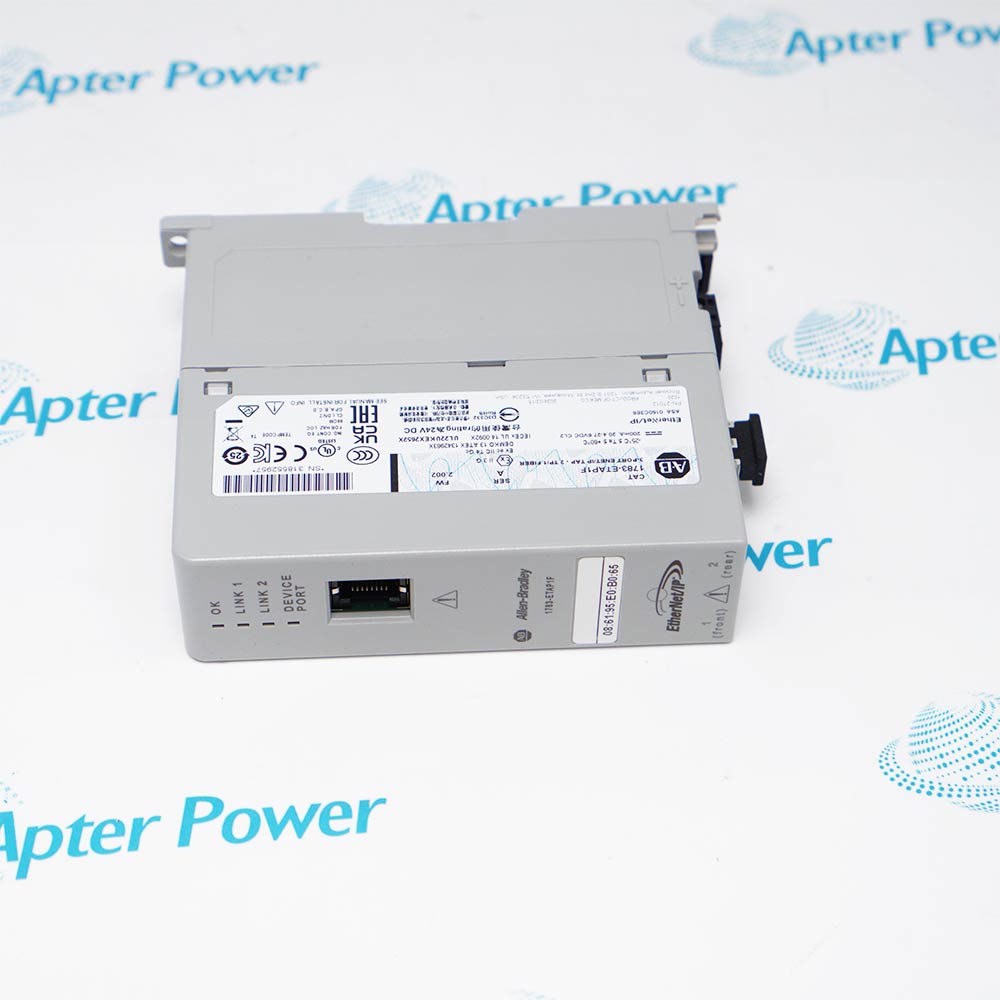
Product image is representative; revision or series may vary. Contact us to request a specific version.

Product Describe:

Allen-Bradley 2711-T9C1X PanelView 900 Color Touch Screen Operator Terminal
  • Manufacturer part number
    2711-T9C1X
  • Shipping
    Swift global dispatch
  • Condition
    New, original product
  • Shipping size (est.)
    33.7cm x 11.5cm x 25cm
  • Country of Origin
    USA
Get a quick price for 2711-T9C1X
E-mail *
Mobile
Company
Content *
Quantity *
Upload (gif, jpg, jpeg, png, bmp, doc, docx, xls, xlsx, ppt, pdf, csv)
For more information on how your data is processed and stored by Apterpower please read our privacy policy

What happens after you enquire

  • 0

    Share the complete 2711-T9C1X marking

    Send clear photographs of the complete terminal label, series and communication ports with the installed application revision.

  • 1

    Check the installed Remote I/O design

    Compare the offered touch terminal with the PLC rack allocation, block-transfer logic, AC supply and panel mounting record.

  • 2

    Confirm the offered 2711-T9C1X unit

    Review photographs of the actual offered terminal, included parts and condition, then confirm the exact supply and dispatch terms in the quotation.

  • Match the complete marking

    Include 2711-T9C1X and the visible series on the enquiry. Compare the Remote I/O port and AC input marking with the installed terminal before approving a replacement.

  • Check the offered item before ordering

    Request clear label, front-panel and connector photographs of the offered 2711-T9C1X. Have the maintenance team compare them with the installed equipment and approved Rockwell documentation.

Technical specifications for 2711-T9C1X

  • Manufacturer:
    Allen-Bradley
  • Product Category:
    HMI Panels
  • Spare Part Number:
    2711-T9C1X
  • Weight:
    3.14 kg
  • Tariff Code:
    8537101190
  • Operator terminal family:
    PanelView 900 Color
  • Operator input:
    Touch screen
  • Display technology:
    Color active-matrix TFT with CCF backlight
  • Active display area:
    171 x 130 mm
  • Pixel resolution:
    640 x 480
  • Touch-cell matrix:
    384 cells, 24 columns x 16 rows
  • Touch-cell footprint:
    26 x 30 pixels
  • Controller interface:
    Remote I/O
  • Separate peripheral interface:
    RS-232 printer and application transfer
  • Engineering software:
    PanelBuilder32
  • Application flash:
    1008 KB for 900 color family
  • Input supply:
    85–264 V AC, 47–63 Hz; no L1 DC suffix
  • Maximum AC consumption:
    110 VA maximum for AC 900 color family
  • Operating ambient:
    0 to +55 °C
  • Storage ambient:
    −25 to +70 °C
  • Relative humidity:
    5–95%, non-condensing, over operating range
  • Front protection:
    NEMA Type 12/13 and 4X indoors; IP54/IP65, when correctly installed
  • Status indicators:
    Green COMM and red fault indicators
  • Application storage:
    ATA memory card supported
  • Real-time clock:
    Battery-backed, serviceable module
  • PanelView 900C service status:
    No longer available for purchase from manufacturer in the 2008 manual

Information

Overview Downloads Applications / Compatibility Product Precautions
  • The installed PanelBuilder32 project defines the operator screens, touch targets and controller data map. Preserve it before changing this terminal.
Project preservation: Archive the actual PanelBuilder32 application and record its firmware and screen behavior before removal.
Network acceptance: Prove the Remote I/O connection using the configured controller address and real data transactions.
Touch acceptance: Test every used touch target and alarm acknowledgement in an approved machine state.
Allen-Bradley 2711-T9C1X identifies a PanelView 900 Color touch terminal with a color TFT screen. The 640 x 480 display and 24-by-16 touch-cell grid are the operator interface; the installed PanelBuilder32 application determines which cells become controls and what values appear.

The selected controller communication path is Remote I/O, with a distinct RS-232 port for printer or application-transfer duties. The Remote I/O application must agree with rack allocation and PLC block-transfer logic. Restoring the screen file alone does not prove controller data exchange; preserve the network configuration and verify a live read/write path after installation.

The unsuffixed catalog selection uses AC input. For a replacement, compare the exact 2711-T9C1X nameplate and series, panel cutout, supply wiring, installed application and peripheral cable. Record the as-found alarm and touch behavior, then commission each used function against the approved machine sequence.
Controller platform reference: PanelView 900 Color operator interface. Preserve the installed Remote I/O design, AC supply and PanelBuilder32 application.
Technical downloads for Allen-Bradley 2711-T9C1X: model-specific technical reference and installation review.
Use the manufacturer source identified in each document to confirm applicability to the installed configuration.
Prepare Allen-Bradley 2711-T9C1X using the approved machine documentation and site procedure.
Project archive

Retain the installed application, firmware identity and controller addressing before removing the terminal.

Supply isolation

Verify AC input and protective earth using the approved electrical procedure before energizing.

Network wiring

Check Remote I/O cable, termination, interface settings and controller status against the installed drawing.

Panel fit

Compare the terminal bezel, panel cutout and depth with the actual enclosure before mounting.

Screen mapping

Verify every used touch cell, navigation path, alarm and acknowledgement after project restoration.

Peripheral separation

Treat the RS-232 printer/transfer lead as distinct from the controller network.

Alternative Names

2711-T9C1X Allen-Bradley 2711-T9C1X PanelView 900 Color 2711-T9C1X

Technical notes

Interface boundary: The selected controller port is Remote I/O; the RS-232 peripheral port has a separate role.

Project dependency: The screen and touch behavior depend on the installed PanelBuilder32 application.

Marking and condition: Retain the complete nameplate X suffix and confirm the offered physical condition independently of the base-model technical ratings.

Technical reference: Rockwell Automation 2711-UM014G-EN-P and 2711-TD007A-EN-P.

FAQ View All FAQ

  • How should the application on 2711-T9C1X be preserved before a terminal change?
    Archive the PanelBuilder32 project and its revision, record firmware and network settings, and capture representative screens and alarms. Restore the approved file before proving machine operation.
  • Why can 2711-T9C1X show its project yet fail to update live controller values?
    The display can run independently of a healthy Remote I/O connection. Check controller state, cable, network addressing and the project data map before replacing the terminal.
  • What should be checked if a touch target on 2711-T9C1X selects the wrong function?
    Compare the active screen and programmed touch-cell assignment with the loaded project. Inspect touch calibration and controller permissives; test in an approved machine state.
  • How can the RS-232 port on 2711-T9C1X be distinguished from its controller link?
    Trace the cable to the printer or transfer computer and review port settings. The controller data path is Remote I/O; an RS-232 peripheral connection does not replace its network configuration.
  • What evidence is needed before reusing a stored application on 2711-T9C1X?
    Match terminal family, firmware, project revision, communications selection and controller tag or address map. Compare a test screen and an approved live transaction before release.
  • How should a dark but otherwise communicating 2711-T9C1X be investigated?
    Check display brightness and backlight condition while observing COMM and fault indications. Confirm input power under load and follow the applicable backlight maintenance procedure for the actual series.
  • What does a 661–663 communication message mean on 2711-T9C1X?
    For a Remote I/O terminal these messages indicate missing block-transfer write, read or both requests. Check the controller ladder logic, rack addressing and controller status before disturbing terminal hardware.
  • What constitutes an acceptance test for 2711-T9C1X after replacement?
    Prove representative displayed values, all used touch actions, alarms and acknowledgements, network recovery and any installed printer path. Retain the exact marking, project and as-left test result.
SPEAK TO OUR TEAM
Let’s find the right solution for you.
Send us the part number, quantity and delivery destination. Our team will help confirm availability and lead time.
  • Whatsapp: +86 18030235313

    Send us a message.
  • sales13@apterpower.com

    Complete our online form.
  • +86 18030235313

    Speak to our team in your native language.