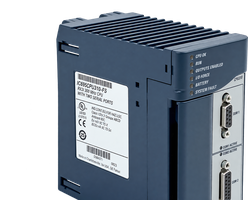
Buy the right part. Plan a realistic delivery. Know who handles a problem. Compare the complete supply offer: the exact unit, confirmed availability, available inspection records and agreed after-sales terms.
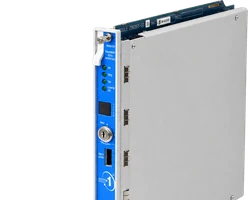
Confirm the complete reference. Compare the suffix, hardware revision, interfaces and accessories against your requirement. Request unit photographs; have your responsible engineer approve any proposed alternative.
Know what is available
A quotation needs current evidence. Confirm the offered quantity, new-unused condition and stock-check date. Check quote validity and any reservation terms again when your purchase order or tender award is ready.
Plan a realistic delivery
Dispatch and arrival are different. Agree the dispatch estimate and its payment, inspection and preparation conditions. Share your required-on-site date and destination so the transport estimate can be reviewed.
Know who handles a problem
Keep one order reference. Contact your sales representative with the model, serial number and fault details. Warranty assessment, return approval and any remedy follow the agreed order terms.
Compare the total cost
Look beyond the lowest line price. An unconfirmed part or delivery date can mean repeat sourcing, extra freight and missed maintenance time. Compare the same model, condition, delivery scope, records and after-sales terms.
Quality checks to agree before dispatch
Check model, revision and unit ID
Agree inspection and test scope
Review results, dates and items not tested
Resolve exceptions before release
Link the records to packing and shipment
Keep receipt and service records
INSPECTION RECORDS
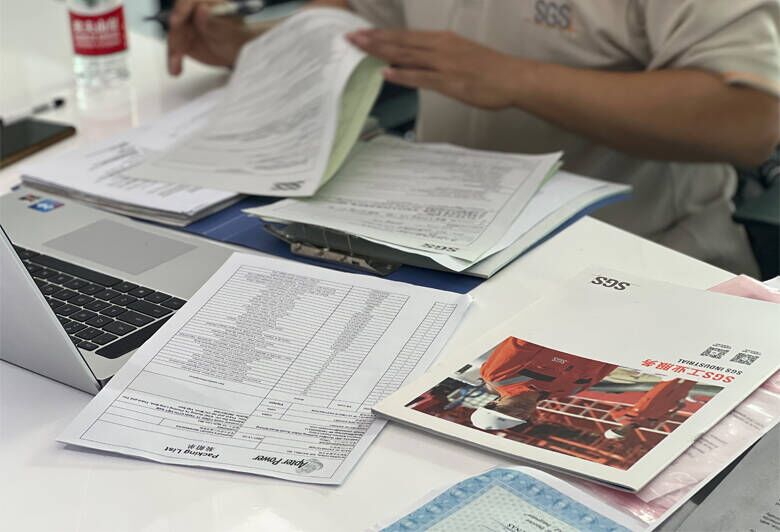
Unit inspection records
Match the record to the model, revision and unit ID. Review the date, scope, results and exclusions. Visual checks do not prove compatibility. Photo: document review, not a unit report. Blank record fields · Report guide
COMPANY DOCUMENTS
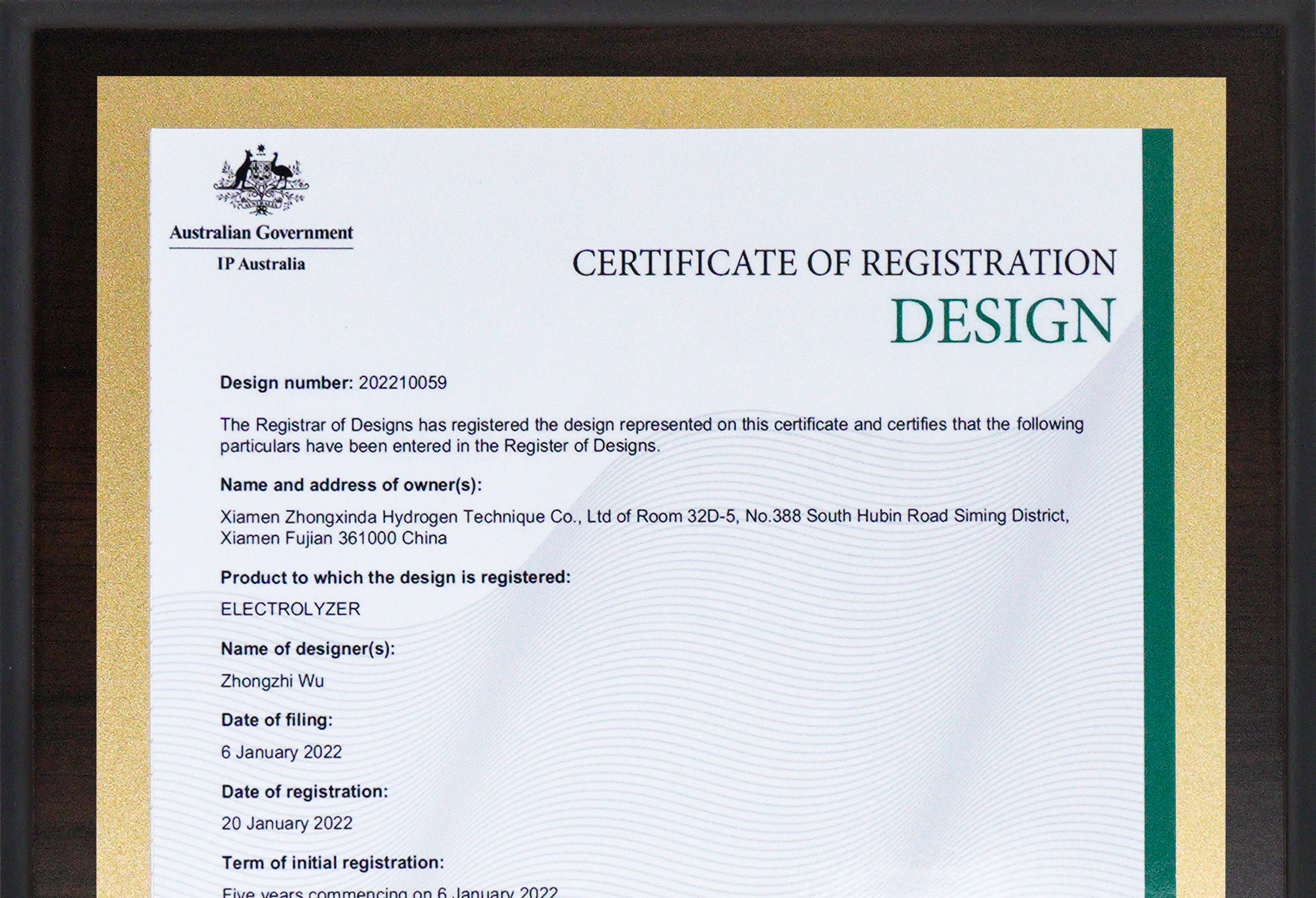
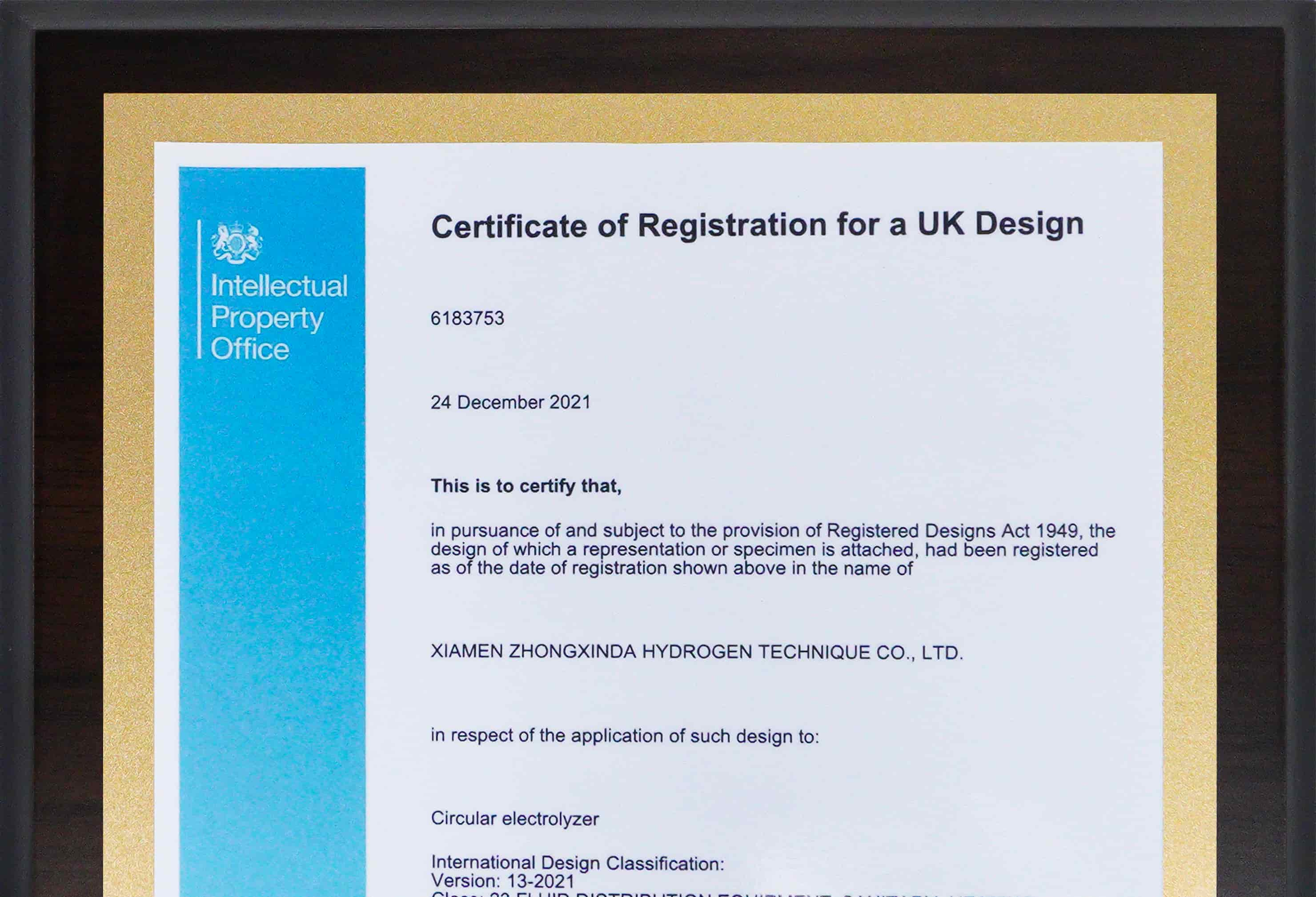
Design registration
Check the holder, design and scope of protection. This is a company reference, not proof of the unit’s condition, inspection results or compatibility. Request the relevant unit records and keep them with the quotation.
SUPPLIER DOCUMENT
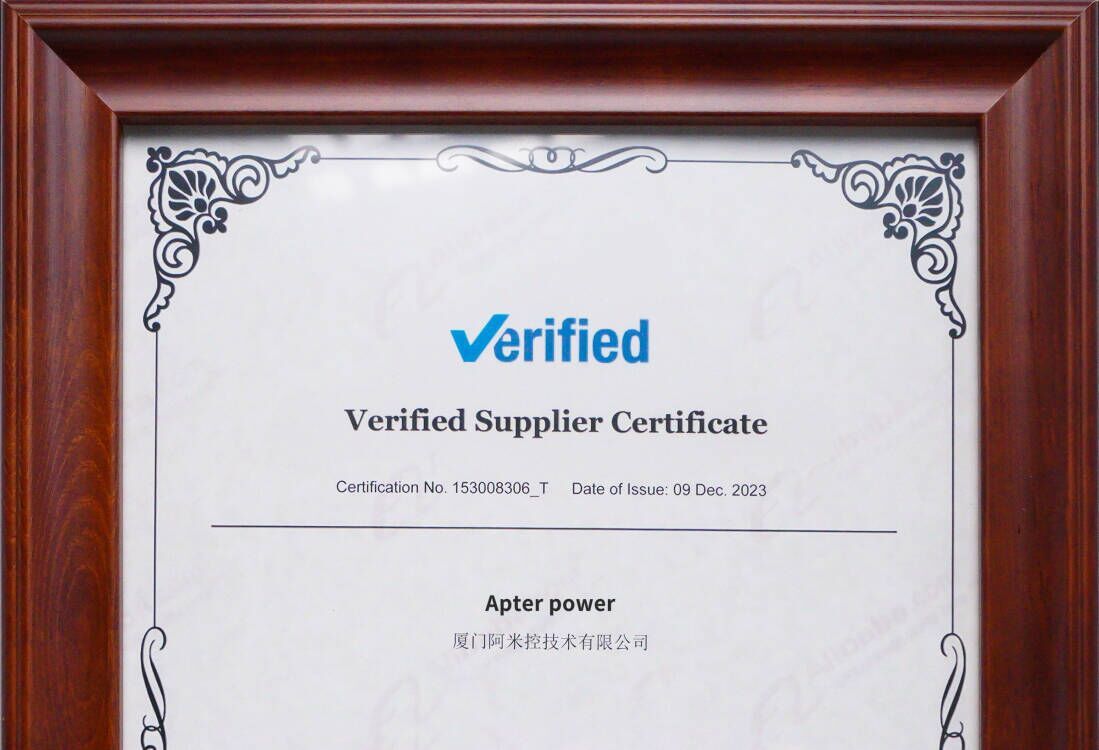
Supplier verification
Certificate 153008306_T was issued on 09 Dec 2023. Request current supplier verification details. This is not an ISO 9001 certificate or a unit inspection report. Keep order evidence separately. Blank traceability fields
COMPANY DOCUMENTS
UK registration
Check the holder, registered subject and scope of this UK record. Use it as a company reference. Review the offered unit’s photos, inspection records and supply terms separately. Keep the approved details with your quotation and order.
COMPANY DOCUMENTS
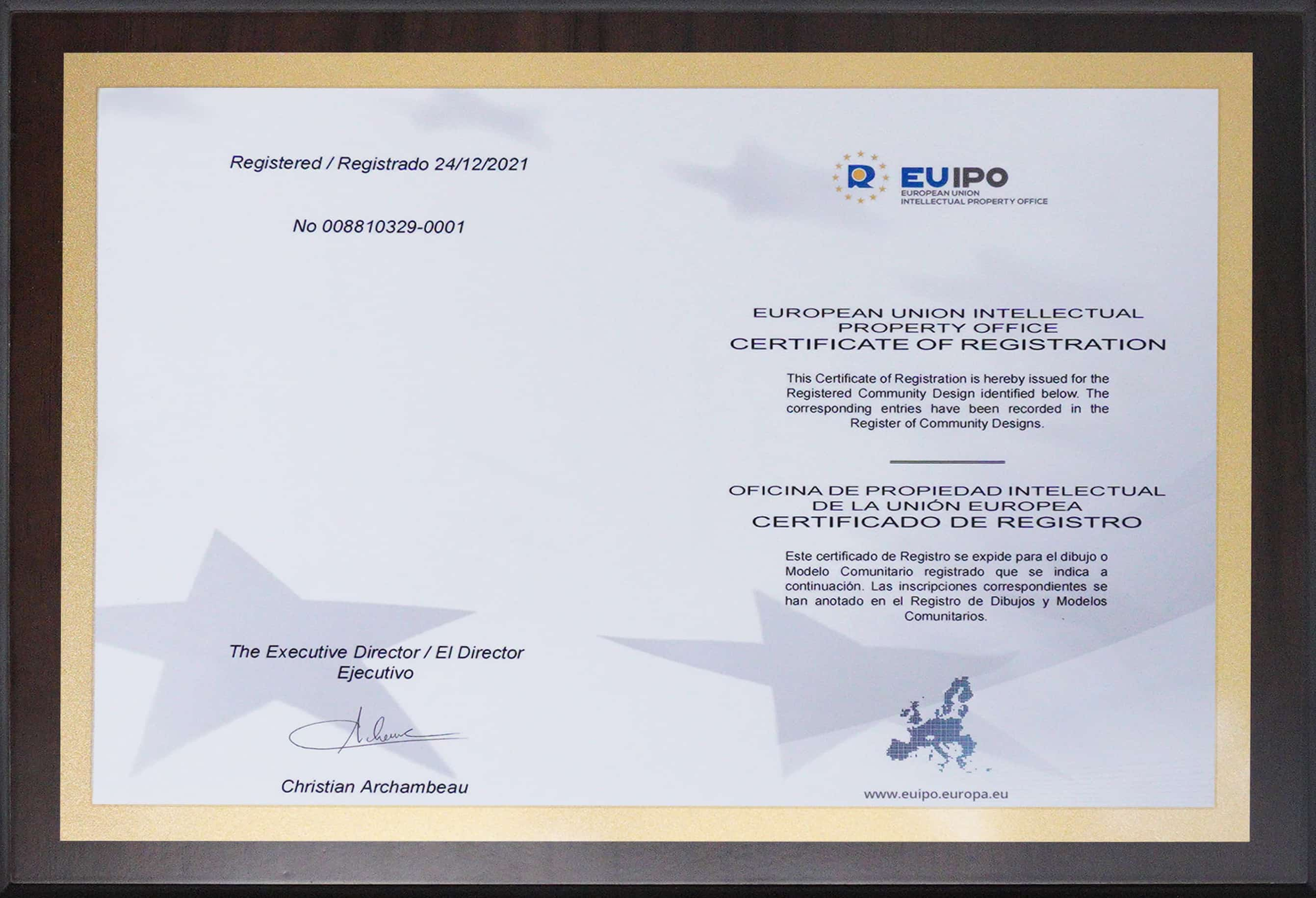
EU registration
Check the holder, subject and scope of this EU record. Use it for its stated purpose. Confirm the exact unit, new-unused condition and available inspection records separately. Keep the approved details with your quotation and order.
YOUR INSTALLED BASE
Start with the systems in your plant
From established control platforms to newer installed equipment, each brand is a starting point. Your exact model and application shape the enquiry.
AFTER-SALES RESPONSIBILITY
One order reference. A clear next step.
Send your order reference and evidence to sales13@apterpower.com or your sales contact. Check the agreed cover and return conditions before sending a part back. The meeting photographs below are illustrative, not records of a particular claim. Warranty policy · Return process
1. Report the issue
Send the order and part references, serial number, symptoms and photographs to your sales contact. Keep the packaging and diagnostic information, and ask for the next review step and update time.
2. Review the evidence
Keep the reported fault, inspection scope and findings with the same order reference. Confirm what needs further assessment. A photograph or a return request alone does not establish the cause or approve a replacement.
3. Confirm the next action
Any repair, replacement or refund follows assessment and the applicable terms. Obtain written return approval and instructions first. Keep the agreed action and follow-up contact with your order record.
YOUR REQUIREMENT. ONE ORDER CONTACT.
Start with the complete requirement.
Send the full part number, revision, quantity, destination and required arrival date. Include any inspection records you need and your quotation or tender deadline.