Find the payment details for your order, including the agreed method, invoice currency and information needed to identify your payment.
1. How can I pay?
Use the payment method stated on your Apter Power invoice. If it specifies a bank transfer, follow the beneficiary details on that document. Ask your sales contact to clarify any missing instructions before sending funds.
Apter Power does not accept credit card payments.
2. Which currency should I use?
Pay in the currency shown on your invoice. If you need a different currency, request written confirmation before arranging payment.
Ask your bank about conversion and transfer charges. Clarify how any fees affect the amount to be sent before making payment.
3. What reference should I include?
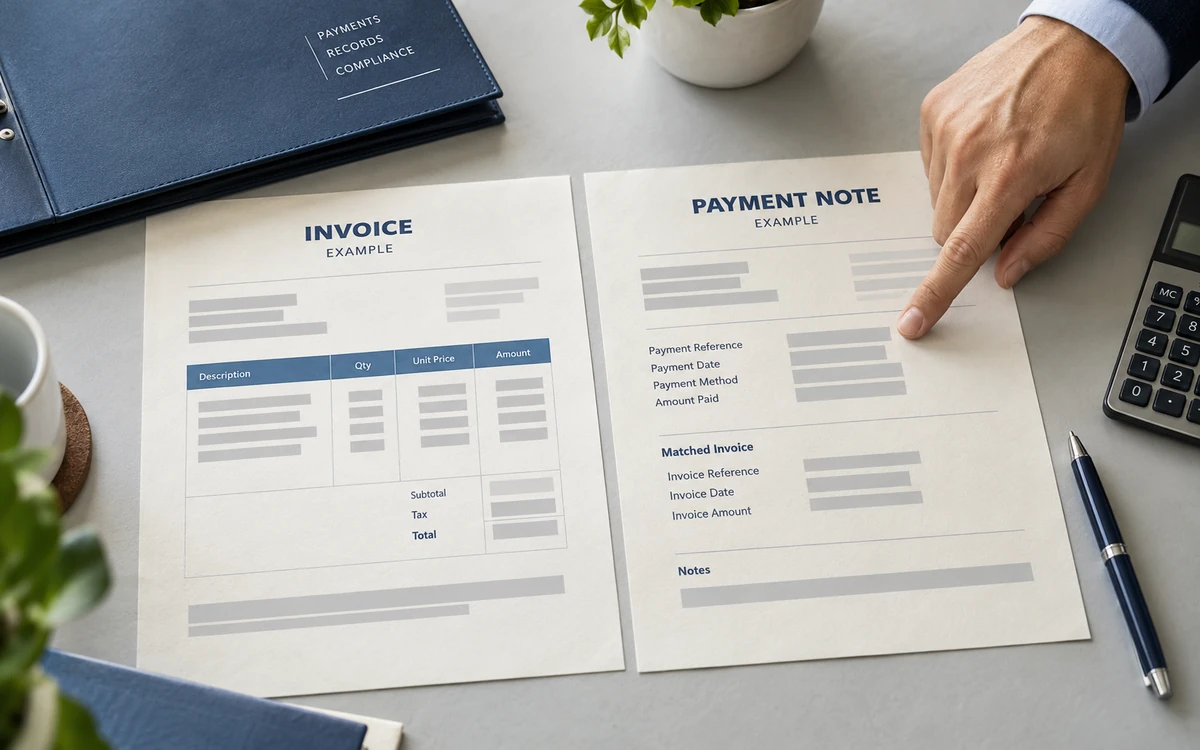
Use your invoice number as the payment reference. When sending a payment confirmation, include your company name, the amount and the payment date so our team can locate the transaction.
A transfer receipt does not confirm that funds have arrived. Contact us if you need the payment status checked against your invoice.
4. What if my payment or order changes?
Follow the payment deadline agreed for your order. If you expect a delay, tell your sales contact so you can review the next steps together.
If the invoice amount or recipient instructions change, verify the updated details with your established contact before paying. Request a revised invoice when the order itself changes.
Let us know if another company will make the payment. Confirm the arrangement with our team before sending funds. Identify the invoice and payer so the records can be matched.
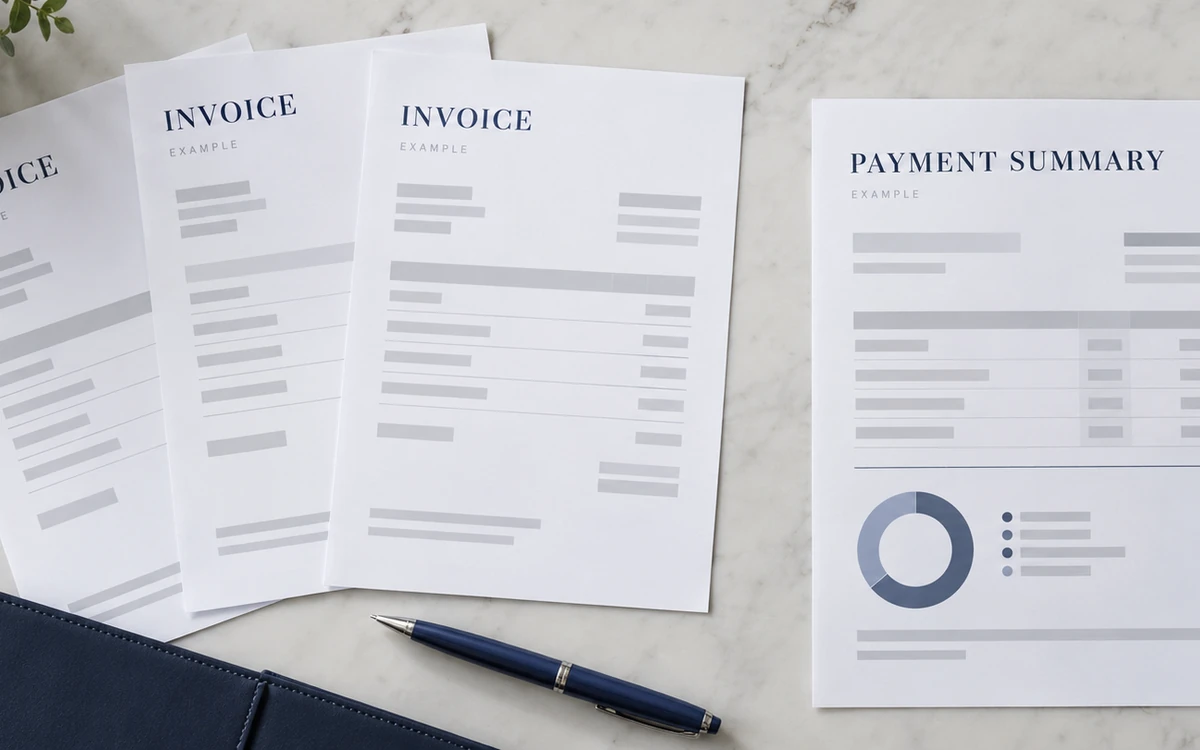
Covering several invoices?
Identify every invoice included in the total. Show the amount allocated to each invoice. Send the breakdown with your payment confirmation.
Get help with the next payment step.
+86 18030235313
Talk through an invoice detail with our team.
sales13@apterpower.com
Send your question and the relevant invoice number.