Bently
View products

Photograph the complete, uncropped label and the whole unit. Record the manufacturer, full part or order number and suffixes; labels may use P/N, Cat. No. or Order No. A series name such as 3500/22M is only a starting point. Keep the serial number and hardware revision separate. Record firmware from available site records or the relevant software, where applicable.
Record module, circuit-board/PWA and packaging labels separately. A board number is a clue, not automatically the complete module's ordering identity; a MAC address does not replace a part number. If O/0, I/1 or labels are unclear, mark the point Unconfirmed and request better photographs and applicable records. The replacement need not share the old unit's serial number.
Request front and rear views plus interface close-ups of the actual offered unit. Show port positions and adjacent labels, connector shape, pin count and keying. Distinguish the front configuration connection from rear communications or I/O connections. Compare the mounting, rack or base and terminal numbering with the applicable drawing and safely available records of the original part.
Interface appearance supports identification; it does not establish the full code, electrical pin assignments or system suitability. Do not unplug, open or power equipment just to identify it. Qualified site personnel should follow approved isolation and inspection procedures when access is needed. Record inaccessible details as unknown and request supporting evidence.
Check the document title, number, revision and covered products. Search the manufacturer's library and PDF for the complete code and suffixes. Confirm whether each reference identifies the main module, rear I/O, an accessory or a complete ordering configuration. Keep the document revision separate from the unit's hardware revision; read the exact model column, units and footnotes.
For identity, read Spares / Parts List; for options, Ordering Information; for interfaces, Communications; for front and rear modules, Component Drawings; and for substitutions, Compatibility / Upgrade Considerations. Save the document revision and relevant pages. When printed page numbers and PDF page numbers differ, record both so another person can find the same evidence.
Send your part requirement to sales13@apterpower.com and compare the quotation with the full code, required revision, condition and quantity you need. For the main module, rear I/O, cables, connectors and accessories, record Included, Not Included or Quoted Separately. A catalogue image does not show what is included. If no unit is allocated, agree which evidence must be reviewed before dispatch.
Same-code replacement: confirm revision and retained accessories. Different-code replacement: obtain documented site or manufacturer approval. New installation: check the complete project configuration. Resolve differences affecting fit, ratings or system compatibility before confirming the order. Keep the quotation, unit evidence and technical decision together. For missing information, use the contact page.
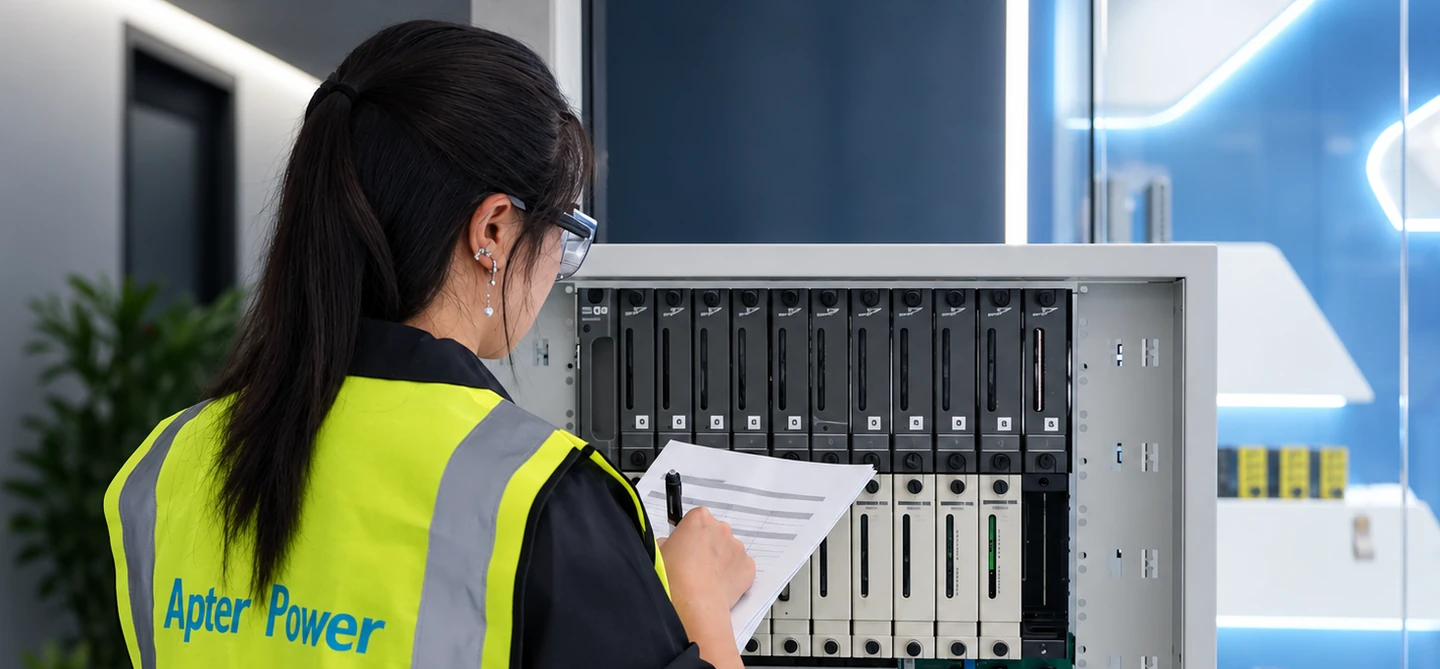
3500/22M is a series name. Confirm the complete module number, not a board or packaging label. Data sheet 161581 (November 2006) (archived copy) lists standard TDI 138607-01 (printed p.6 / PDF p.7) and front RS-232, 9-pin D-sub (printed p.4 / PDF p.5). 161581 Rev. AC lists 288055-01 with USB cable (p.9) and front USB-B (p.4). Rev. AC identifies the document revision, not hardware.
3500/22M is one example. Apply the same checks to other products using their own labels, interfaces and applicable documents. If 288055-01 was ordered but the received module is confirmed as 138607-01, record the difference and contact the supplier before installation. Identification alone does not confirm replacement compatibility.