Speak to a sourcing specialist
sales13@apterpower.com

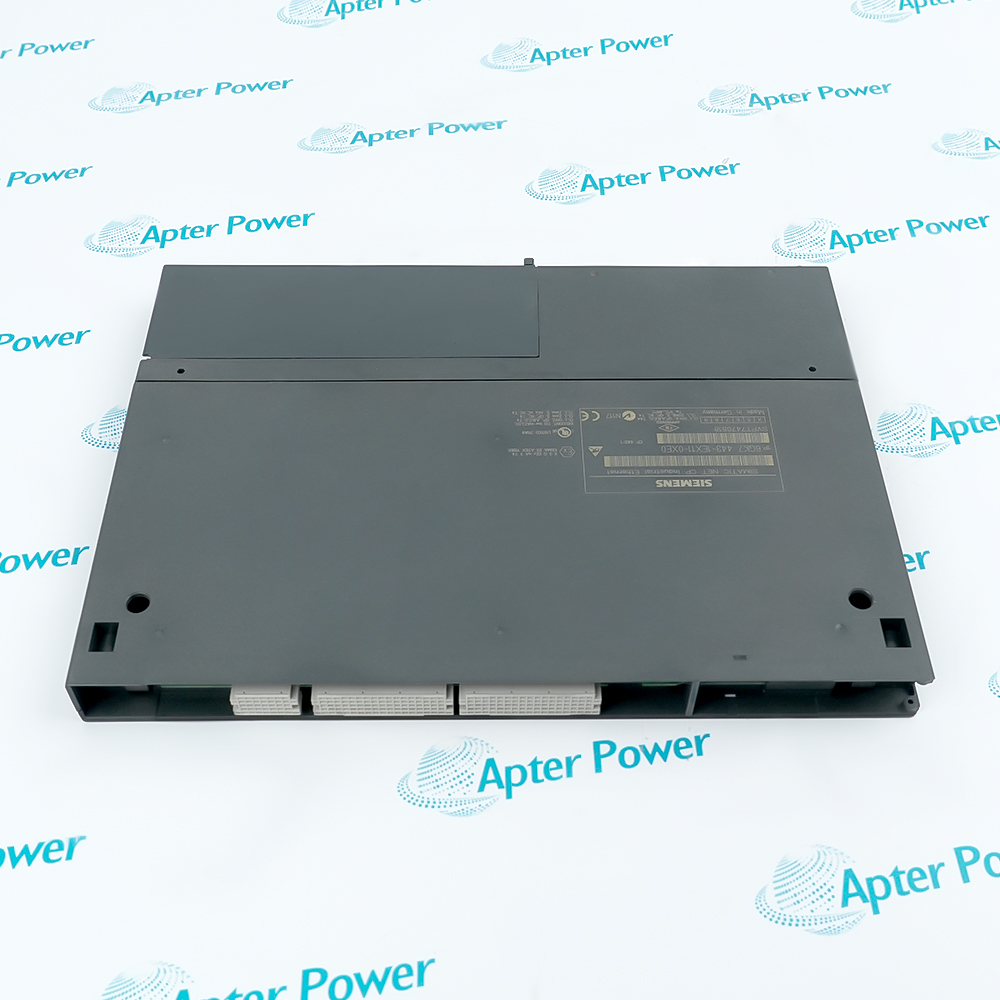
6GK7443-1EX11-0XE0

Industrial Ethernet Communications Processor
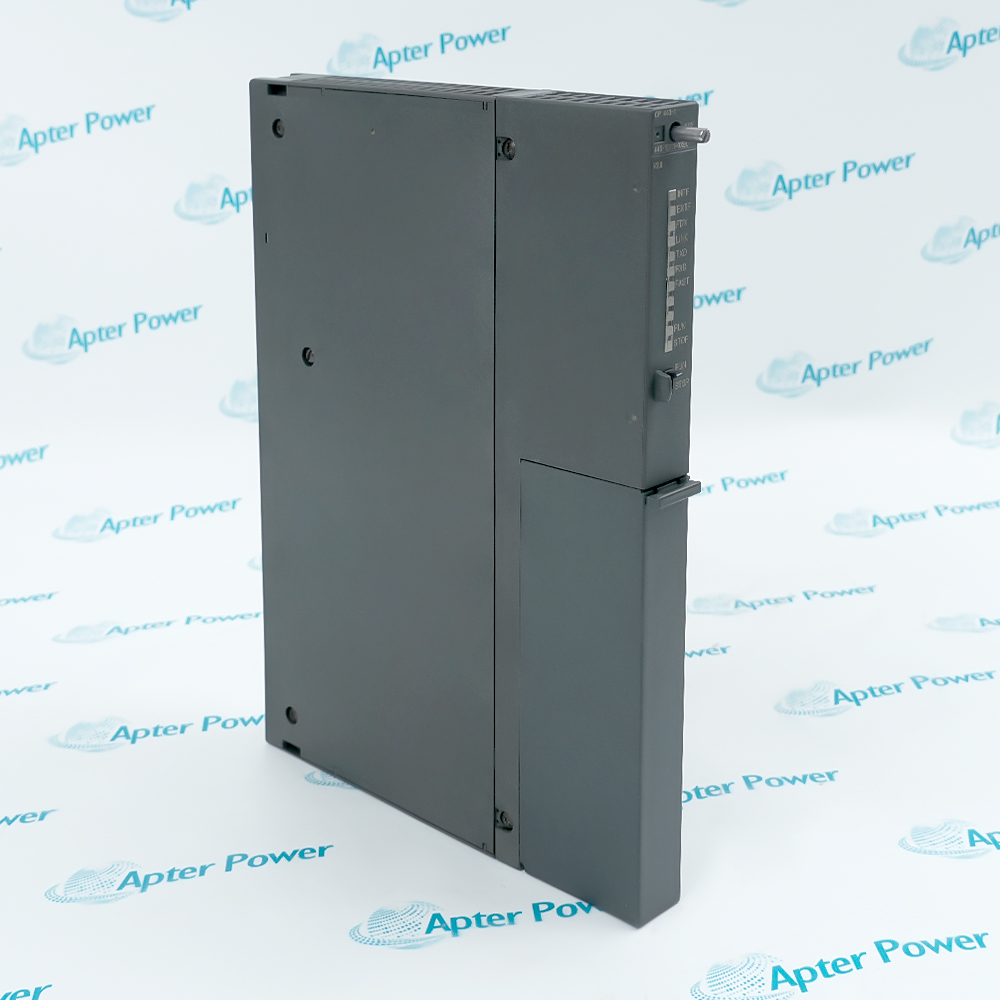
Siemens 6GK7443-1EX11-0XE0
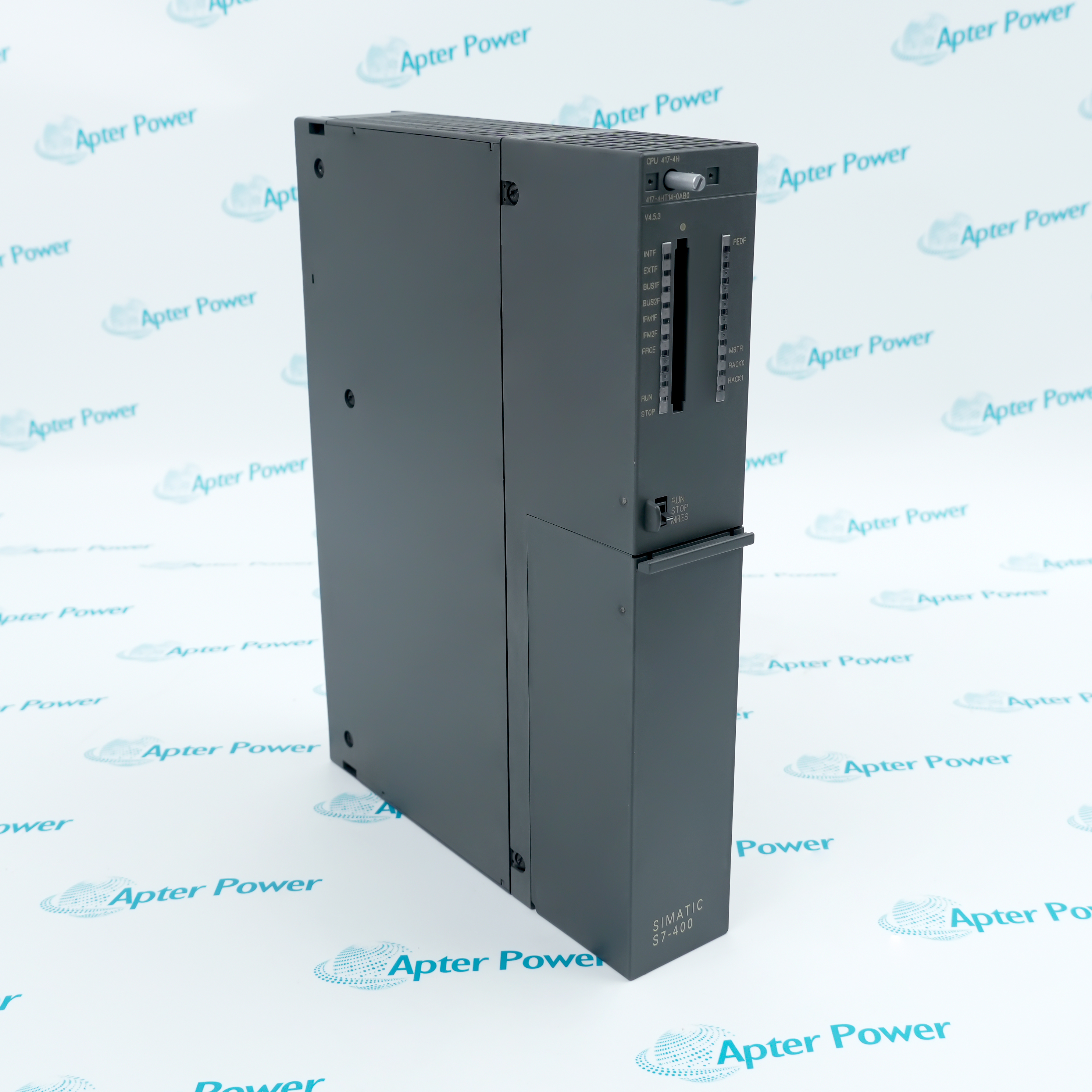
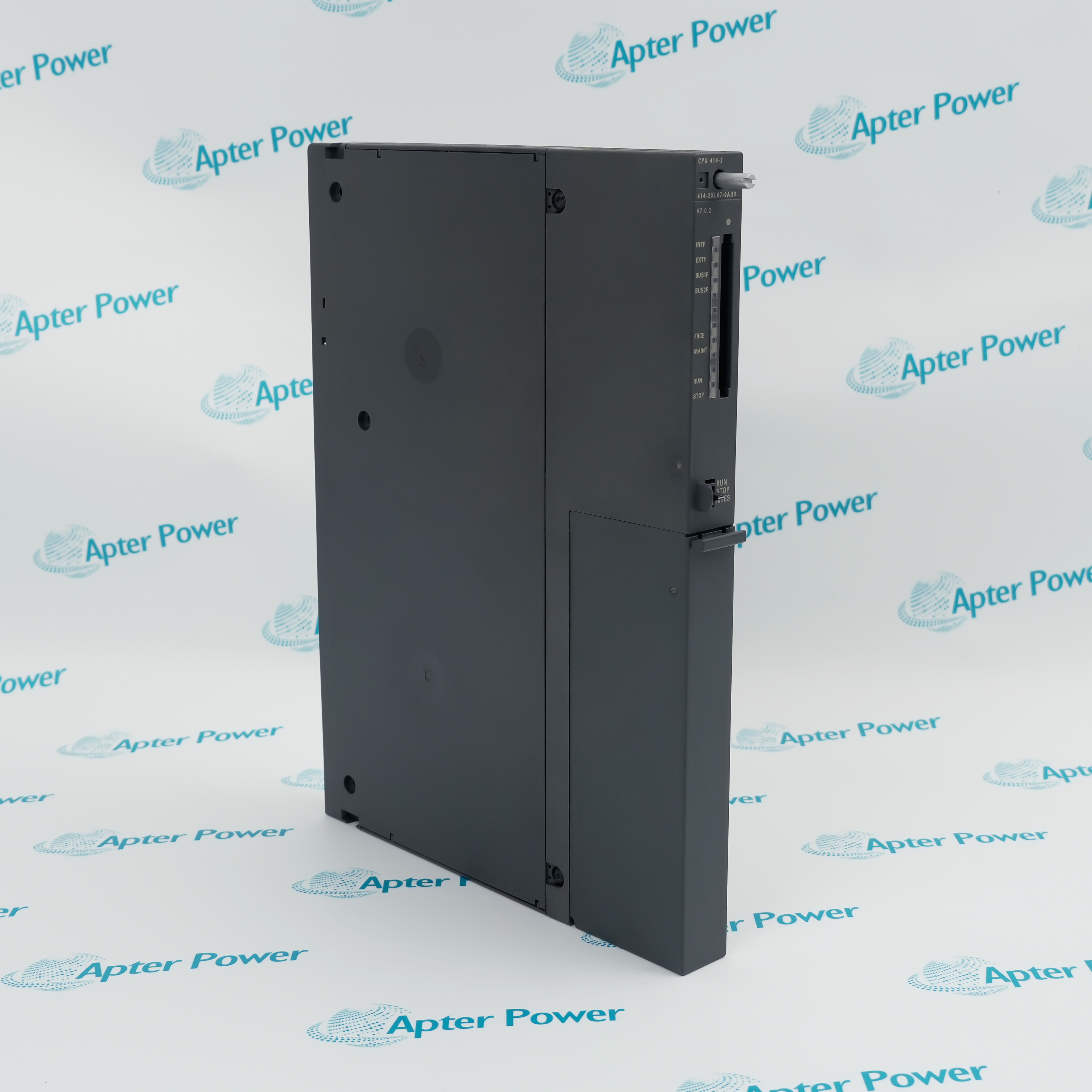
Product image is representative; revision or series may vary. Contact us to request a specific version.

Product Describe:

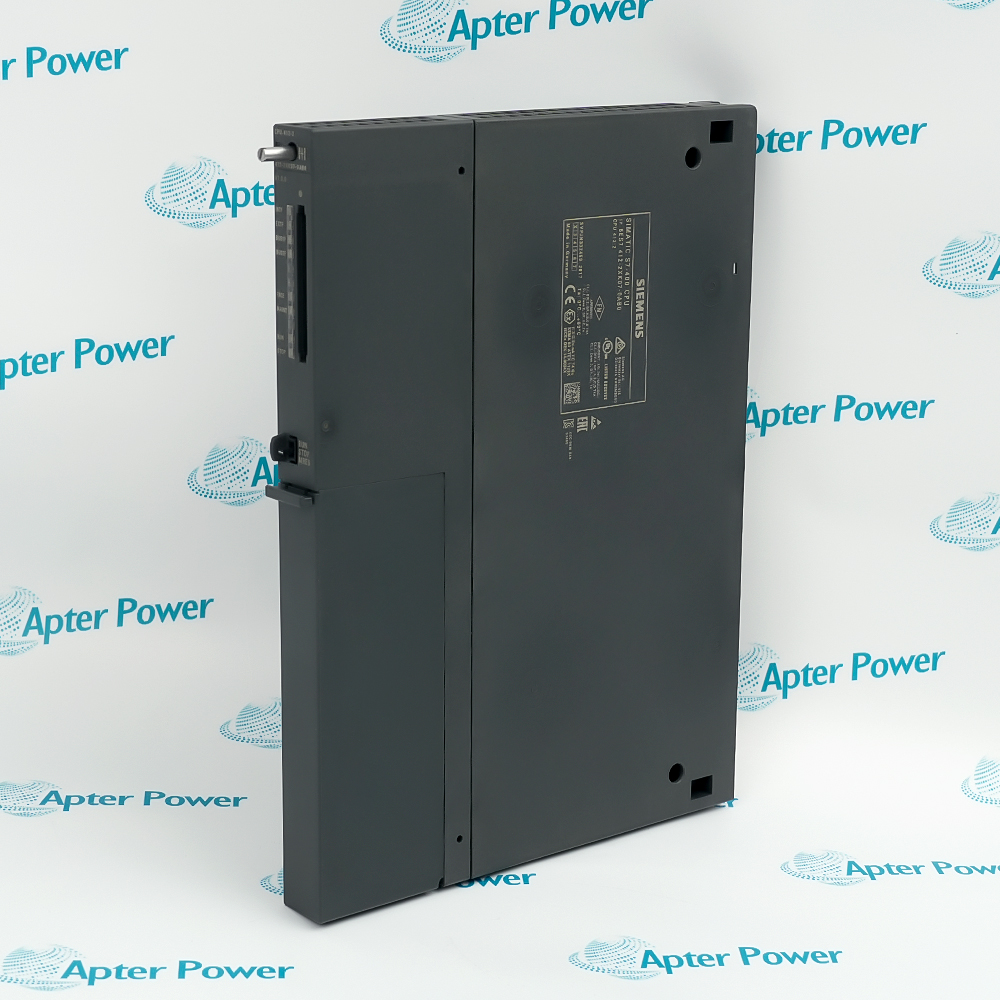
Siemens 6GK7443-1EX11-0XE0 connects a SIMATIC S7-400 station to Industrial Ethernet services using the CP 443-1 interface.
  • Manufacturer part number
    6GK7443-1EX11-0XE0
  • Shipping
    Swift global dispatch
  • Condition
    New, original product
  • Shipping size (est.)
    2.4cm x 22.3cm x 29cm
  • Country of Origin
    Germany
Get a quick price for 6GK7443-1EX11-0XE0
E-mail *
Mobile
Company
Content *
Quantity *
Upload (gif, jpg, jpeg, png, bmp, doc, docx, xls, xlsx, ppt, pdf, csv)
For more information on how your data is processed and stored by Apterpower please read our privacy policy

What happens after you enquire

  • 0

    Review your reference

    Send the complete 6GK7443-1EX11-0XE0 reference, label photographs and required quantity, together with the installed system position.

  • 1

    Confirm the offer

    Review the offered 6GK7443-1EX11-0XE0 execution, condition, included connection hardware and applicable documentation.

  • 2

    Arrange dispatch

    Confirm quantity, dispatch date and delivery details for 6GK7443-1EX11-0XE0 in the quotation.

  • Match the complete marking

    Match the complete Siemens 6GK7443-1EX11-0XE0 marking, hardware execution and connection arrangement to the installed position before approving the order.

  • Check the offered item before ordering

    Request clear photographs of the offered 6GK7443-1EX11-0XE0 and ask your maintenance team to compare its markings and interfaces with the installed equipment and applicable Siemens instructions.

Technical specifications for 6GK7443-1EX11-0XE0

  • Manufacturer:
    Siemens
  • Product Category:
    PLC Systems
  • Spare Part Number:
    6GK7443-1EX11-0XE0
  • Weight:
    0.72 kg
  • Tariff Code:
    8537101190
  • Ethernet data rate:
    10/100 Mbit/s
  • Backplane supply:
    5 V DC; +/-5%
  • Typical backplane current:
    1.4 A
  • Power loss:
    8.6 W
  • Operating temperature:
    0-60 degrees C
  • Enclosure rating:
    IP20
  • Maximum open connections:
    64
  • Maximum S7 connections:
    48
  • Maximum ISO/TCP payload:
    8 KiB
  • Maximum UDP payload:
    2 KiB
  • Integrated switch:
    No
  • C-PLUG:
    No

Information

Overview Downloads Applications / Compatibility Product Precautions
  • Siemens 6GK7443-1EX11-0XE0 bridges application data and configured Ethernet peers, with transport selection and resource planning handled at station level.
Data path: S7-400 application to external Ethernet peers
Service selection: Connection-oriented and datagram transport
Network administration: Configured access list and time source
Transport services must match at both ends of the connection. ISO, ISO-on-TCP, TCP and UDP have different connection and data-handling requirements; the presence of an Ethernet link does not select the correct service automatically.

SEND/RECEIVE blocks and configured connections link the application to the CP. Connection resources and data lengths must be evaluated across all active services, not by adding separate maximum ratings as if each were an independent capacity pool.

Access lists and time synchronization are configuration features of the communication arrangement. Preserve approved peer addresses and the time source during maintenance, while keeping network isolation and cybersecurity controls at the installation level.
Controller platform reference: SIMATIC S7-400. Use the applicable installation instructions and approved design.
The original technical excerpt supports 6GK7443-1EX11-0XE0 configuration review. The separate Apter Power field guide organizes practical diagnostic checks. Installation topics include: capture peer addresses and transport services, inspect ethernet connection and cabinet wiring, restore connection resources and access policy.
Original manufacturer pages retain their technical context. Use the Apter Power guide with the applicable manufacturer instructions and approved installation design.
System and supply context: 6GK7443-1EX11-0XE0 belongs to the SIMATIC S7-400 installation described by the technical reference. Connected equipment and accessories must be included explicitly in the configured assembly.

Application scope: The following uses describe supported engineering roles; they do not establish interchangeability with another model or remove application-specific validation.
Prepare Siemens 6GK7443-1EX11-0XE0 for its configured installation using these checks.
Capture peer addresses and transport services

Record the configured Ethernet peers, transport services, addresses and connection resources used by the station. Separate S7 communication from open communication and note payload expectations for each application. Preserve the controller hardware configuration and peer settings before disconnecting the communication processor.

Inspect Ethernet connection and cabinet wiring

Identify the installed media connection and its physical route before work. The RJ45 and AUI arrangements must be assessed as alternatives in the actual installation, not as ports of an integrated switch. Inspect the selected connector, adjacent network equipment and the station backplane power budget.

Restore connection resources and access policy

Restore the supported CP hardware configuration and partner parameters. Check address uniqueness and ensure that configured connection totals remain within the resource limits, including mixed services. Keep the process dependent on those connections in its approved maintenance state during download or restart.

Verify payloads and block status

Test the actual data exchange in both required directions using the configured service. Compare changing values, data lengths and application handling rather than testing connectivity alone. Assess missing, stale or unexpected messages at the controller and partner boundary to distinguish transport from application faults.

Confirm time source and network handover

Restore normal communication authority and monitor the configured station diagnostics during a representative operating period. Remove temporary test partners and confirm they have not consumed production resources. Retain the final address and service map with the project so a future network change can be assessed precisely.

Keep the technical scope explicit

Use the exact hardware execution with the supported system configuration and installation conditions.


Alternative Names

Siemens 6GK7443-1EX11-0XE0

Technical notes

Configuration baseline: Keep the installed SIMATIC S7-400 arrangement aligned with the complete 6GK7443-1EX11-0XE0 reference and its assigned system role.

Acceptance boundary: Compare the electrical or communication response with the intended application outcome before releasing maintenance controls.

Technical reference: Siemens product data sheet, 6GK7443-1EX11-0XE0. Use the exact hardware execution with the supported system configuration and installation conditions.
FAQ View All FAQ

  • Why can 6GK7443-1EX11-0XE0 have an active link but no application data?
    A link proves the physical connection, not the transport service or application mapping. Compare peer addresses, connection parameters and SEND/RECEIVE status. Test a known payload and confirm its length and destination at both ends.
  • What changes when a 6GK7443-1EX11-0XE0 connection moves from TCP to UDP?
    UDP does not provide the same connection-oriented delivery behavior. The application must account for missing, repeated or out-of-order datagrams as required by the process. Validate payload boundaries and error handling rather than changing only the protocol setting.
  • Can the separate connection maxima of 6GK7443-1EX11-0XE0 simply be added together?
    No. Mixed services share processor resources and have a combined limit. Review the complete configured connection set and expected traffic, including engineering and operator access, before accepting a design based on individual maxima.
  • Why might a new peer be rejected by 6GK7443-1EX11-0XE0 after a network change?
    The approved IP access list may still contain the previous address. Compare the new peer with the intended network policy and connection configuration. Do not broadly disable access control to conceal an addressing error.
  • What should be tested after changing the time source used by 6GK7443-1EX11-0XE0?
    Verify the configured synchronization source and compare event times across the relevant devices. Check restart and loss-of-source behavior under the approved test plan. Network connectivity alone does not establish that the station clock is synchronized.
  • Does 6GK7443-1EX11-0XE0 provide an integrated network switch for daisy chaining?
    No. Plan the connection through suitable external network infrastructure. Do not infer switching or ring-redundancy functions from newer CP variants or from the presence of different physical Ethernet connection options.
  • How should an oversized payload on 6GK7443-1EX11-0XE0 be investigated?
    Compare the selected transport service with its supported user-data length and the application block buffers. UDP and connection-oriented services have different limits. Check block status and peer expectations before increasing buffer sizes blindly.
  • What distinguishes an addressing fault from a receive-buffer error on 6GK7443-1EX11-0XE0?
    First establish whether the intended peer and connection are reachable. Then inspect block completion/status and the received length in the PLC. A healthy connection with rejected payloads points toward buffer layout or application protocol rather than cabling.
SPEAK TO OUR TEAM
Let’s find the right solution for you.
Send us the part number, quantity and delivery destination. Our team will help confirm availability and lead time.
  • Whatsapp: +86 18030235313

    Send us a message.
  • sales13@apterpower.com

    Complete our online form.
  • +86 18030235313

    Speak to our team in your native language.