Bently
View products

Service action and site recheck
Apter Power tracks the reported symptom, unit identification and agreed action under one service reference. The customer records the result of the follow-up check.
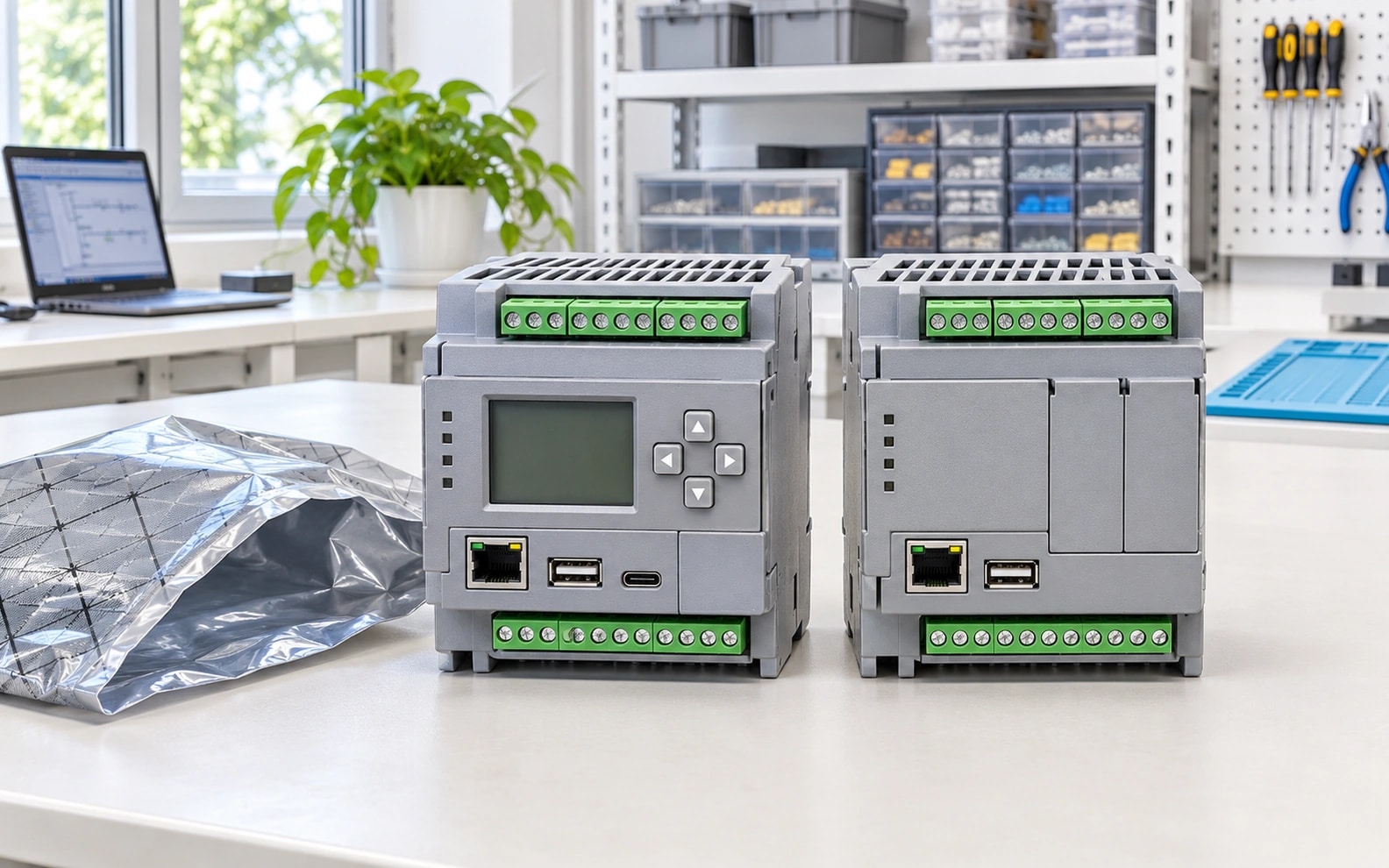
The customer’s report needs to identify the unit and describe the observed behaviour. The technical record can then show what was checked and why the team chose further review, return or replacement.
A return without a serial number or test record can make it difficult to match the unit to the order and reproduce the reported symptom. The site team also needs clarity on what evidence is required before an exchange decision.
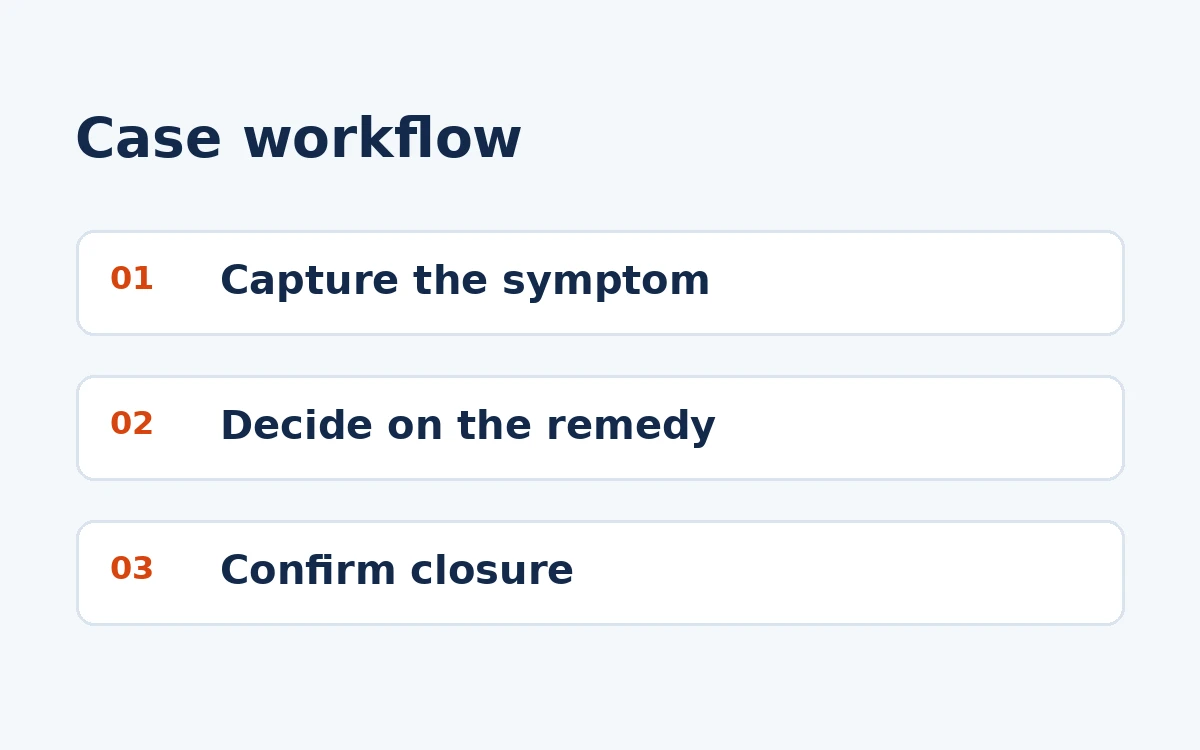
The case owner would coordinate the steps below and keep each handover in the same record.
First point of contact for a delivery or spare-parts enquiry.
Reviews the reported symptom and unit identity before an exchange or return decision.
Reports the result of the agreed recheck after the technical action.
Send the relevant details so each step can be tied to the order and the customer’s acceptance criteria.
Record the complete part number, serial number where available, relevant diagnostic messages and the customer’s description of the check. Have qualified site personnel document the conditions.
Supporting record: Fault report.
Compare the report with the order and dispatch records. If a return or exchange is approved, send the return instructions, packing requirements and the next update point.
Supporting record: Return or exchange record.
Link the returned and replacement units to the same service record. Request the customer’s confirmation of receipt and the result of the agreed recheck.
Supporting record: Customer recheck.
Reported symptom — Complete model, unit identity and observed behaviour. Service decision — Technical findings and approved action. Site recheck — Customer feedback on the agreed follow-up check.
Browse related cases →Include your order reference, complete part number and a named contact for the next step.
Keep any acceptance or exception record with the original order.
Customer recheck after the agreed action
Keep the reported symptom, unit identifier, technical decision and any return or replacement under the same reference. Ask for the outcome of the agreed site check so the customer can distinguish receipt of a replacement from restoration of function.
A written recheck result identifying the unit and the observed outcome after the agreed action.
Send the complete part number, unit identifier and the symptom observed during the site check.
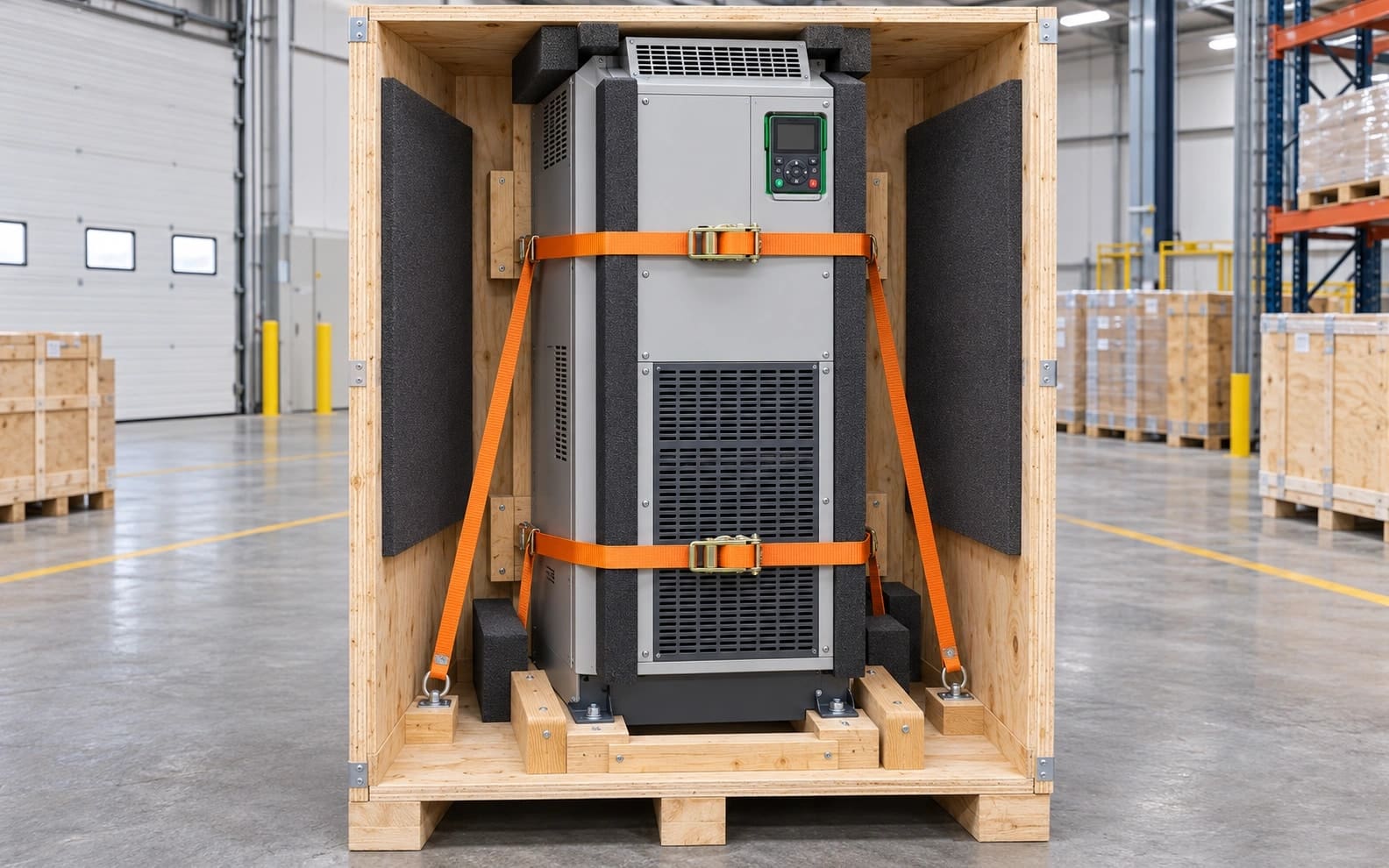
Apter Power secures heavy parts such as the ATV930C16N4 inside wooden crates and arranges shipment insurance. Protective foam at contact points helps cushion the enclosure, while the crate base, blocking and restraints keep the load in place.
Read this case →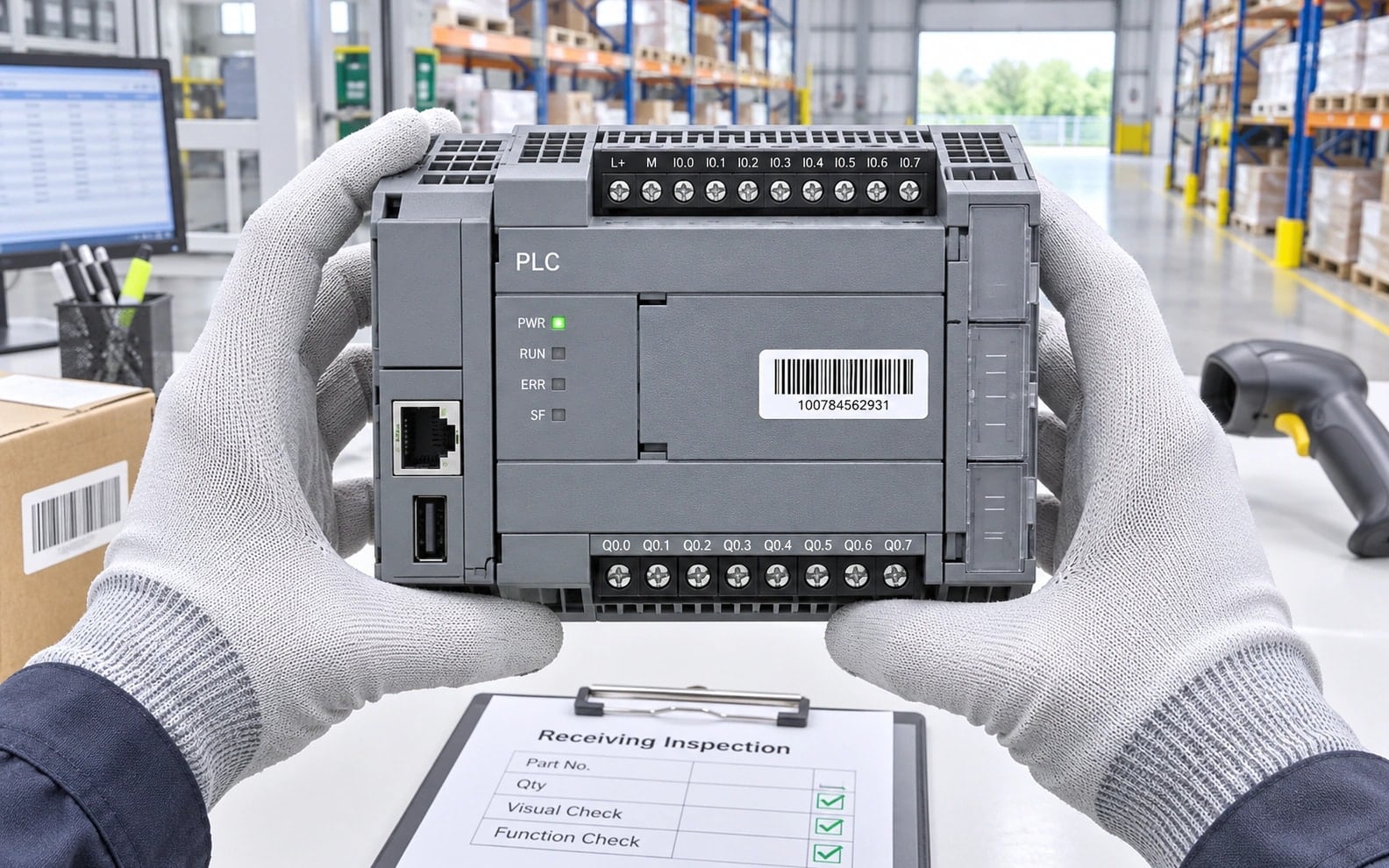
The receiving team checks delivered modules against the order, using the full part number, agreed revision and unit identification to document acceptance.
Read this case →