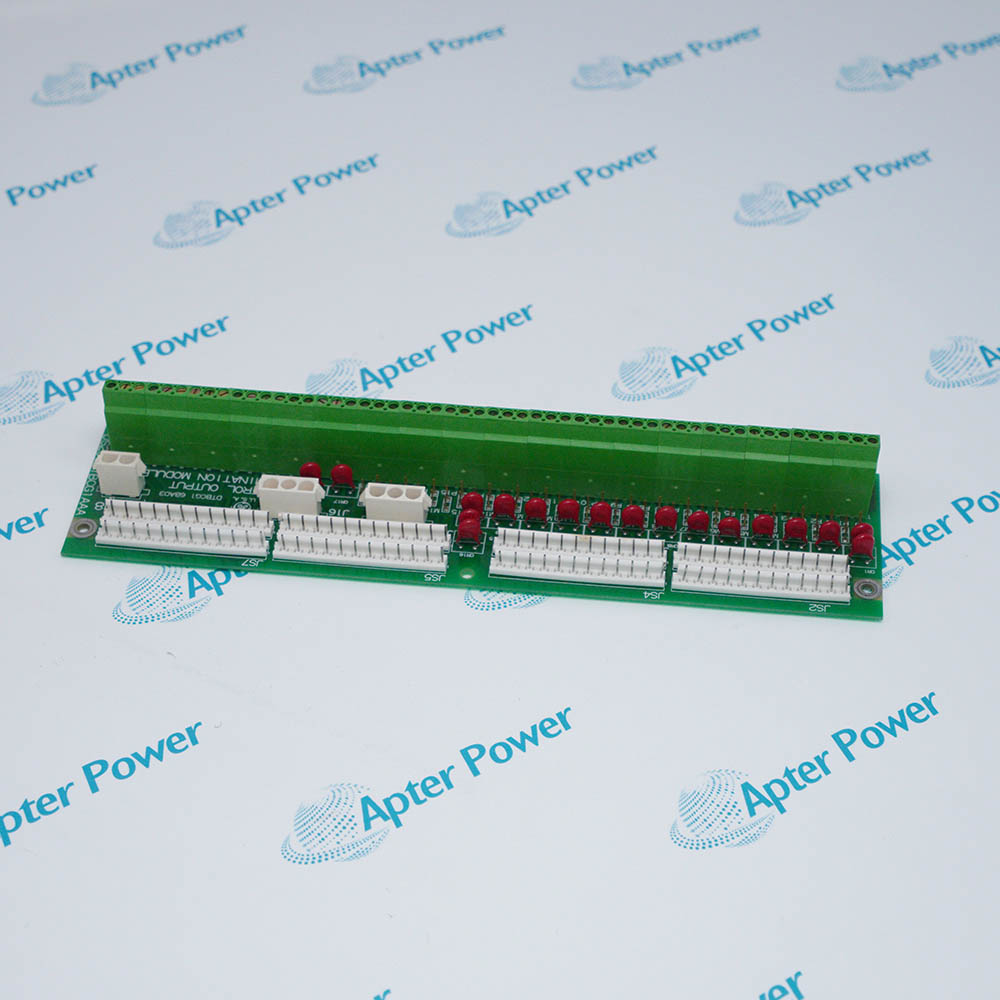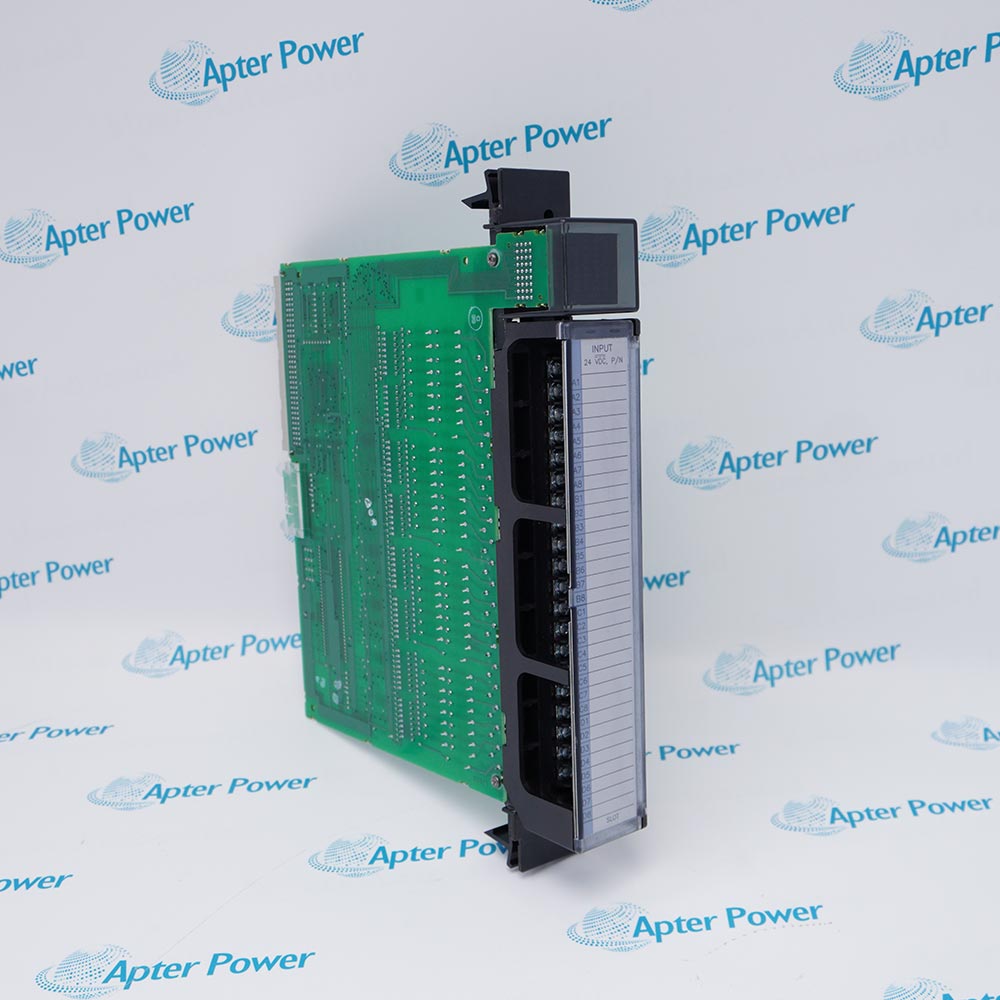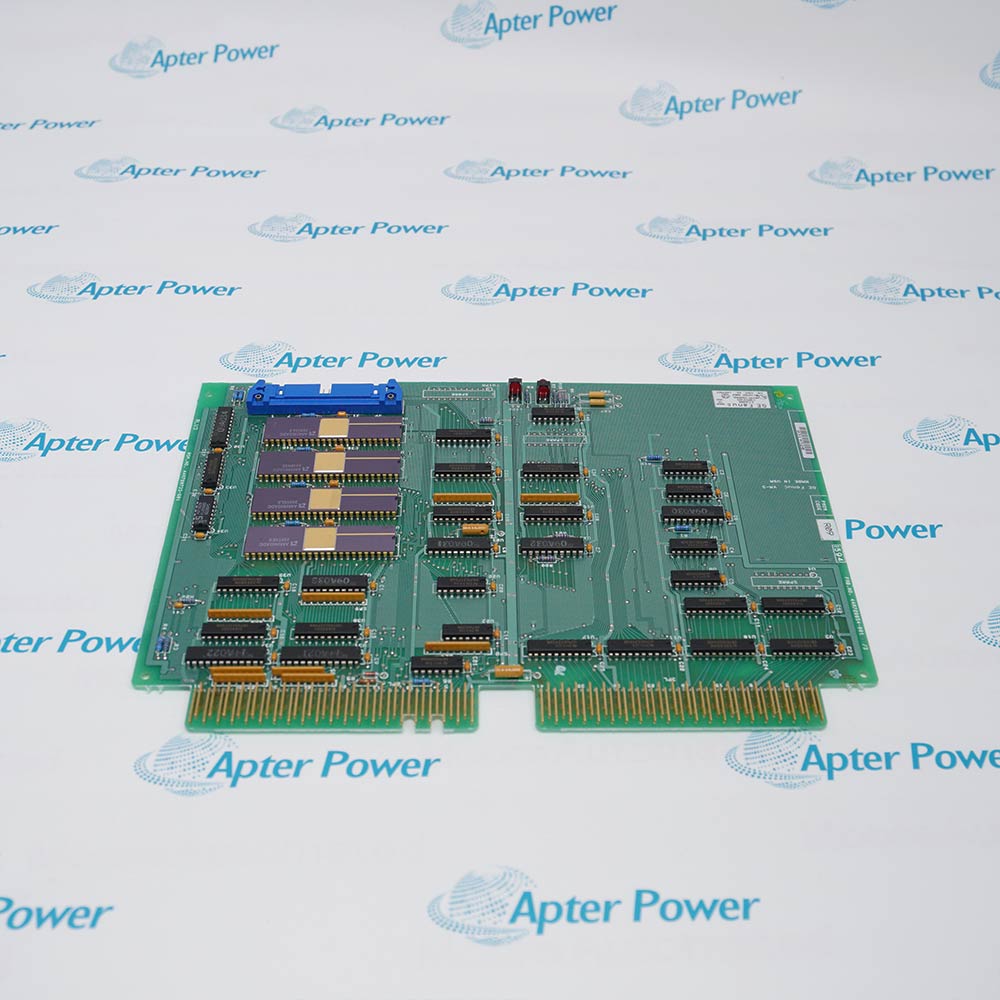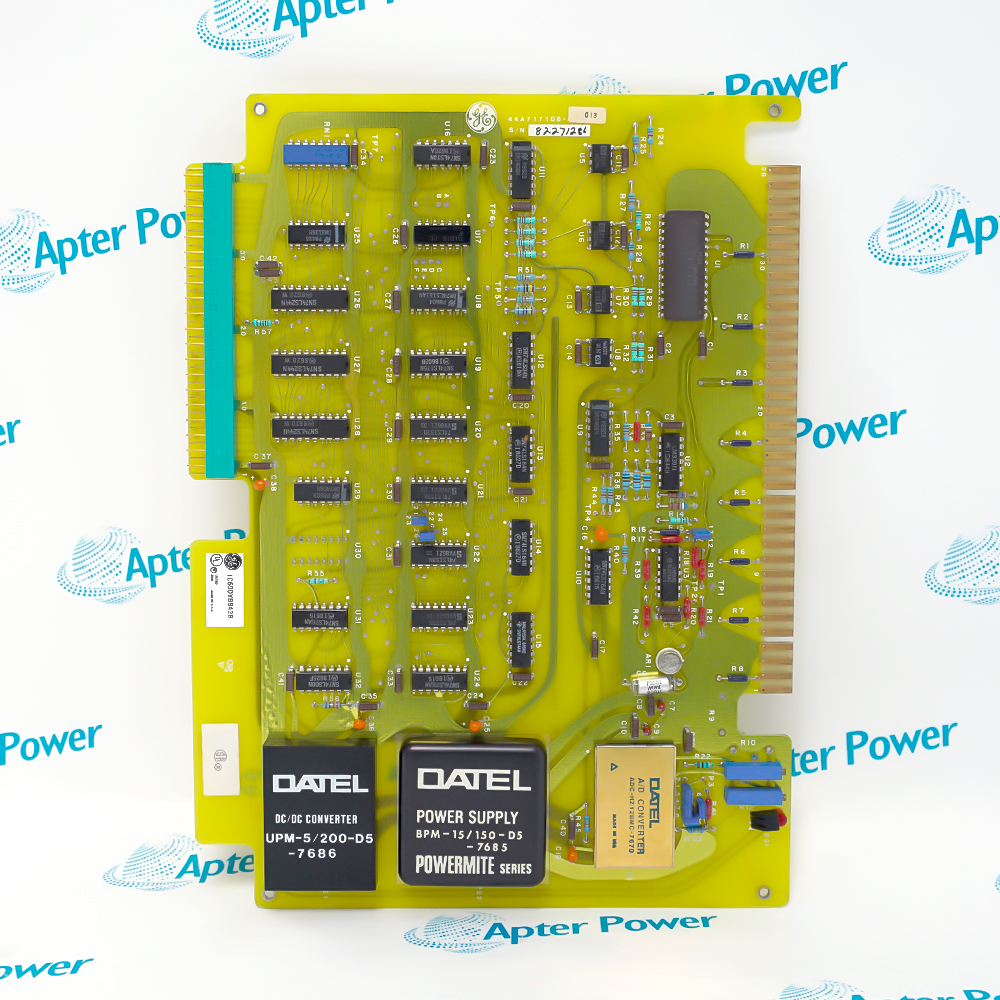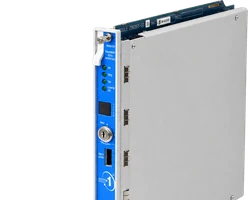
-
Match the complete marking
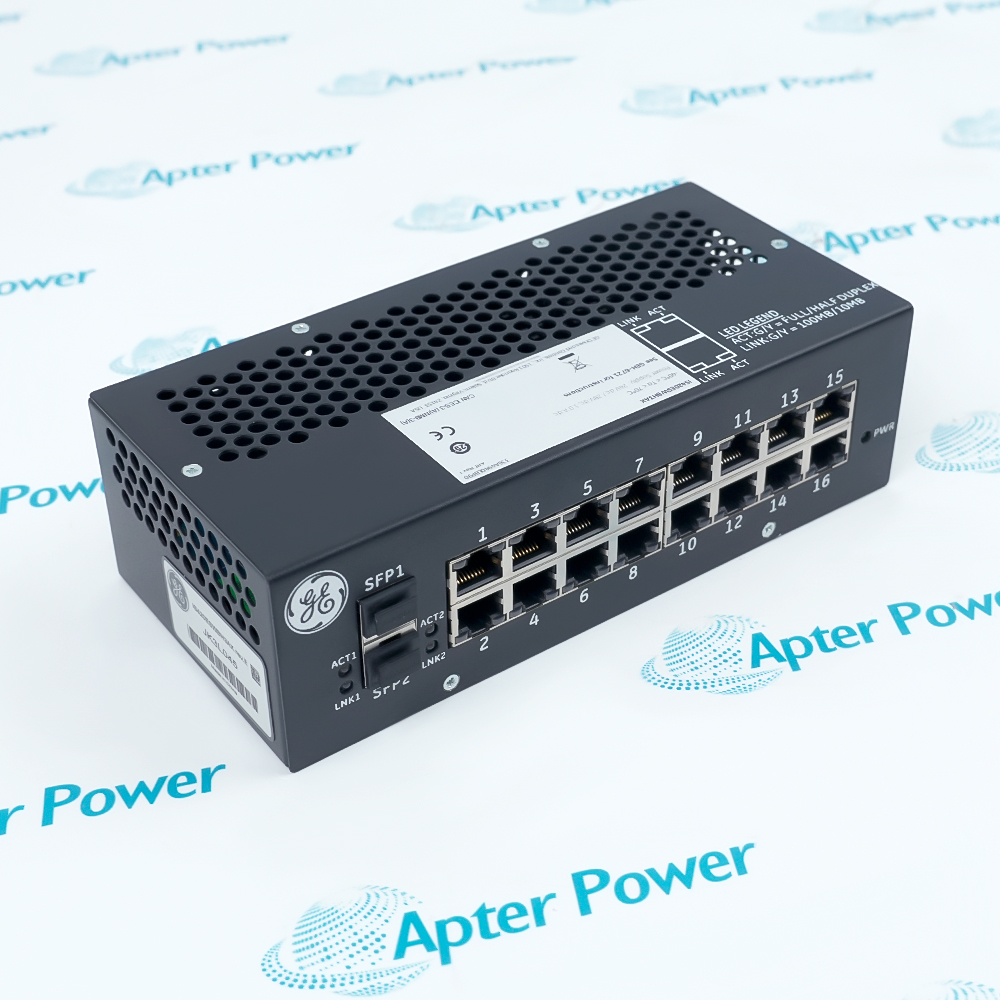
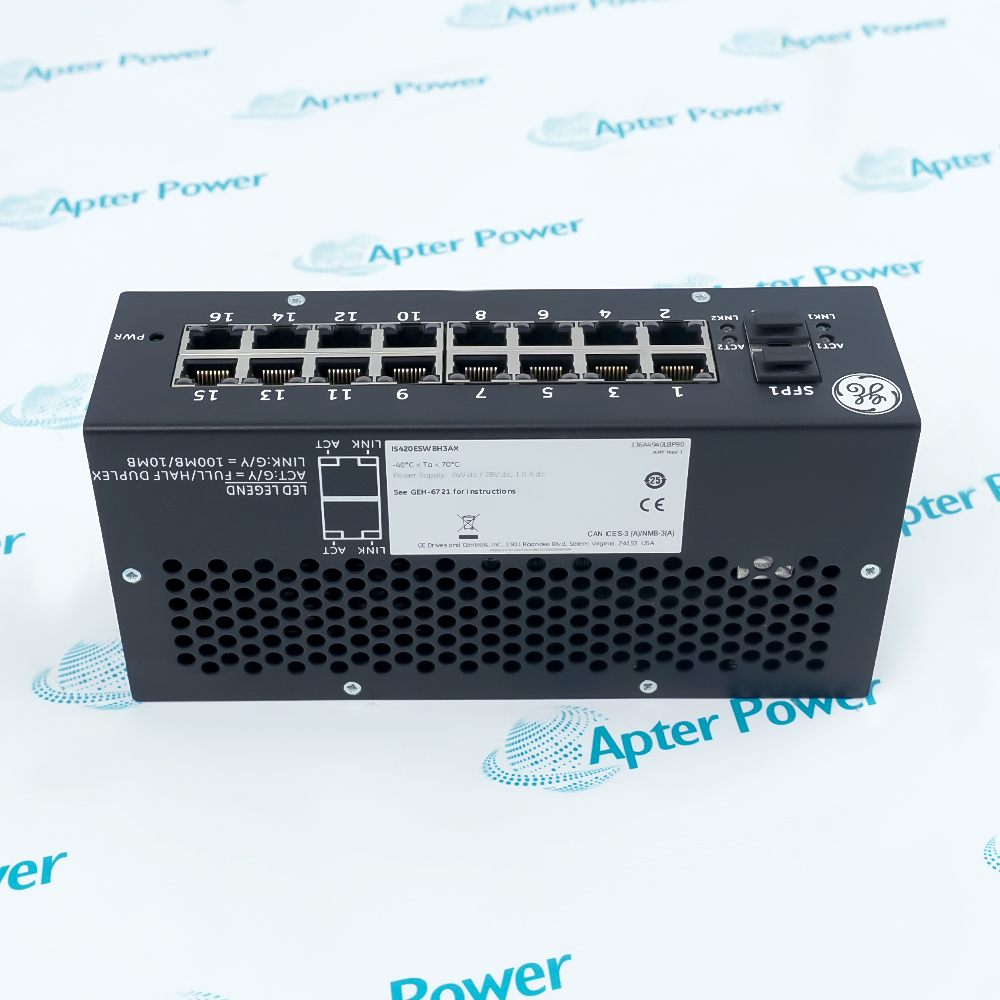
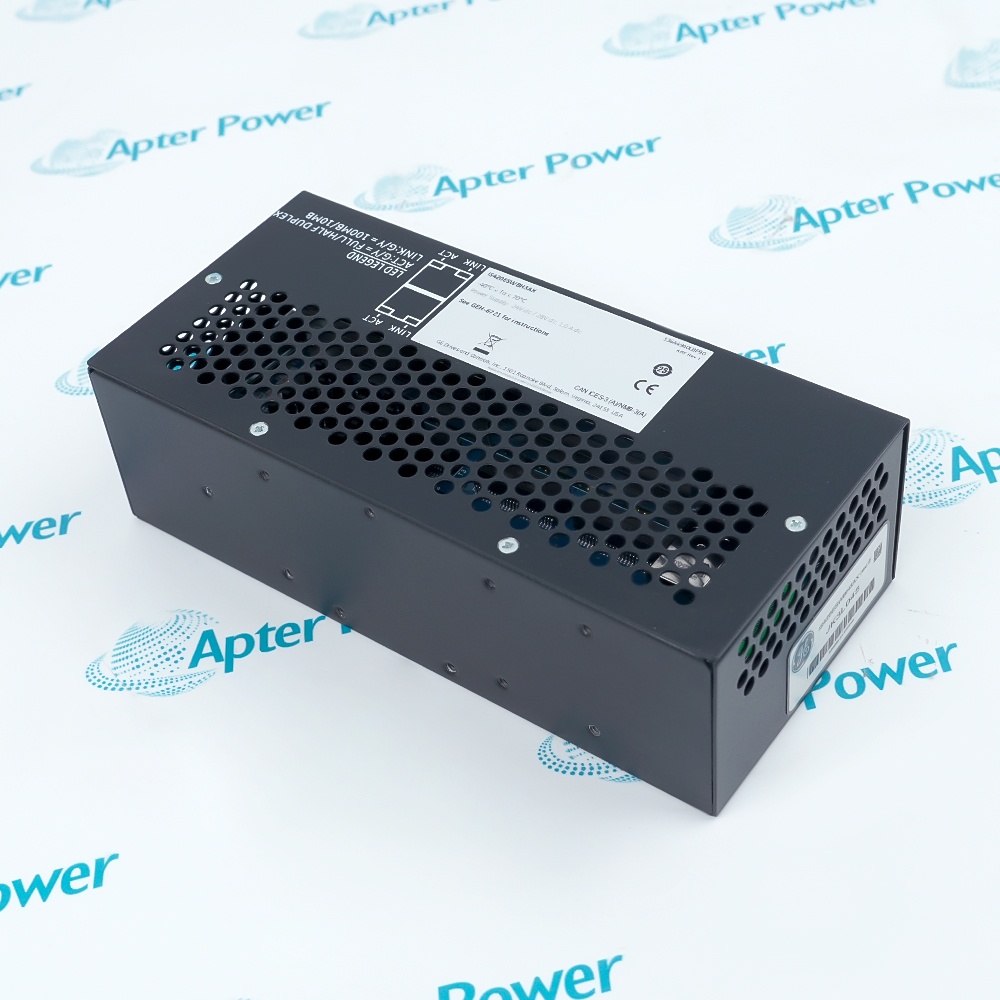
Include IS420ESWBH3AX and every revision or approval marking visible on the item. Keep the exact reference on your enquiry and quotation. -
Check the offered item before ordering
Request available label and interface photos. Have your maintenance team compare the offered IS420ESWBH3AX reference with the installed equipment and applicable General Electric documentation.
Technical specifications for IS420ESWBH3AX
-
Manufacturer:General Electric
-
Product Category:Gas Turbine Control
-
Spare Part Number:IS420ESWBH3AX
-
Weight:0.66 kg
-
Tariff Code:8537101190
-
Copper Ethernet ports:16
-
Copper Ethernet standard:10/100Base-TX
-
Copper connector:RJ-45, 8P8C
-
Fiber ports:0
-
Power input:24/28 V DC
-
Input current:1 A maximum
-
Redundant power inputs:2, diode-OR connected
-
Power connector quantity:2
-
Copper cable category:Category 5e UTP
-
Operating temperature:-40 to +70 deg C
-
Storage temperature:-40 to +85 deg C
-
Mounting:DIN rail
-
Cooling:Convection
-
Corrosion compliance:G3
Information
- The complete IS420ESWBH3AX identity establishes the hardware selection; installation still depends on the documented host, companion components and project configuration.
Project-network control: Preserve controller, I/O pack and redundant-path port assignments.
Suffix verification: Treat the final X as delivered marking until the project record establishes its revision meaning.
IONet traffic belongs to the turbine-control architecture rather than a general office network. Preserve cable labels, redundant path separation, controller ownership and I/O-pack connections exactly as shown on the project drawing.
Commissioning should verify both power inputs where fitted, port link indications, controller-to-I/O communication and network diagnostics. Unused ports, cabinet grounding and cable routing must remain consistent with the approved enclosure design.
-
General Electric IS420ESWBH3AX technical reference
Apter Power reference with verified manufacturer data and exact-model applicability. -
General Electric IS420ESWBH3AX engineering guide
Apter Power installation, configuration, diagnostic and acceptance guidance.
Platform applications: The uses below depend on the installed controller configuration and approved system design.
-
Mark VIe IONet distribution
Connect controllers and I/O packs over the approved deterministic control network. -
Copper network expansion
Provide sixteen RJ-45 connections where the project requires no fiber interface. -
Redundant control paths
Maintain physically and logically separated IONet paths in approved architectures. -
Turbine-control retrofit
Replace an exact ESWB assembly while preserving the project port map and cabling.
Match every field of IS420ESWBH3AX with the approved spare-parts record before installation.
Use grounded handling, antistatic packaging and protected work surfaces for exposed electronics.
Confirm connector keying, slot assignment, supply and companion hardware before energizing.
Record switches, firmware, parameters, terminal assignments and as-found diagnostics before removal.
Check contamination, corrosion, ventilation, vibration and cabinet temperature before fitting the replacement.
Complete the manufacturer and site acceptance procedure, then retain the as-left result with the maintenance record.
Alternative Names
Technical notes
Network relationship: Retain the complete sixteen-port RJ-45 map, Category 5e copper routes and the approved controller-to-I/O segmentation before replacing the switch.
Power and environment: Verify both diode-OR 24/28 V DC power inputs, 1 A maximum input current, DIN-rail retention and the -40 to +70 deg C cabinet boundary.
Technical reference: GE Mark VIeS functional-safety material and IS420ESWBH3A registration record supporting the H3A base design.

FAQ View All FAQ
-
How should every cable on IS420ESWBH3AX be documented before replacement?Photograph both ends, record port numbers, controller or I/O-pack destinations, redundant-network identity and cabinet route before unplugging any RJ-45 connector.
-
What should be checked if one port on IS420ESWBH3AX has no link after replacement?Confirm the port map, cable continuity, mating device power, connector condition and the assigned network path before moving the cable to another port.
-
How should redundant IONet paths through IS420ESWBH3AX be proved?Use the approved turbine-control procedure to verify each path separately while monitoring controller and I/O-pack diagnostics for loss or recovery events.
-
Why must the X suffix on IS420ESWBH3AX remain in the maintenance record?It is part of the delivered marking; do not collapse it to the H3A base identity until GE project documentation establishes equivalence.
-
What evidence should be recorded before replacing IS420ESWBH3AX?Capture the complete nameplate, installed slot or mounting position, companion hardware, wiring identifiers and the accepted operating baseline for the mark vie 16-port copper ionet ethernet switch.
-
How should an intermittent fault around IS420ESWBH3AX be isolated?Separate field wiring, connector, supply, grounding, configuration and host-system causes. Reproduce the symptom under a controlled test and change only one variable at a time.
-
What configuration evidence should be retained after commissioning IS420ESWBH3AX?Retain the hardware identity, firmware or parameter record where applicable, channel assignment, as-left measurements, alarm or diagnostic state and the approved functional-test result.
-
When should IS420ESWBH3AX be rejected during incoming inspection?Quarantine the item if the complete marking, connector keying, board revision, protective coating, terminal condition or required companion hardware differs from the approved replacement record.
Supporting new and legacy automation
-
Please try to be as accurate as possible with your search.
-
We can quote you on 1000s of specialist parts, even if they are not listed on our website.
-
We can't find any results for “”.
Related cases and sourcing guidance
View all case studiesYou May Also Like
Product Browsing History
-
Whatsapp: +86 18030235313
Send us a message. -
sales13@apterpower.com
Complete our online form. -
+86 18030235313
Speak to our team in your native language.