-
Match the complete marking
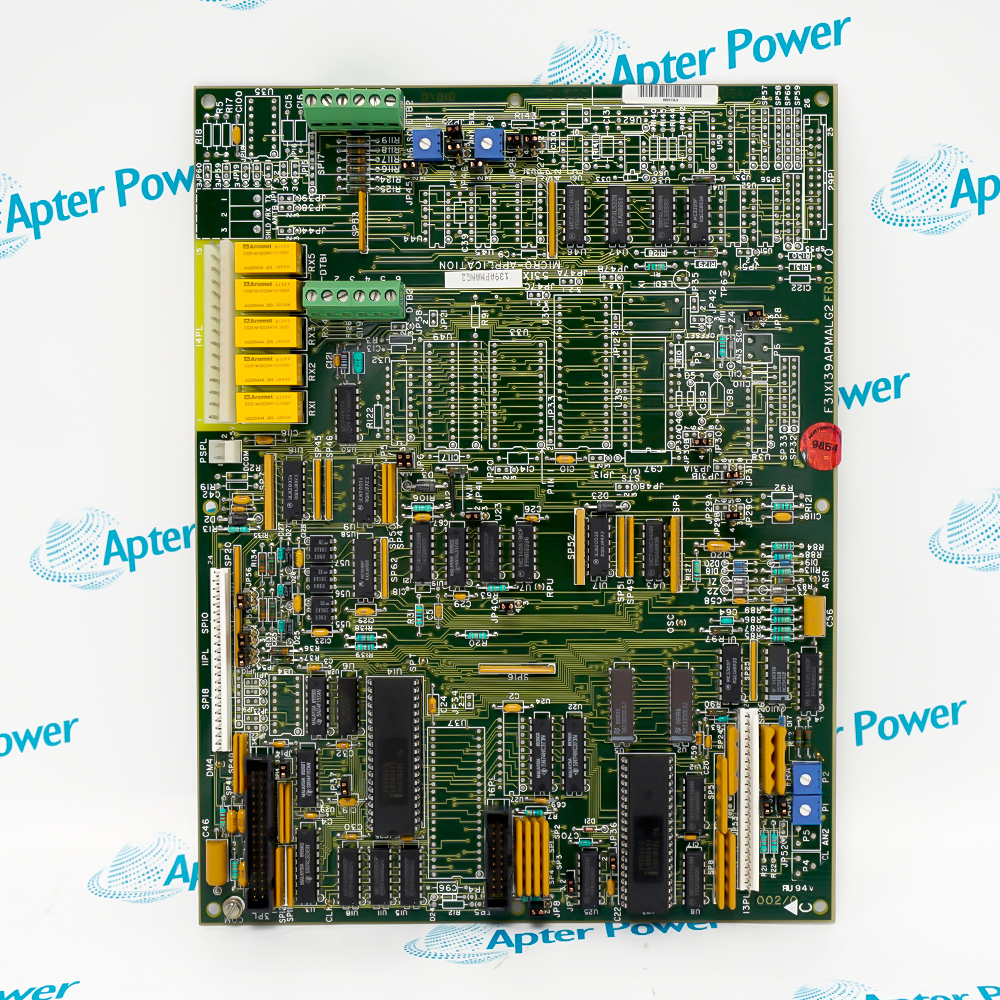
Send the complete DS200SLCCG1AFG marking, revision or option label, connector photographs and installed application details.
-
Check the offered item before ordering
Compare the offered DS200SLCCG1AFG with the installed lan communication card, termination hardware and approved General Electric documentation before ordering.
Technical specifications for DS200SLCCG1AFG
-
Manufacturer:General Electric
-
Product Category:Gas Turbine Control
-
Spare Part Number:DS200SLCCG1AFG
-
Weight:0.25 kg
-
Tariff Code:8537101190
-
Board acronym:SLCC
-
Board role:LAN communication
-
Host-board context:SDCC interface
-
Operator interface:KPPL keypad connection
-
Firmware storage:EPROM sockets U6 and U7
-
Verification point:Match group, revision and programmed devices
Information
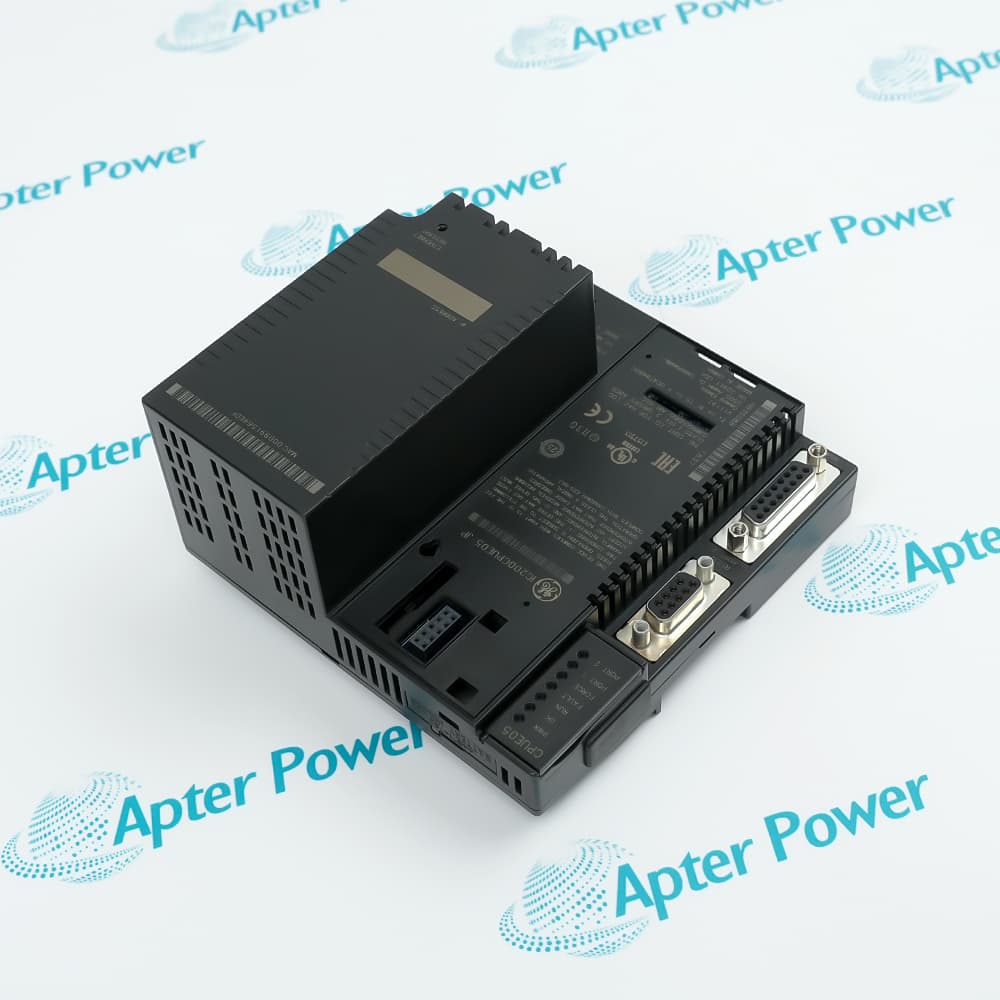
- GE DS200SLCCG1AFG is a LAN communication card that provides the local-area-network interface for compatible Mark V drive and control hardware.
Host-board integration: Operates through the compatible SDCC relationship and installed connector arrangement.
Programmed-device identity: Uses board-specific EPROM and revision content that must remain matched during replacement.
Use the verified technical rows below to screen the offer, then compare the installed drawing and manufacturer instructions. Board acronym: SLCC; Board role: LAN communication; Host-board context: SDCC interface. These values do not authorize transferring specifications from a neighboring model.
During replacement, preserve the approved configuration and connection map. Perform a controlled visual, electrical and functional check, record the as-left result, and release the equipment only after the responsible site authority accepts the restored lan communication card.
DS200SLCCG1AFG Manufacturer Data Reference
Model-specific technical reference assembled from verified manufacturer-family records. PDF · 2 pages.DS200SLCCG1AFG Installation & Verification Guide
Field guide covering identity capture, connection checks, controlled installation and acceptance evidence for DS200SLCCG1AFG. PDF · 2 pages.
Application scope: Application suitability depends on the exact reference, hardware revision and installed configuration. Use site-approved drawings and manufacturer instructions for the final design decision.
Installed control-hardware service
Use DS200SLCCG1AFG only in the compatible GE Mark V control arrangement identified by the approved system documentation.Revision-controlled replacement
Preserve the installed identity, connector orientation and configuration while restoring the documented function.Controlled troubleshooting
Use recorded as-found values and approved tests to distinguish connection, companion-hardware and product faults.Lifecycle support
Keep the complete DS200SLCCG1AFG reference and acceptance evidence with the asset record for future service.
Do not shorten DS200SLCCG1AFG or transfer data from an adjacent reference.
Photograph connector orientation and label each cable or terminal before removal.
Retain the approved GE Mark V control database, jumpers, switches or channel assignment as applicable.
Follow the site energy-isolation and ESD procedure before disturbing hardware.
Check the documented base, cable, terminal, power and partner-module relationship.
Complete visual, electrical and functional checks before return to automatic service.
Alternative Names
Technical notes
Evidence boundary: Technical rows apply to DS200SLCCG1AFG or its explicitly identified manufacturer family context.
Compatibility: Physical fit does not establish electrical, firmware or system compatibility.
Commissioning: Use approved General Electric instructions and site procedures for final installation and release.

FAQ View All FAQ
-
Which identity fields must match before installing DS200SLCCG1AFG?Match the complete model, group, revision, connector layout and any programmed or option-specific devices with the installed record.
-
How should connector positions on DS200SLCCG1AFG be documented?Photograph and label each connector before removal, then compare keyed positions and cable destinations against the approved drawing.
-
What configuration must be retained when replacing DS200SLCCG1AFG?Retain switch or jumper positions, firmware or programmable-device identity and the system database or drive setup that governs the board.
-
How can a system fault be separated from a DS200SLCCG1AFG board fault?Review diagnostics, power rails, connectors and companion hardware, then use an approved substitution or bench method without bypassing protection.
-
Why must the full revision of DS200SLCCG1AFG be reviewed?Revision letters can reflect hardware or firmware compatibility boundaries; confirm interchangeability for the installed system before release.
-
What cleaning restrictions apply to DS200SLCCG1AFG?Use an approved ESD-safe method, keep solvents away from labels and programmed devices, and do not disturb conformal coating or adjustments.
-
What controlled startup checks apply after fitting DS200SLCCG1AFG?Verify supply rails, status indications, communication and the board-specific control function in the approved sequence before automatic operation.
-
What service evidence should be retained for DS200SLCCG1AFG?Retain complete markings, revision, connector mapping, configuration records, diagnostic results and as-left functional acceptance.
Supporting new and legacy automation
-
Please try to be as accurate as possible with your search.
-
We can quote you on 1000s of specialist parts, even if they are not listed on our website.
-
We can't find any results for “”.
Related cases and sourcing guidance
View all case studies-
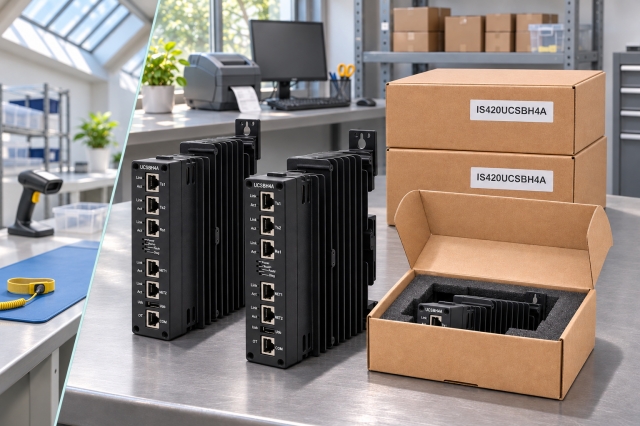
GE IS420UCSBH4A: Confirm the Offered Controller and Release TermsRead case > -
Honeywell FC-RUSIO-3224 Delivered for an Oman Government ProjectRead case > -
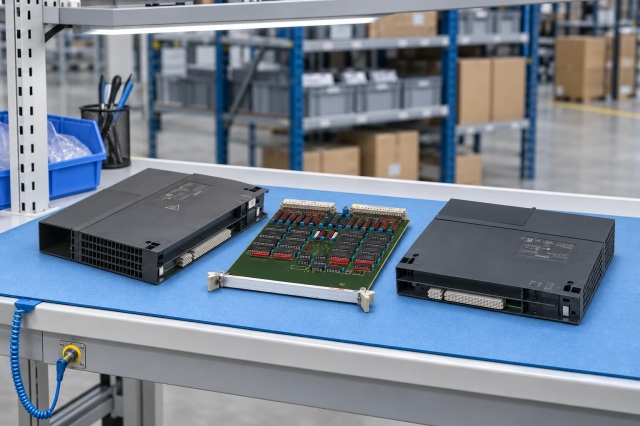
24 Siemens Spare Parts Delivered to an Australian Waste Management FacilityRead case >
You May Also Like
Product Browsing History
-
Whatsapp: +86 18030235313
Send us a message. -
sales13@apterpower.com
Complete our online form. -
+86 18030235313
Speak to our team in your native language.