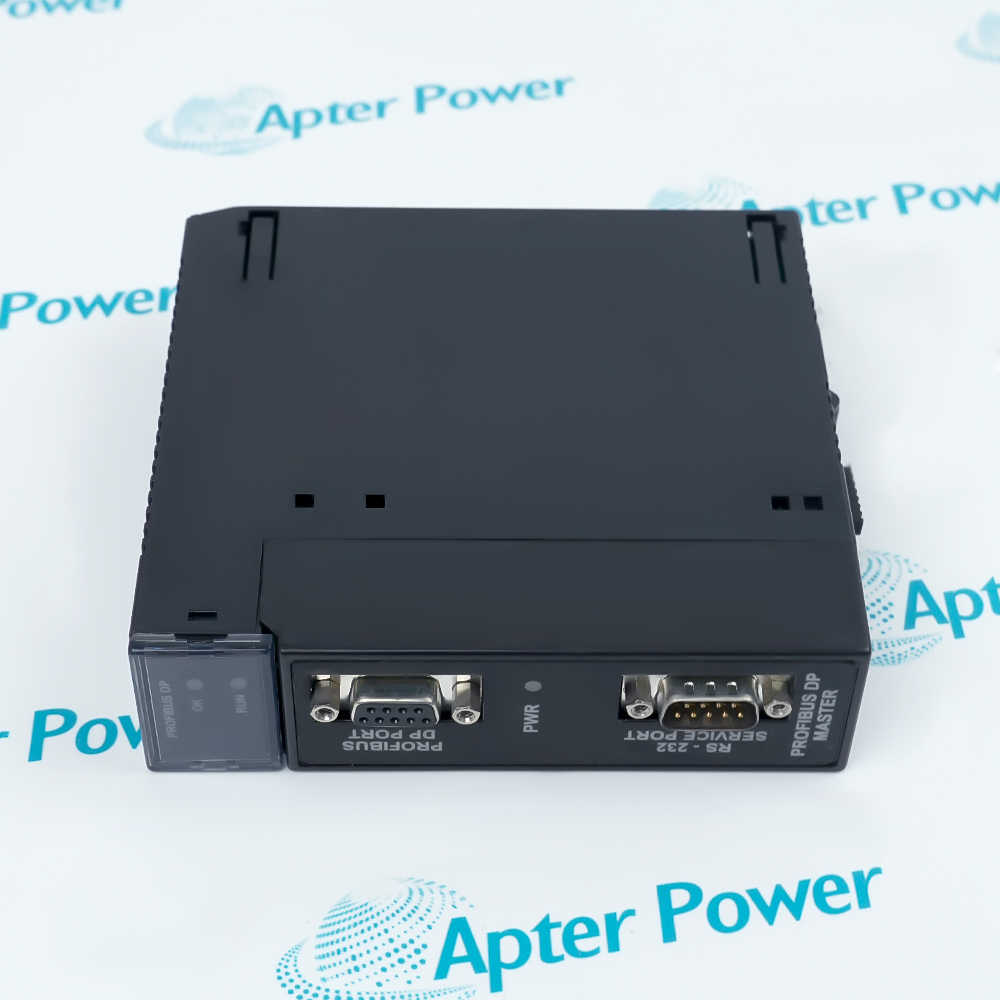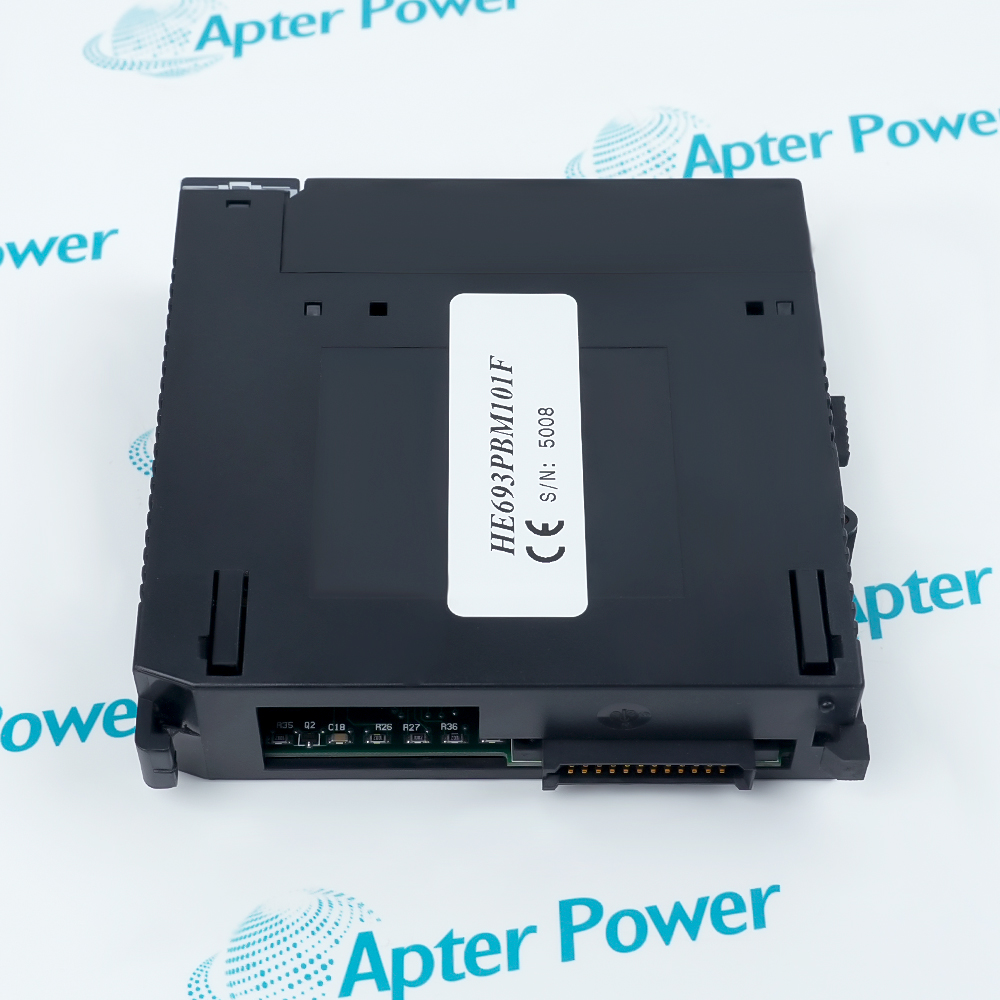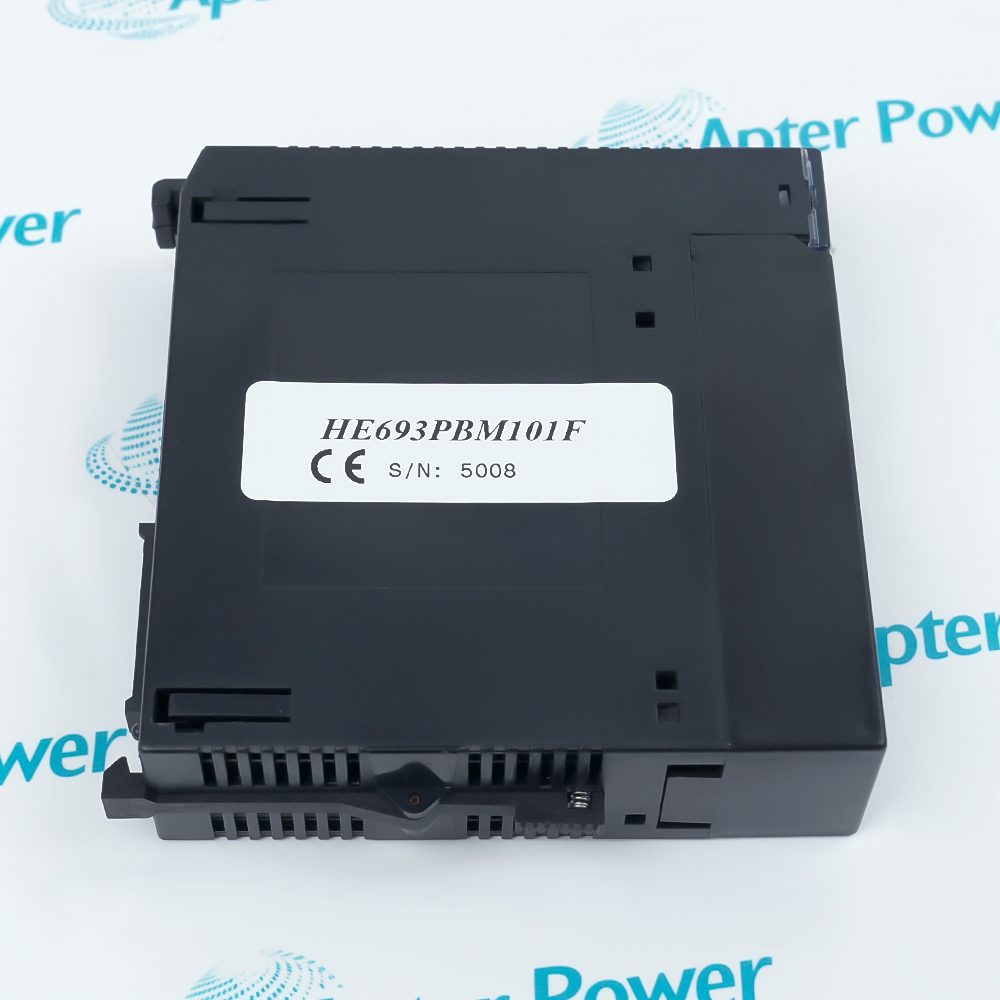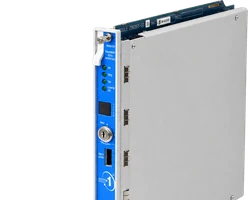
-
Match the complete marking
Compare every token in HE693PBM101F with the installed label and the applicable manufacturer document.
-
Verify the assembly boundary
Confirm the terminal board, I/O pack, connector, carrier or matched-system components that belong with HE693PBM101F.
Technical specifications for HE693PBM101F
-
Manufacturer:General Electric
-
Product Category:PLC Systems
-
Spare Part Number:HE693PBM101F
-
Weight:0.2 kg
-
Tariff Code:8537101190
-
Base design:HE693PBM101 PROFIBUS Master
-
Suffix boundary:F treated as a hardware/firmware revision; verify the actual nameplate
-
Network role:PROFIBUS DP master only; FMS and PA are not supported
-
Base-model processor speed:24 MHz
-
Maximum slaves:64
-
Maximum devices per segment without repeaters:32
-
Maximum devices per segment with repeaters:64
-
Maximum data produced:504
-
Maximum diagnostic plus consumed data:504
-
Maximum modules / areas:128
-
Required CPU:CPU350 or higher
-
Required CPU firmware:Version 8.0 or higher
-
Configuration software:VersaPro 1.10 or higher
-
Status LEDs:OK, RUN and POWER
-
Data rates:9.6 kbit/s to 12 Mbit/s
-
Segment length at 9.6, 19.2 or 93.75 kbit/s:1200 m
-
Segment length at 187.5 kbit/s:600 m
-
Segment length at 500 kbit/s to 6 Mbit/s:200 m
-
Segment length at 12 Mbit/s:100 m
-
Required power:4 W at 5 VDC
-
Operating temperature:0 to 60 deg C
-
Relative humidity:5 to 95% non-condensing
Information
- HE693PBM101F has a defined series 90-30 profibus dp master module role in the GE Fanuc Series 90-30 PLC platform; approval depends on the complete catalog number and installed assembly boundary.
Host requirement: Series 90-30 CPU350 or higher with firmware 8.0 or later.
Electrical base data: 4 W at 5 VDC, 0 to 60 deg C and 5 to 95% non-condensing humidity.
The base module operates at 24 MHz, supports up to 64 slaves and maps as many as 128 modules or areas. It requires a CPU350-or-higher host, firmware version 8.0 or later and VersaPro 1.10 or later for configuration.
Network commissioning must respect the selected baud rate and segment length: 1200 m through 93.75 kbit/s, 600 m at 187.5 kbit/s, 200 m from 500 kbit/s through 6 Mbit/s and 100 m at 12 Mbit/s. Both network ends require powered termination.
-
HE693PBM101F Technical Reference
Apter Power technical reference - PDF, 5 pages. Exact-model identity, interfaces, verified data, diagnostics and engineering questions. -
HE693PBM101F Installation & Commissioning Guide
Apter Power engineering guide - PDF, 5 pages. Identity checks, interface restoration, diagnostics, acceptance and handover.
Compatibility boundary: Match the complete HE693PBM101F marking, mating hardware and installed configuration before replacement.
PROFIBUS DP master
Control distributed I/O and field devices over the documented master-slave network.Series 90-30 integration
Use with CPU350-or-higher hardware and the approved PLC firmware and VersaPro project.Network expansion
Apply repeaters and segment limits when the station count or cable length exceeds one segment.Legacy-system maintenance
Retain the F revision, slave map and network diagnostics with the spare or replacement record.
Compare the complete HE693PBM101F label and installed hardware before replacement.
Save slave addresses, data areas, GSD definitions and the VersaPro project before removal.
Follow the Series 90-30 service procedure before removing or inserting the module.
Check the 9-pin connector, type-A cable, shield bond and both powered terminations.
Apply the official baud-rate distance limits and use repeaters where the approved topology requires them.
Verify slave diagnostics, input/output mapping and OK/RUN/POWER indications after commissioning.
Alternative Names
Technical notes
Revision check: Verify the F suffix on the actual HE693PBM101F label before approving firmware or hardware equivalence.
Network limits: Match the configured baud rate to its maximum segment length and confirm powered termination at both ends of the PROFIBUS segment.
Host relationship: Use CPU350 or higher, firmware 8.0 or later and the archived VersaPro configuration for the installed data map.

FAQ View All FAQ
-
How should HE693PBM101F be identified before replacement?Match the complete HE693PBM101F label, the F revision marker, front connector and installed Series 90-30 slot before replacement.
-
What installed interfaces must be checked for HE693PBM101F?Verify the Series 90-30 backplane connection, PROFIBUS connector, shield termination and network-segment position used by HE693PBM101F.
-
Which configuration values must be preserved before removing HE693PBM101F?Archive the slave addresses, GSD-derived module definitions, mapped PLC areas and VersaPro project associated with HE693PBM101F.
-
How should the field wiring for HE693PBM101F be verified?Check type-A PROFIBUS cable, termination at both powered ends, shield bonding and segment-length limits before reconnecting HE693PBM101F.
-
What should be checked before energizing HE693PBM101F?Confirm a CPU350-or-higher host, firmware 8.0 or later, 5 VDC backplane power and the approved PROFIBUS topology for HE693PBM101F.
-
How can a suspected HE693PBM101F fault be separated from an external fault?Check backplane power, OK/RUN/POWER LEDs, termination, cable continuity and slave diagnostics before replacing HE693PBM101F.
-
What proves that HE693PBM101F is operating correctly after installation?A controlled network test must show the expected slaves, mapped data and stable OK/RUN indications for HE693PBM101F.
-
What should be retained in the handover record for HE693PBM101F?Retain the HE693PBM101F nameplate, F revision, network map, configuration archive, diagnostics and acceptance result.
Supporting new and legacy automation
-
Please try to be as accurate as possible with your search.
-
We can quote you on 1000s of specialist parts, even if they are not listed on our website.
-
We can't find any results for “”.
Related cases and sourcing guidance
View all case studiesYou May Also Like
Product Browsing History
-
Whatsapp: +86 18030235313
Send us a message. -
sales13@apterpower.com
Complete our online form. -
+86 18030235313
Speak to our team in your native language.