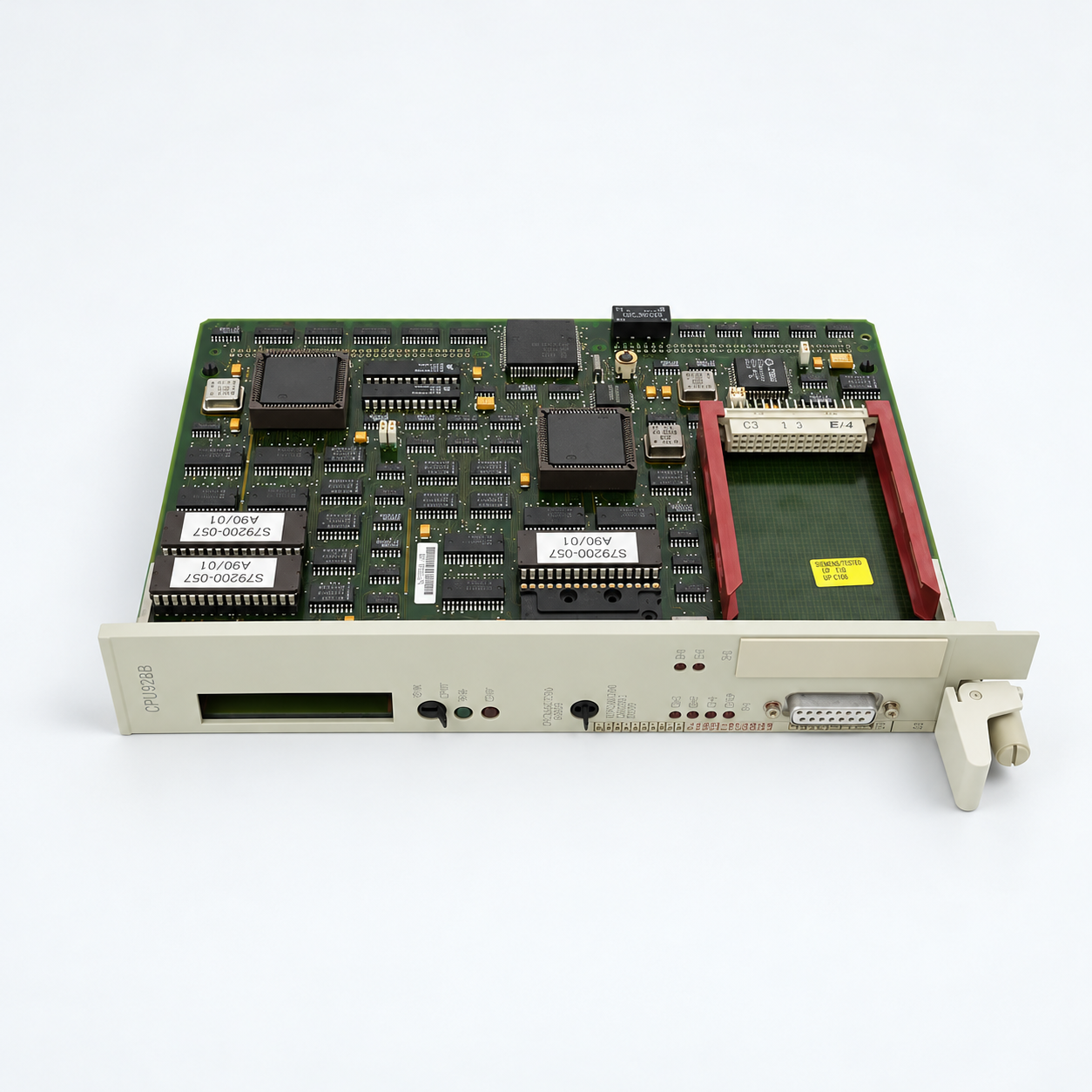
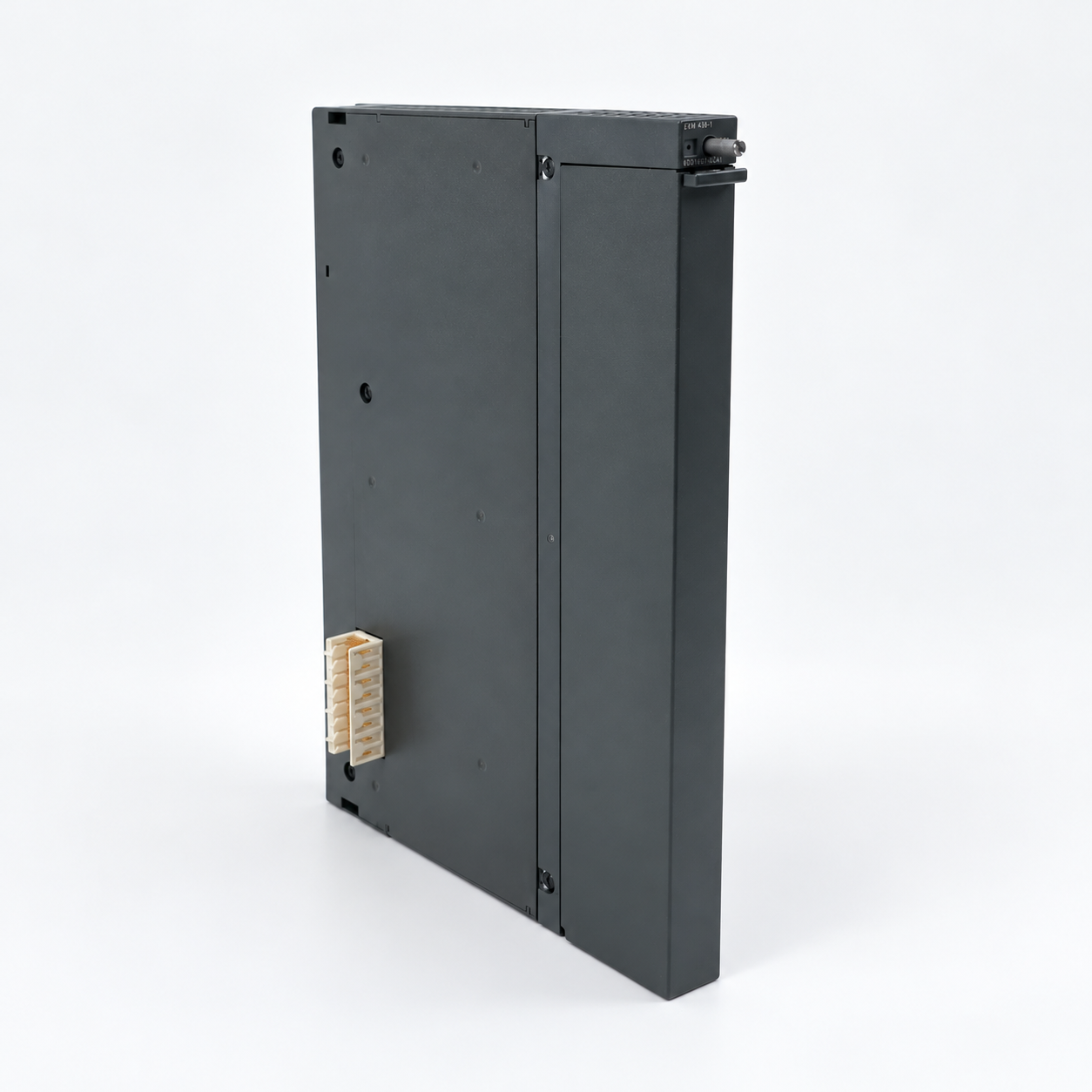
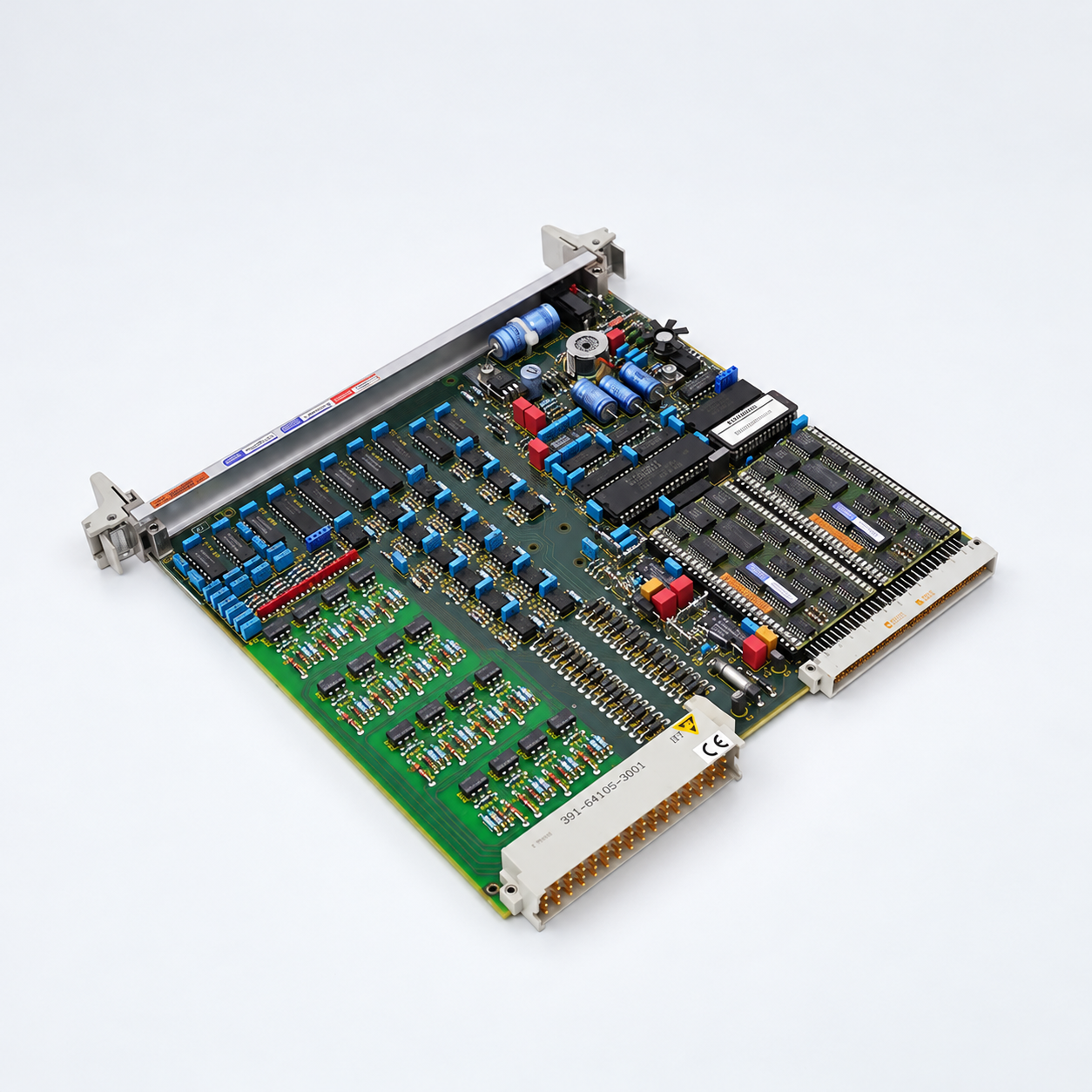
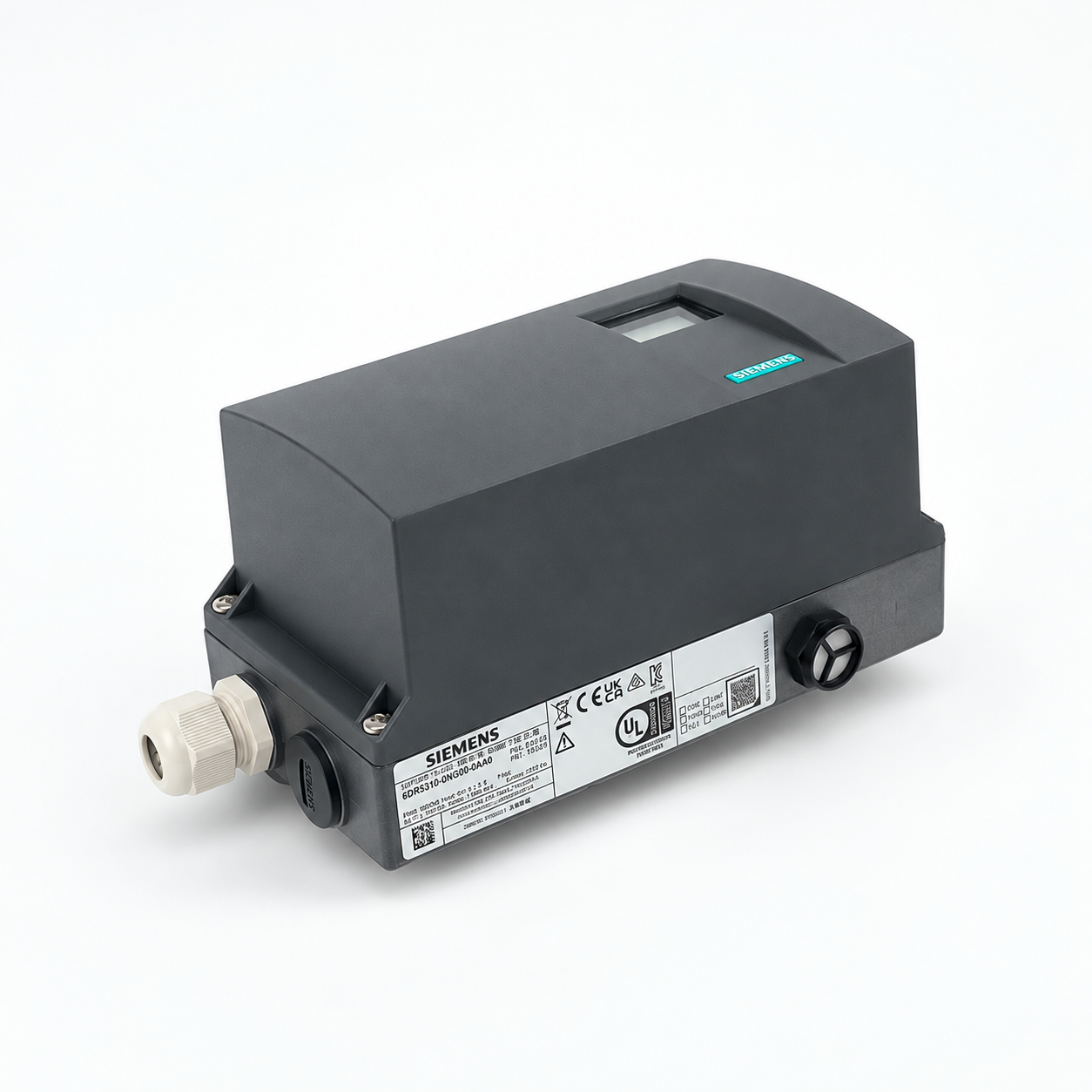
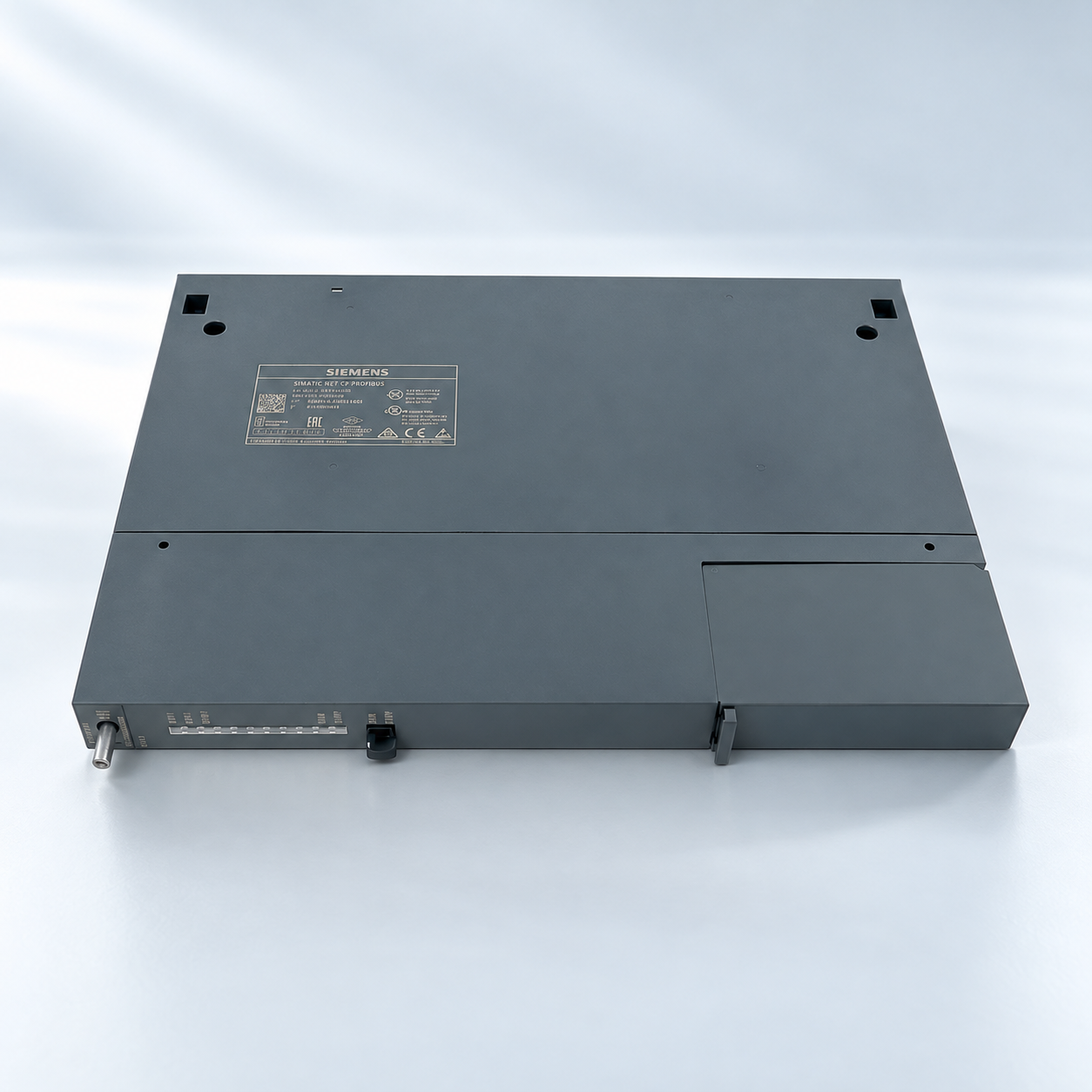
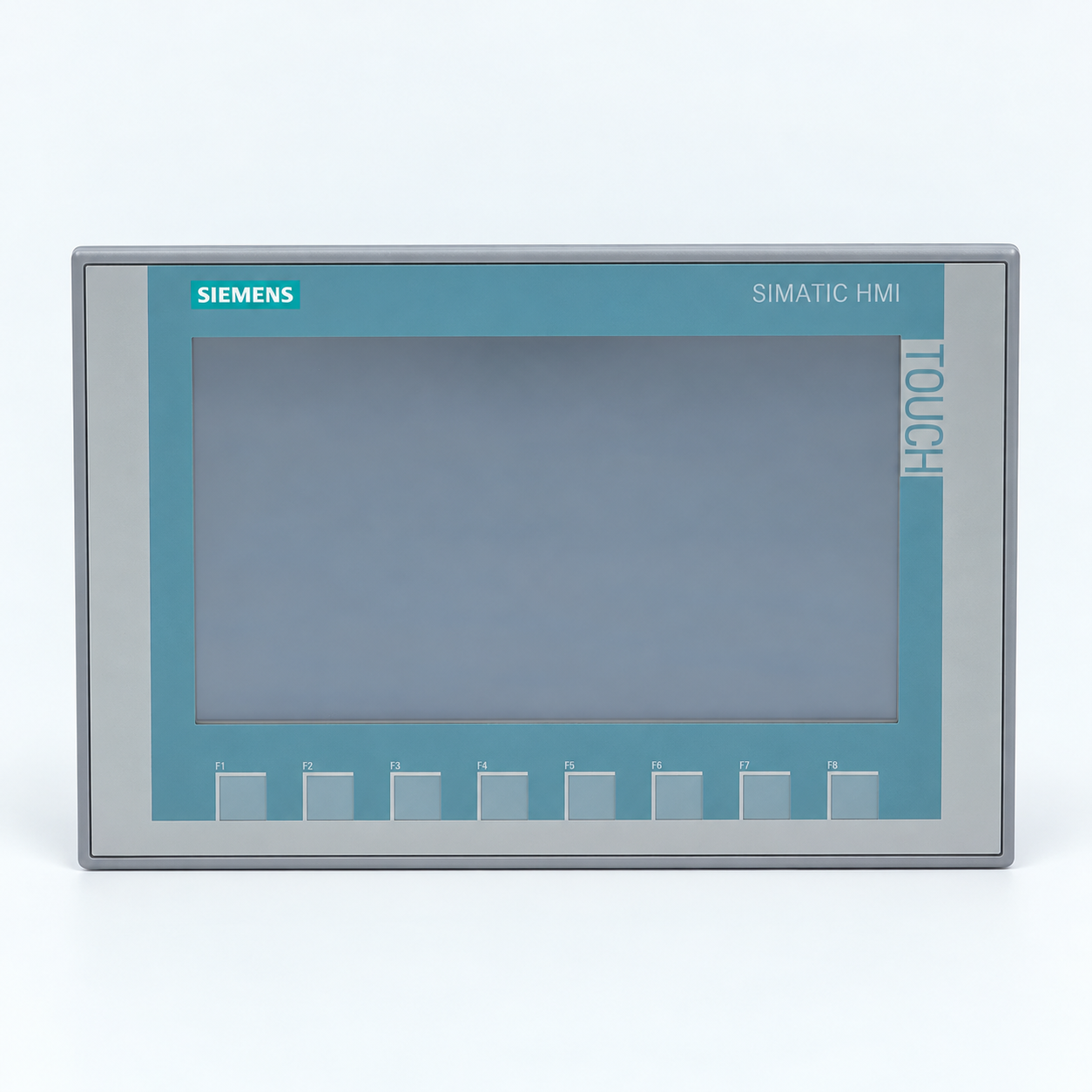
Source Siemens control and I/O modules, communication products, HMI parts and SIPART devices by complete order number. Choose one of the eight groups below, then check the exact reference, installed system and supply scope before ordering.
INSTALLED SYSTEM SPARES
Plan your next Siemens replacement
Browse eight groups by Siemens order-number prefix. Match the installed platform, complete reference, revision and required accessories. For legacy equipment, check the lifecycle and replacement options for the exact item. A shared prefix does not establish compatibility.
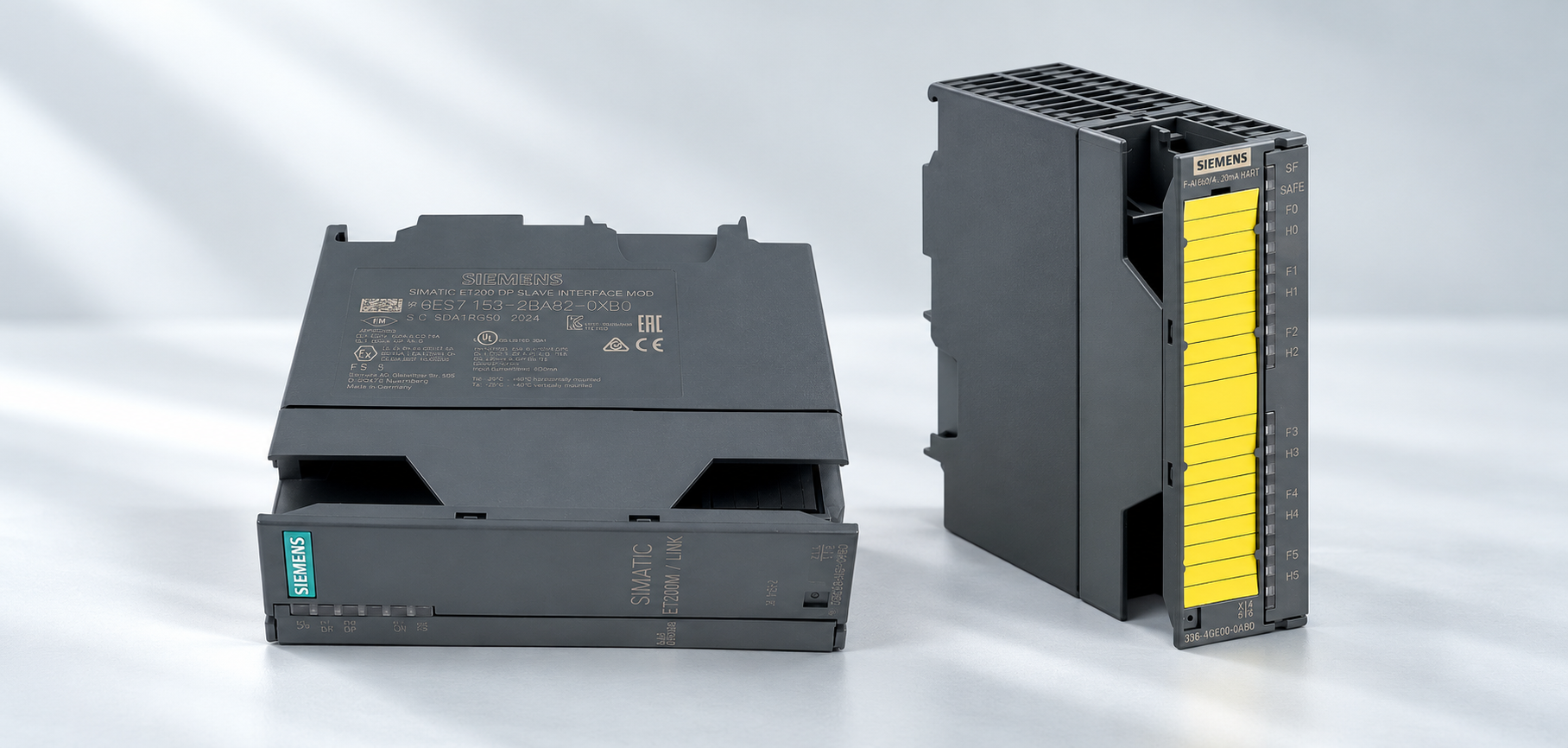
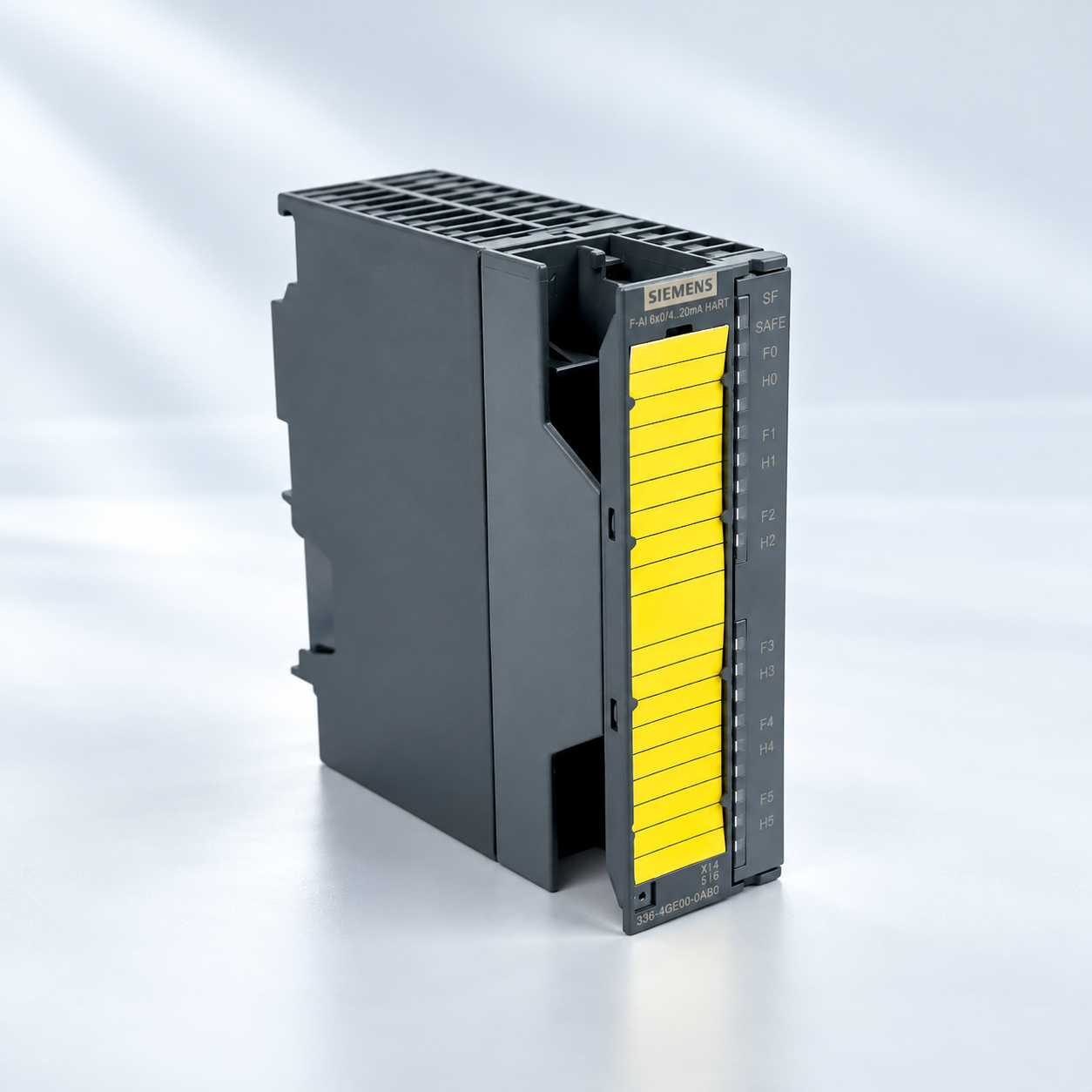
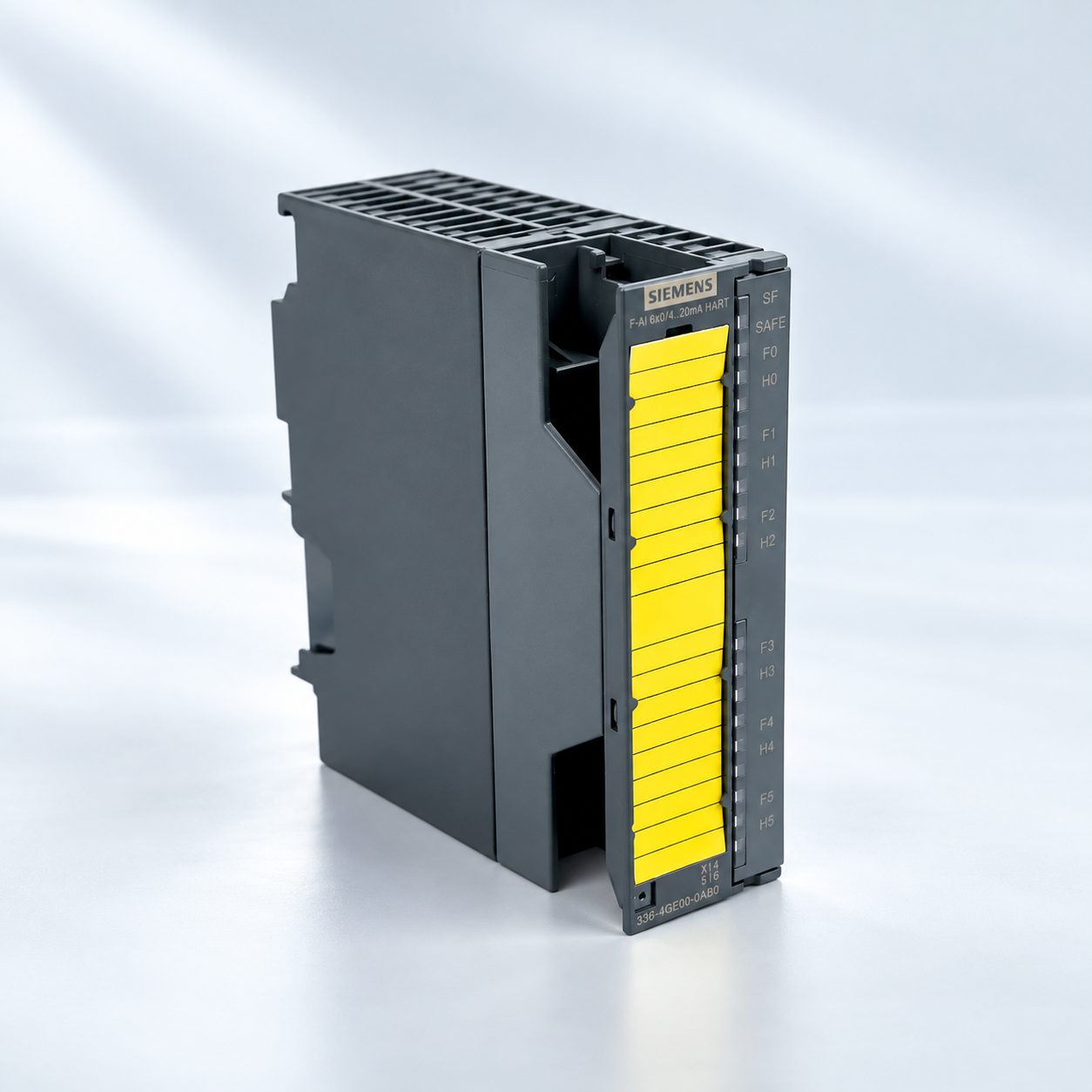
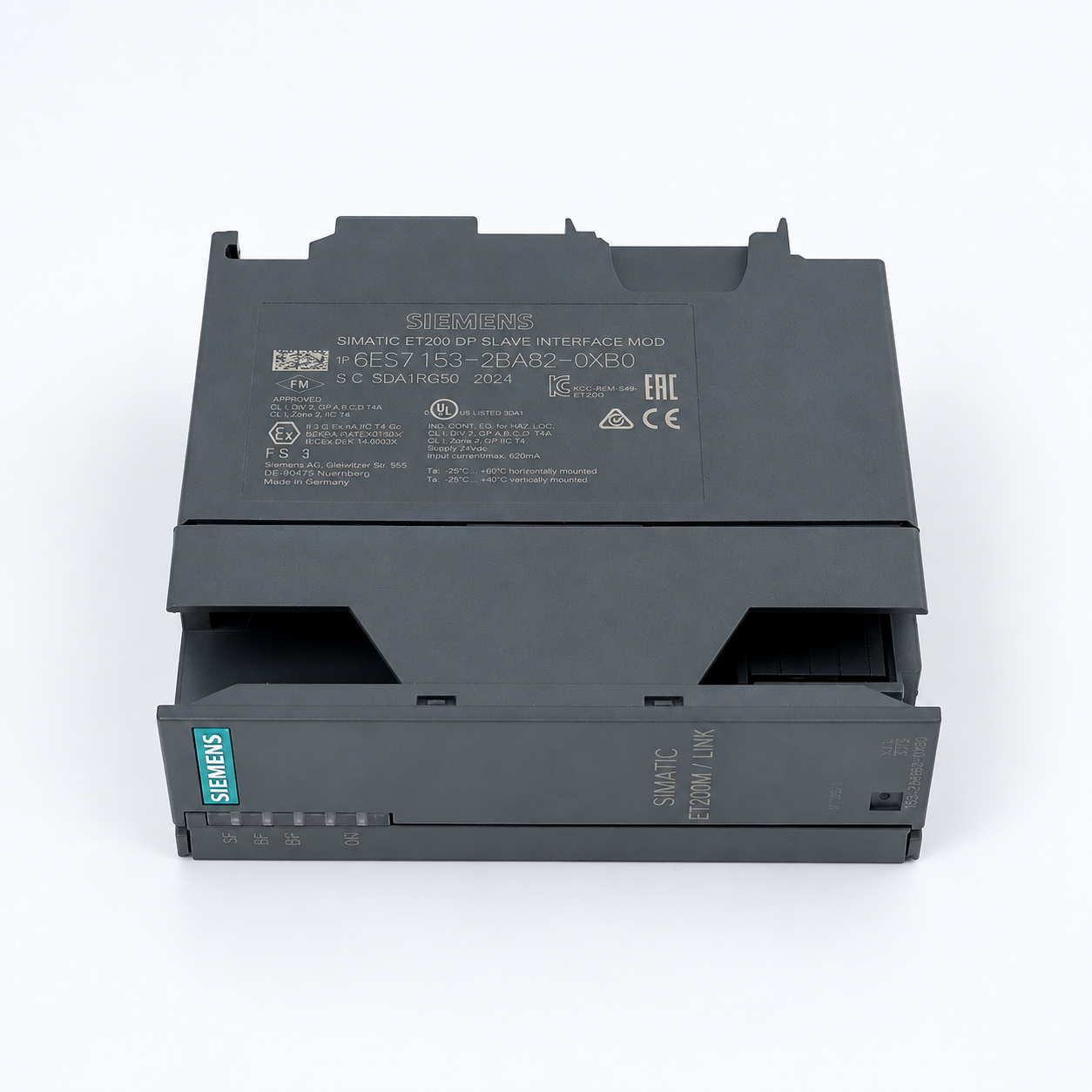
Use the full product reference, the installed configuration and a written supply list to reduce wrong-part orders. Catalog photographs identify a reference; ask for photos of the item being offered.
IDENTIFY THE PART
Read the complete label
Keep the full reference and suffix. Send clear front, label and connector photos, and record hardware and firmware versions separately.
Identify the installed controller, rack and interfaces. Check software and revision requirements against the applicable manufacturer documents before accepting an alternative.
Confirm quantity, condition, included connectors and accessories, dispatch arrangements and warranty terms in writing. Recheck the received item against that agreement.
Ask for each connector, terminal block, cable, memory accessory and related module to be listed separately. Resolve a different part number or revision before approving the order.
COMMON PARTS QUESTIONS
Answers before you order
Practical checks for Siemens part identification, compatibility, accessories and the offered item.
Send the complete order number and suffix, a clear label photo, the installed system and quantity. Record hardware and firmware versions separately. List connectors, bases, memory cards and other accessories explicitly.
02
How are the eight Siemens product groups separated?
The groups use different order-number prefixes: 6ES71; 6ES72, 6ES73 and 6ES74; 6ES5; 6DD; 6DP; 6DR; 6GK; and 6AV. These browsing groups help locate references. They do not establish interchangeability or current availability.
03
What should I check for 6DD or 6DP references?
Keep the full reference and module designation. For 6DD, identify the applicable platform, which can include SIMADYN D, SIMATIC TDC and technology modules. For 6DP, identify the installed TELEPERM configuration. Check rack, interfaces and revisions against the applicable documents before accepting a substitute.
04
Are all 6DR items positioners?
No. This prefix includes SIPART controllers and positioners. Confirm the exact device role and complete order number, including its options. Match the installation requirements and the required configuration.
05
What details matter for 6GK and 6AV parts?
For communication products, confirm the interfaces, network role and relevant firmware. For HMI parts, confirm the full panel or accessory reference, connections, display requirements and engineering software. A similar appearance is not enough to select a replacement.
06
Does a catalog photo confirm the offered item?
No. A catalog image identifies a product reference. Request clear photos of the offered unit and label, confirm its condition and accessories, and check lifecycle or replacement information for that exact reference before ordering.
Send the complete reference or a clear label photo, the quantity and your delivery requirement. Include the installed system and any accessories needed so the quotation can cover the right scope.