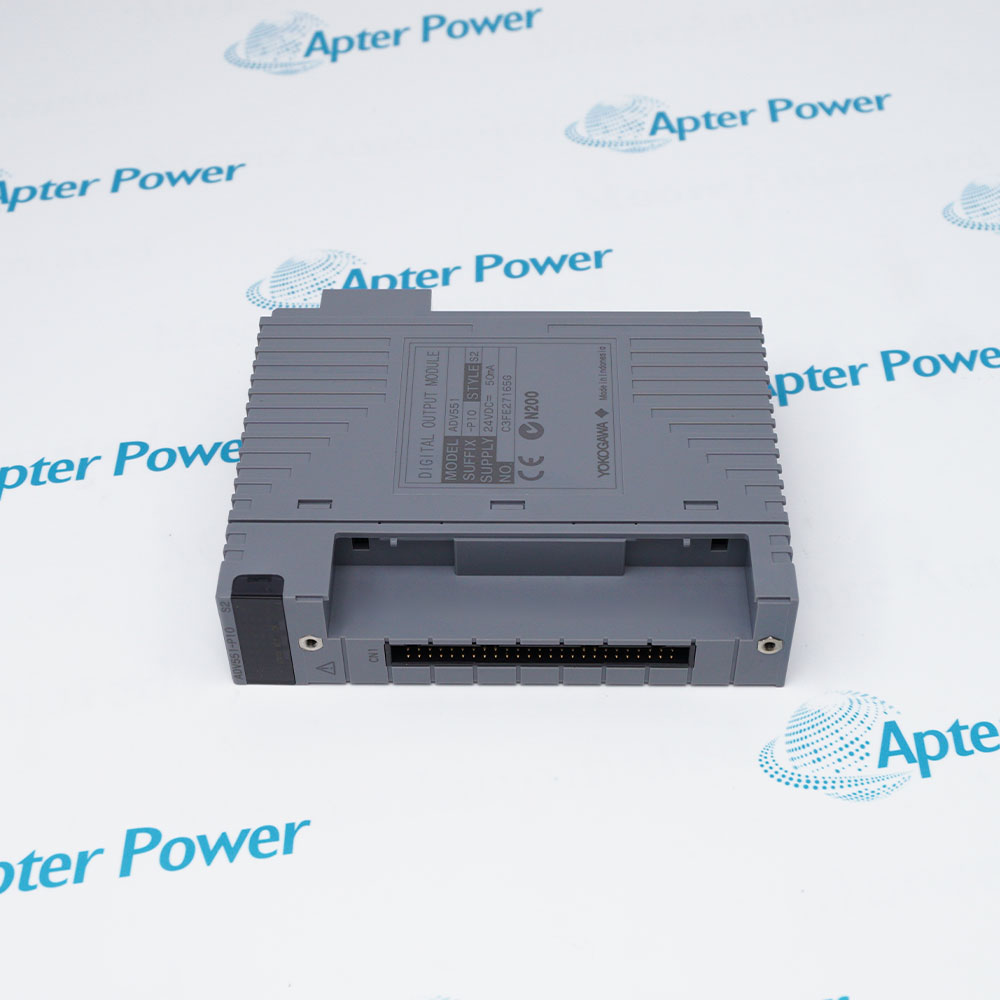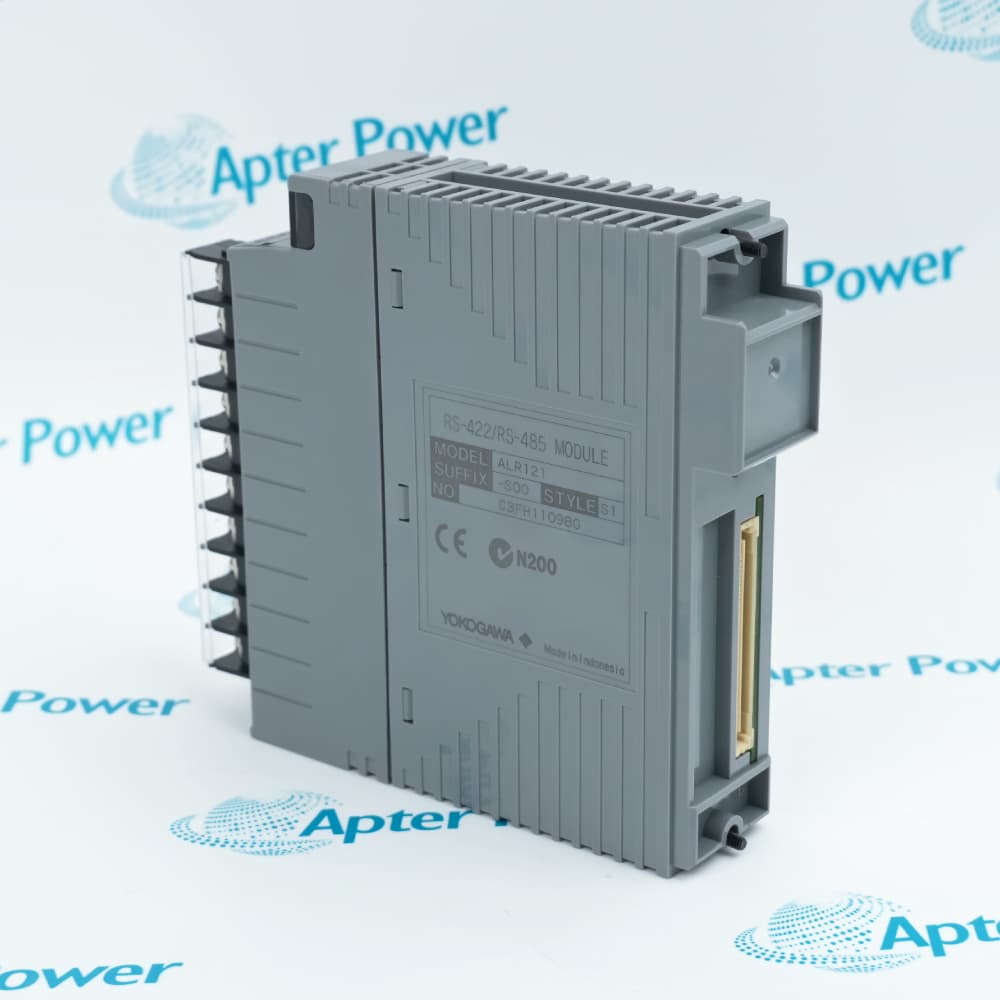
-
Match the complete marking
Include ATK4A-00 S1 and every revision or approval marking visible on the item. Keep the exact reference on your enquiry and quotation.
-
Check the offered item before ordering
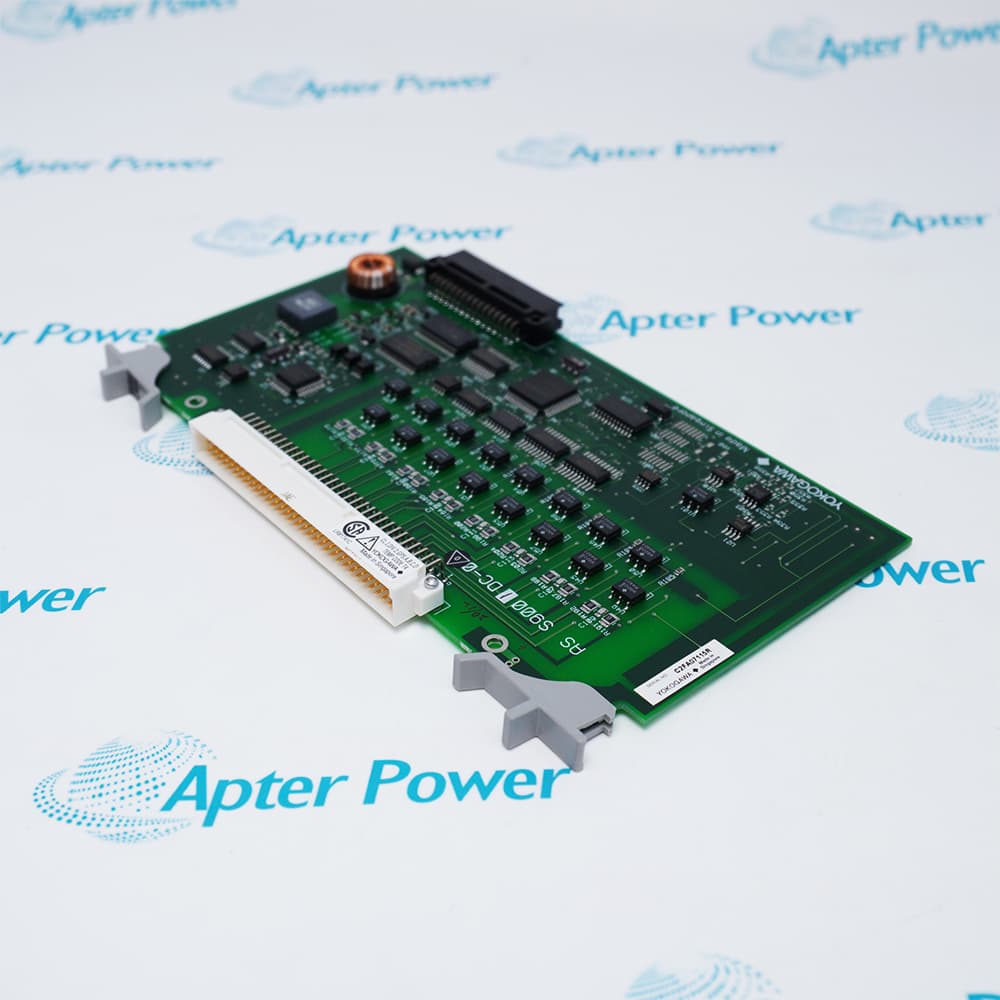
Request available label and interface photos. Have your maintenance team compare the offered ATK4A-00 S1 reference with the installed equipment and applicable Yokogawa documentation.
Technical specifications for ATK4A-00 S1
-
Manufacturer:Yokogawa
-
Product Category:DCS Systems
-
Spare Part Number:ATK4A-00 S1
-
Weight:0.05 kg
-
Tariff Code:8537101190
-
Base model:ATK4A-00
-
Interface class:KS cable interface adapter
-
Analog point capacity:16 points
-
Base specification code:00
-
Surge absorber:Not included in this adapter family listing
-
Supplied marking:S1 must be retained and verified on the actual adapter
-
Connection purpose:Transition between supported analog I/O modules and KS cable wiring
-
Compatibility boundary:Use only with module and cable combinations identified by Yokogawa
-
Replacement rule:Match model, style marking, connector keying and channel schedule
Information
- The complete ATK4A-00 S1 identity establishes the offered hardware. Confirm the installed system, revision and field interfaces before approving the replacement.
Evidence boundary: S1 is preserved as supplied; no unsupported electrical meaning is assigned.
Installation focus: Connector orientation and complete channel mapping control the changeover.
The adapter is a wiring interface rather than a signal-processing module. Correct service depends on the approved I/O module, KS cable, connector keying and one-to-one channel schedule.
Before replacement, photograph both connector faces and record every channel assignment. After installation, prove continuity and loop behaviour through the complete module-adapter-cable-terminal path.
-
Yokogawa ATK4A-00 S1 technical reference
Apter Power reference with verified manufacturer data and exact-model applicability. -
Yokogawa ATK4A-00 S1 engineering guide
Apter Power installation, configuration, diagnostic and acceptance guidance.
Platform applications: The uses below depend on the installed controller configuration and approved system design.
-
Analog cable transition
Connect a supported 16-point analog I/O module to its KS cable wiring. -
Maintenance replacement
Preserve the installed adapter identity, cable orientation and channel allocation. -
RIO migration support
Maintain the documented cable interface during an approved system upgrade. -
Bench continuity check
Verify every assigned conductor through the adapter without applying unsupported voltages.
Include S1 in photographs and the quotation even though no unverified meaning is assigned.
Mark the top, keyed side and cable direction before disconnection.
Compare every channel with the approved wiring list.
Check for bent pins, fretting, contamination and latch damage.
Do not apply loop power until the approved module and wiring are connected.
Test signal continuity and channel identity through the installed system.
Alternative Names
Technical notes
Installation relationship: Use the exact model marking and manufacturer wiring or installation information for the delivered hardware.
System boundary: Verify host equipment, companion interfaces, field wiring and configuration before energizing.
Technical reference: Yokogawa CENTUM VP system bulletin and analog I/O ordering information.

FAQ View All FAQ
-
How should the S1 marking on ATK4A-00 S1 be handled?Preserve it in the complete offered identity, photographs and maintenance record; do not assign an electrical function without matching Yokogawa evidence.
-
What proves channel order through ATK4A-00 S1?Use the approved 16-point wiring schedule and continuity-test each assigned conductor from module-side connector to the intended field terminal.
-
How can connector damage on ATK4A-00 S1 affect analog loops?Bent or contaminated contacts can introduce opens, unstable resistance or channel crossover; inspect both mating halves before loop calibration.
-
What must be matched when replacing ATK4A-00 S1?Confirm ATK4A-00 identity, S1 marking, connector keying, supported module, KS cable part and the complete channel schedule.
-
Should insulation resistance be tested directly through ATK4A-00 S1?Only use a method and voltage approved for the disconnected adapter and companion electronics; isolate sensitive modules before any insulation test.
-
How should spare ATK4A-00 S1 hardware be stored?Protect both connectors with clean covers, control humidity and static exposure, and retain the complete marking with the spare record.
-
What loop test follows installation of ATK4A-00 S1?Inject or simulate each approved analog channel and compare field terminal, module raw value and engineering indication for correct identity and stability.
-
What as-left evidence is required for ATK4A-00 S1?Retain connector photographs, continuity results, channel schedule, loop checks and any corrected wire or cable labels.
Supporting new and legacy automation
-
Please try to be as accurate as possible with your search.
-
We can quote you on 1000s of specialist parts, even if they are not listed on our website.
-
We can't find any results for “”.
Related cases and sourcing guidance
View all case studiesYou May Also Like
Product Browsing History
-
Whatsapp: +86 18030235313
Send us a message. -
sales13@apterpower.com
Complete our online form. -
+86 18030235313
Speak to our team in your native language.