-
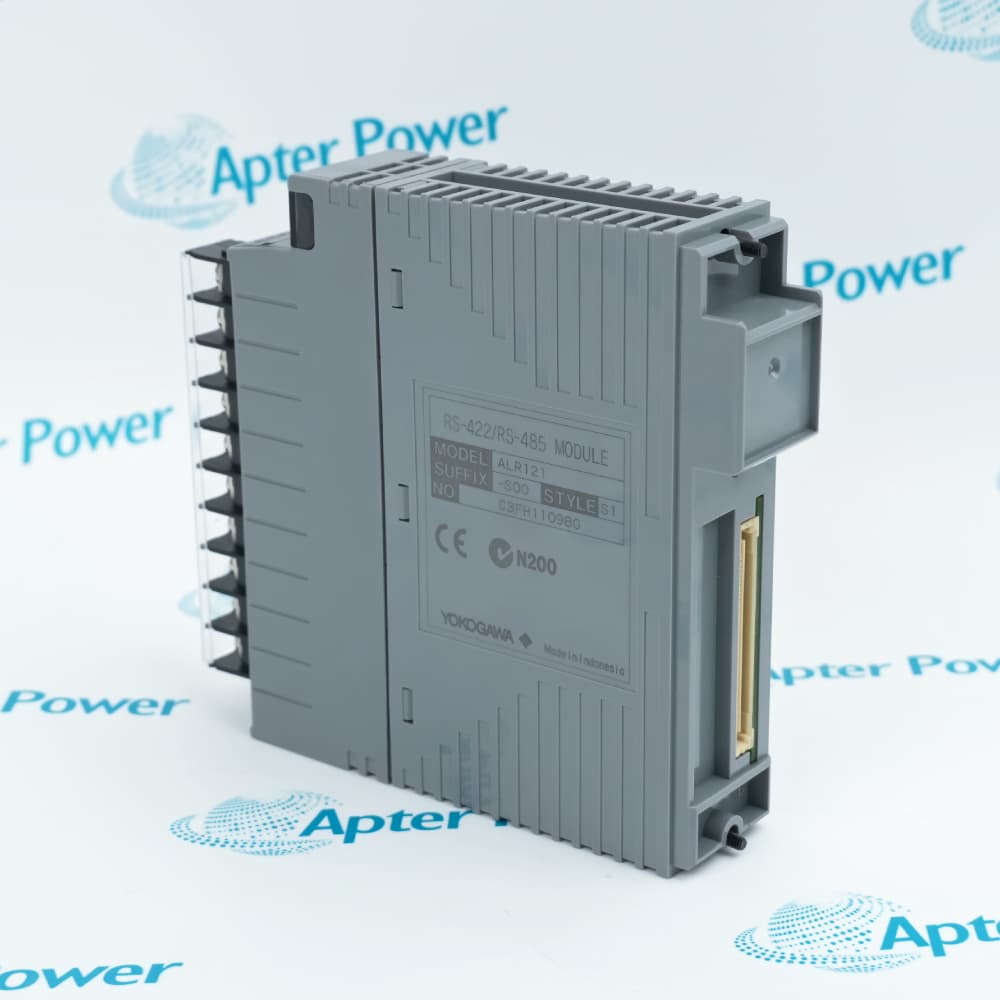
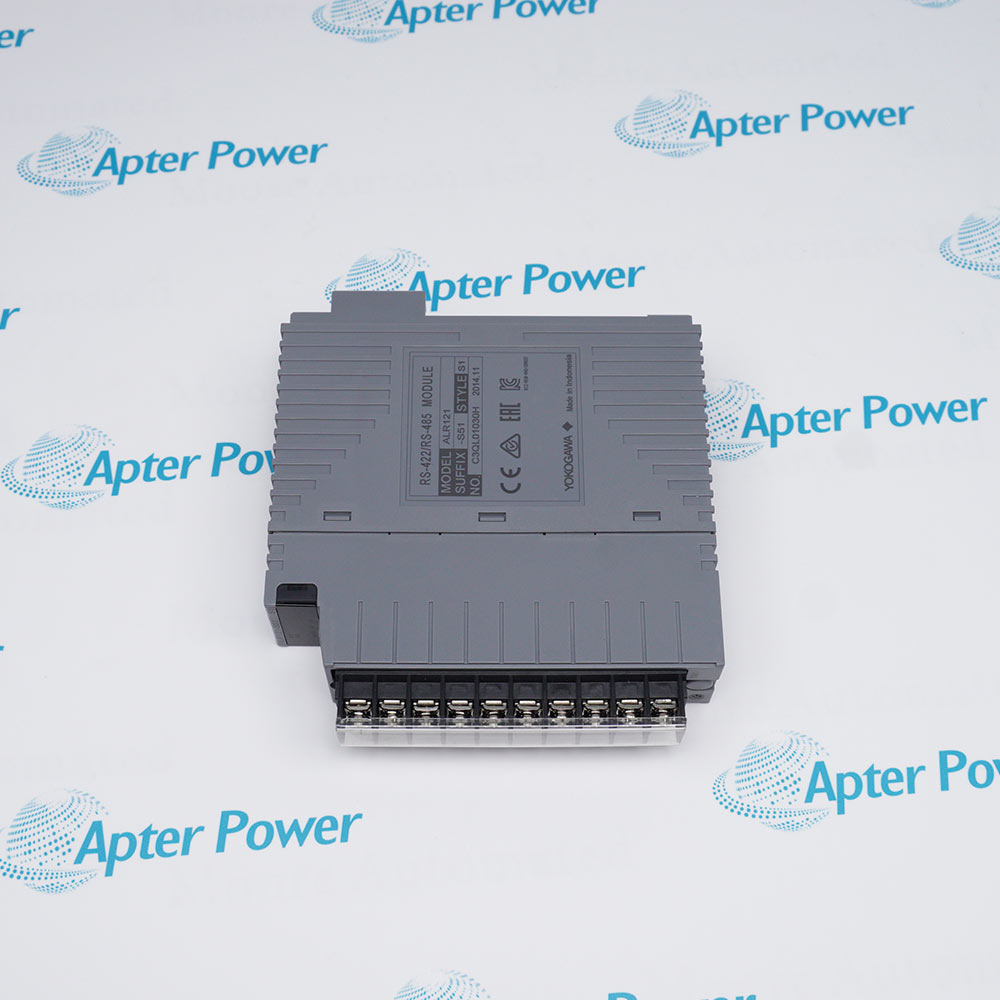
Match the complete marking
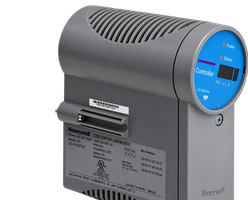
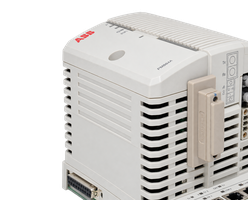
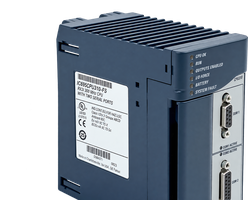
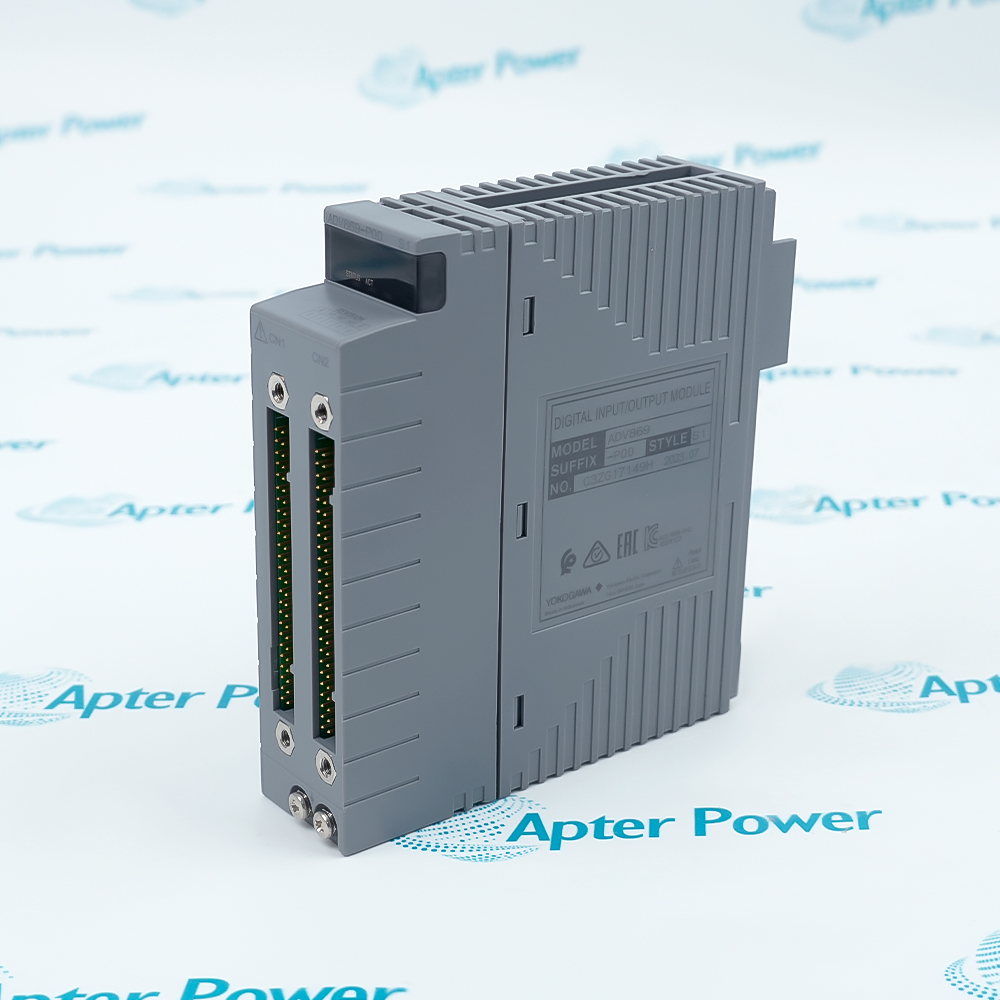
Include ADV159-P00 and every revision or approval marking visible on the item. Keep the exact reference on your enquiry and quotation.
-
Check the offered item before ordering
Request available label and interface photos. Have your maintenance team compare the offered ADV159-P00 reference with the installed equipment and applicable Yokogawa documentation.
Technical specifications for ADV159-P00
-
Manufacturer:Yokogawa
-
Product Category:DCS Systems
-
Spare Part Number:ADV159-P00
-
Weight:0.4 kg
-
Tariff Code:8537101190
-
Module function:Digital input module
-
Input count:32 points
-
Channel isolation:Each point individually isolated
-
Compatibility role:ST3/PB5-compatible input replacement
-
Basic specification code:P00
-
Replacement architecture:CENTUM VP field I/O / RIO system-upgrade context
-
Configuration boundary:Channel electrical type and terminal arrangement follow the approved Yokogawa project documents
-
Database boundary:Every input assignment and inversion/alarm use remains project-specific
-
Acceptance boundary:Prove each used point from field contact through the controller database
Information
- The complete ADV159-P00 identity establishes the offered hardware. Confirm the installed system, revision and field interfaces before approving the replacement.
Replacement boundary: P00 identifies the basic variant; project wiring still controls terminal use.
Commissioning focus: Preserve input numbering, field commons and controller database mapping.
The module identity does not replace the project wiring record. Terminal unit, cable, field voltage, wetting arrangement and database inversion or alarm use must be confirmed for every commissioned point.
A disciplined changeover records all 32 channel assignments, proves inactive-state voltage and operates each field contact while comparing terminal state, module indication and controller variable.
-
Yokogawa ADV159-P00 technical reference
Apter Power reference with verified manufacturer data and exact-model applicability. -
Yokogawa ADV159-P00 engineering guide
Apter Power installation, configuration, diagnostic and acceptance guidance.
Platform applications: The uses below depend on the installed controller configuration and approved system design.
-
ST3/PB5 input migration
Retain 32 legacy digital-input points in an approved CENTUM VP upgrade. -
Discrete alarm acquisition
Bring individually isolated field states into the configured controller database. -
Interlock input maintenance
Preserve point identity and prove the complete contact-to-logic path. -
Fault isolation
Separate field contact, cable, terminal, module and database-assignment faults.
Record terminal, tag, normal state and controller address before moving hardware.
Use the approved project drawing; do not infer voltage from the module family name.
Measure inactive channels for leakage, induced voltage or unintended shared returns.
Do not bridge isolated points with unauthorized test leads or commons.
Compare field contact, terminal state, module indication and controller variable.
Document inversion, debounce, alarm and interlock logic associated with each input.
Alternative Names
Technical notes
Installation relationship: Use the exact model marking and manufacturer wiring or installation information for the delivered hardware.
System boundary: Verify host equipment, companion interfaces, field wiring and configuration before energizing.
Technical reference: Yokogawa CENTUM VP system bulletin and technical-document index.

FAQ View All FAQ
-
How should all 32 channels of ADV159-P00 be documented before replacement?Create a point schedule containing field tag, terminal, normal state, controller address, alarm/interlock use and any software inversion.
-
What test proves individual isolation on ADV159-P00 has not been defeated by field wiring?With the approved isolation method, inspect return paths and measure unintended coupling between points; compare results with the project wiring design.
-
How can a false input on ADV159-P00 be separated from a database error?Measure the physical input state, check module indication, inspect raw controller value and then review scaling or inversion in the database.
-
What migration evidence is required for ADV159-P00?Retain the source ST3/PB5 point list, new terminal/cable mapping, controller database cross-reference and point-by-point acceptance results.
-
How should unused channels on ADV159-P00 be handled?Leave them in the manufacturer-approved unconnected state, label them as spare and verify that no unintended field voltage or database alarm is active.
-
What should be checked when one group of ADV159-P00 inputs is unstable?Inspect the shared field supply, cable route, shielding, terminal condition and environmental noise before replacing the module.
-
How should an interlock input on ADV159-P00 be acceptance-tested?Use the approved plant test to operate the source contact and prove the raw state, logic action, alarm indication and safe restoration.
-
What belongs in the as-left record for ADV159-P00?Store the final 32-point map, terminal photographs, measured inactive and active states, controller results and any database changes.
Supporting new and legacy automation
-
Please try to be as accurate as possible with your search.
-
We can quote you on 1000s of specialist parts, even if they are not listed on our website.
-
We can't find any results for “”.
Related cases and sourcing guidance
View all case studiesYou May Also Like
Product Browsing History
-
Whatsapp: +86 18030235313
Send us a message. -
sales13@apterpower.com
Complete our online form. -
+86 18030235313
Speak to our team in your native language.