Get Parts Quote
Name
Company *
Phone *
Email *
Address
City
State / Province / Region
Zipcode
Country
Quantity *
Part Number *
Manufacturer
Preferred Condition
Additional Information
Cancel
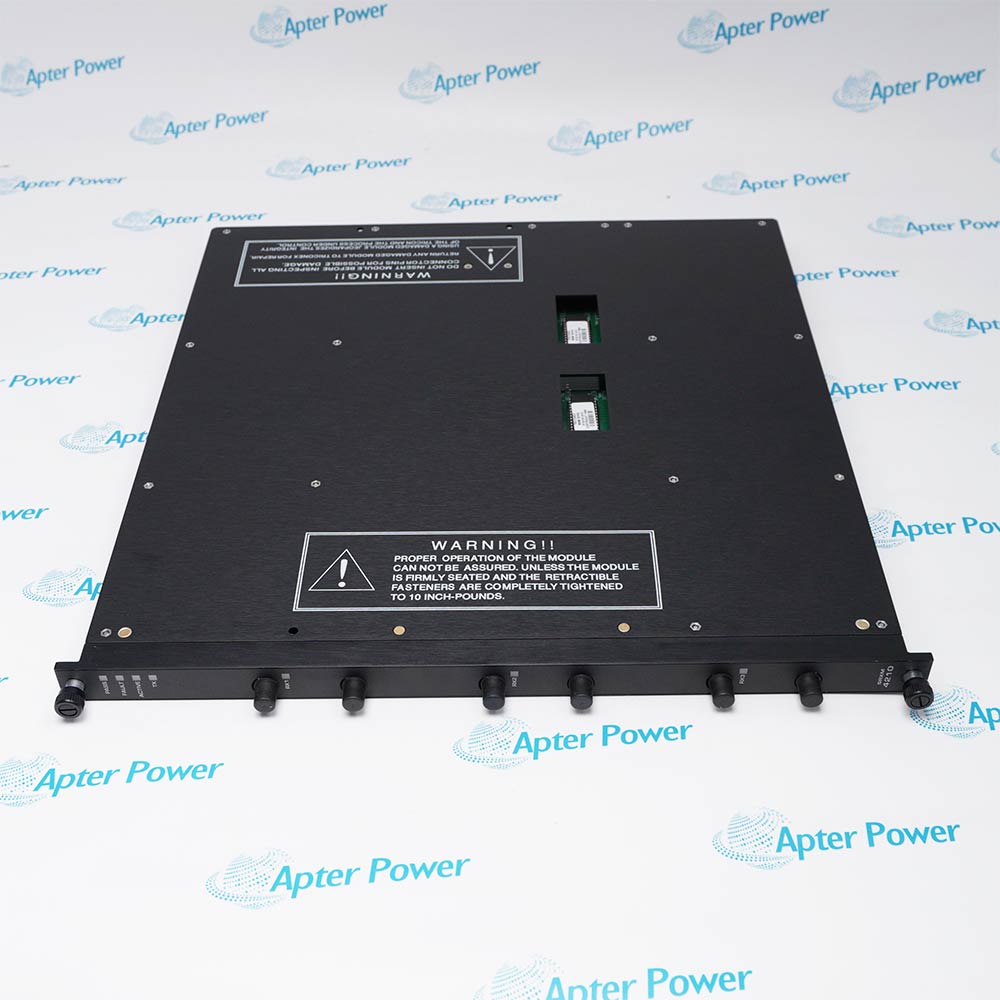
Invensys 4210
Invensys 4210
Invensys 4210
Invensys 4210
Invensys 4210
Invensys 4210
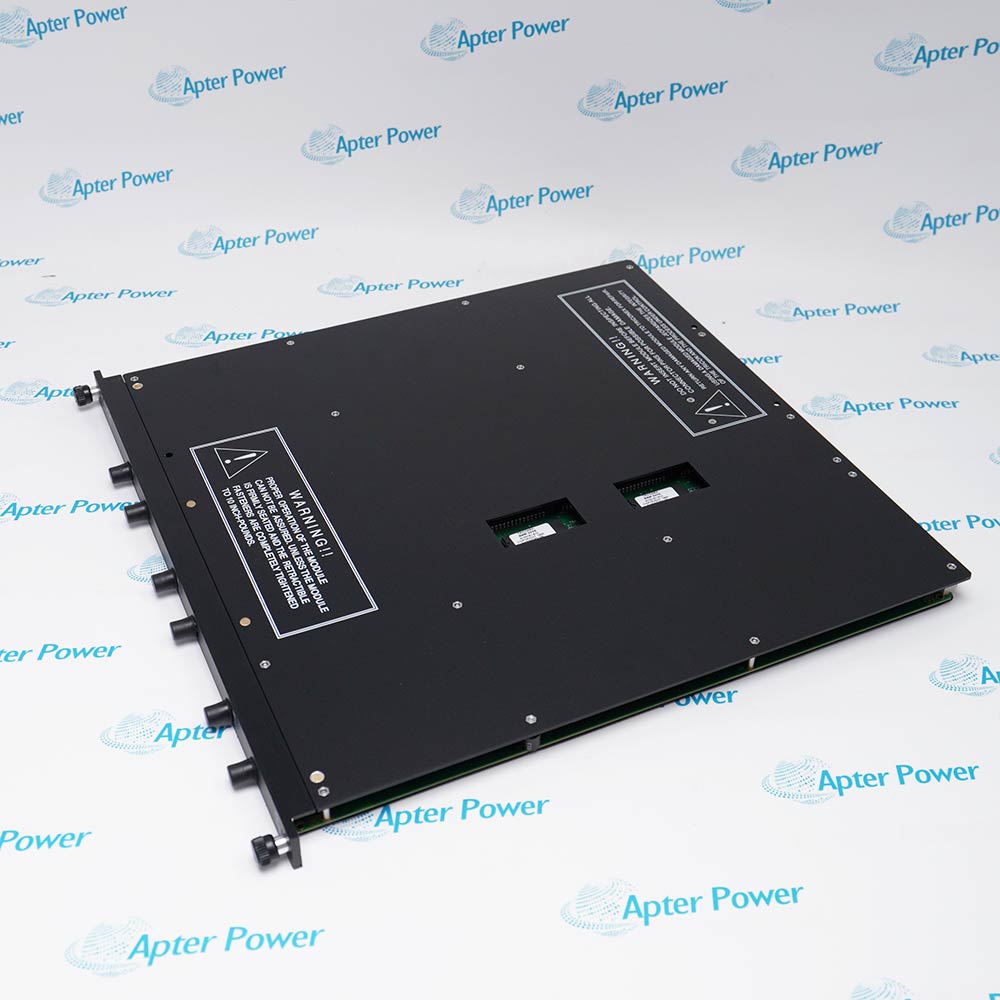
Product image is representative; revision or series may vary. Contact us to request a specific version.

4210

Primary Single-Mode Fiber Remote Extender Module

Product Describe:

Triconex 4210 is the primary single-mode fiber Remote Extender Module used in a 4210-3 set. It extends the triplicated I/O bus to remote Tricon chassis locations.

Ask our team:

Get a quick price for: 4210
Quantity*
Upload (gif, jpg, jpeg, png, bmp, doc, docx, xls, xlsx, ppt, pdf, csv)
For more information on how your data is processed and stored by Apterpower please read our privacy policy.

Technical specifications for 4210

Technical specifications for 4210

  • Manufacturer:
    Invensys
  • Product Category:
    DCS System
  • Spare Part Number:
    4210
  • Estimated shipping dimensions:
    49x45.3x6.8cm
  • Weight:
    2.75 kg
  • Tariff Code:
    8537101190
  • Counliy of origin:
    USA
  • Official set designation:
    4210-3
  • Chassis location:
    Primary
  • Cable type:
    Single-mode fiber
  • Communication rate:
    375 kbit/s
  • Cable length limit:
    7.5 mi (12 km)
  • Remote sites supported:
    3
  • Connectors per remote site:
    6
  • Modem ports:
    Fiber optic with ST connectors
  • Set quantity:
    3 identical modules
  • Indicators:
    PASS; FAIL; ACTIVE; TX; RX1; RX2; RX3

Information

Information

Overview Manuals Common Applications Product Precautions
Triconex 4210 is the primary single-mode fiber Remote Extender Module used in a 4210-3 set. It extends the triplicated I/O bus to remote Tricon chassis locations.
  • Extends the triplicated Tricon I/O bus from the primary chassis to remote sites
  • Repeats three isolated channels through single-mode fiber-optic links
  • Supports three remote locations from one primary RXM set
  • Provides ground-loop isolation and high immunity to electrical interference

4210 installs with three-module 4210-3 primary set, matching remote single-mode RXM set, ST-connector single-mode fiber pairs, remote Tricon I/O chassis in an engineered Tricon remote I/O extension configuration.

The commissioning workflow covers installed-hardware matching, controlled start-up and functional verification for this primary single-mode fiber remote extender module.

Important Notice: Confirm the complete 4210 marking, installed-system configuration, field connections and controlled functional test before commissioning or replacement.


Apter Power 4210 Manuals and Guides
Apter Power 4210 Product Technical Reference PDFApter Power 4210 Installation and Verification PDF
The first document is an Apter Power model-specific technical reference. The second supports model-specific installation, configuration and engineering verification.
Remote shutdown I/O building connectionSupports remote shutdown I/O building connection through the installed primary single-mode fiber remote extender module in a configured Tricon system.
Long-distance process-unit I/O extensionUses 4210 for long-distance process-unit I/O extension after the assigned host module, field interface and channel mapping are confirmed.
Ground-isolated fiber link between cabinetsApplies the 4210 hardware arrangement to ground-isolated fiber link between cabinets with controlled wiring and signal verification.
High-EMI remote Tricon chassis integrationProvides a defined engineering path for high-EMI remote Tricon chassis integration, including installation checks and final functional proof.
Read the applicable Triconex installation instructions before work. Verify 4210 and the installed Tricon remote I/O extension configuration.
1Verify 4210 and its channel position within the 4210-3 primary set.
2Place the remote I/O path and dependent safety functions in the approved maintenance state.
3Label every transmit and receive fiber before removing an ST connector.
4Use single-mode fiber and preserve the engineered optical link budget and route.
5Clean and inspect ST end faces with approved fiber practices.
6Maintain channel A/B/C correspondence across all six fibers for each remote site.
7Check PASS, FAIL, ACTIVE, TX, and RX1-RX3 indications after restoration.
8Exercise remote input and output paths before returning the site to service.

Technical notes

Technical notes

Treat 4210 as one channel of the three-module primary set, match every transmit/receive fiber to the corresponding remote channel, and verify RX1-RX3 plus TX diagnostics end to end.

FAQS

  • Can 4210 be substituted for a similar Triconex model without a configuration review?
    No. Confirm the exact model, companion hardware, signal execution, system version, and approved configuration before any substitution.
  • What evidence should be retained after RX1/RX2/RX3 diagnostic validation testing on 4210?
    Retain the full 4210 identity, as-left connections or settings, final diagnostics, measured functional-test result, and authorization to return the affected process function to service.
  • Which installed hardware must be matched before fitting 4210?
    Match 4210 to three-module 4210-3 primary set and matching remote single-mode RXM set, then confirm the complete physical marking and assigned Tricon remote I/O extension position.
  • How should an engineer verify 4210-3 three-module primary set for 4210?
    Use the approved connection drawing and the model-specific values in Tricon Systems Technical Product Guide; preserve the as-found terminal, connector, polarity, shield, and channel identity.
  • What check is required for single-mode ST fiber routing when commissioning 4210?
    Apply a controlled signal or command within the documented range and compare the field result, controller indication, and product diagnostics before normal operation.
  • Which installation error is most important to prevent on 4210?
    Do not interchange 4210 with an adjacent execution or alter its matched three-module 4210-3 primary set; the exact electrical, channel, and connector arrangement must be retained.
  • How is three-remote-site channel mapping handled during a 4210 replacement?
    Record the installed state first, isolate the associated process function, reproduce only the approved model-specific arrangement, and verify it before energization.
  • Which diagnostics should be reviewed after installing 4210?
    Review the applicable point, module, power, communication, or load indicators for 4210, then confirm the intended role: extends the triplicated tricon i/o bus from the primary chassis to remote sites.
Trusted by 5,000+ plants worldwide | Backed by our vast inventory of top-tier control parts, modules and cards, fast shipments are dispatched to cover your urgent needs. ABOUT US >>
Disclaimer: We are not an authorized distributor or distributor of the product manufacturer of this website, The product may have older date codes or be an older series than that available direct from the factory or authorized dealers. Because our company is not an authorized distributor of this product, the Original Manufacturer`s warranty does not apply.While many DCS PLC products will have firmware already installed, Our company makes no representation as to whether a DSC PLC product will or will not have firmware and, if it does have firmware, whether the firmware is the revision level that you need for your application. Our company also makes no representations as to your ability or right to download or otherwise obtain firmware for the product from our company, its distributors, or any other source. Our company also makes no representations as to your right to install any such firmware on the product. Our company will not obtain or supply firmware on your behalf. It is your obligation to comply with the terms of any End-User License Agreement or similar document related to obtaining or installing firmware.

Product Browsing History

We’re Here When You Need Us

From product insights to customer service needs, our experienced service team will focus on getting you what you need quickly

Enquire

Complete our online form.

Call Us

Speak to one of our team.

Live Chat

Send us a message.