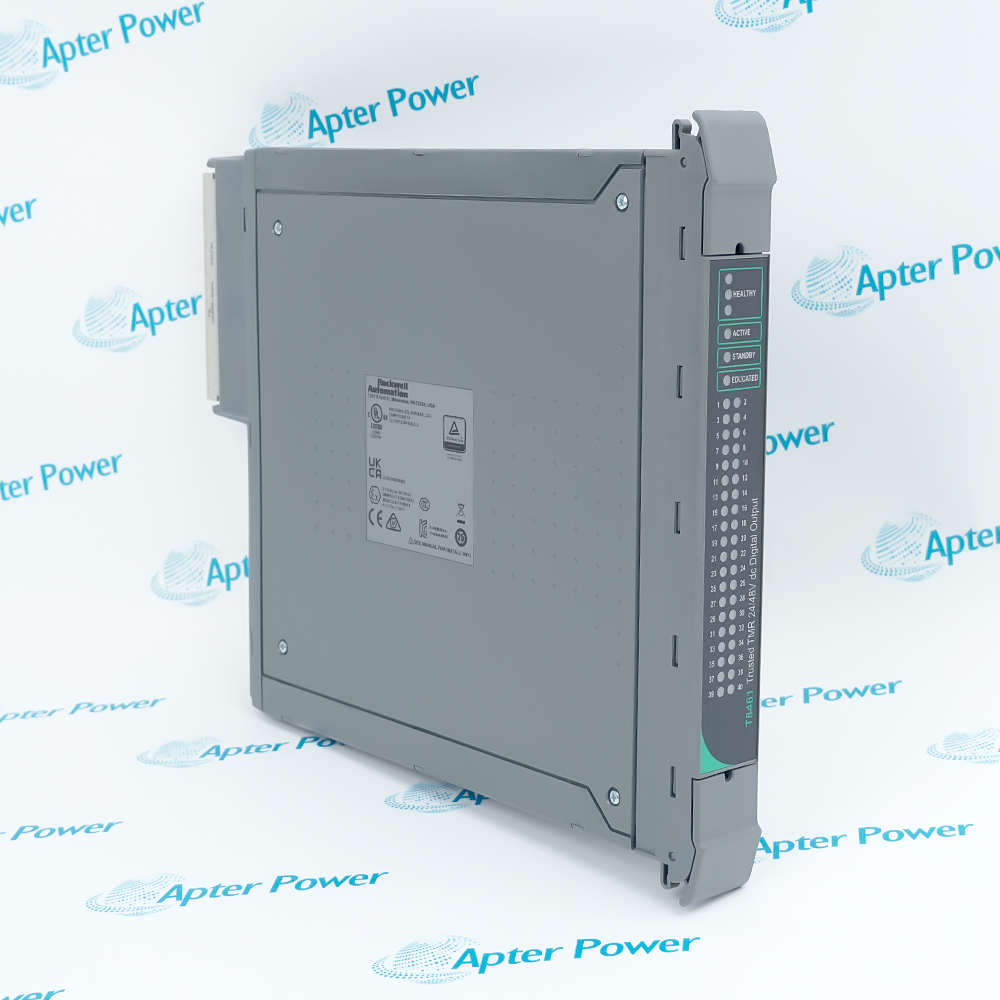
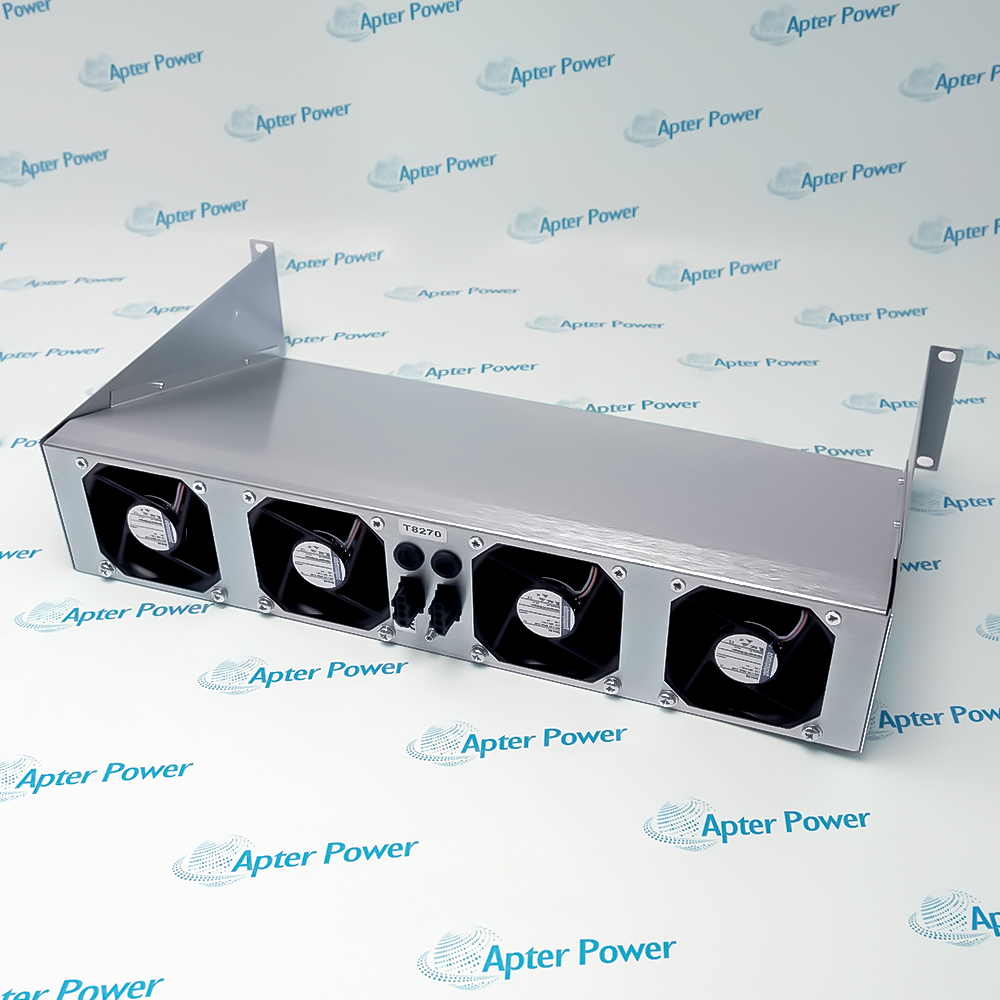
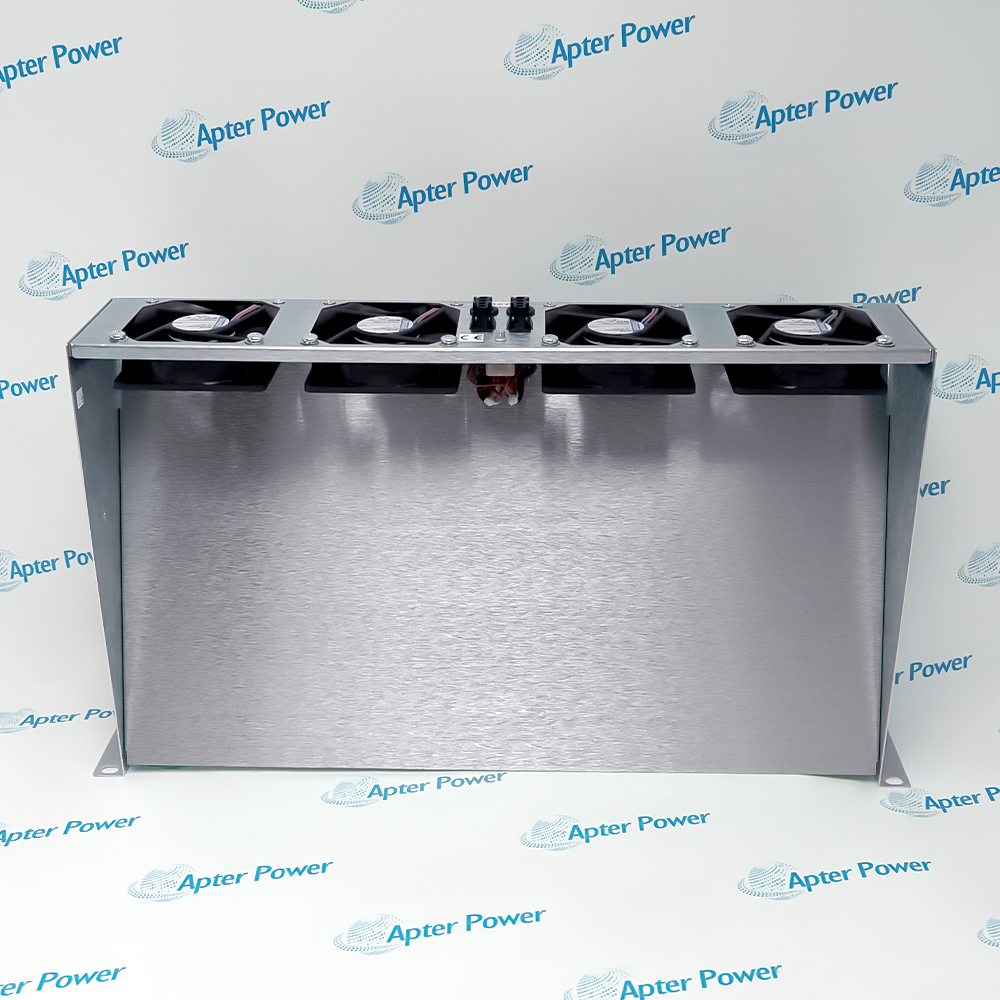
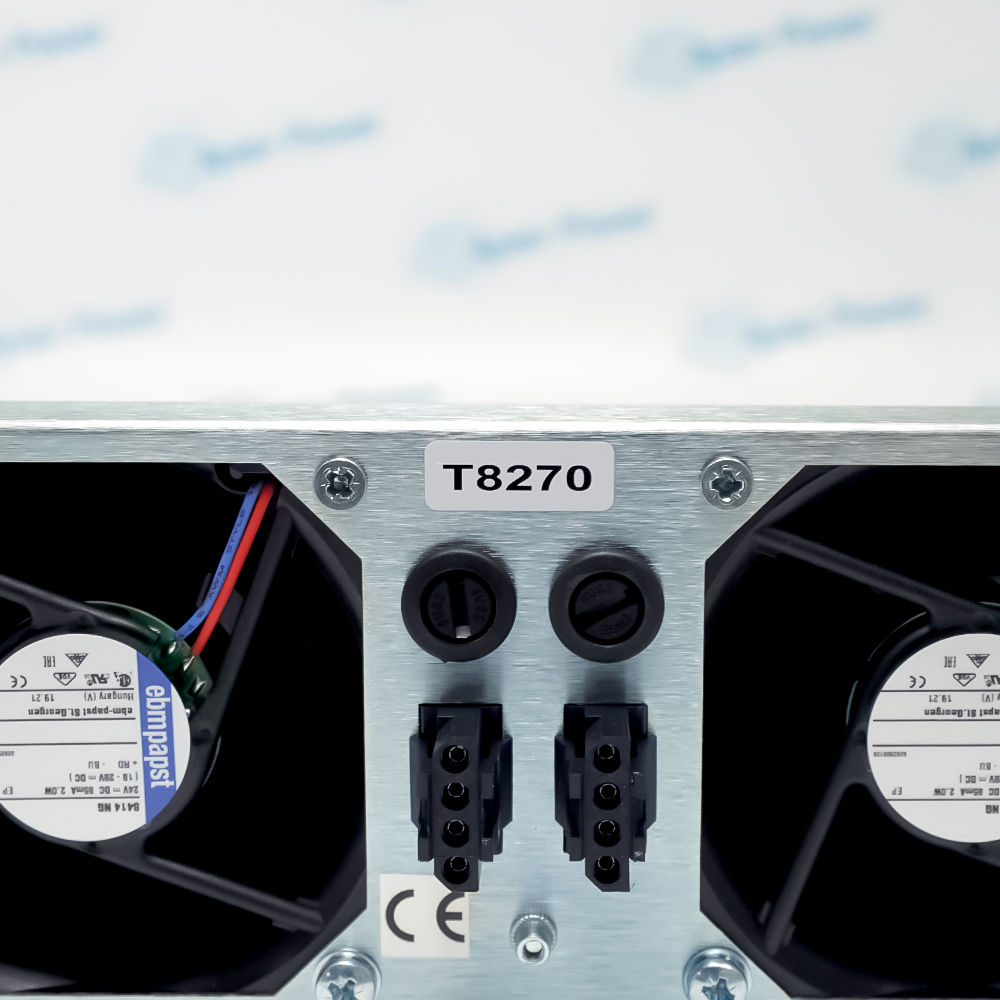
The T8270 is an ICS Triplex Trusted 24 Vdc Rack-Mounted Fan Tray for Trusted 8000 systems.
- Four 24 Vdc fans; two fused supply groups
- Designed for the Trusted 8000 architecture
- provides forced-air cooling for the Trusted module chassis and reports individual fan-rotation status through the documented monitoring circuit
- Model-specific compatible hardware: Trusted chassis, T8292 power distribution MCB, TC-011-01 fan power cable and approved cabinet ventilation path
It provides forced-air cooling for the Trusted module chassis and reports individual fan-rotation status through the documented monitoring circuit. It handles dual 24 Vdc fan supplies and four open-collector fan-fault monitoring outputs and works with Trusted chassis, T8292 power distribution MCB, TC-011-01 fan power cable and approved cabinet ventilation path. For dependable operation, follow the official model-specific system matching, wiring, environmental and commissioning instructions.
Important Notice: Confirm the exact T8270 physical nameplate, hardware revision and controlled project record before installation or replacement.
Apter Power T8270 Manuals and Guides
Important Notice: These are original Apter Power reference documents based on the cited Rockwell Automation sources. Confirm the physical nameplate and current official documentation before use.
Trusted chassis cooling
T8270 provides forced-air cooling for the Trusted module chassis and reports individual fan-rotation status through the documented monitoring circuit.
Safety-system cabinet airflow
T8270 dual 24 Vdc fan supplies and four open-collector fan-fault monitoring outputs.
Rack thermal management
T8270 provides forced-air cooling for the Trusted module chassis and reports individual fan-rotation status through the documented monitoring circuit.
Fan-fault monitoring
T8270 dual 24 Vdc fan supplies and four open-collector fan-fault monitoring outputs.
Cooling assembly replacement
T8270 provides forced-air cooling for the Trusted module chassis and reports individual fan-rotation status through the documented monitoring circuit.
Read Rockwell Automation Trusted 24 Vdc Fan Assembly Rack Mounted and the applicable system installation instructions before use. Verify the exact model, revision, slot or base, termination hardware and field wiring.
1
Mount the tray in the documented rack position so airflow reaches the module chassis.
2
Verify both 24 Vdc supplies, polarity and the specified anti-surge fuses.
3
Keep inlet and exhaust paths clear and maintain the cabinet roof ventilation arrangement.
4
Use the approved T8292 distribution and TC-011-01 fan power cable.
5
Prove all four fans and fault-monitoring signals after installation.