Get Parts Quote
Name
Company *
Phone *
Email *
Address
City
State / Province / Region
Zipcode
Country
Quantity *
Part Number *
Manufacturer
Preferred Condition
Additional Information
Cancel

A6370D

Overspeed Monitor
In Stock
Ships by Tuesday, September 22
Fast Shipping Available

Product Describe:

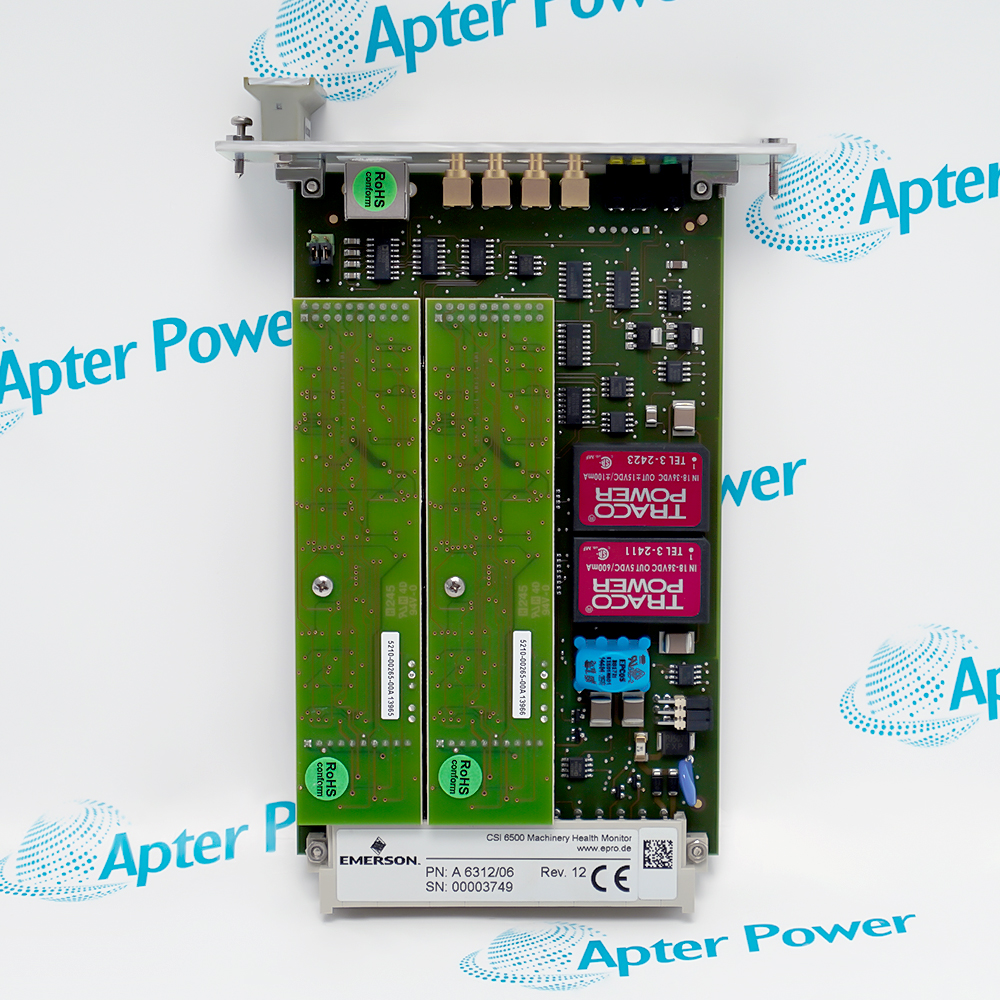
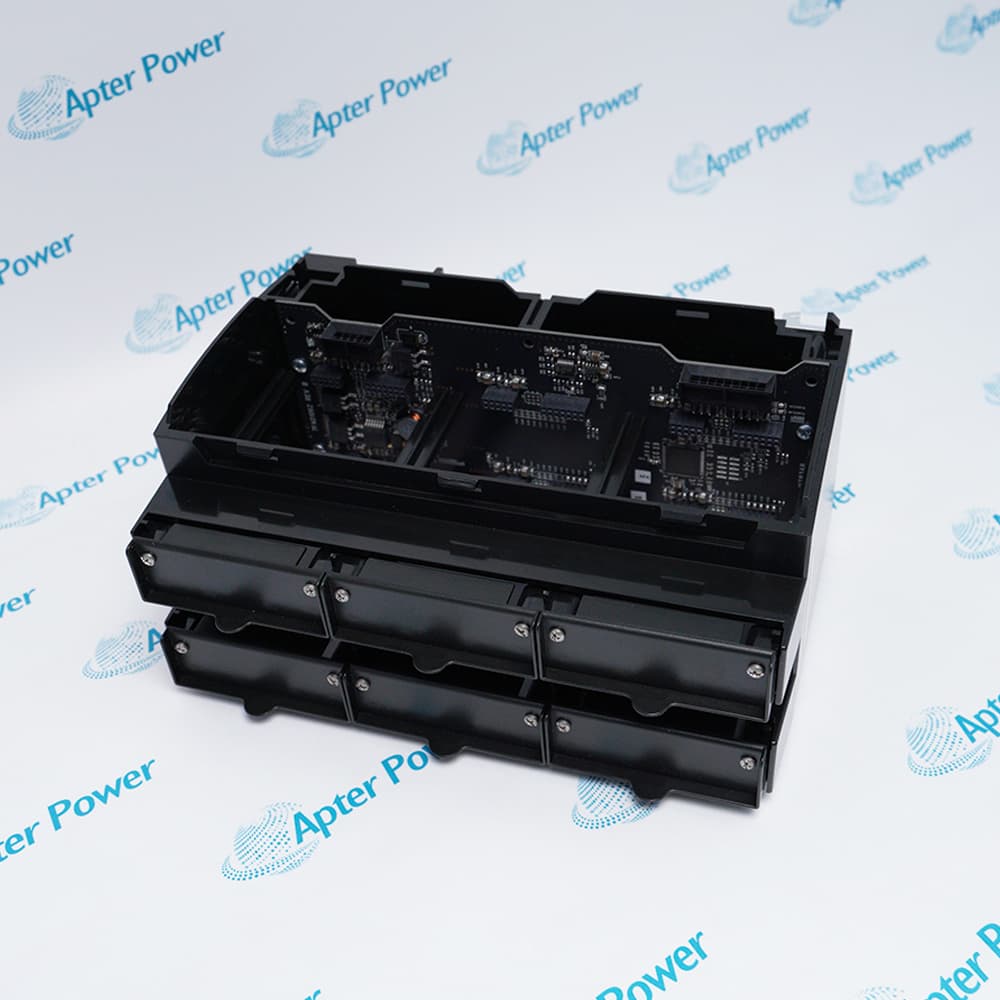
Emerson A6370D is a one-channel speed monitor with display for the AMS 6300 SIS overspeed protection system. Three monitors can be used with the system backplane and terminal hardware to implement independent speed channels and voted protection logic.

Ask our team:

Get a quick price for: A6370D
Quantity*
Upload (gif, jpg, jpeg, png, bmp, doc, docx, xls, xlsx, ppt, pdf, csv)
For more information on how your data is processed and stored by Apterpower please read our privacy policy.

Technical specifications for A6370D

Technical specifications for A6370D

  • Manufacturer:
    Emerson
  • Product Category:
    Machinery Monitoring System
  • Spare Part Number:
    A6370D
  • Estimated shipping dimensions:
    19x12.8x7cm
  • Weight:
    0.24 kg
  • Tariff Code:
    8537101190
  • Counliy of origin:
    USA
  • System:
    AMS 6300 SIS
  • Channels:
    1 speed channel
  • Local interface:
    Display
  • Typical system quantity:
    3 monitors
  • Protection function:
    Overspeed detection
  • Backplane:
    A6371 family
  • Terminal hardware:
    A6380 or A6381
  • Supply:
    24 VDC system

Information

Information

Overview Manuals Common Applications Product Precautions
Emerson A6370D is a one-channel speed monitor with display for the AMS 6300 SIS overspeed protection system. Three monitors can be used with the system backplane and terminal hardware to implement independent speed channels and voted protection logic.
  • Provides one independent overspeed channel
  • Includes a local display for channel values
  • Operates in a three-monitor AMS 6300 SIS architecture
  • Supports system alarm and trip functions

Record the sensor type, pulse count, speed range, setpoints and relay allocation before replacing A6370D. Test the channel with a traceable frequency source and prove display, alarm, trip and system voting before restoring the protected machine.

Important Notice: Verify A6370D from the physical marking and current manufacturer documentation before installation or configuration.

Apter Power Emerson A6370D Manuals and Guides
Apter Power Emerson A6370D Product Technical ReferenceApter Power Emerson A6370D Installation and Verification Guide

Important Notice: Use these model-specific records together with the current manufacturer publication and the installed-system documentation.

Steam-turbine overspeed protection
Supervises one independent shaft-speed channel.
Gas-turbine speed trip
Provides a dedicated frequency-to-speed protection path.
Compressor train overspeed logic
Contributes one channel to a voted protection system.
AMS 6300 SIS channel replacement
Restores a displayed A6370D channel while preserving system voting.
Read the applicable Emerson instructions before work. Verify A6370D and the installed system configuration.
1
Confirm A6370D and do not substitute A6370D/DP unless Profibus is explicitly required.
2
Place the overspeed protection system in the approved bypass or maintenance state.
3
Record sensor type, pulse count, frequency range and speed units.
4
Capture alert, danger and trip setpoints with their delay and voting assignments.
5
Verify redundant 24 VDC system power before card work.
6
Use ESD controls and protect the rack connector.
7
Inject low, normal and trip-level frequencies after installation.
8
Prove the local display, channel trip and system voting before release.

Technical notes

Technical notes

Record the sensor type, pulse count, speed range, setpoints and relay allocation before replacing A6370D. Test the channel with a traceable frequency source and prove display, alarm, trip and system voting before restoring the protected machine.

FAQS

  • What does the D suffix identify on Emerson A6370D?
    The ordering table identifies A6370D as the one-channel speed monitor with display.
  • How is Emerson A6370D different from A6370D/DP?
    A6370D/DP adds the Profibus option; the exact A6370D order code does not include that option.
  • How many speed inputs does Emerson A6370D monitor?
    Each A6370D provides one independent speed channel.
  • Why are three Emerson A6370D monitors commonly installed?
    The AMS 6300 SIS architecture uses three independent monitors so the backplane and relay arrangement can implement the required protection voting.
  • Which backplane family is used with Emerson A6370D?
    The system documentation pairs the monitors with A6371-series backplanes.
  • Which terminal blocks are documented with Emerson A6370D?
    The AMS 6300 SIS manual identifies A6380 or A6381 terminal hardware.
  • What data must be preserved before changing Emerson A6370D?
    Preserve sensor selection, pulses per revolution, speed range, setpoints, delays, relay allocation and system voting.
  • How should Emerson A6370D be proof-tested?
    Apply traceable input frequencies below and above each configured threshold and verify display, alarm, channel trip, backplane output and voted system response.
Trusted by 5,000+ plants worldwide | Backed by our vast inventory of top-tier control parts, modules and cards, fast shipments are dispatched to cover your urgent needs. ABOUT US >>
Disclaimer: We are not an authorized distributor or distributor of the product manufacturer of this website, The product may have older date codes or be an older series than that available direct from the factory or authorized dealers. Because our company is not an authorized distributor of this product, the Original Manufacturer`s warranty does not apply.While many DCS PLC products will have firmware already installed, Our company makes no representation as to whether a DSC PLC product will or will not have firmware and, if it does have firmware, whether the firmware is the revision level that you need for your application. Our company also makes no representations as to your ability or right to download or otherwise obtain firmware for the product from our company, its distributors, or any other source. Our company also makes no representations as to your right to install any such firmware on the product. Our company will not obtain or supply firmware on your behalf. It is your obligation to comply with the terms of any End-User License Agreement or similar document related to obtaining or installing firmware.

We’re Here When You Need Us

From product insights to customer service needs, our experienced service team will focus on getting you what you need quickly

Enquire

Complete our online form.

Call Us

Speak to one of our team.

Live Chat

Send us a message.