Speak to a sourcing specialist
sales13@apterpower.com

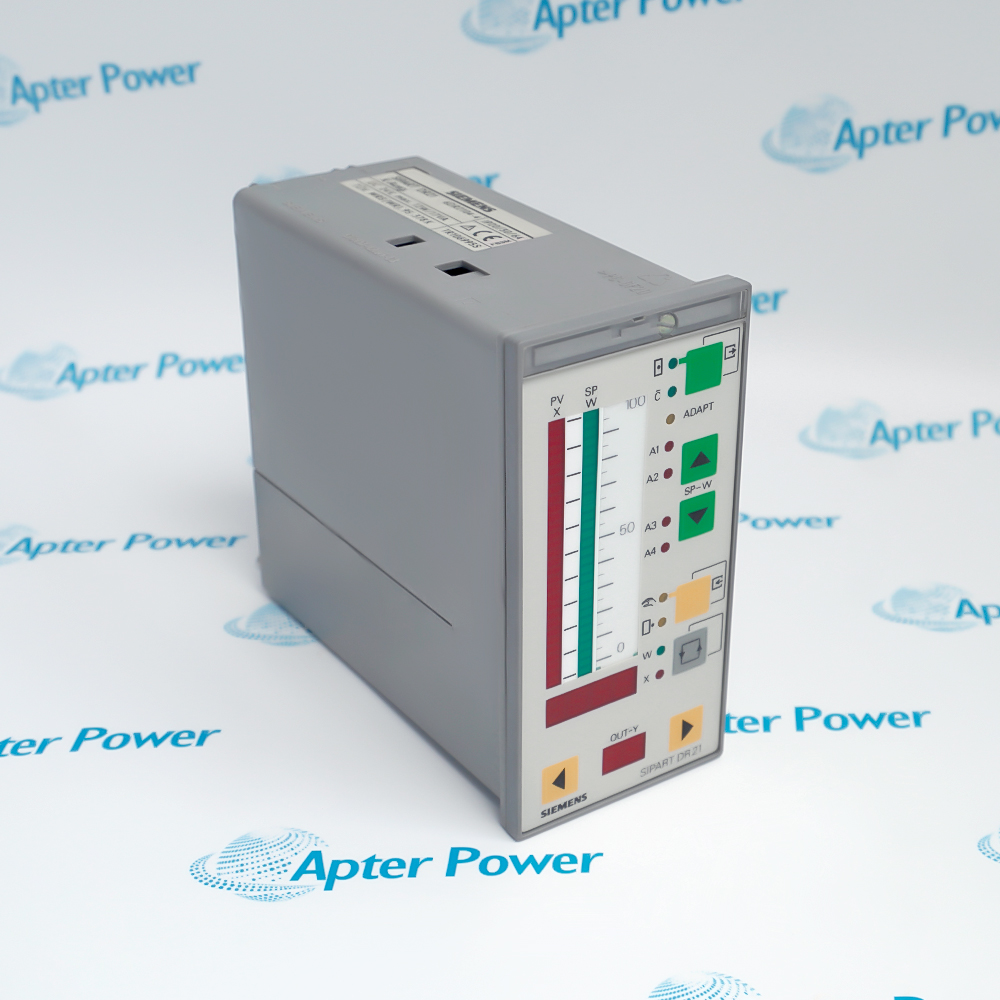
6DR2803-8C

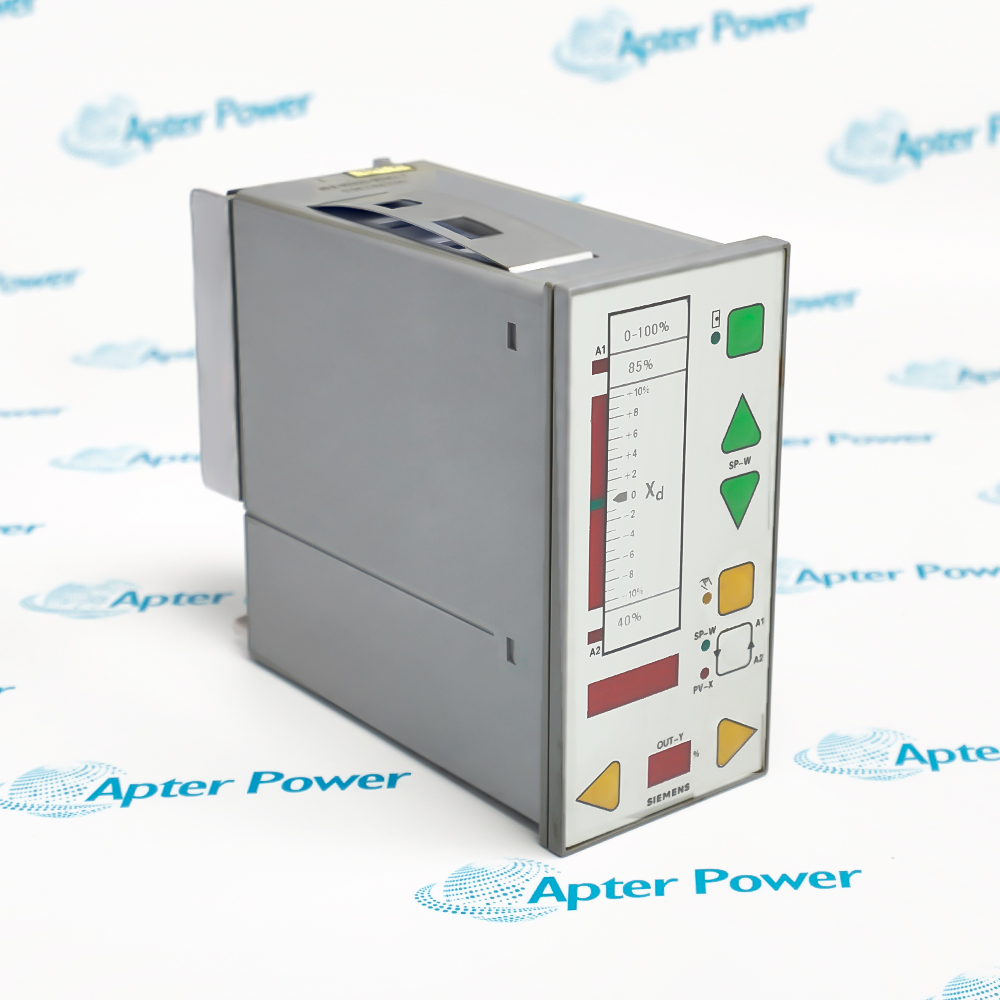
Isolated Serial Communication Interface Module
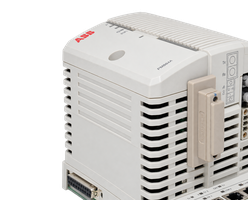
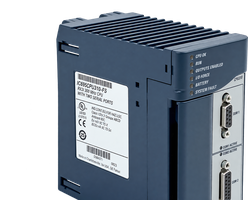
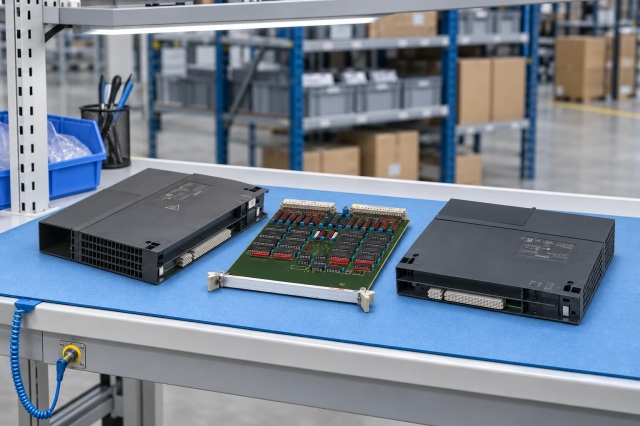
Product image is representative; revision or series may vary. Contact us to request a specific version.

Product Describe:

Siemens 6DR2803-8C adds an isolated RS232 or RS485 interface to supported SIPART DR controllers. Jumper selection determines the electrical interface used for process data, operating states and parameter exchange.
  • Manufacturer part number
    6DR2803-8C
  • Shipping
    Swift global dispatch
  • Condition
    New, original product
  • Shipping size (est.)
    13.5cm x 4.4cm x 1.6cm
  • Country of Origin
    USA
Get a quick price for 6DR2803-8C
E-mail *
Mobile
Company
Content *
Quantity *
Upload (gif, jpg, jpeg, png, bmp, doc, docx, xls, xlsx, ppt, pdf, csv)
For more information on how your data is processed and stored by Apterpower please read our privacy policy

What happens after you enquire

  • 0

    Review your reference

    Send the complete 6DR2803-8C reference, label photographs and required quantity. Check the RS232/RS485 jumper configuration and the intended controller slot and connector.

  • 1

    Confirm the offer

    Review the offered 6DR2803-8C execution, condition and included items. Confirm serial module and any separately quoted connector or cable in the quotation.

  • 2

    Arrange dispatch

    Swift global dispatch. Confirm quantity, dispatch date and delivery details for 6DR2803-8C in the quotation.

  • Match the complete marking

    Match the complete Siemens 6DR2803-8C marking and actual installed configuration. Check the RS232/RS485 jumper configuration and the intended controller slot and connector.

  • Check the offered item before ordering

    Compare offered-unit photographs, interfaces and included items with the installed 6DR2803-8C and its applicable installation requirements.

Technical specifications for 6DR2803-8C

  • Manufacturer:
    Siemens
  • Product Category:
    DCS Systems
  • Spare Part Number:
    6DR2803-8C
  • Weight:
    0.04 kg
  • Tariff Code:
    8537101190
  • Electrical interfaces:
    RS232 or RS485
  • Transmission mode:
    Asynchronous, half-duplex
  • Transmission speed:
    300–9600 bit/s
  • Addressable stations:
    32
  • Character format:
    10 bits: start, 7-bit ASCII, parity, stop
  • Data-traffic monitoring:
    1–25 s or disabled
  • Galvanic isolation:
    Up to 50 V UC
  • RS232 cable-capacitance limit:
    2.5 nF
  • RS485 cable-capacitance limit:
    200 nF

Information

Overview Downloads Applications / Compatibility Product Precautions
  • Siemens 6DR2803-8C links a SIPART controller to a supervisory system while keeping communication mode, telegram format and bus reference wiring aligned with the installed controller.
Interface selection: Hardware jumpers determine the serial circuit
Data exchange: Process values, operating state and configuration
Integration discipline: Use the telegram definition for the actual controller
RS232 is used for point-to-point communication, while the supported DR21, DR22 and DR24 arrangements also permit an RS485 serial bus. Select the interface on the module and match the host wiring accordingly.

The asynchronous half-duplex link uses the applicable DIN 66258 procedure and controller-specific telegram definition. Host address, character format, speed and time monitoring must be coordinated before enabling supervisory writes.

Cable capacitance limits the permissible connection length. Evaluate the actual cable construction and topology, then validate both read transactions and controlled parameter changes without disturbing the local control function.
Controller platform reference: SIPART DR serial communication. Follow the applicable installation instructions and approved design.
Technical and service documents for Siemens 6DR2803-8C, covering the applicable hardware arrangement and engineering verification.
Original manufacturer pages retain their technical context. Use the Apter Power guide with the applicable manufacturer instructions and approved installation design.
System and supply context: Siemens 6DR2803-8C serves the SIPART DR serial communication arrangement. Evaluate the full connected signal or control path when selecting companion hardware.

Application scope: The applications below describe the installed measurement or control path. Select compatible companion equipment; accessories are included only when expressly itemized.
Prepare Siemens 6DR2803-8C for its configured installation using these checks.
Record the controller telegram setup

Identify the SIPART controller type, module position, selected serial procedure, address and host settings. Save the operating parameters before changing communication hardware.

Check the physical serial circuit

Inspect the RS232/RS485 jumper selection and match it to the terminal wiring. Review cable capacitance, reference connections and the intended network topology.

Install and restore settings

Keep local control in the approved maintenance condition, then replace the module according to the controller procedure. Restore jumpers, address and host communication settings.

Validate read and write behavior

Read known process and status values first. Perform only authorized test writes, confirm readback and observe whether local controller behavior remains as intended.

Test communication-loss response

Apply the approved timeout or disconnection test and verify local-control continuity and supervisory diagnostics. Record final serial settings and restore normal access permissions.

Configuration handover

Retain the final 6DR2803-8C identity, tested settings and accepted channel or system response for subsequent maintenance.

Alternative Names

Siemens 6DR2803-8C

Technical notes

Electrical and protocol pairing: Select RS232 or RS485 in hardware and match the host telegram procedure independently. A correct electrical connection does not resolve a wrong controller telegram format.

Cable-capacitance assessment: Permissible cable length depends on cable capacitance and construction. Use the applicable capacitance limit rather than assuming one maximum length for every cable.

Supervisory-write control: Validate readback before enabling writes to setpoints or configuration. Coordinate communication timeout behavior with the local controller’s intended operation.

FAQ View All FAQ

  • Why can 6DR2803-8C remain silent even when the host baud rate is correct?
    The hardware interface jumper, telegram procedure, address and character format must also match. Check these separately before replacing the module.
  • Can RS232 and RS485 wiring be interchanged on 6DR2803-8C without changing jumpers?
    No. The jumper selection determines the electrical interface. Restore the correct hardware setting and use the corresponding terminal assignment.
  • What limits the usable cable length for 6DR2803-8C?
    Cable capacitance and construction determine the permitted length. Evaluate the actual cable against the interface-specific capacitance limit rather than applying one universal distance.
  • Why should supervisory writes through 6DR2803-8C be tested after reads?
    A valid read verifies only part of the exchange. Controlled write and readback tests establish that the correct parameter or setpoint is being changed.
  • How should multiple controllers using 6DR2803-8C avoid address conflicts?
    Assign and verify distinct station addresses and use the supported RS485 bus arrangement, including the approved reference and termination scheme.
  • What should be reviewed before disabling traffic monitoring on 6DR2803-8C?
    Determine how loss of the supervisory link is detected elsewhere and how local control should continue. Removing timeout monitoring must not hide a required communication fault.
  • Does galvanic isolation on 6DR2803-8C eliminate all bus-reference requirements?
    No. Follow the applicable interface wiring and potential limits. Isolation is not permission to omit the required reference or protective arrangements.
  • Why must the SIPART controller type be known when integrating 6DR2803-8C?
    The telegram details and supported data exchanges are controller-specific. Use the correct definition for the actual DR controller rather than a generic serial driver assumption.
SPEAK TO OUR TEAM
Let’s find the right solution for you.
Send us the part number, quantity and delivery destination. Our team will help confirm availability and lead time.
  • Whatsapp: +86 18030235313

    Send us a message.
  • sales13@apterpower.com

    Complete our online form.
  • +86 18030235313

    Speak to our team in your native language.