-
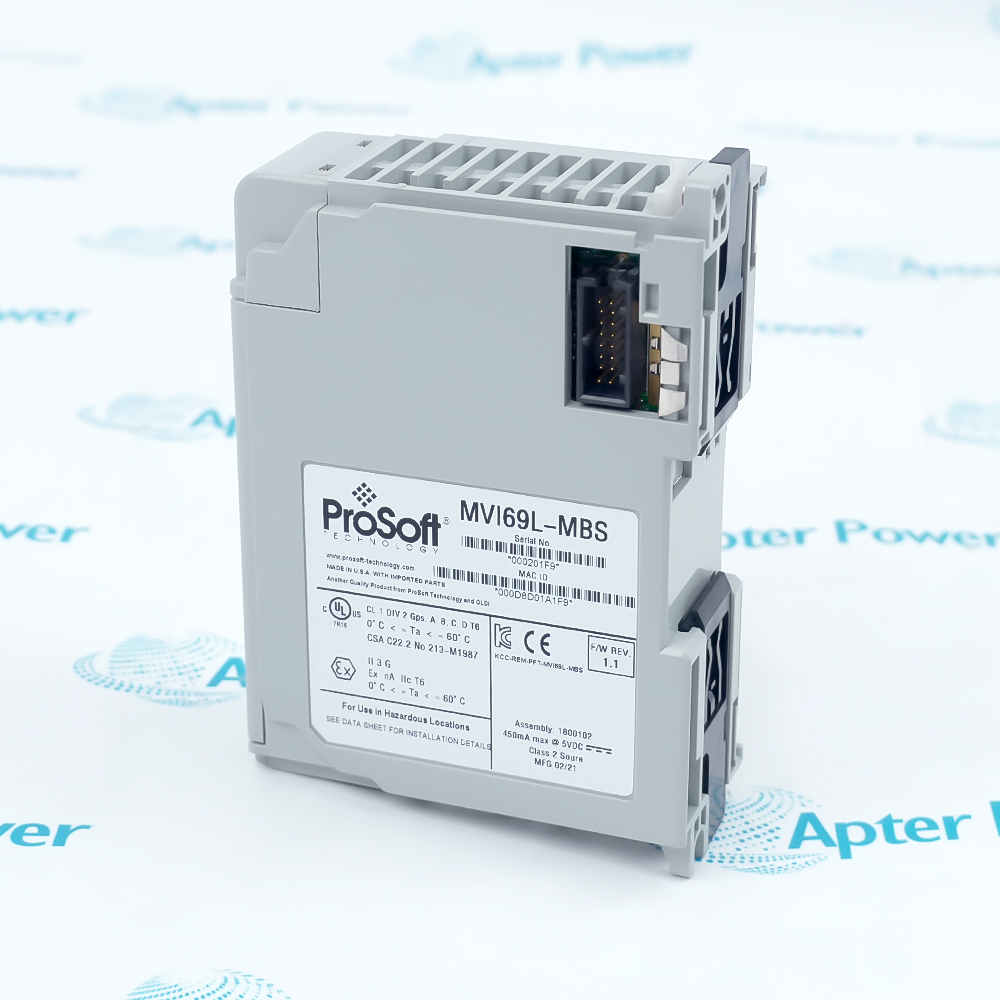
Match the complete marking
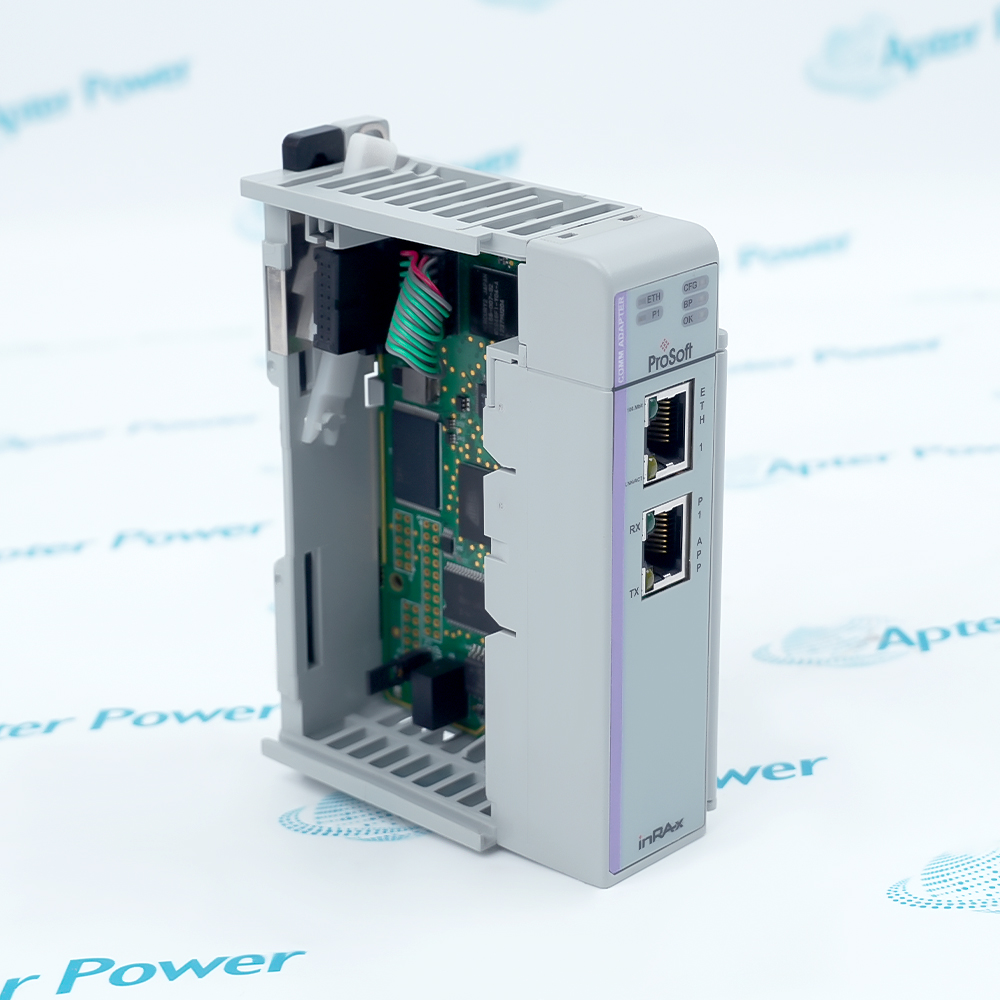
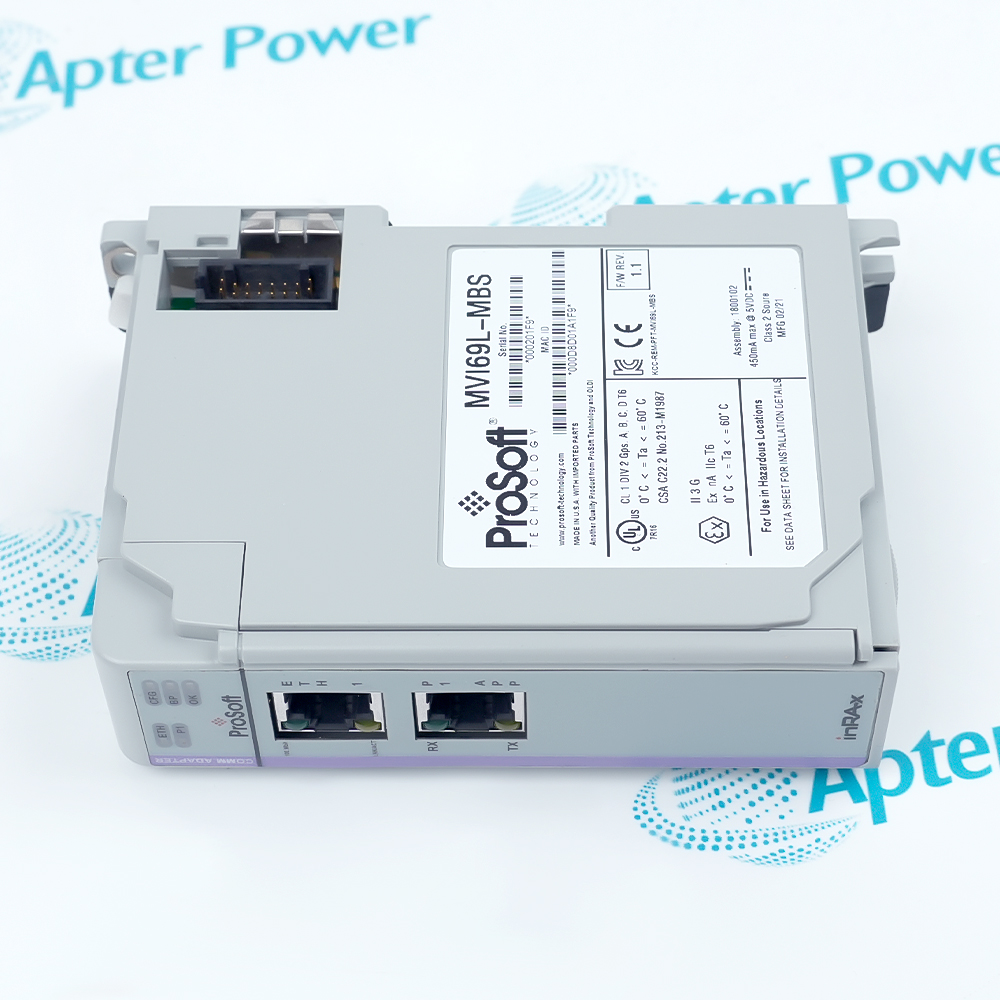
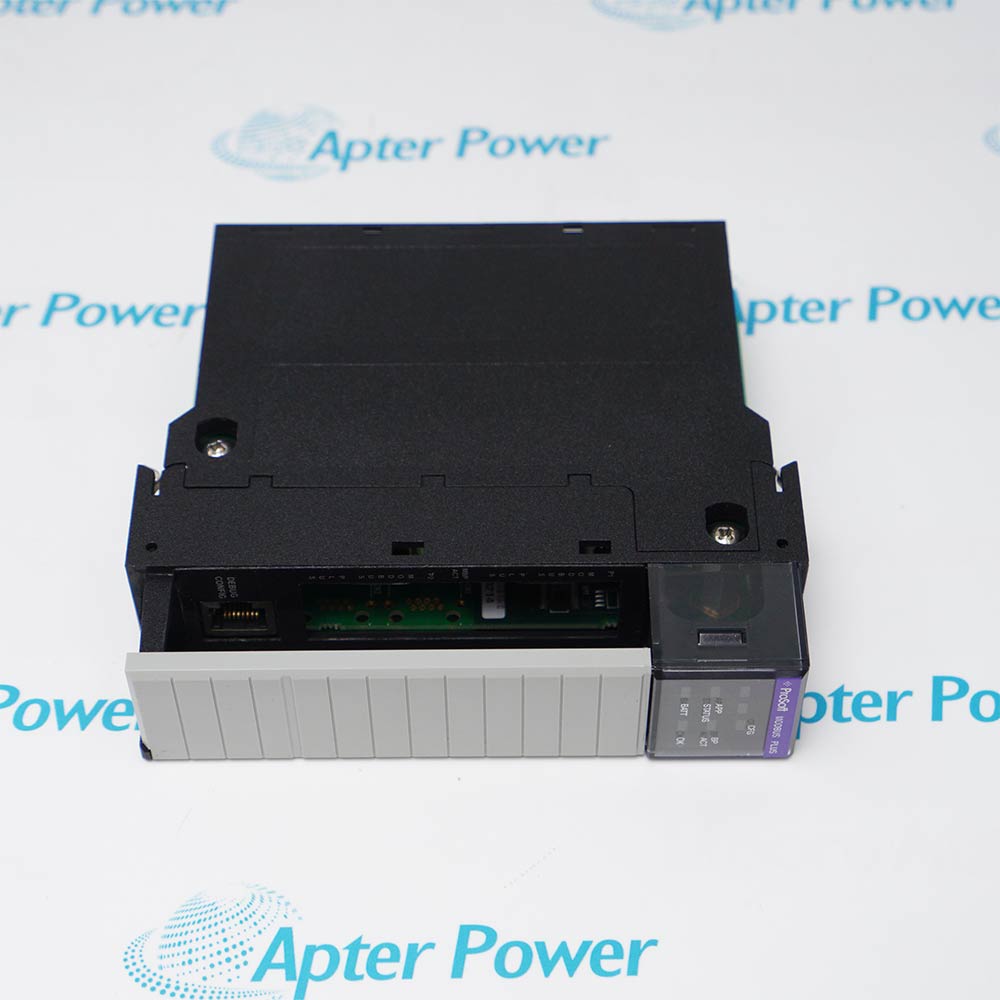
Include MVI69L-MBS and the hardware revision visible on the module. Keep the same complete reference on your enquiry and quotation.
-
Check the offered item before ordering
Request current module label and port photos. Have your maintenance team compare the offered MVI69L-MBS with the installed controller, serial wiring and applicable ProSoft documentation.
Technical specifications for MVI69L-MBS
-
Manufacturer:ProSoft
-
Product Category:PLC Systems
-
Spare Part Number:MVI69L-MBS
-
Weight:0.14 kg
-
Tariff Code:8537101190
-
Host platform:CompactLogix 1769 I/O bus
-
Controller requirement:Version 16 or later per product data sheet
-
Application port role:Modbus master or slave
-
Protocol formats:Modbus RTU and ASCII
-
Serial standards:RS-232, RS-422, RS-485 selectable
-
Master command capacity:Up to 30 configured commands
-
I/O transfer:240-word data exchange
-
Serial rate:110 to 115,200 baud
-
Data bits:7 or 8
-
Stop bits:1 or 2
-
Parity:None, even or odd
-
Slave station range:1 to 247
-
Diagnostic Ethernet:10/100 Mbps
-
Module isolation:500 V optical isolation
-
Operating temperature:0 to 60 °C
-
Humidity:5–95% RH, noncondensing
-
Mounting:Single 1769 slot
Information
- MVI69L-MBS links a compatible CompactLogix controller to a Modbus serial network. The installed controller project defines whether its application port runs as master or slave.
Configuration owner: Command schedule and register mapping remain in the approved controller project
Service boundary: Port jumper position and field cable drawing must describe the same interface
Acceptance focus: Prove host recognition and representative device data after replacement
A master project can schedule up to 30 commands. In slave service, the station address and data mapping must agree with the external master. The controller project determines which module registers are transferred into application tags.
The RS-232, RS-422 or RS-485 interface is set by hardware jumpers and must match the field wiring. Keep the original configuration, port parameters and controller program together when replacing a module; verify each exchanged value before returning the link to service.
-
ProSoft MVI69L-MBS datasheet excerpt
Original ProSoft datasheet excerpt - PDF, 1 page. Documented product identity, system role and applicable technical details. -
ProSoft MVI69L-MBS installation guide
Prepared by Apter Power - PDF, 2 pages. Identification, installation checks, commissioning and fault isolation.
Application scope: Use one configured Modbus serial role at the application port and map only the needed device data into controller tags.
-
Modbus master polling
Issue configured reads or writes to compatible serial slave devices under the engineered command schedule. -
Modbus slave exchange
Present mapped module registers to a configured external Modbus master. -
Serial interface integration
Select RS-232 for point-to-point wiring or a supported RS-422/RS-485 arrangement matching the installed network. -
CompactLogix data bridge
Transfer selected protocol data between the serial network and the 1769 controller project.
Check the controller family and project revision before adding the module; the product data sheet excludes MicroLogix 1500.
Select the electrical standard before energizing and compare the physical jumper positions with the serial cable drawing.
Review the installed module revision and current manual for backplane current and power-supply placement; published OEM pages differ.
Archive controller tags, module configuration, station addresses, command list and port settings before removal.
Apply the approved isolation and termination plan for the selected RS-422/RS-485 topology; do not assume connector fit proves wiring.
Check front-panel status, controller recognition, diagnostic access and representative read/write values against the pre-service record.
Alternative Names
Technical notes
Installation relationship: The 1769 controller project and serial application port must be configured as one data path; the selected electrical interface must match the field cable.
Power and compatibility: Confirm the installed revision, backplane budget and controller firmware before slot allocation; published OEM pages give differing current and distance figures.
Technical reference: ProSoft Technology MVI69L-MBS product data sheet and MVI69L-MBS User Manual. Module settings require the matching hardware and project revision.

FAQ View All FAQ
-
How should the application port of MVI69L-MBS be changed from RS-232 to RS-485?Change the documented hardware jumper setting, use the corresponding cable pinout and review network termination, bias and station addressing before restoring communication.
-
Why can MVI69L-MBS appear healthy while Modbus values remain stale?The host may recognize the module even when serial framing, slave address, command schedule or register mapping disagrees with the device. Review port diagnostics and a known register exchange.
-
Can MVI69L-MBS be installed in a MicroLogix 1500 rack?No. The current ProSoft product data identifies CompactLogix on the 1769 bus and explicitly excludes MicroLogix 1500; check the exact host and program revision.
-
What changes when MVI69L-MBS operates as a Modbus slave?An external master initiates transactions. The module station address and exposed register map must match that master, while the controller project maintains the data exchanged with those registers.
-
How should serial framing be matched for MVI69L-MBS?Set baud rate, data bits, parity and stop bits to the connected devices. A link with mismatched framing can show timeouts or invalid replies even when the electrical interface is correct.
-
What should be captured before replacing MVI69L-MBS?Save the controller project, module configuration, command list, device addresses, jumper positions and a baseline of diagnostic counters and representative process values.
-
How should conflicting power-placement figures for MVI69L-MBS be handled?Check the installed hardware revision and the applicable ProSoft manual before calculating the 1769 power budget or slot distance; the available OEM pages state different current and placement limits.
-
What acceptance test should follow commissioning of MVI69L-MBS?Confirm controller recognition, port activity and communication diagnostics, then compare expected reads and controlled writes with the device and host tag values under the site test plan.
Supporting new and legacy automation
-
Please try to be as accurate as possible with your search.
-
We can quote you on 1000s of specialist parts, even if they are not listed on our website.
-
We can't find any results for “”.
Related cases and sourcing guidance
View all case studiesYou May Also Like
Product Browsing History
-
Whatsapp: +86 18030235313
Send us a message. -
sales13@apterpower.com
Complete our online form. -
+86 18030235313
Speak to our team in your native language.