-
Match the complete marking
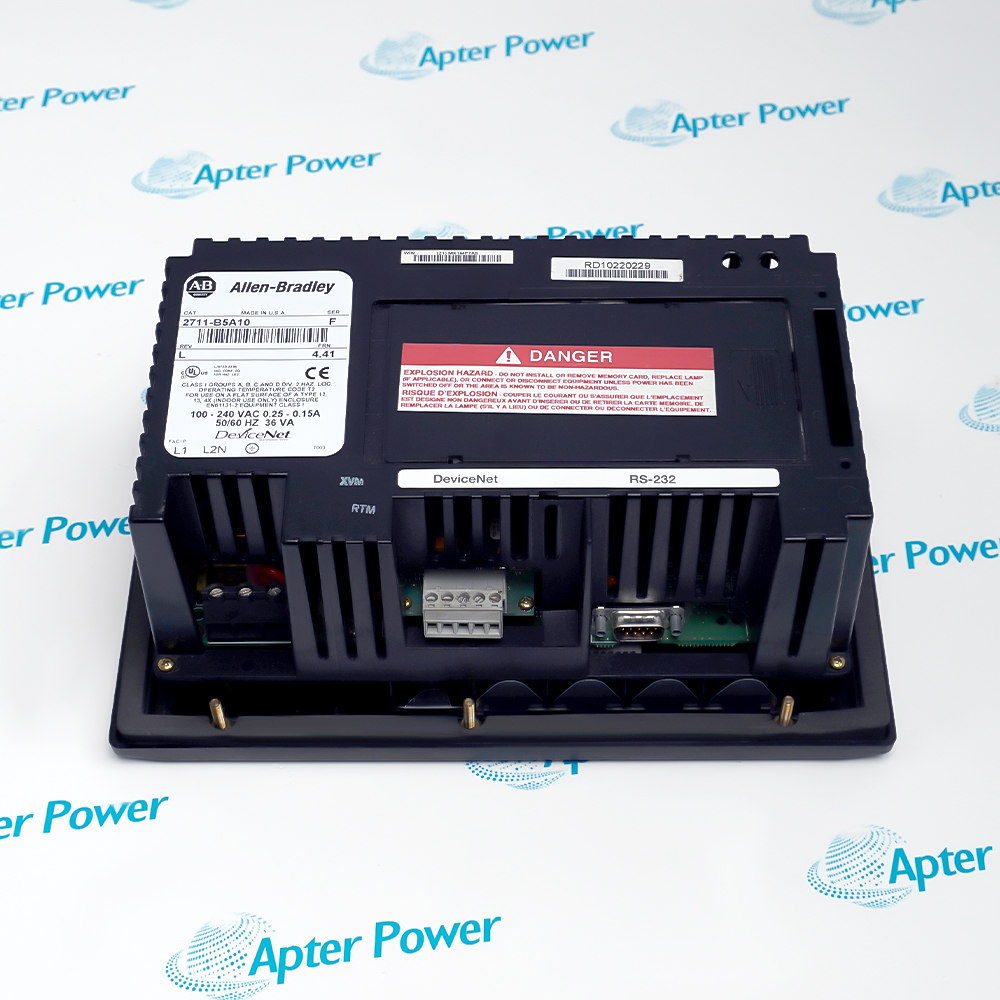
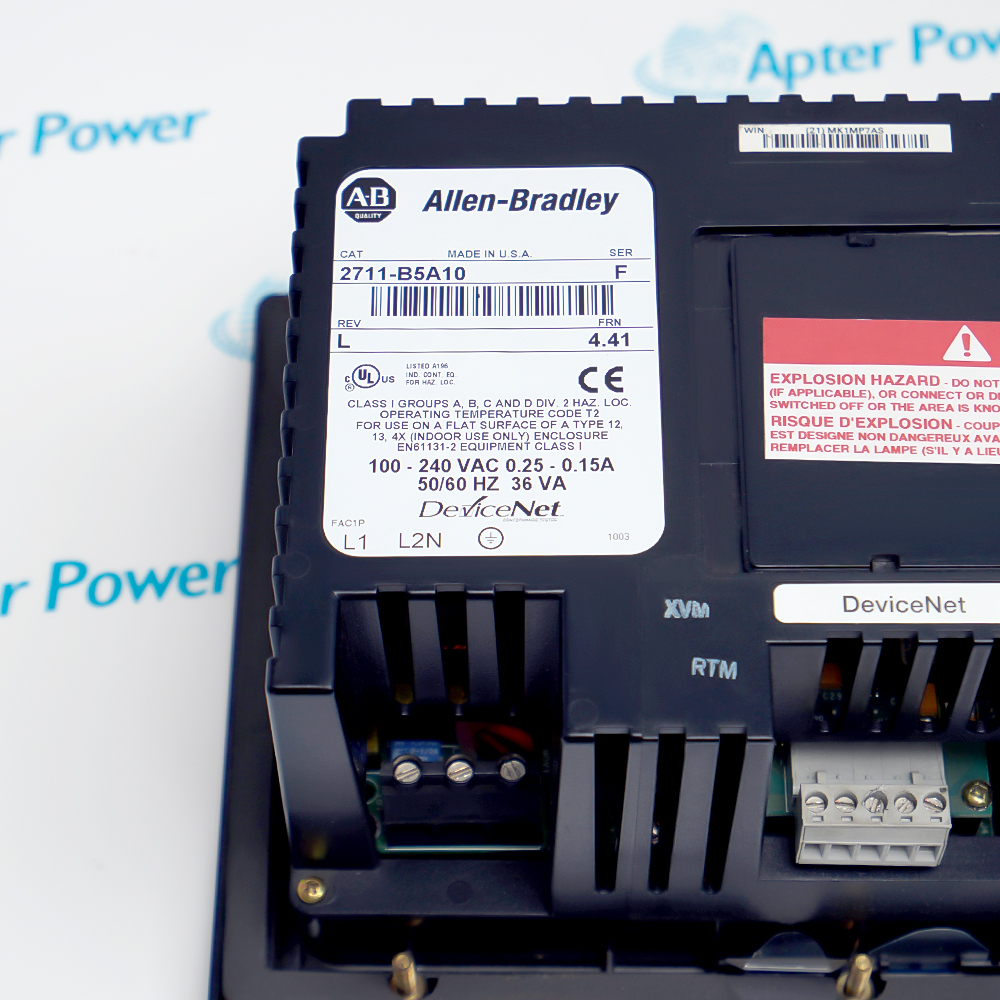
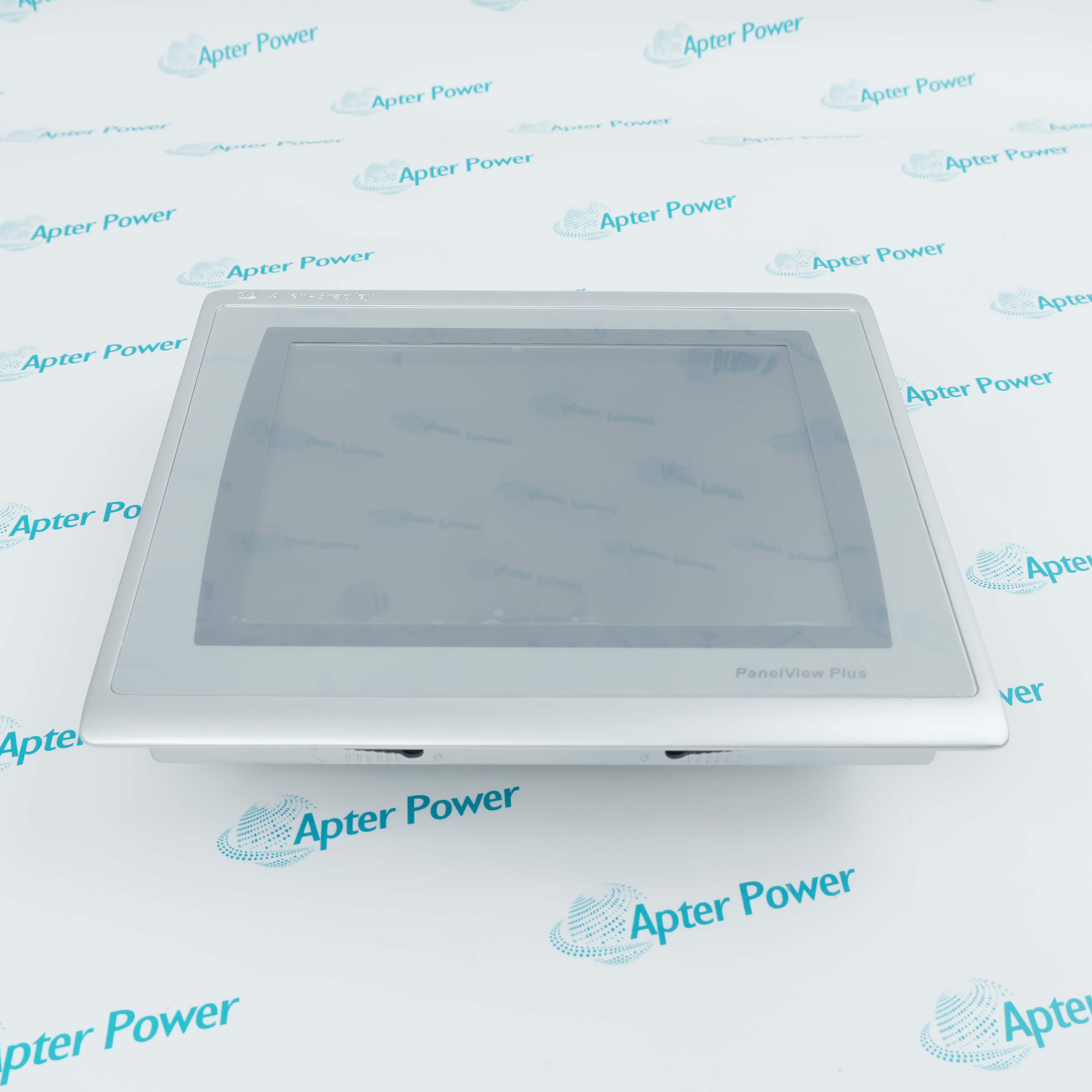
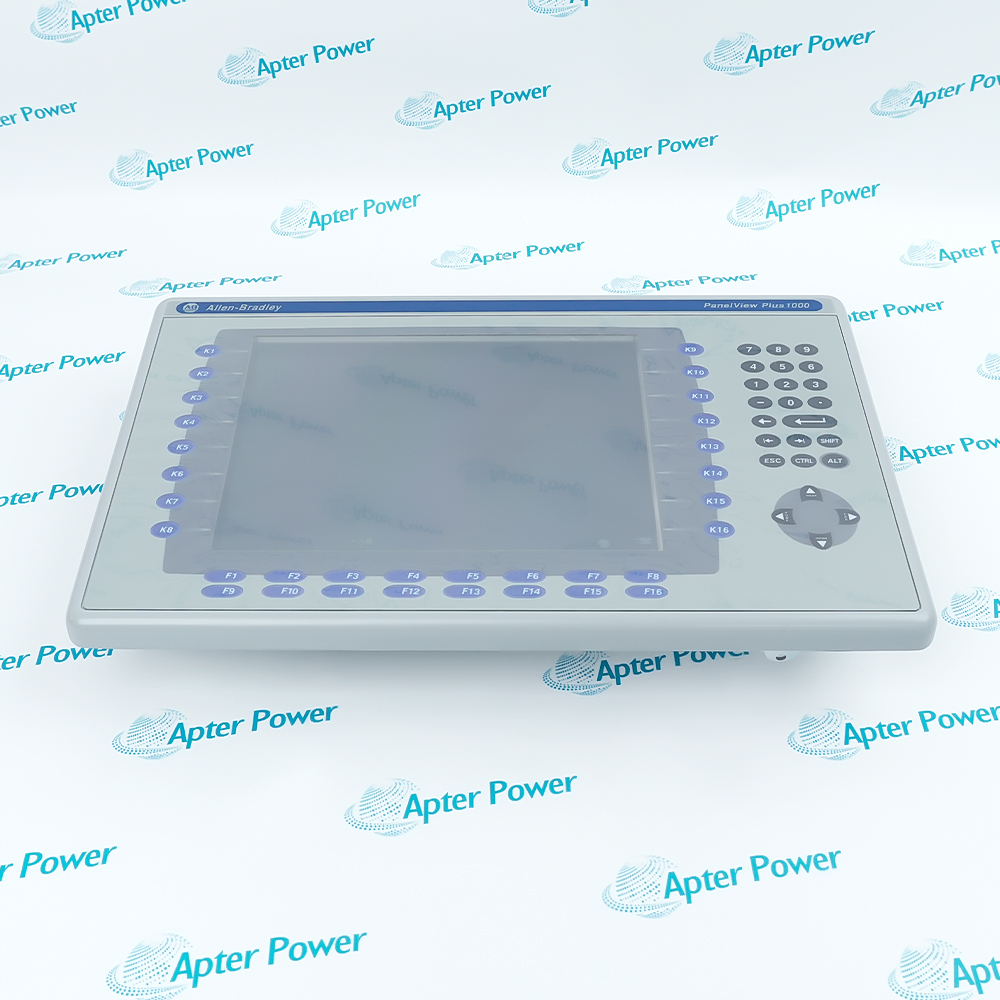
Include the complete 2711-B5A10 marking and any revision or assembly number visible on the terminal. Keep the exact reference on your enquiry and quotation.
-
Check the offered item before ordering
Request clear photographs of the offered 2711-B5A10 label, communication ports and power connection. Have your maintenance team compare the terminal with the installed equipment, saved application and applicable Rockwell Automation documentation.
Technical specifications for 2711-B5A10
-
Manufacturer:Allen-Bradley
-
Product Category:HMI Panels
-
Spare Part Number:2711-B5A10
-
Weight:1.26 kg
-
Tariff Code:8537101190
-
Display family:PanelView 550 monochrome LCD
-
Visible display area:120 x 60 mm
-
Display resolution:256 x 128 pixels
-
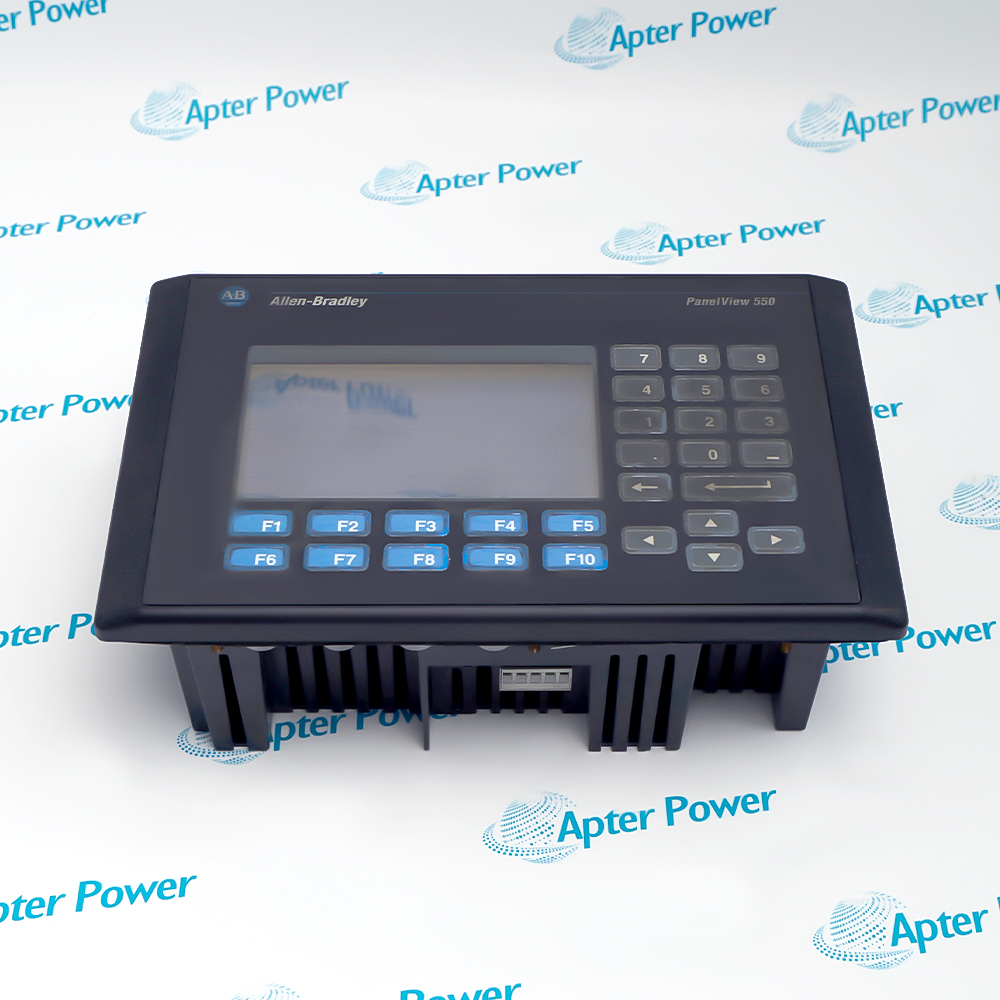
Operator input:Keypad and touch screen
-
Function keys:10 programmable keys, F1–F10
-
Touch matrix:128 touch cells
-
Controller network:DeviceNet
-
Auxiliary port:RS-232 for printer or application transfer
-
Nonvolatile application memory:240 KB
-
RAM:170 KB
-
Engineering software:PanelBuilder32
-
Supply for 2711-B5A10:85–264 V AC, 47–63 Hz
-
Input power:45 VA maximum, PanelView 550 AC family
-
Operating ambient:0 to +55 °C, PanelView 550 family
-
Storage ambient:−20 to +70 °C, PanelView 550 family
-
Real-time clock:Battery-backed
-
External memory:ATA memory card support
Information
- The installed PanelBuilder32 application assigns the 2711-B5A10 keys, touch cells, DeviceNet data and alarms; preserve that configuration when replacing the terminal.
Operator acceptance: Prove every used keypad function and touch target against the approved machine sequence.
Port separation: Treat the DeviceNet network and RS-232 printer/transfer connection as separate paths.
This order code uses DeviceNet for controller communication. Its separate RS-232 connection is assigned to printing and application transfer; it is not a second DeviceNet channel. The catalog specifies 240 KB nonvolatile application memory and 170 KB RAM for this selection, while PanelBuilder32 provides the engineering environment.
The unsuffixed 2711-B5A10 is the AC-powered selection in the published table. During service, record the installed application, DeviceNet configuration, terminal hardware marking and active alarm behavior before removal. Commission the replacement by checking controller data, operator commands, alarm handling and the RS-232 accessory only where used.
-
Allen-Bradley 2711-B5A10 technical reference
Apter Power reference with verified manufacturer data and exact-model applicability. -
Allen-Bradley 2711-B5A10 engineering guide
Apter Power installation, configuration, diagnostic and acceptance guidance.
Platform applications: The uses below depend on the installed controller configuration and approved system design.
-
Machine operator interface
Display machine values and execute project-assigned keypad or touch actions. -
DeviceNet control station
Exchange application data with the installed controller over the configured DeviceNet node. -
Alarm and status review
Use the programmed terminal screens to acknowledge and inspect machine conditions. -
Maintenance replacement
Restore the saved PanelBuilder32 application and verify each active interface after installation.
Save the installed application and its version before removing the terminal.
Record DeviceNet node address and bus arrangement, then verify termination and link state.
Confirm the installed AC feed and protective arrangement for the unsuffixed order code.
Test each used key, touch target, screen transition and command in an approved machine state.
Reconnect a printer or transfer lead only according to the installed wiring record.
Prove alarm display and acknowledgement against the controller and operator procedure.
Alternative Names
Technical notes
Order-code distinction: 2711-B5A10 denotes the AC DeviceNet keypad-and-touch selection; L1 supply variants are separate order codes.
Application boundary: Screens, keys, touch targets and alarm actions depend on the loaded PanelBuilder32 project.
Technical reference: Rockwell Automation publications 2711-TD007A-EN-P and 2711-UM014G-EN-P.

FAQ View All FAQ
-
How should the application be preserved before replacing 2711-B5A10?Upload or archive the installed PanelBuilder32 application, record its version and retain the current DeviceNet node settings. After restoring it, compare screens and command behavior with the as-found record.
-
Why might 2711-B5A10 display screens but show no live controller values?The terminal application may be present while DeviceNet communication is absent or mapped to the wrong node. Check node addressing, network power, cable, termination and controller diagnostics in the installed design.
-
How can a nonresponsive key on 2711-B5A10 be diagnosed?Compare the affected F1–F10 assignment with the loaded application and the corresponding controller tag. Verify the physical key, screen context and controller permissive before attributing the fault to the terminal.
-
What should be checked when touch targets on 2711-B5A10 do not select the intended action?Confirm the loaded screen and touch-cell mapping, then check calibration and the condition of the touch surface. Test the action with the machine in an approved safe state.
-
Which transfer paths can restore a 2711-B5A10 application?The DeviceNet port can transfer an application over the network; the separate RS-232 port supports a direct computer-to-terminal transfer. Select the method supported by the installed wiring and PanelBuilder32 procedure.
-
How can 2711-B5A10 be reset without cycling its AC supply?For a PanelView 550 keypad-and-touch terminal, press Left arrow, Right arrow and Enter simultaneously. The terminal restarts its power-up sequence; record the application state and follow the approved machine procedure first.
-
How should alarms be verified after a 2711-B5A10 replacement?Exercise an approved test alarm, compare its display and acknowledgement with controller status, and check the retained alarm history or print path if those functions are used by the application.
-
How should the clock on a stored 2711-B5A10 be checked at recommissioning?Compare its battery-backed real-time clock with the site reference and verify alarm timestamps after the application is restored. If timekeeping is abnormal, inspect the field-replaceable battery using the manufacturer maintenance procedure.
Supporting new and legacy automation
-
Please try to be as accurate as possible with your search.
-
We can quote you on 1000s of specialist parts, even if they are not listed on our website.
-
We can't find any results for “”.
Related cases and sourcing guidance
View all case studiesYou May Also Like
Product Browsing History
-
Whatsapp: +86 18030235313
Send us a message. -
sales13@apterpower.com
Complete our online form. -
+86 18030235313
Speak to our team in your native language.