Speak to a sourcing specialist
sales13@apterpower.com

1771-DXPS

Control Coprocessor Serial Expander Module
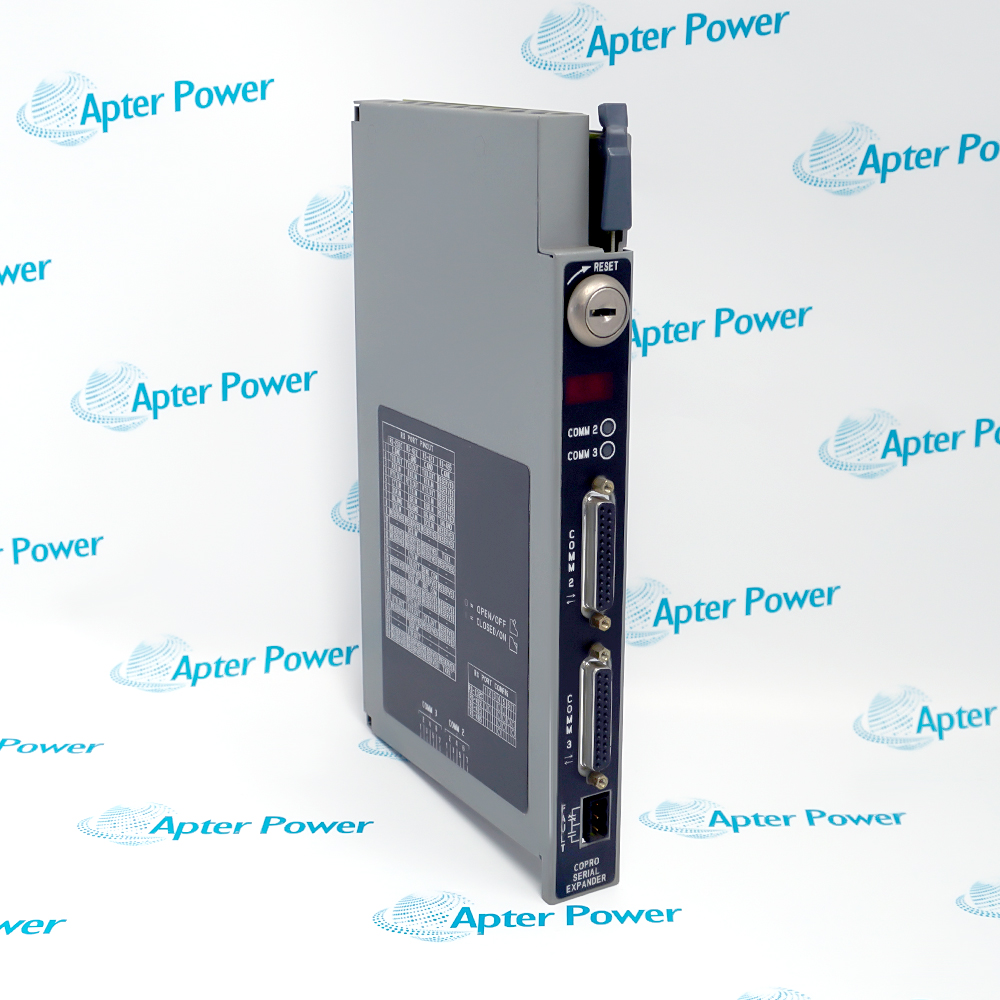
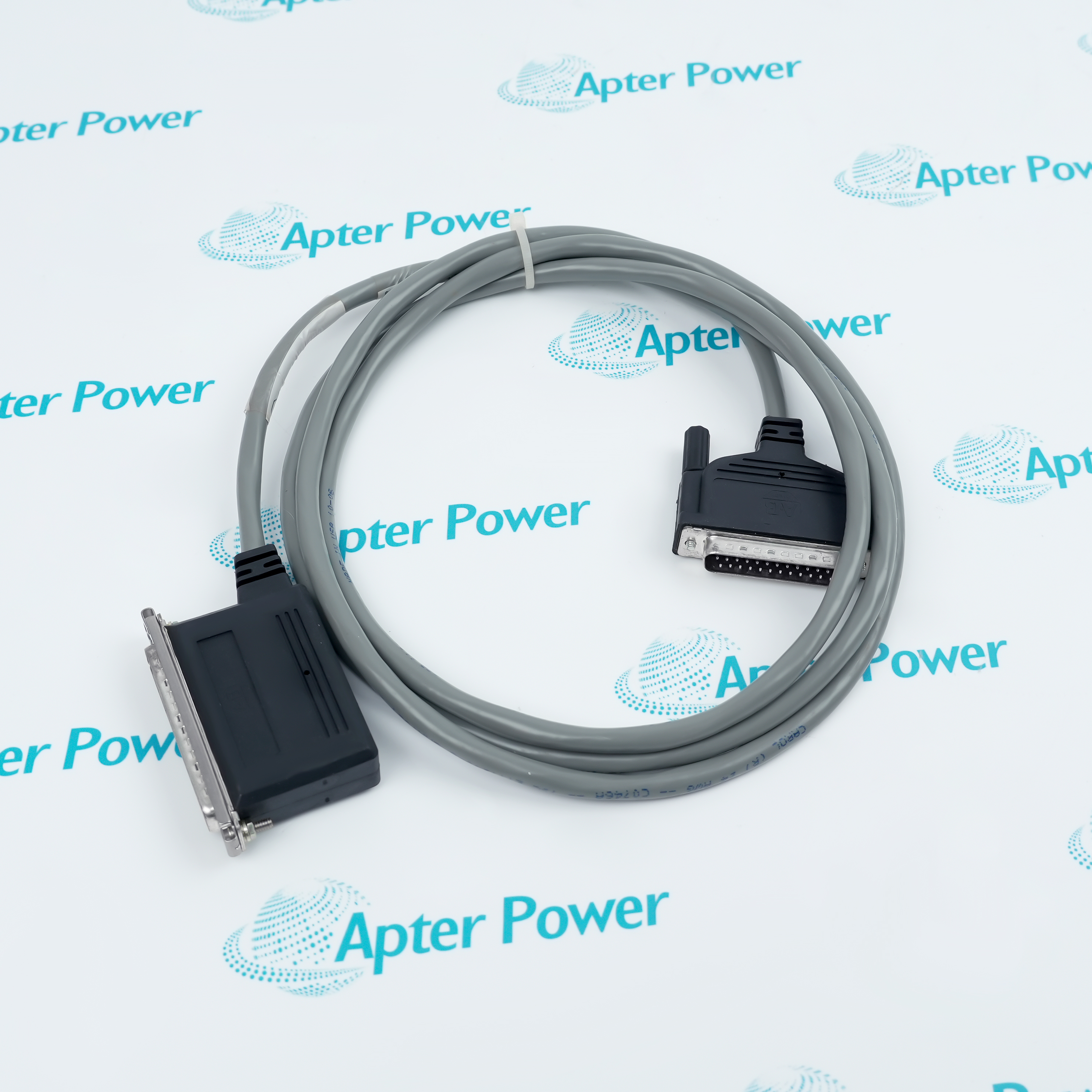
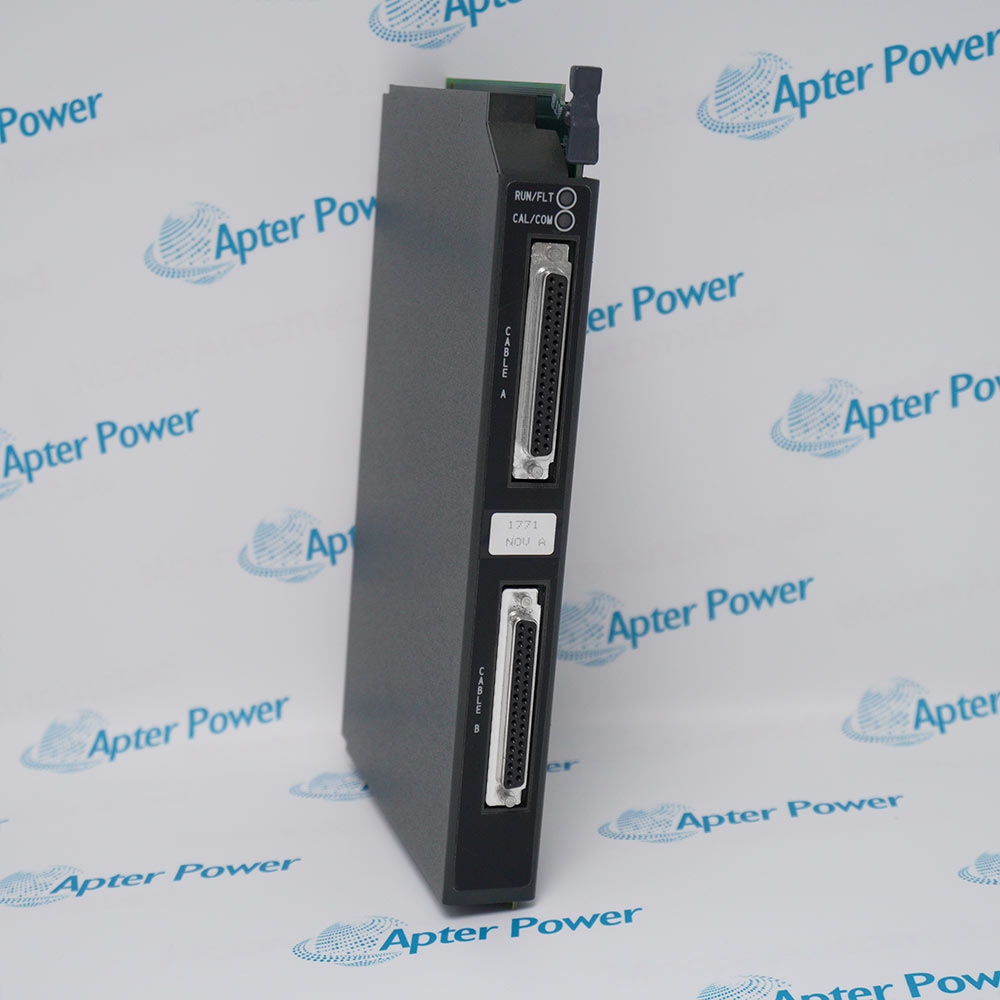
Allen-Bradley 1771-DXPS (1)
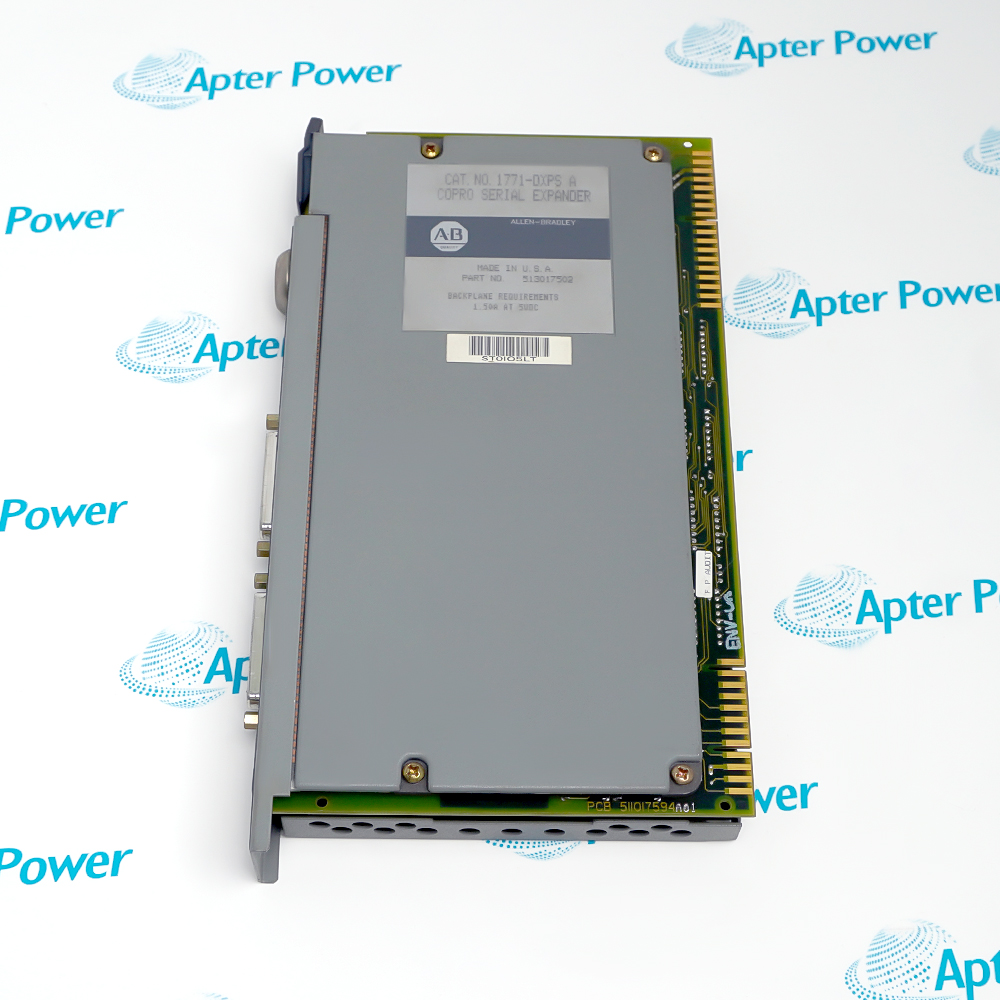
Allen-Bradley 1771-DXPS (2)
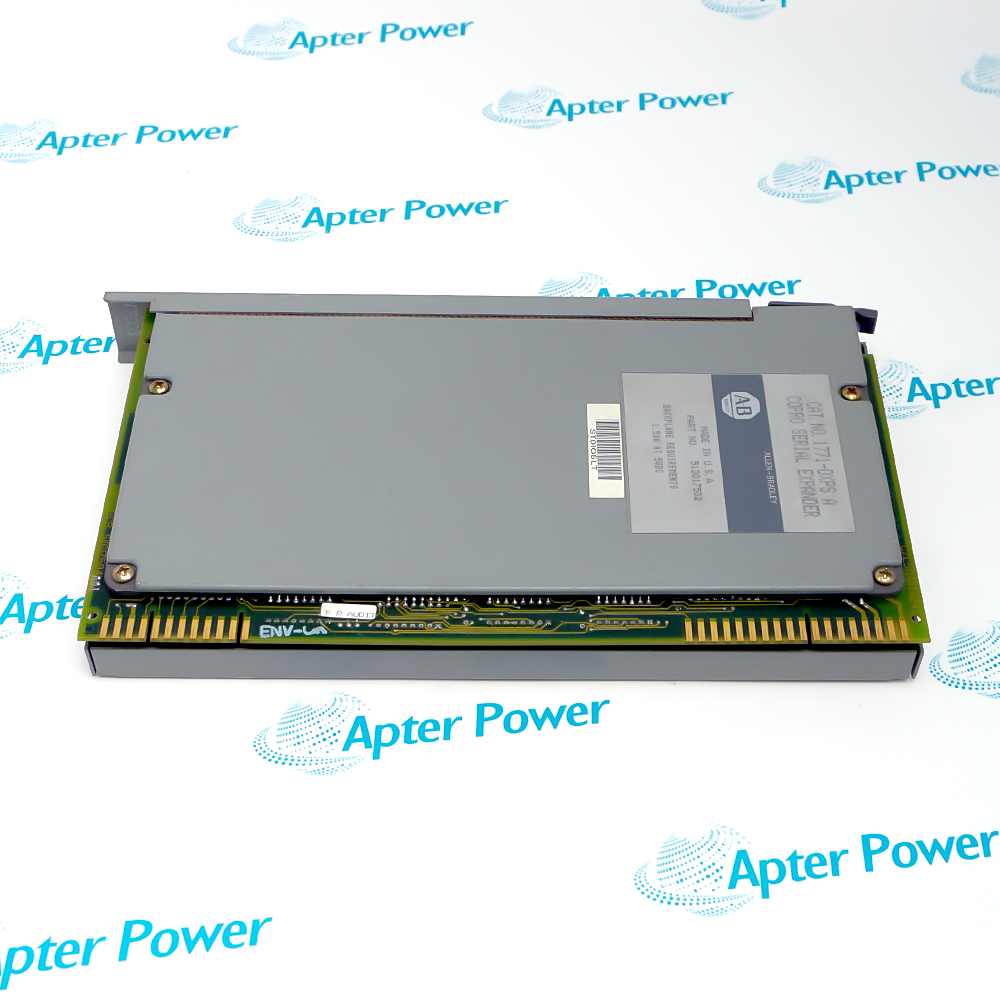
Allen-Bradley 1771-DXPS (3)
Allen-Bradley 1771-DXPS (1)
Allen-Bradley 1771-DXPS (2)
Allen-Bradley 1771-DXPS (3)
Product image is representative; revision or series may vary. Contact us to request a specific version.

Product Describe:

Allen-Bradley 1771-DXPS expands a 1771 control coprocessor with two additional serial communication channels. It operates alongside a compatible 1771-DMC family main module in an engineered 1771 chassis.
  • Manufacturer part number
    1771-DXPS
  • Shipping
    Swift global dispatch
  • Condition
    New, original product
  • Shipping size (est.)
    61cm × 31.5cm × 19.2cm
  • Country of Origin
    USA
Get a quick price for 1771-DXPS
E-mail *
Mobile
Company
Content *
Quantity *
Upload (gif, jpg, jpeg, png, bmp, doc, docx, xls, xlsx, ppt, pdf, csv)
For more information on how your data is processed and stored by Apterpower please read our privacy policy

What happens after you enquire

  • 0

    Review your reference

    Send the complete 1771-DXPS marking, quantity and current label photos. We will review the exact module execution and system fit.

  • 1

    Confirm the offer

    Check the quoted reference, condition, included items and expected dispatch date before approving your order.

  • 2

    Arrange dispatch

    Confirm the delivery address and receive the tracking reference when the shipment is arranged.

  • Match the complete marking

    Include 1771-DXPS and any revision or assembly marking visible on the item. Keep the exact reference on your enquiry and quotation.

  • Check the offered item before ordering

    Request available label and connector photos. Have your maintenance team compare the offered 1771-DXPS with the installed PLC-5 system and applicable Rockwell Automation documentation.

Technical specifications for 1771-DXPS

  • Manufacturer:
    Allen-Bradley
  • Product Category:
    PLC Systems
  • Spare Part Number:
    1771-DXPS
  • Weight:
    6.85 kg
  • Tariff Code:
    8537101190
  • Module role:
    Serial expander
  • Main-module companions:
    1771-DMC, 1771-DMC1 or 1771-DMC4
  • Added serial ports:
    2
  • Assembly width:
    2 chassis slots with main module
  • System family:
    1771 Universal I/O
  • Expander port labels:
    COMM 2 and COMM 3

Information

Overview Downloads Applications / Compatibility Product Precautions
  • The 1771-DXPS supplies COMM 2 and COMM 3 to a control coprocessor installation. These additional channels can segregate serial field-device traffic from the main module communication paths.
Expansion: Two additional serial channels
Host relationship: One compatible control-coprocessor main module
Service focus: Preserve port and program assignments
The 1771-DXPS supplies COMM 2 and COMM 3 to a control coprocessor installation. These additional channels can segregate serial field-device traffic from the main module communication paths.

The expander and selected main module occupy two adjacent chassis positions as one functional assembly. The main module supplies the computation and application context; the expander does not replace it or function as an independent controller.

During a replacement, retain the exact host catalog number and application configuration. Record each cable, serial format, address and connected device before changing the module, then validate every affected serial route against the approved system program.
Controller platform reference: Rockwell Automation 1771 control-coprocessor family. Match the installed configuration and interfaces.
Technical downloads for Allen-Bradley 1771-DXPS: an Apter Power technical reference and an installation and commissioning guide.
These Apter Power documents support product identification and service planning. Apply the approved system and site procedures during installation.
Installation and commissioning checks for Allen-Bradley 1771-DXPS.
Record cable assignments

Label COMM 2 and COMM 3 before removal.

Confirm host identity

Match the main module catalog number and chassis location.

Preserve serial settings

Save baud rate, parity, protocol and node address from the installed application.

Inspect connectors

Check mating plugs and cable strain relief.

Restore power safely

Use the site isolation and 1771 chassis procedure.

Prove each channel

Check end-to-end message exchange and fault handling after replacement.

Alternative Names

1771 DXPS

Technical notes

Channel assignment: Trace COMM 2 and COMM 3 to their actual endpoint devices before changing the assembly.

Host relationship: The expander and main module form a two-slot control-coprocessor installation.

Acceptance: Prove each serial exchange and its configured error response after restoration.

FAQ View All FAQ

  • How is the host for 1771-DXPS identified?
    Read the adjacent 1771-DMC family main-module marking and compare it with the approved chassis bill of material.
  • What should be recorded before disconnecting 1771-DXPS?
    Capture COMM 2 and COMM 3 cable labels, serial settings, connected devices and the control-coprocessor application version.
  • Can 1771-DXPS operate alone in a 1771 chassis?
    It is an expander for a compatible control-coprocessor main module; approve the two-slot assembly rather than treating it as a standalone controller.
  • How can a silent serial port on 1771-DXPS be diagnosed?
    Check cable pinout and continuity, port configuration, protocol timing and the remote device before replacing hardware.
  • When is a substitute for 1771-DXPS acceptable?
    Only after the host-module interface, serial channels, application configuration and chassis approval are reviewed.
  • What commissioning evidence is useful for 1771-DXPS?
    Record a successful exchange on both added serial channels and any expected fault or timeout response.
  • How should a protocol conversion application using 1771-DXPS be restored?
    Restore the approved main-module program and verify the serial endpoint maps and data formats.
  • What physical clearance matters for 1771-DXPS?
    Confirm the adjacent chassis position and cable routing for the expander connection and front ports.
SPEAK TO OUR TEAM
Let’s find the right solution for you.
Send us the part number, quantity and delivery destination. Our team will help confirm availability and lead time.
  • Whatsapp: +86 18030235313

    Send us a message.
  • sales13@apterpower.com

    Complete our online form.
  • +86 18030235313

    Speak to our team in your native language.