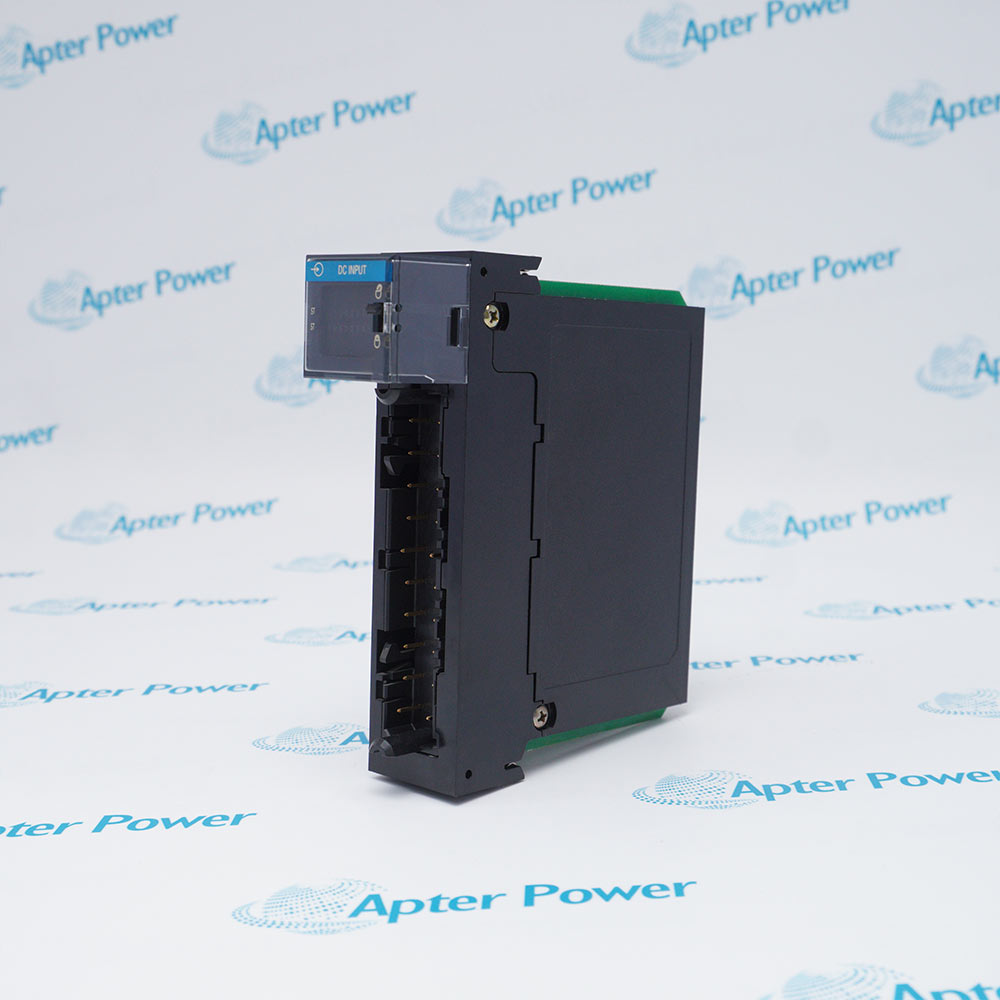
-
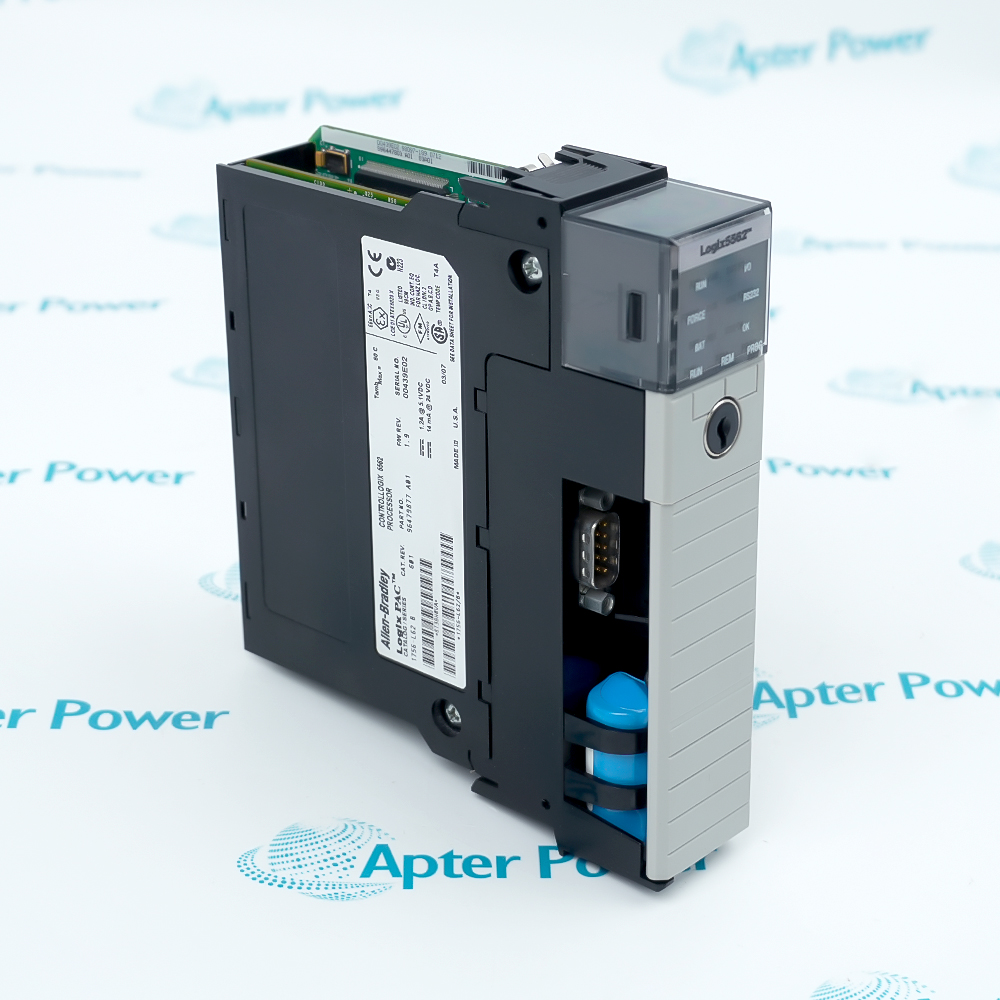
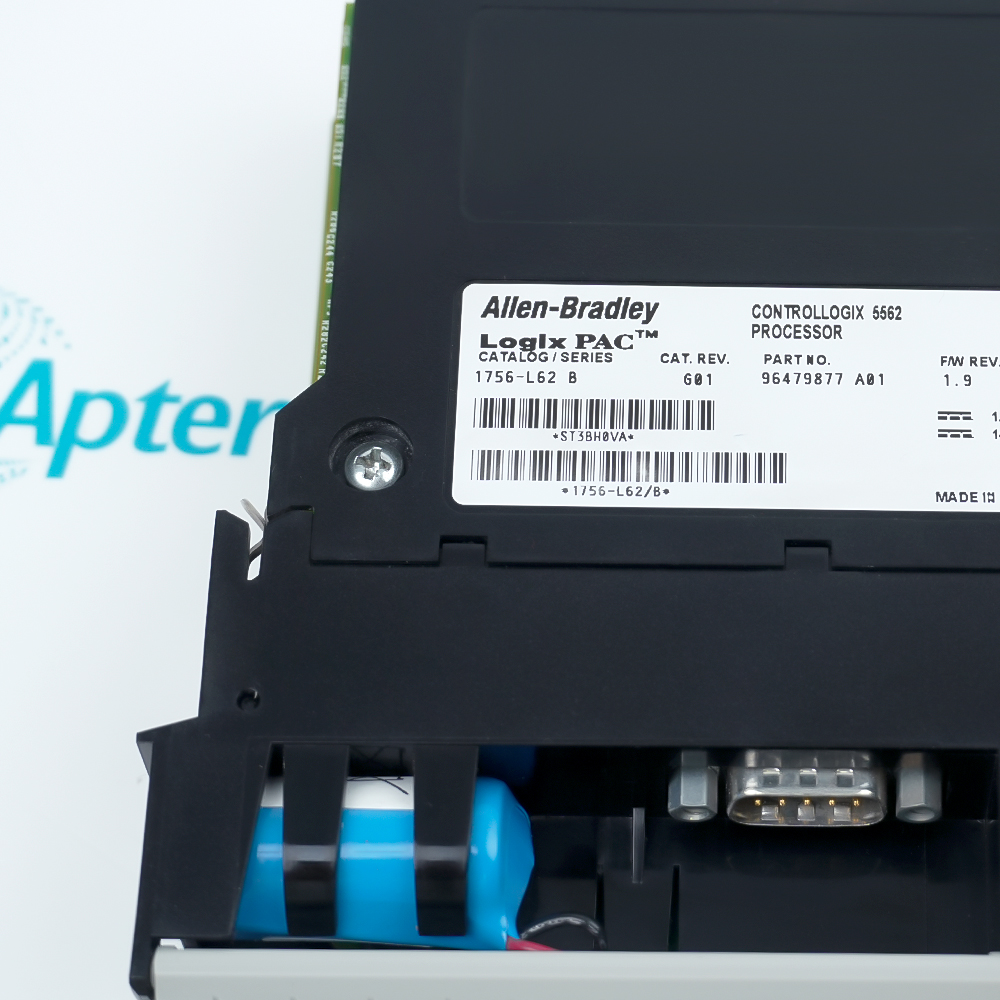
Match the complete marking
Include 1756-L62 and any series, revision or assembly markings. Keep the complete reference on your enquiry and quotation.
-
Check the offered item before ordering
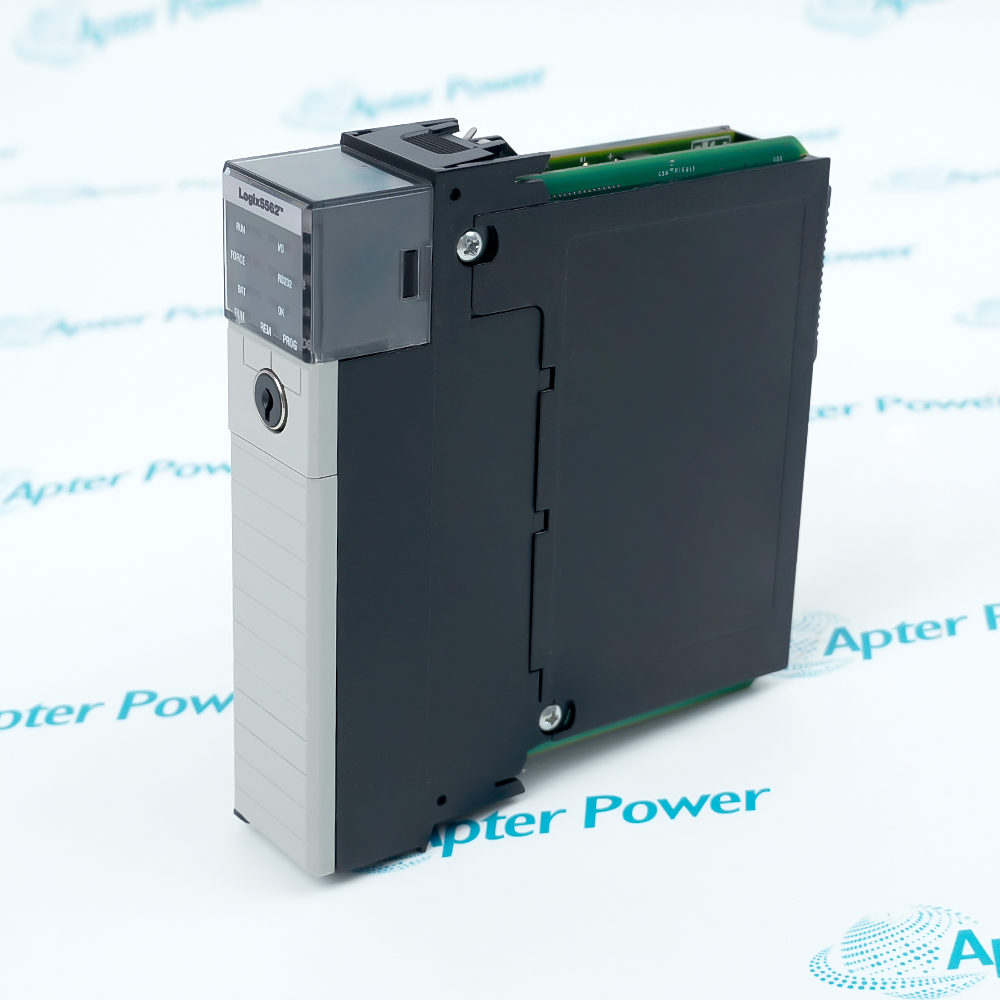
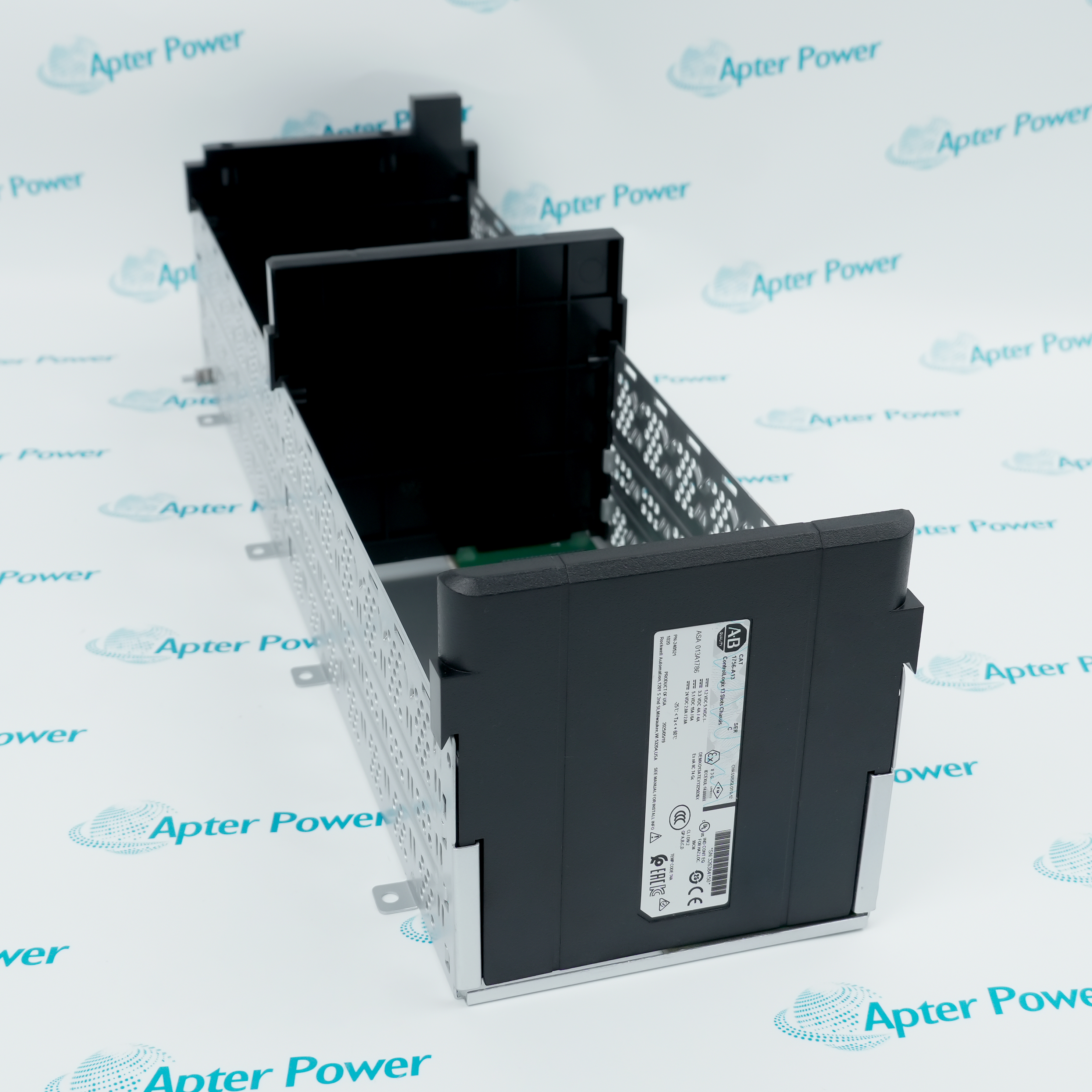
Compare current label, connector and mounting photos with the installed equipment and approved configuration.
Technical specifications for 1756-L62
-
Manufacturer:Allen-Bradley
-
Product Category:PLC Systems
-
Spare Part Number:1756-L62
-
Weight:0.34 kg
-
Tariff Code:8537101190
-
Product series:ControlLogix 5560
-
Data and logic memory:4 MB
-
I/O memory:478 KB
-
Integrated communication:RS-232
-
Backplane current at 5.1 V DC:1.20 A
-
Backplane current at 24 V DC:14 mA
-
Power dissipation:3.5 W
-
Thermal dissipation:11.9 BTU/hr
-
Operating temperature:0 to 60 °C
-
Storage temperature:-40 to 85 °C
-
Relative humidity:5 to 95%, noncondensing
-
Enclosure type:Open style
-
Series A replacement battery:1756-BA1
-
Series B replacement battery:1756-BA2
Information
- Allen-Bradley 1756-L62 executes the application program within a ControlLogix chassis. The controller coordinates configured I/O and communication modules through the chassis backplane.
Program capacity: 4 MB data and logic memory
Communication interface: Integrated RS-232
Installation: 1756 chassis-based controller
The controller draws 1.20 A at 5.1 V DC and 14 mA at 24 V DC from the backplane, with 3.5 W power dissipation. These requirements must be included in the chassis power and thermal assessment. The open-style controller has an operating temperature range of 0 to 60 °C and requires an installation appropriate to its environment.
Controller series, firmware revision, project file and chassis configuration must remain coordinated during replacement. Battery selection is series-specific: Series A uses the 1756-BA1 reference and Series B uses 1756-BA2. Confirming the physical series and preserving the application data are essential when servicing battery-backed memory or preparing a spare controller.
-
Allen-Bradley 1756-L62 technical reference
Original manufacturer excerpt. Electrical and environmental values apply to 1756-L62; battery selection depends on the controller series. PDF, 4 pages, 67 KB. -
Allen-Bradley 1756-L62 installation guide
Prepared by Apter Power. Product identification, configuration checks, installation preparation and functional acceptance. PDF, 5 pages, 26.1 KB.
Application scope: The following describe controller duties within an engineered automation system. Confirm the program, module revisions and communication paths before transferring an installed application.
-
Machine sequence control
Execute programmed machine sequences and interlocks using configured ControlLogix I/O. Review task timing, I/O update behavior and the intended fault response. -
Process coordination
Coordinate process signals and control routines within the available memory and configured tasks. Match I/O types and communication paths to the process design. -
Distributed I/O integration
Exchange application data through the installed communication modules. Confirm network configuration and connection requirements rather than assuming an Ethernet port is built into the controller. -
Installed-system maintenance
Preserve the application backup, controller series and firmware when replacing existing hardware. Validate the restored program and field I/O before returning the system to operation.
Read 1756-L62 and the series designation from the label. Keep Series A and Series B battery requirements separate.
Retain a verified project backup, firmware revision and communication configuration before removal. Do not rely on a removable memory card as the only record.
Follow the approved isolation and process shutdown procedure. Prevent an unintended output transition while the controller is removed or the program is restored.
Include 1.20 A at 5.1 V DC and 14 mA at 24 V DC in the applicable backplane budget, together with all other installed modules.
Use the correct series-specific battery and manufacturer replacement procedure. Verify program retention and battery status after service.
Check controller mode, faults, I/O configuration and communication paths. Perform the approved functional test before enabling normal operation.
Alternative Names
Technical notes
System relationship: Check slot assignment, backplane power budget and configured I/O/communication modules.
Configuration boundary: Electrical and environmental values apply to 1756-L62; battery selection depends on the controller series.
Technical reference: Rockwell Automation ControlLogix Controller and Memory Board Installation Instructions, 1756-IN101L-EN-P (June 2008); ControlLogix 5570 and 5560 Controllers User Manual, 1756-UM001.

FAQ View All FAQ
-
How much application memory does 1756-L62 provide?The controller provides 4 MB of data and logic memory and a separate 478 KB I/O memory allocation.
-
Does 1756-L62 have a built-in Ethernet port?Its integrated communication port is RS-232. Ethernet connectivity requires an applicable chassis communication module and a configured communication path.
-
How is 1756-L62 powered?The controller receives power through the 1756 chassis backplane. Its backplane demand is 1.20 A at 5.1 V DC and 14 mA at 24 V DC.
-
Which battery is used by 1756-L62?Series A uses 1756-BA1 and Series B uses 1756-BA2. Read the series designation before selecting the battery and follow the battery replacement procedure.
-
What operating temperature applies to 1756-L62?The operating temperature range is 0 to 60 °C. The enclosure and adjacent equipment must maintain conditions within that range.
-
What thermal load does 1756-L62 add to the enclosure?The controller dissipates 3.5 W, equivalent to 11.9 BTU/hr. Include this load with the remaining chassis equipment when assessing enclosure cooling.
-
Can the program from 1756-L62 be transferred solely by matching the catalog number?No. Match the controller series, firmware, project revision and configured I/O and communication modules, then validate the restored application.
-
Which serial programming cables apply to 1756-L62?1756-CP3 or 1747-CP3 serial programming cables are the applicable cable references. Match the workstation interface and configured serial settings.
Supporting new and legacy automation
-
Please try to be as accurate as possible with your search.
-
We can quote you on 1000s of specialist parts, even if they are not listed on our website.
-
We can't find any results for “”.
You May Also Like
Product Browsing History
-
Whatsapp: +86 18030235313
Send us a message. -
sales13@apterpower.com
Complete our online form. -
+86 18030235313
Speak to our team in your native language.