-
Match the complete marking
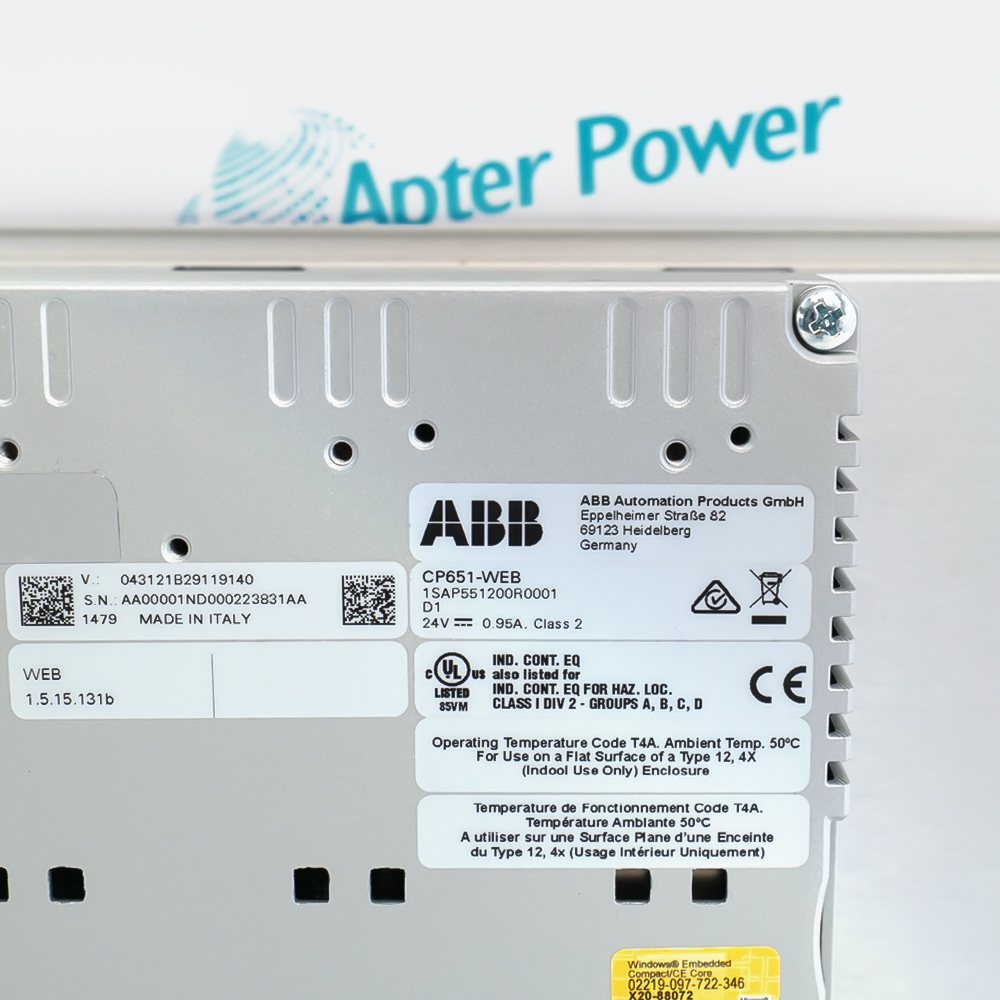
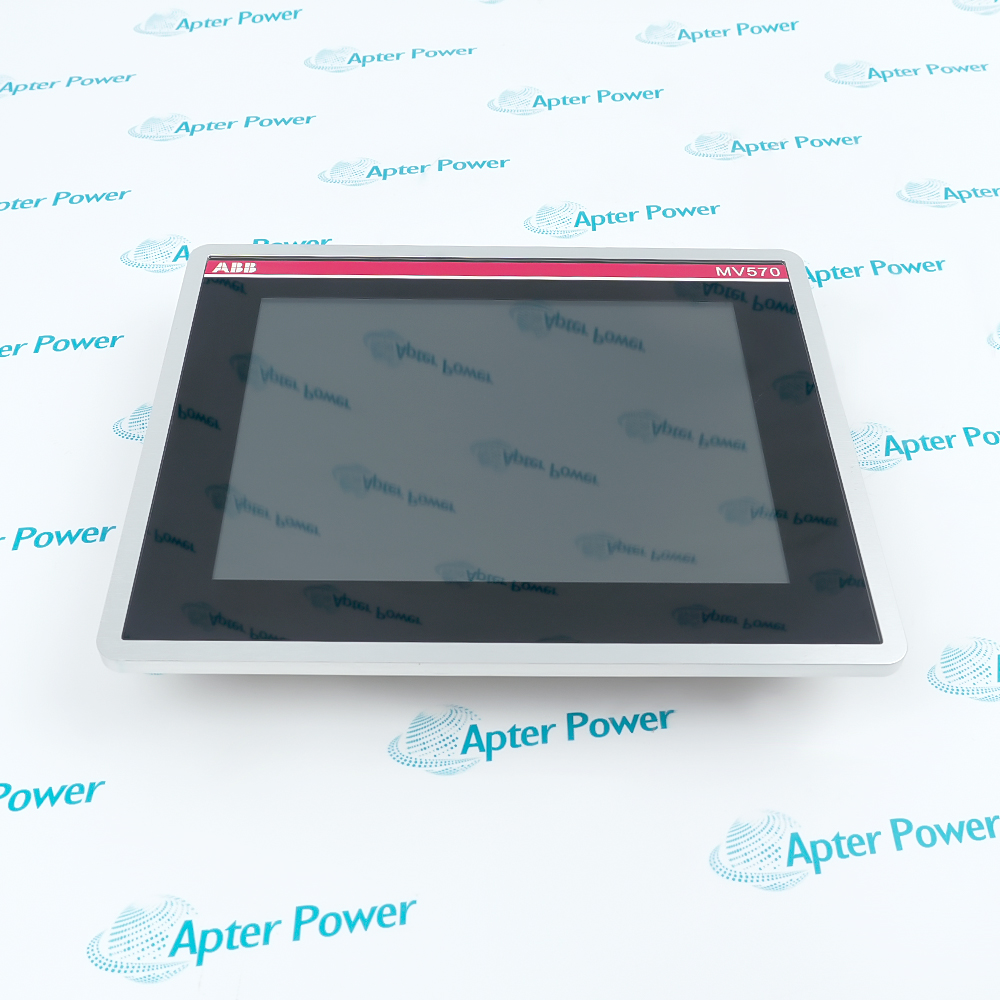
Match the complete ABB CP651-WEB-1SAP551200R0001 marking and the actual installed hardware configuration before approving the order. Check the full CP651-WEB and 1SAP551200R0001 identity, runtime version, display/touch condition and network configuration.
-
Check the offered item before ordering
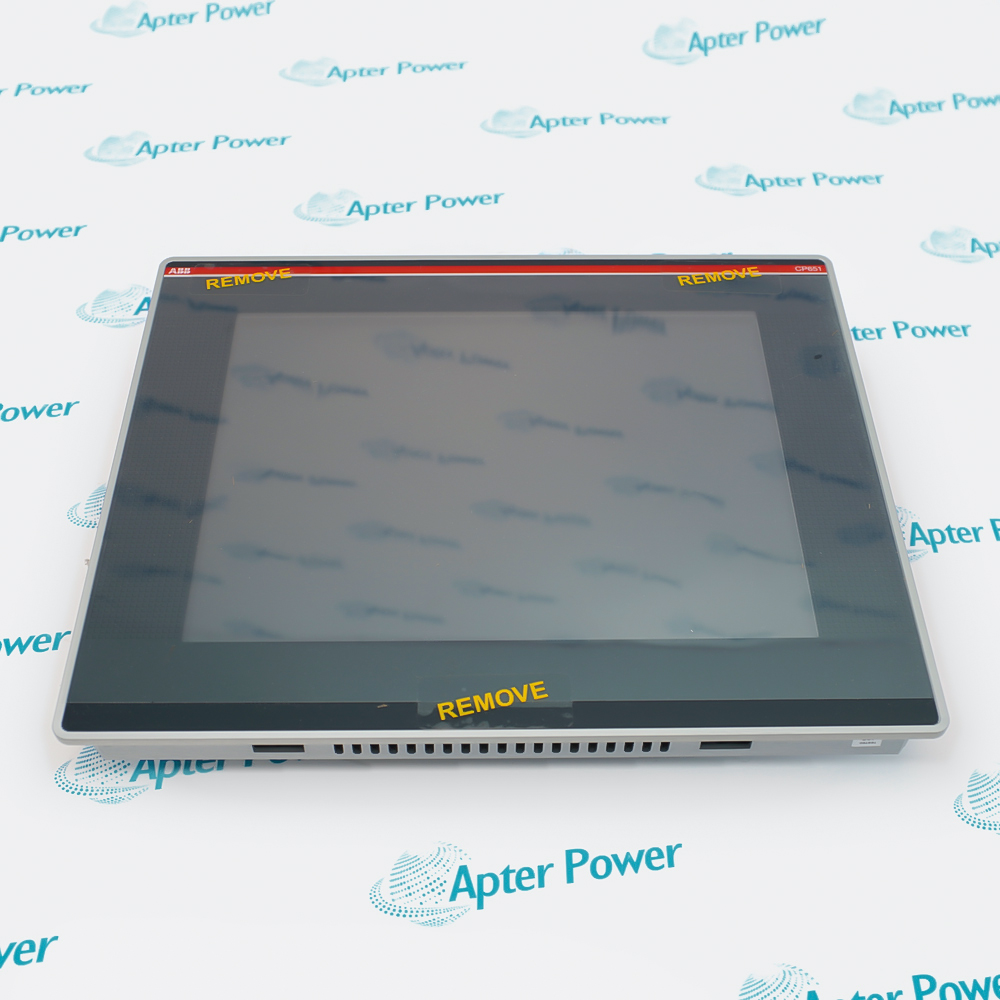
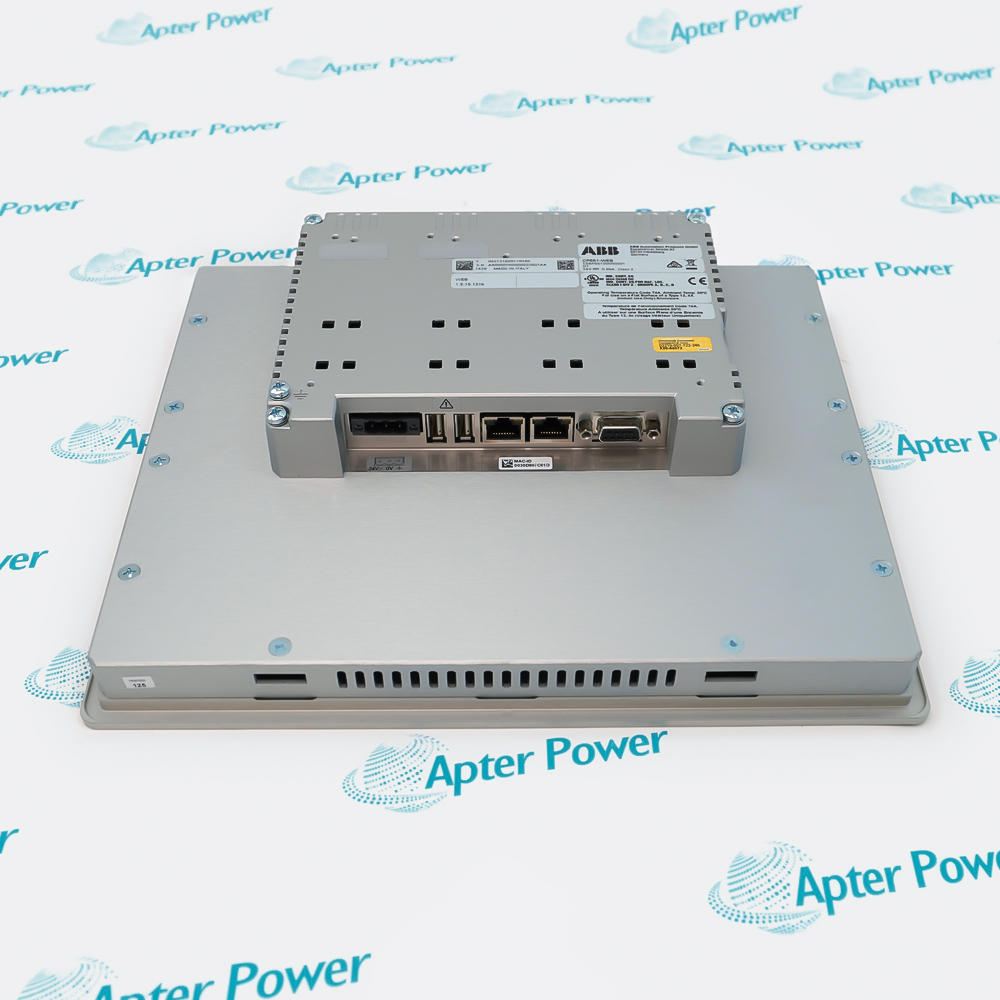
Request clear photographs of the offered CP651-WEB-1SAP551200R0001 and ask your maintenance team to compare its markings and interfaces with the installed equipment and applicable ABB instructions.
Technical specifications for CP651-WEB-1SAP551200R0001
-
Manufacturer:ABB
-
Product Category:HMI Panels
-
Spare Part Number:CP651-WEB-1SAP551200R0001
-
Weight:2.2 kg
-
Tariff Code:8537101190
-
Display:10.4-inch TFT-LCD
-
Resolution:800 x 600 pixels
-
Touch input:Four-wire resistive, single touch
-
Display colors:65,536
-
Brightness:300 cd/m2
-
Supply range:18-32 V DC
-
Current at 24 V DC:1.0 A
-
Ethernet interfaces:Two 10/100 Mbit/s ports
-
Operating temperature:0-50 degrees C
-
Protection:IP66 front; IP20 rear
Information
- ABB CP651-WEB-1SAP551200R0001 presents the controller-hosted visualization at the machine while network settings and the running controller project determine the displayed process information.
Operator input: Single-touch resistive screen
Installation boundary: Sealed panel front and protected cabinet rear
Two Ethernet interfaces and configurable serial hardware are present, but physical ports do not establish that every possible protocol is available to the running visualization. Retain the browser environment, controller address and project relationship when preparing a replacement.
The front and rear have different protection ratings. A properly fitted panel front can serve the operator environment while the rear electronics still require a suitable enclosure, clean supply and acceptable cabinet temperature. The internal rechargeable backup battery is not user-replaceable.
CP651-WEB-1SAP551200R0001 Original Technical Excerpt
ABB Control Panel CP600 Data Sheet, CP651 / CP651-WEB, 3ADR010245. Selected original pages retain the applicable technical tables and interface context. PDF · 5 pages.CP651-WEB-1SAP551200R0001 Installation & Verification Guide
Apter Power field guide covering web environment capture, cabinet installation, controller-page connection, validation and handover. PDF · 5 pages.
Application scope: Select compatible companion hardware and retain the intended measurement or control function. Accessories are included only when itemized in the offered assembly.
Machine-side web visualization
Display the compatible controller-hosted project.Process-value supervision
Present live values with an identifiable communication state.Controlled operator interaction
Send permitted actions through the configured controller interface.Panel replacement planning
Preserve the WEB runtime and the existing visualization relationship.
Record the startup address, controller project, browser environment and network settings. Identify the full WEB hardware reference before replacement.
Inspect the front seal, mounting hardware and protected rear enclosure. Check the loaded DC supply and cabinet thermal conditions.
Restore the assigned network and startup page. Compare page rendering with live variable updates and controller communication status.
Test touch alignment and the permitted operator commands under controlled conditions. Keep controller interlocks responsible for machine authorization.
Observe how stale data, communication loss and power restoration are presented. Preserve final settings and report any loss of retained configuration.
Retain the final CP651-WEB-1SAP551200R0001 identity, wiring and verified configuration with the machine maintenance record.
Alternative Names
Technical notes
WEB application boundary: Use the controller-hosted AC500 V2.3 visualization appropriate to the WEB execution. Do not treat a PB610 project for ordinary CP651 as an automatically compatible replacement application.
Communication and operation: Validate page loading, live variable updates and permitted operator commands separately. A visible page or Ethernet link does not prove that the controller connection remains current.
Enclosure and retention: Respect the IP20 rear-side environment and preserve the configured startup address and system settings. The internal backup battery is not a user-service replacement item.

FAQ View All FAQ
-
Can a PB610 application be loaded into CP651-WEB-1SAP551200R0001 as though it were an ordinary CP651?The WEB execution is intended for AC500 V2.3 web visualization and has a different application role. Confirm the supported runtime and project arrangement rather than relying on identical display size.
-
Why can CP651-WEB-1SAP551200R0001 show a page while its process values are stale?The page may remain visible after the live controller data path fails. Check variable freshness and communication status, not just successful page rendering.
-
What should be preserved before replacing CP651-WEB-1SAP551200R0001?Record the controller address, startup page, browser environment, network settings and the visualization-project relationship. Those settings determine the operator view beyond the panel hardware.
-
Does the front protection rating of CP651-WEB-1SAP551200R0001 apply to the rear electronics?No. The rear is IP20 and requires a suitable cabinet environment. Panel-front protection does not permit exposing the rear connections to moisture or contamination.
-
Can the backup battery in CP651-WEB-1SAP551200R0001 be replaced as a routine field task?It is an internal rechargeable, non-user-replaceable battery. Handle loss of retained settings through the appropriate service route rather than opening the panel for an unsupported battery change.
-
Why should operator commands be tested separately from graphics on CP651-WEB-1SAP551200R0001?A displayed control object does not prove correct permissions, controller addressing or interlocks. Test the permitted command path under controlled machine conditions.
-
How should a lost controller connection be evaluated on CP651-WEB-1SAP551200R0001?Confirm that the operator can recognize stale or unavailable data and that commands cannot be mistaken for completed actions. The controller remains responsible for the machine-control interlocks.
-
Do the physical interfaces on CP651-WEB-1SAP551200R0001 prove protocol compatibility?No. The installed runtime and controller application determine supported communication. Check the actual WEB environment before assuming that a port provides a desired protocol.
Supporting new and legacy automation
-
Please try to be as accurate as possible with your search.
-
We can quote you on 1000s of specialist parts, even if they are not listed on our website.
-
We can't find any results for “”.
Related cases and sourcing guidance
View all case studiesYou May Also Like
Product Browsing History
-
Whatsapp: +86 18030235313
Send us a message. -
sales13@apterpower.com
Complete our online form. -
+86 18030235313
Speak to our team in your native language.