Speak to a sourcing specialist
sales13@apterpower.com

AIP830-101 S2

Operation Keyboard
Ships by Thursday, November 12
Yokogawa AIP830-101 S2
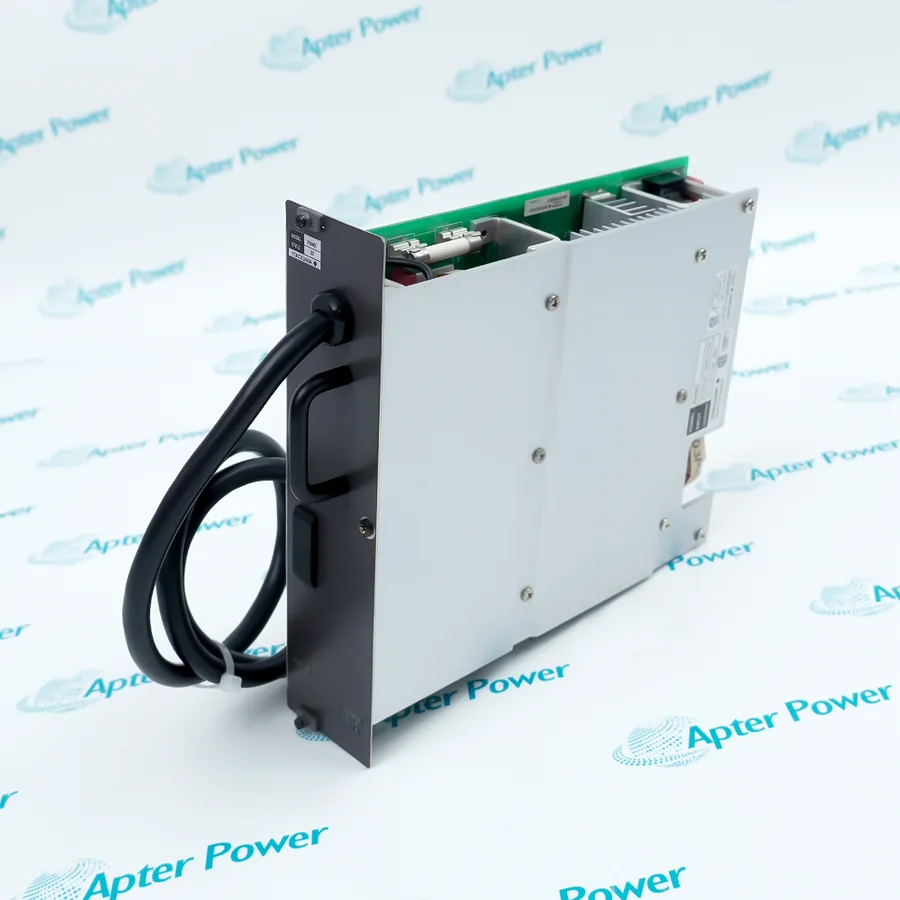
Product image is representative; revision or series may vary. Contact us to request a specific version.

Product Describe:

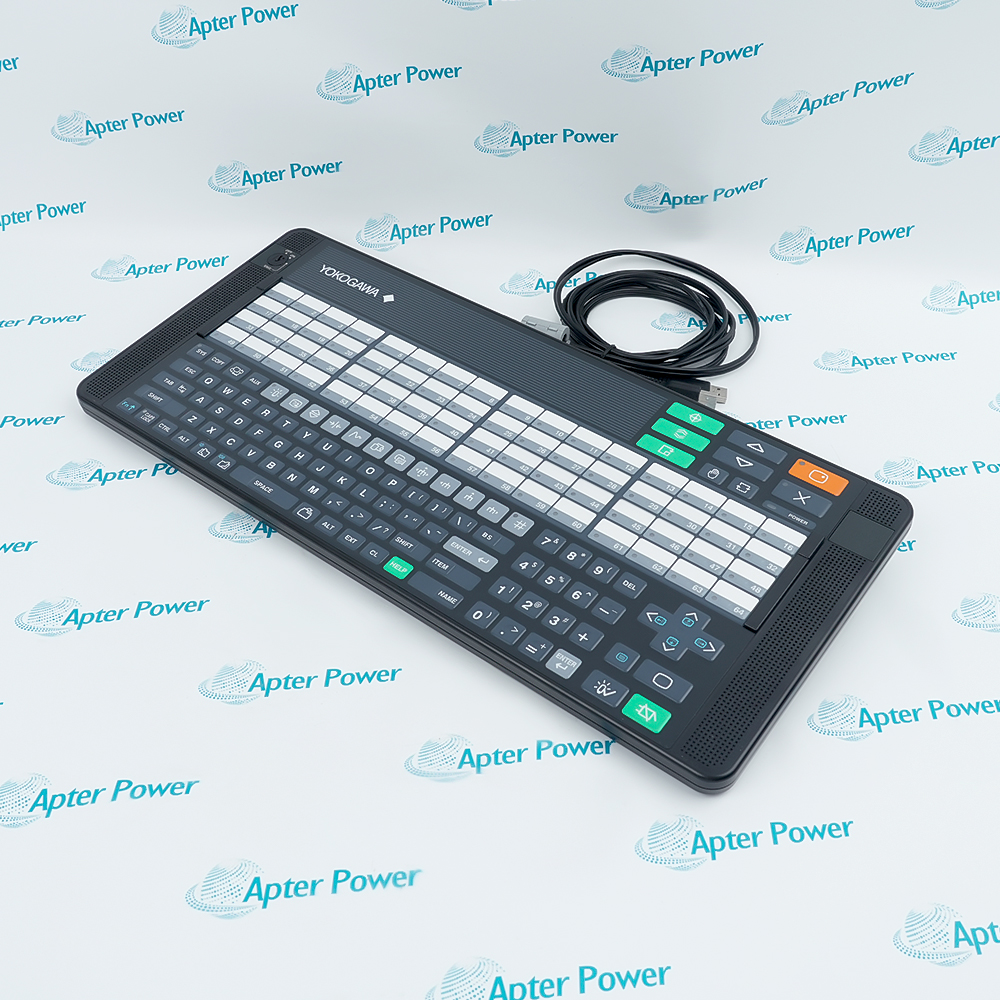
Yokogawa AIP830-101 S2 is a single-loop operation keyboard for a Desktop Type HIS, combining dedicated process keys, 64 assignable function keys and separate USB sound.
  • Manufacturer part number
    AIP830-101 S2
  • Shipping
    Swift global dispatch
  • Condition
    New, original product
  • Shipping size (est.)
    50cm x 24.5cm x 8cm
  • Country of Origin
    Japan
Get a quick price for AIP830-101 S2
E-mail *
Mobile *
Company
Content *
Quantity *
Upload (gif, jpg, jpeg, png, bmp, doc, docx, xls, xlsx, ppt, pdf, csv)
For more information on how your data is processed and stored by Apterpower please read our privacy policy

What happens after you enquire

  • 0

    Review your reference

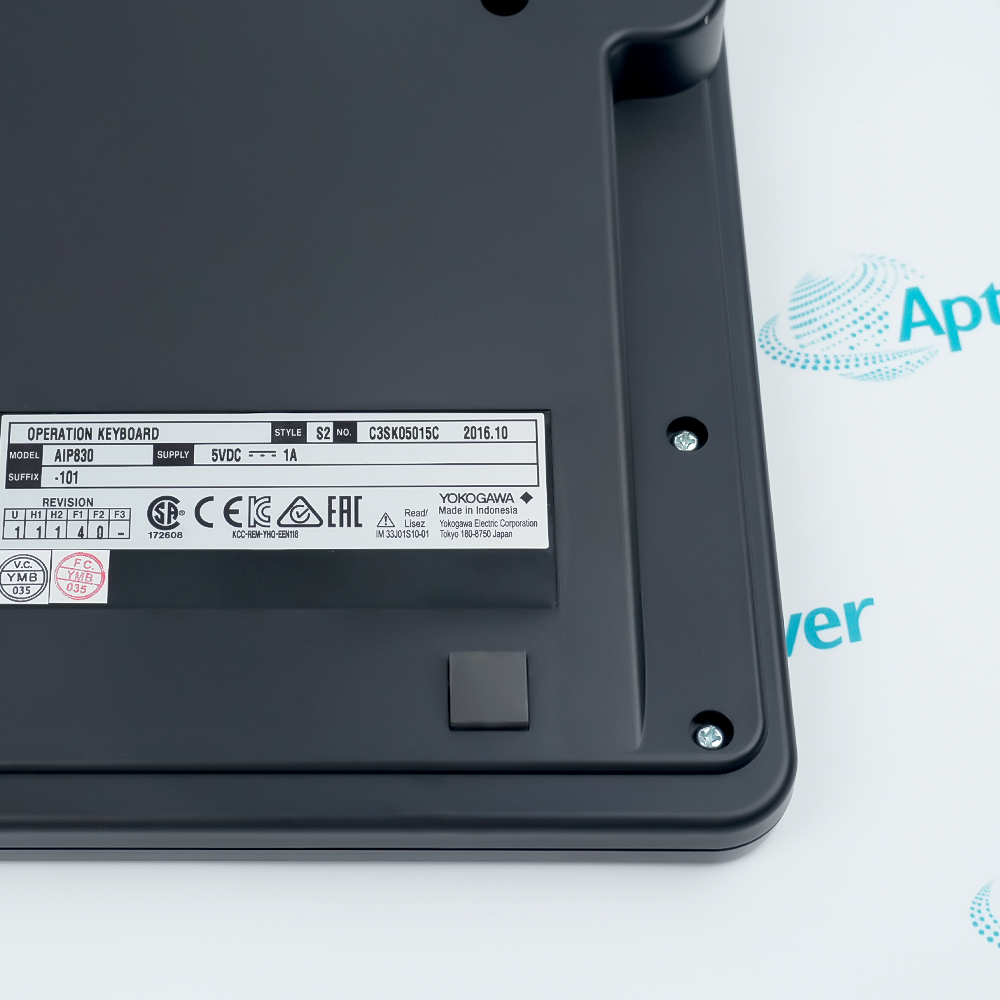
    Send the complete Yokogawa AIP830-101 S2 reference, label photographs and required quantity. Preserve AIP830-101 S2 and confirm mode-switch and key-symbol configuration.

  • 1

    Confirm the offer

    Review the offered revision, condition, included items and documents against the confirmed installation.

  • 2

    Arrange dispatch

    Confirm quantity, dispatch date, lead-time start and delivery details in the quotation.

  • Match the complete marking

    Provide the complete Yokogawa AIP830-101 S2 marking. Preserve AIP830-101 S2 and confirm mode-switch and key-symbol configuration.

  • Check the offered item before ordering

    Request available label and connector photos. Have your maintenance team compare the offered AIP830-101 S2 with the installed equipment and applicable Yokogawa instructions.

Technical specifications for AIP830-101 S2

  • Manufacturer:
    Yokogawa
  • Product Category:
    DCS Systems
  • Spare Part Number:
    AIP830-101 S2
  • Weight:
    1.85 kg
  • Tariff Code:
    8537101190
  • Assignable function keys:
    64
  • Computer connections:
    2 × USB Type A, both directly to HIS
  • Keyboard interface:
    USB 2.0 full speed, bus powered
  • Sound interface:
    USB 1.1 full speed, bus powered
  • Supply:
    5 V ±5% from PC USB
  • Maximum current:
    1 A
  • Mode selector:
    Included in -101 configuration
  • Confirmation symbols:
    Type A
  • Operating temperature:
    +5 to +40 °C
  • Operating humidity:
    20–80% RH, non-condensing

Information

Overview Downloads Applications / Compatibility Product Precautions
  • Yokogawa AIP830-101 S2 gives a CENTUM operator direct access to process-control windows, alarm acknowledgement and loop manipulation while retaining alphanumeric entry.
Operator access: 64 assignable function keys
Connectivity: Two direct USB connections
Audio: Independent USB speaker and buzzer
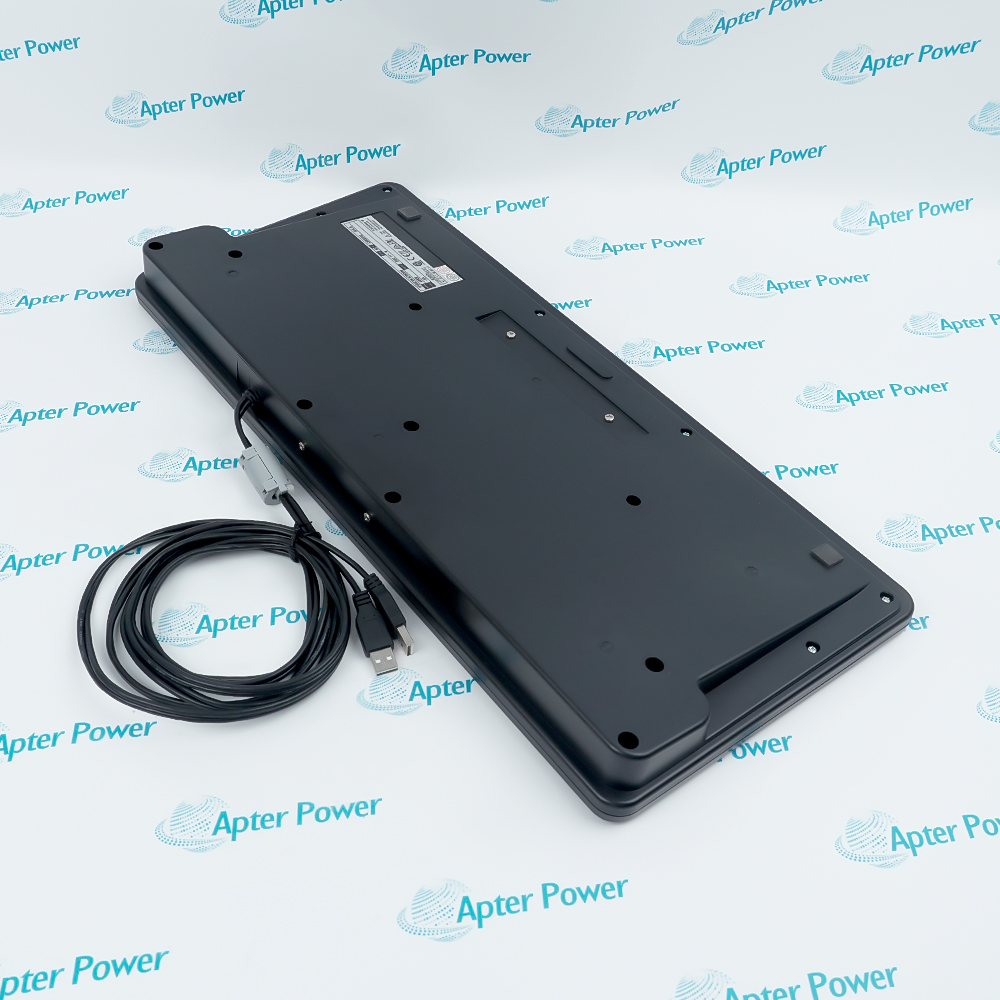
The keyboard connects to one Desktop Type HIS through two USB Type-A plugs. Both plugs must connect directly to the computer: one serves the keyboard function and the other supports the independent USB sound function.

The -101 configuration provides a mode selection switch and Type A operation-confirmation key symbols. The 64 user-definable function keys can call application-specific operations, while dedicated window and cursor keys reduce reliance on general PC keyboard shortcuts.

The keyboard function uses full-speed USB 2.0 and the sound function uses full-speed USB 1.1. Power is supplied at 5 V ±5% from USB with a 1 A maximum consumption. Normal operation requires +5 to +40 °C and 20–80% relative humidity without condensation.
Controller platform reference: CENTUM Desktop Type HIS. Match the installed configuration and applicable instructions.
Yokogawa AIP830-101 S2: original manufacturer technical information covering the specified interfaces and operating limits. Installation topics include: map the operator functions, connect the keyboard usb plug, exercise function-key calls, verify alarm acknowledgement, confirm the operating environment.
Original manufacturer pages retain their technical context. Use the Apter Power guide with the applicable manufacturer instructions and approved installation design.
System and supply context: Yokogawa AIP830-101 S2 operates within the following defined system context. Preserve AIP830-101 S2 and confirm mode-switch and key-symbol configuration.

Application scope: The applications below describe its technical role. Select associated hardware and configuration for the actual installation.
Prepare Yokogawa AIP830-101 S2 for its configured installation using these checks.
Check the mode and confirmation keys

Compare the mode selector and Type A confirmation symbols with the installed operator procedure. Make any application-level changes through the approved HIS configuration workflow.

Connect the independent sound plug

Attach the second USB plug directly to the same HIS computer. Check the sound device separately so that audio operation is not mistaken for the electronic buzzer function.

Test entry and confirmation

Check alphanumeric entry, numeric keys and the confirmation sequence without issuing an unintended live control command. Confirm mode-switch behavior against the configured operator privileges.

Review Fn combinations

Check page-key volume control, cursor-key scrolling and clear-screen behavior with Fn. Record any non-default clear-screen setting that changes the expected operator action.

Hand over the HIS configuration

Retain the exact AIP830-101 S2 identity, direct USB connection map, function-key assignments and audio test results. Ensure the operating team understands the tested mode and confirmation sequence.

Confirm the operating environment

Measure the desk or panel environment against +5 to +40 °C and 20–80% non-condensing humidity. Keep liquids and condensation away from the keyboard and USB connections.

Alternative Names

Yokogawa AIP830-101 S2 AIP830 101 S2

Technical notes

Operating boundary: The independent sound connection and buzzer should be checked separately; hearing one does not verify the other.

Integration details: Retain the exact suffix, confirmation symbols, mode-switch arrangement and HIS software configuration when replacing the keyboard.

Technical basis: Yokogawa AIP830 Operation Keyboard for Single-loop Operation, GS 33J50C32-01EN, 2nd edition. AIP830-101 functions and suffix selections apply to this offered AIP830-101 S2 identity. The S2 marking does not establish additional electrical or functional ratings.


FAQ View All FAQ

  • Why does AIP830-101 S2 need two USB connections?
    The keyboard and independent sound function use separate USB connections. Both connectors must be attached directly to the HIS computer.
  • How many process-specific shortcuts can be assigned on AIP830-101 S2?
    There are 64 user-definable function keys, in addition to dedicated process-control and window-call keys.
  • Does the -101 configuration of AIP830-101 S2 include a mode selector?
    Yes. The -1 selection provides the mode selection switch, and the remaining configuration uses Type A confirmation symbols.
  • How is speaker volume adjusted on AIP830-101 S2?
    The page keys also act as volume-control keys when used with Fn. Verify the independent USB speaker connection if this produces no sound change.
  • Can the cursor keys on AIP830-101 S2 scroll a window?
    Yes. Pressing them with Fn invokes their scrolling function instead of ordinary cursor movement.
  • What prevents an unintended clear-screen action on AIP830-101 S2?
    The default action requires Fn together with the clear-screen key. Hardware settings can change this behavior, so confirm the configured operation.
  • How many AIP830-101 S2 keyboards are supported per Desktop Type HIS?
    One AIP830 keyboard is supported per Desktop Type HIS. Multiple keyboards are not established as a supported arrangement.
  • Are the buzzer and USB speaker of AIP830-101 S2 the same function?
    No. The independent USB speaker handles sound separately from the electronic buzzer used for buzzer alarms.
Manufacturers

Product Browsing History

Revisit the products you recently viewed on Apter Power.
SPEAK TO OUR TEAM
Let’s find the right solution for you.
Send us the part number, quantity and delivery destination. Our team will help confirm availability and lead time.
  • Whatsapp: +86 18030235313

    Send us a message.
  • sales13@apterpower.com

    Complete our online form.
  • +86 18030235313

    Speak to our team in your native language.