-
Match the complete marking
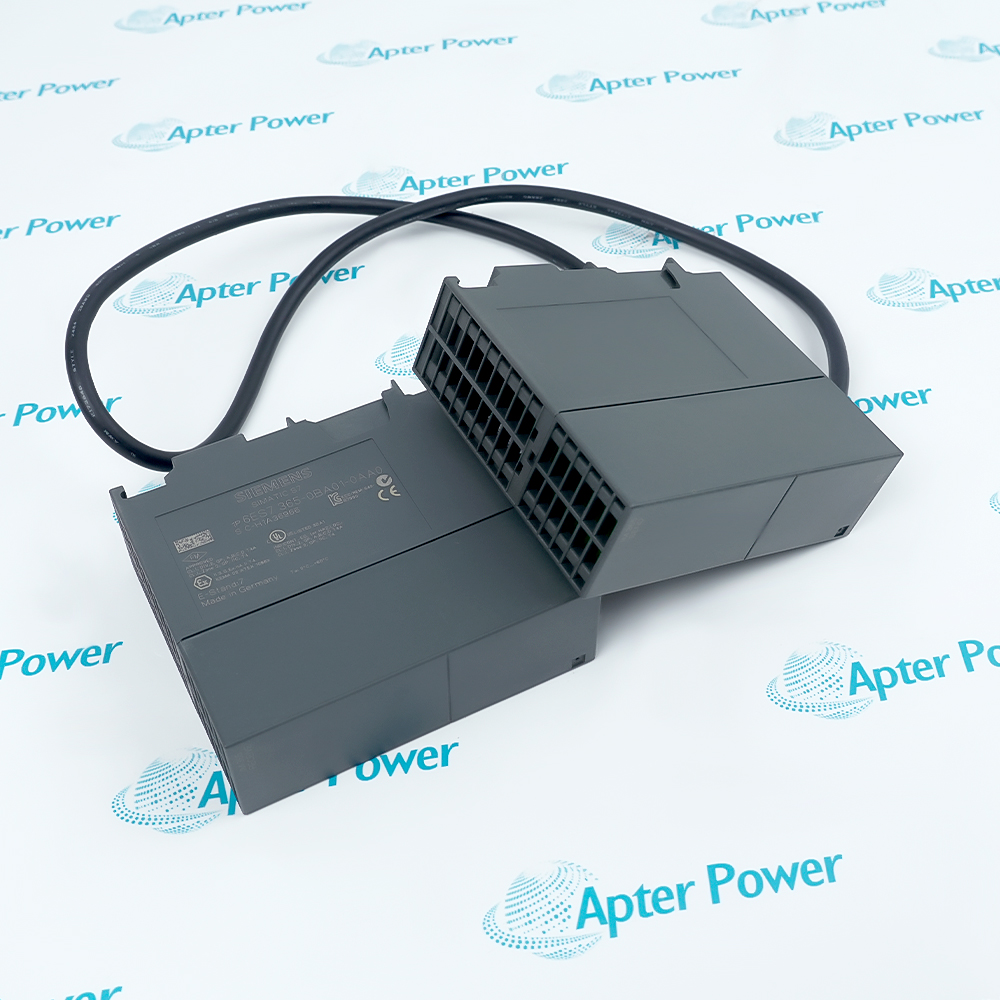
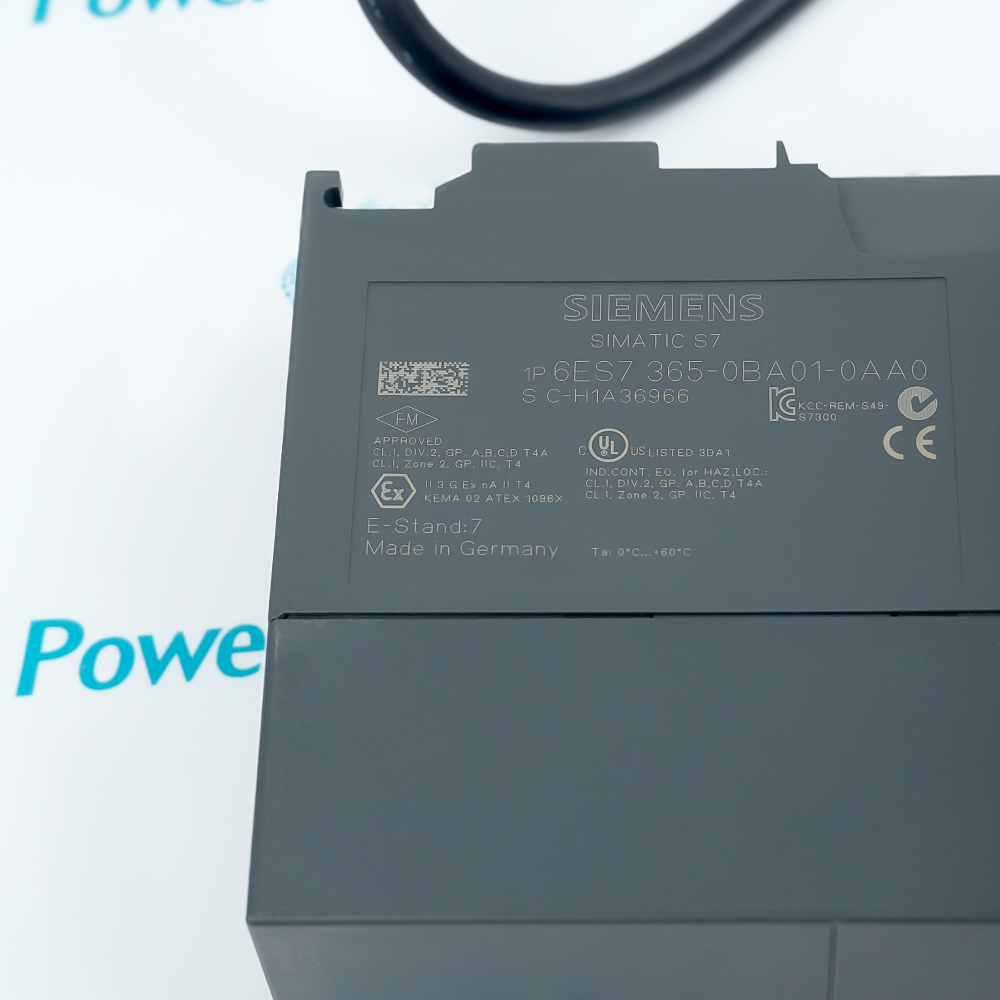
Include 6ES7365-0BA01-0AA0 and the visible revision or assembly identity in your enquiry. Keep the complete reference on the quotation.
-
Check the offered item before ordering
Request available label and connector photos. Have your maintenance team compare the offered 6ES7365-0BA01-0AA0 with the installed equipment and applicable Siemens documentation.
Technical specifications for 6ES7365-0BA01-0AA0
-
Manufacturer:Siemens
-
Product Category:PLC Systems
-
Spare Part Number:6ES7365-0BA01-0AA0
-
Weight:1.1905 lbs (0.54 kg)
-
Tariff Code:8537101190
-
Product type:IM 365 interface pair
-
System:SIMATIC S7-300
-
Expansion:One expansion rack
-
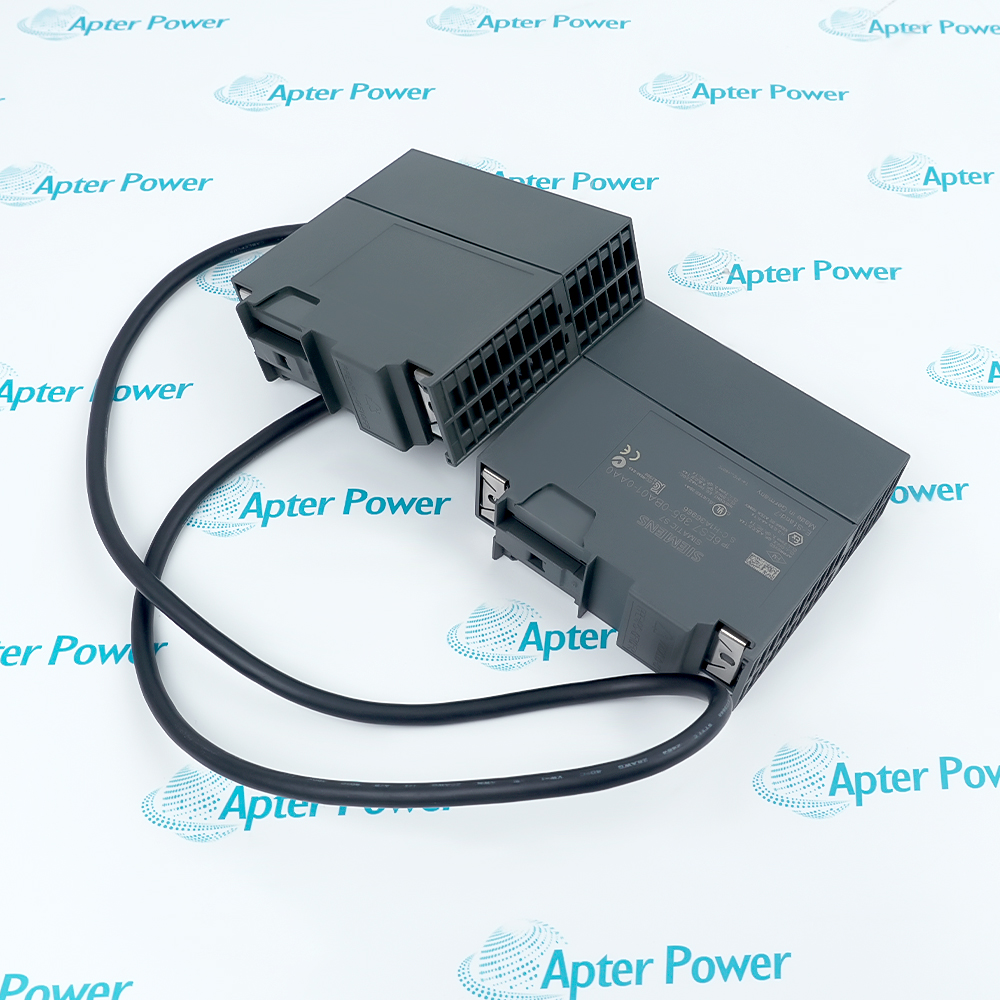
Assembly:2 interface modules and connecting cable
-
Cable length:1 m
-
Communication bus:Not carried to the expansion rack
-
Backplane input:5 V DC; 100 mA maximum
-
Power loss:0.5 W typical
-
CPU interface limit:1 pair per CPU
Information
- Siemens 6ES7365-0BA01-0AA0. The IM 365 extends an S7-300 installation across two racks while keeping the expansion connection local and fixed.
System: SIMATIC S7-300
Expansion: One expansion rack
Assembly: 2 interface modules and connecting cable
The expansion connection does not transfer the communications bus. This limitation must be considered before placing modules that need that bus into the expansion rack. The interface limit is one pair per CPU; it is not a general multi-rack expansion system.
Maximum current drawn from the 5 V backplane is 100 mA and typical loss is 0.5 W. Retain the rack allocation and power-budget record during installation. Verify the resulting I/O configuration and the signal path to each fitted module before returning the controller to service.
-
Siemens 6ES7365-0BA01-0AA0 technical reference
Original manufacturer data sheet - PDF, 2 pages. Exact-model technical characteristics and manufacturer product identification. -
Siemens 6ES7365-0BA01-0AA0 installation guide
Prepared by Apter Power - PDF, 5 pages. Installed-system review, configuration checks, commissioning and handover.
Configuration scope: Technical values apply to the complete 6ES7365-0BA01-0AA0 execution. Retain the actual installed configuration and applicable Siemens instructions.

-
Local I/O expansion
Use the matched IM 365 pair to connect one expansion rack to an S7-300 central rack. Plan the rack allocation around the fixed local connection. -
Expansion-rack selection
Check each proposed expansion module against the available bus arrangement. Modules requiring the communications bus need a rack configuration that provides that bus. -
Interface-pair service
Treat the two interface modules and connecting cable as one documented arrangement. Match both members and preserve the installed central-to-expansion rack relationship. -
Rack power review
Include the interface pair in the station backplane budget. Confirm the resulting I/O configuration and each fitted module signal path before returning the station to service.
The IM 365 reference identifies two interface modules and a 1 m connecting cable. Confirm the offered assembly contents explicitly.
It connects one expansion rack to the S7-300 central rack.
The communications bus is not carried over this connection. Check the bus requirements of every proposed expansion-rack module.
The set uses a 1 m connecting cable. Match the installed pair and cable arrangement before replacement.
Maximum current drawn from the 5 V DC backplane is 100 mA.
Typical power loss is 0.5 W. Retain the rack power and thermal assessment for the complete installed system.
Alternative Names
Technical notes
System relationship: The IM 365 extends an S7-300 installation across two racks while keeping the expansion connection local and fixed.
Configuration boundary: Verify the central-to-expansion connection, configured rack allocation and the signal path through each fitted I/O module before returning the machine to service.
Technical reference: Siemens 6ES7365-0BA01-0AA0 Data Sheet. Technical values apply to the complete 6ES7365-0BA01-0AA0 execution. Retain the actual installed configuration and applicable Siemens instructions.

FAQ View All FAQ
-
What is included in the order identity of 6ES7365-0BA01-0AA0?The IM 365 reference identifies two interface modules and a 1 m connecting cable. Confirm the offered assembly contents explicitly.
-
How many expansion racks can 6ES7365-0BA01-0AA0 connect?It connects one expansion rack to the S7-300 central rack.
-
Does 6ES7365-0BA01-0AA0 carry the communications bus to the expansion rack?No. The communications bus is not carried over this connection. Check the bus requirements of every proposed expansion-rack module.
-
What cable length belongs to 6ES7365-0BA01-0AA0?The set uses a 1 m connecting cable. Match the installed pair and cable arrangement before replacement.
-
What is the backplane input current of 6ES7365-0BA01-0AA0?Maximum current drawn from the 5 V DC backplane is 100 mA.
-
How much power is dissipated by 6ES7365-0BA01-0AA0?Typical power loss is 0.5 W. Retain the rack power and thermal assessment for the complete installed system.
-
Can multiple 6ES7365-0BA01-0AA0 pairs be added to one CPU?The stated limit is one interface pair per CPU. It is not a general multi-rack expansion arrangement.
-
What should be tested after installing 6ES7365-0BA01-0AA0?Verify the central-to-expansion connection, configured rack allocation and the signal path through each fitted I/O module before returning the machine to service.
Supporting new and legacy automation
-
Please try to be as accurate as possible with your search.
-
We can quote you on 1000s of specialist parts, even if they are not listed on our website.
-
We can't find any results for “”.
You May Also Like
Product Browsing History
-
Whatsapp: +86 18030235313
Send us a message. -
sales13@apterpower.com
Complete our online form. -
+86 18030235313
Speak to our team in your native language.