-
Match the complete marking
Match the complete Siemens 6DD1682-0CC0 marking and actual installed configuration. Check the subrack, SP22 supply, fan assembly, backplane jumpers and backup connection.
-
Check the offered item before ordering
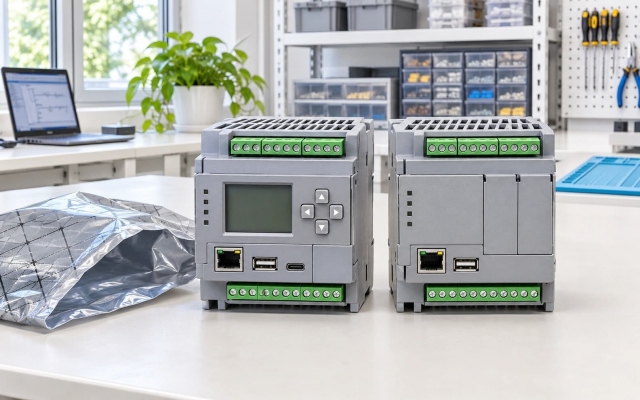
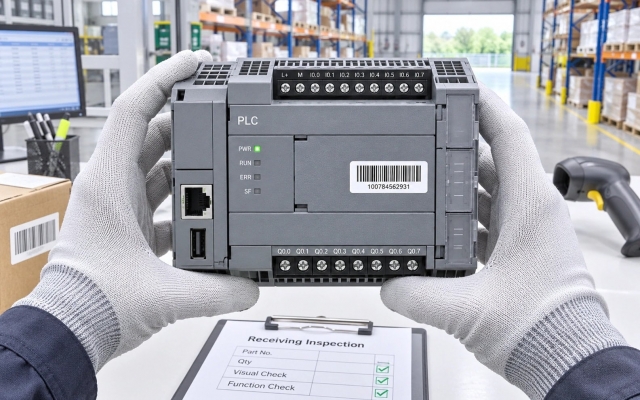
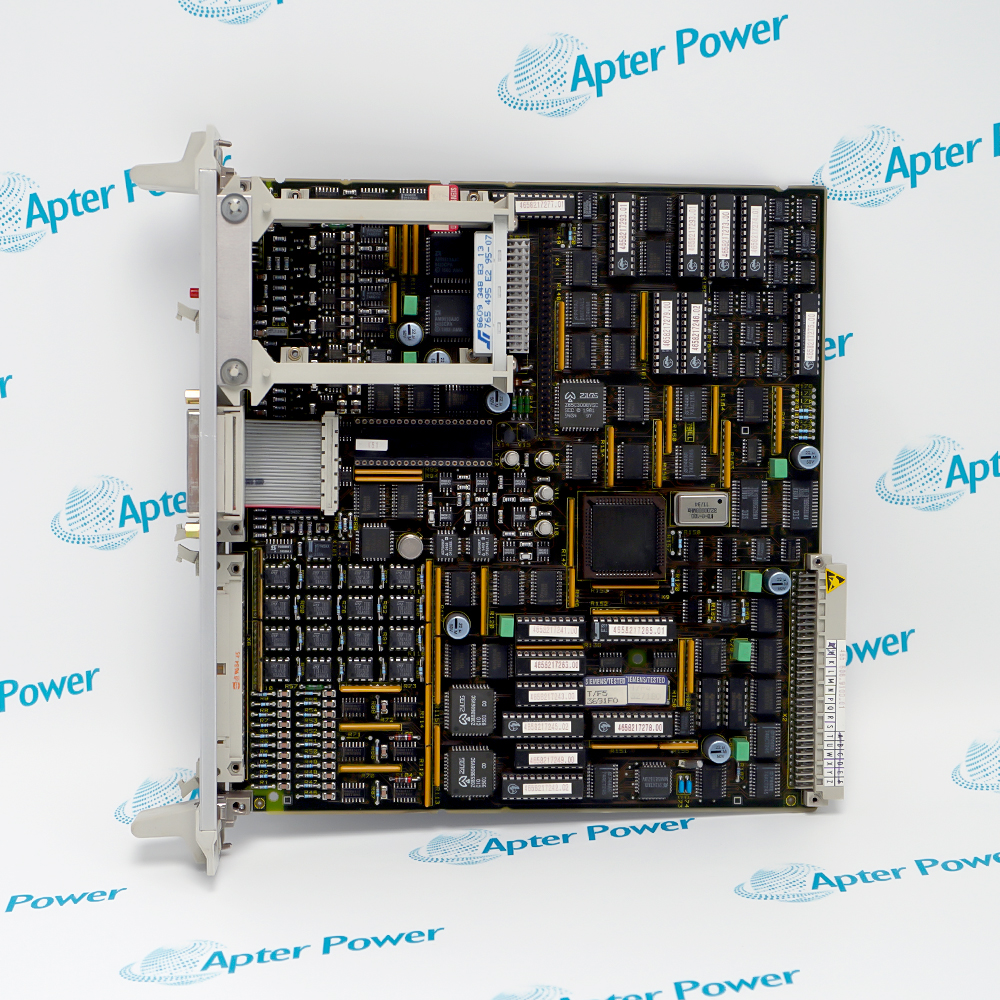
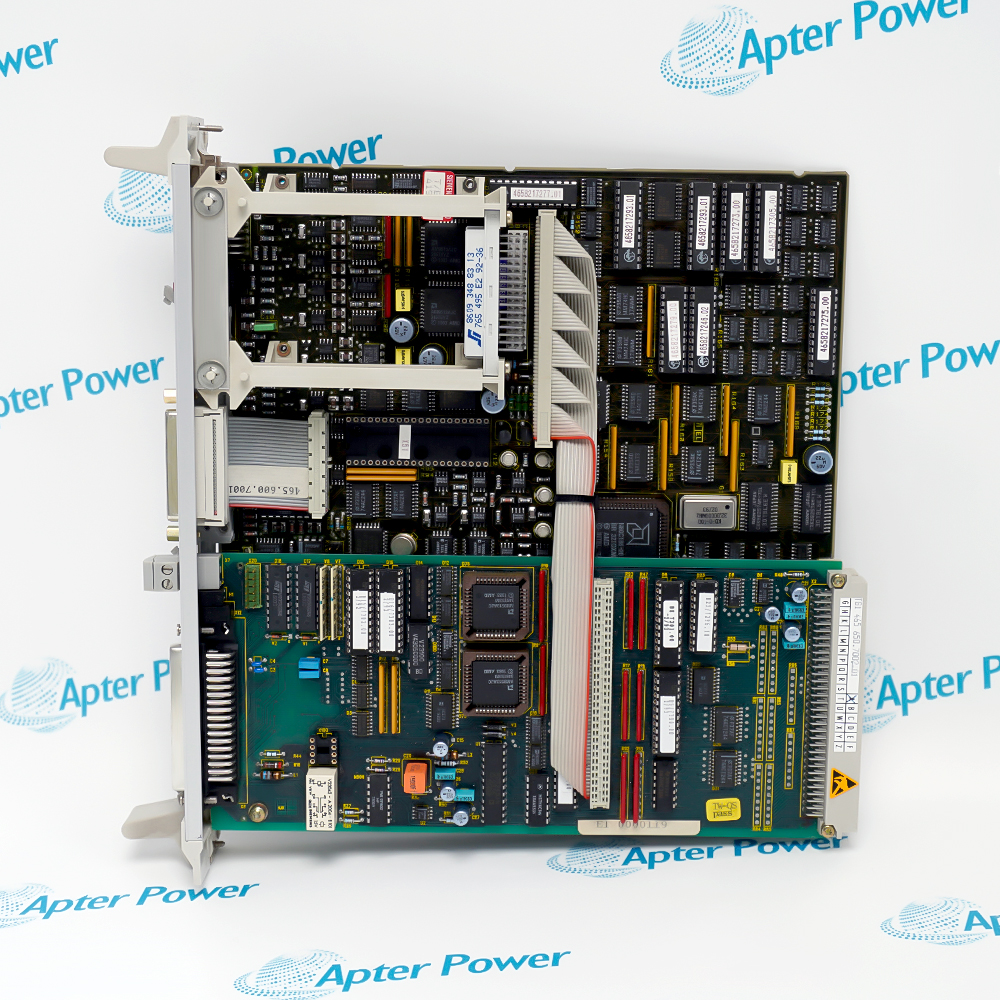
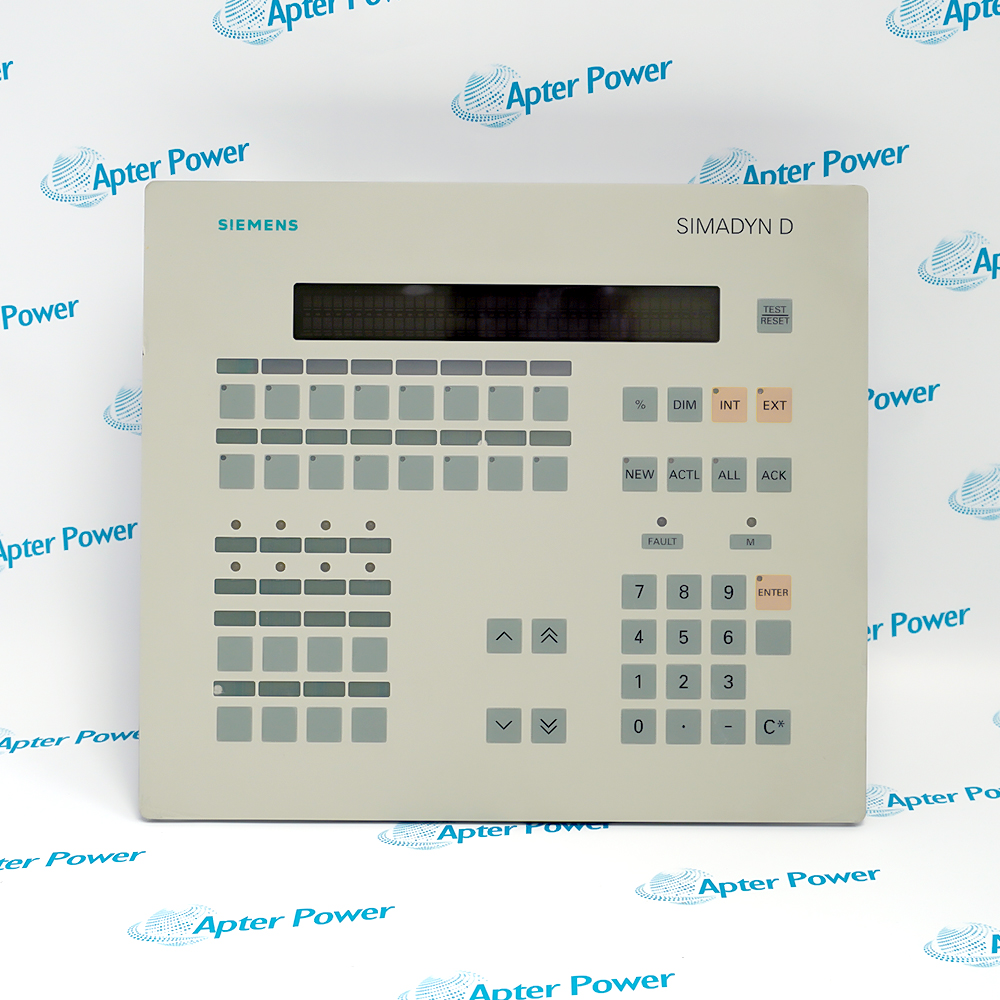
Compare offered-unit photographs, interfaces and included items with the installed 6DD1682-0CC0 and its applicable installation requirements.
Technical specifications for 6DD1682-0CC0
-
Manufacturer:Siemens
-
Product Category:DCS Systems
-
Spare Part Number:6DD1682-0CC0
-
Weight:4.8 kg
-
Tariff Code:8537101190
-
Module positions:12
-
Input supply:24 V DC nominal
-
Input operating range:20–30 V DC
-
Input current rating:16 A
-
Power-supply type:SP22
-
Cooling fans:1
-
Backplane buses:L bus and C bus
-
Monitored output voltages:5 V and ±15 V
-
Fan-monitor contact:24 V, 100 mA
Information
- Siemens 6DD1682-0CC0 forms the electrical, cooling and data-distribution foundation of a SIMADYN D installation, so its power, grounding and bus-jumper arrangement must be maintained as a complete assembly.
Cooling supervision: Fan monitoring feeds a separate fault contact
Retention planning: Preserve backup continuity during supply removal
The backplane buses distribute power and communication signals. Daisy-chain jumpers must preserve the path through positions without CPU or applicable signal-processor modules up to the final CPU position.
Protective grounding is required at both the subrack and power supply. Fan faults, supply-voltage faults and interrupted backup power have different consequences; verify each path rather than treating a green supply indication as complete rack acceptance.
6DD1682-0CC0 Original Technical Excerpt
SIMADYN D Hardware, SR12 and SR24 Subracks, Edition 04.2011. Selected original pages retain the relevant technical tables and interface context. PDF · 9 pages.6DD1682-0CC0 Installation & Verification Guide
Apter Power field guide covering capture the complete rack configuration, plan supply and backup isolation, restore rack and bus continuity, validation and handover. PDF · 5 pages.
Application scope: The applications below describe the installed measurement or control path. Select compatible companion equipment; accessories are included only when expressly itemized.
SIMADYN D module hosting
Provide the approved rack positions and backplane interfaces.DC-fed cabinet installations
Distribute power from a correctly protected DC supply.Forced-cooled control racks
Maintain airflow and monitored fan operation.Multi-CPU rack restoration
Preserve the bus chain and coupling-module placement.
Record the SR12.1 and SP22 identities, module positions, CPU sequence, coupling memory and bus jumpers. Preserve the application and retained data needed for restart.
Secure the process and review DC protection, both grounding paths and the backup arrangement. Prepare the approved recovery or external backup method before supply removal.
Install the rack and supply according to the SIMADYN D procedure. Reinstate the recorded daisy-chain jumpers, module fastening, slot covers and grounding conductors.
Apply power under controlled conditions and observe the input, output rails and fan operation. Allow for the fan-monitor run-up delay, then verify its steady fault contact state.
Restart the approved application and test the intended response to rack faults using the authorized procedure. Retain the final rack map, backup condition and electrical checks for handover.
Retain the final 6DD1682-0CC0 identity, tested settings and accepted channel or system response for subsequent maintenance.
Alternative Names
Technical notes
Grounding paths: The power-supply PE connection and subrack grounding connection are both required. One connection does not replace the other.
Cooling-fault consequence: Do not operate the rack with a failed fan. Fan monitoring has a run-up delay, so assess the steady operating indication after the permitted start period.
Backup continuity: Removing the supply or changing the fan interrupts the normal backup arrangement. Prepare the supported external backup or recovery method before intervention.

FAQ View All FAQ
-
Why is the DC-fed identity of 6DD1682-0CC0 essential during replacement?SR12 family variants include different input supplies and cooling arrangements. Match SR12.1 and its SP22 supply rather than relying on the common rack format.
-
Can the protective-earth connection at the power supply alone ground 6DD1682-0CC0 adequately?No. The subrack requires its own specified grounding connection as well as the power-supply PE connection.
-
What happens to backup continuity when the supply is removed from 6DD1682-0CC0?The normal backup arrangement is interrupted. Prepare the supported external backup or a verified recovery plan before removing the supply or fan assembly.
-
Why can a missing bus jumper prevent CPUs in 6DD1682-0CC0 from communicating?The bus uses a daisy-chain path. Required jumpers through non-CPU positions must remain correct up to the last CPU position.
-
May 6DD1682-0CC0 remain in service after a fan fault if the CPUs still run?No. Reliable module operation is no longer assured because of temperature rise. Resolve the cooling fault before returning the rack to service.
-
Why should fan-monitor status on 6DD1682-0CC0 be assessed after run-up?Monitoring is delayed during power-up to allow reliable starting. Interpret the final operating state rather than a transient start-up indication alone.
-
How should a supply-output fault on 6DD1682-0CC0 be distinguished from an input interruption?Check the input voltage, monitored output rails and associated fault indication. Different faults can have different shutdown and restart behavior.
-
What should be checked before adding another module to 6DD1682-0CC0?Review slot and bus-chain requirements, supply demand, airflow, grounding and the module’s role in the existing CPU architecture. A vacant connector is not sufficient evidence of suitability.
Supporting new and legacy automation
-
Please try to be as accurate as possible with your search.
-
We can quote you on 1000s of specialist parts, even if they are not listed on our website.
-
We can't find any results for “”.
Related cases and sourcing guidance
View all case studiesYou May Also Like
Product Browsing History
-
Whatsapp: +86 18030235313
Send us a message. -
sales13@apterpower.com
Complete our online form. -
+86 18030235313
Speak to our team in your native language.