With more than 30.000 high-quality spare parts, they can be sold immediately. Our large inventory allows us to quickly meet customer needs, thereby reducing downtime and protecting production schedules. Our timely delivery time provides you with security and save money.
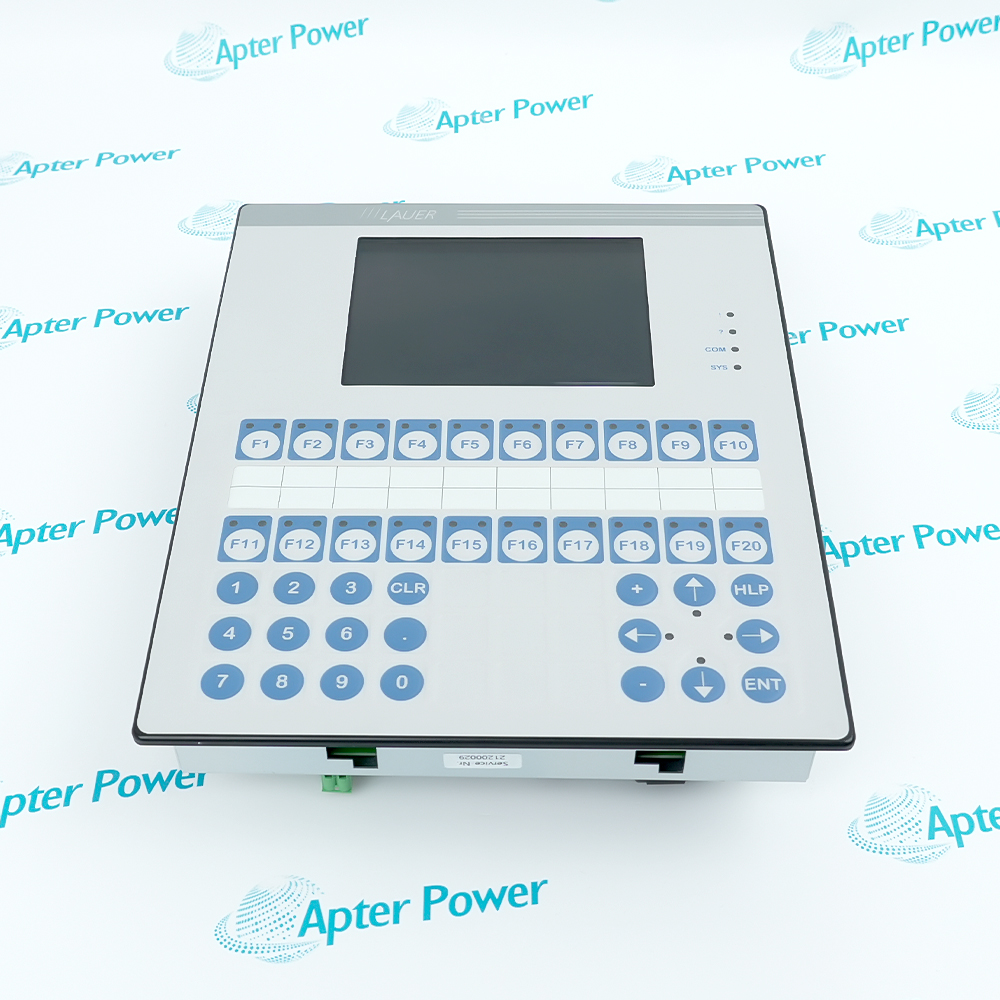
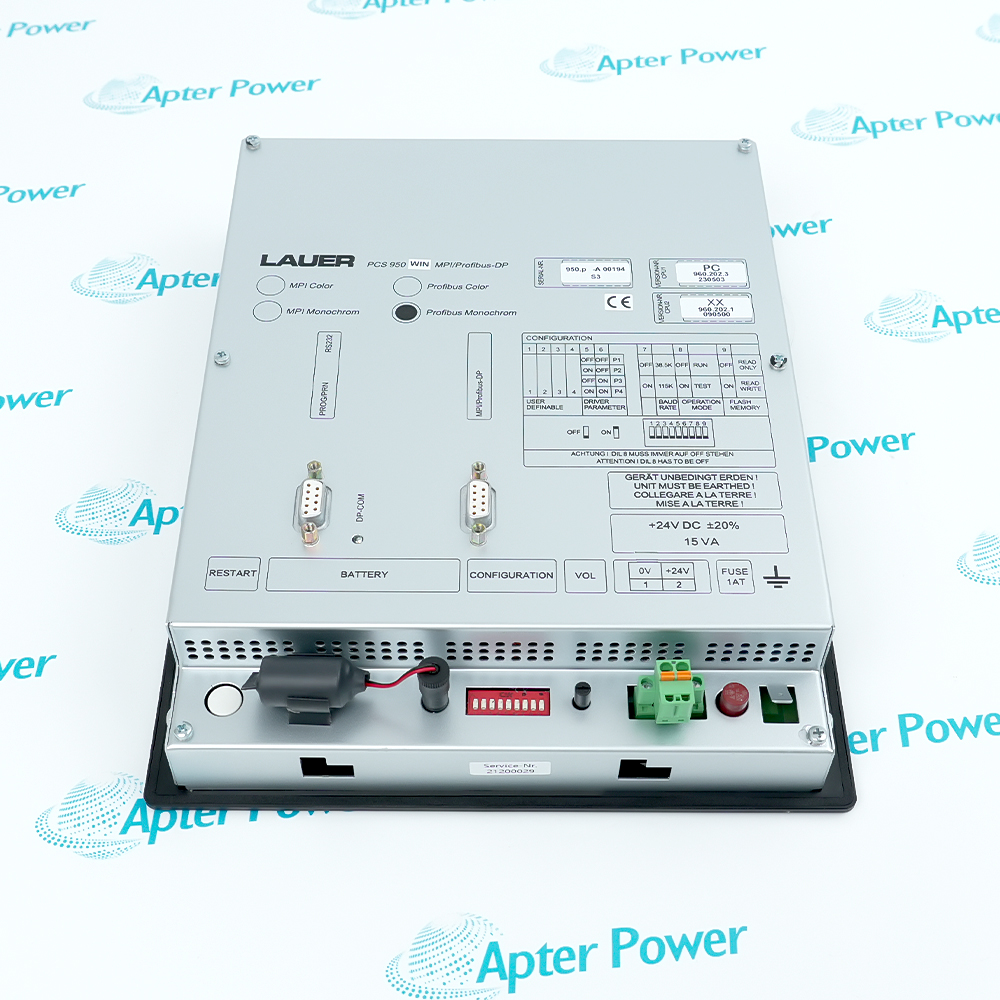
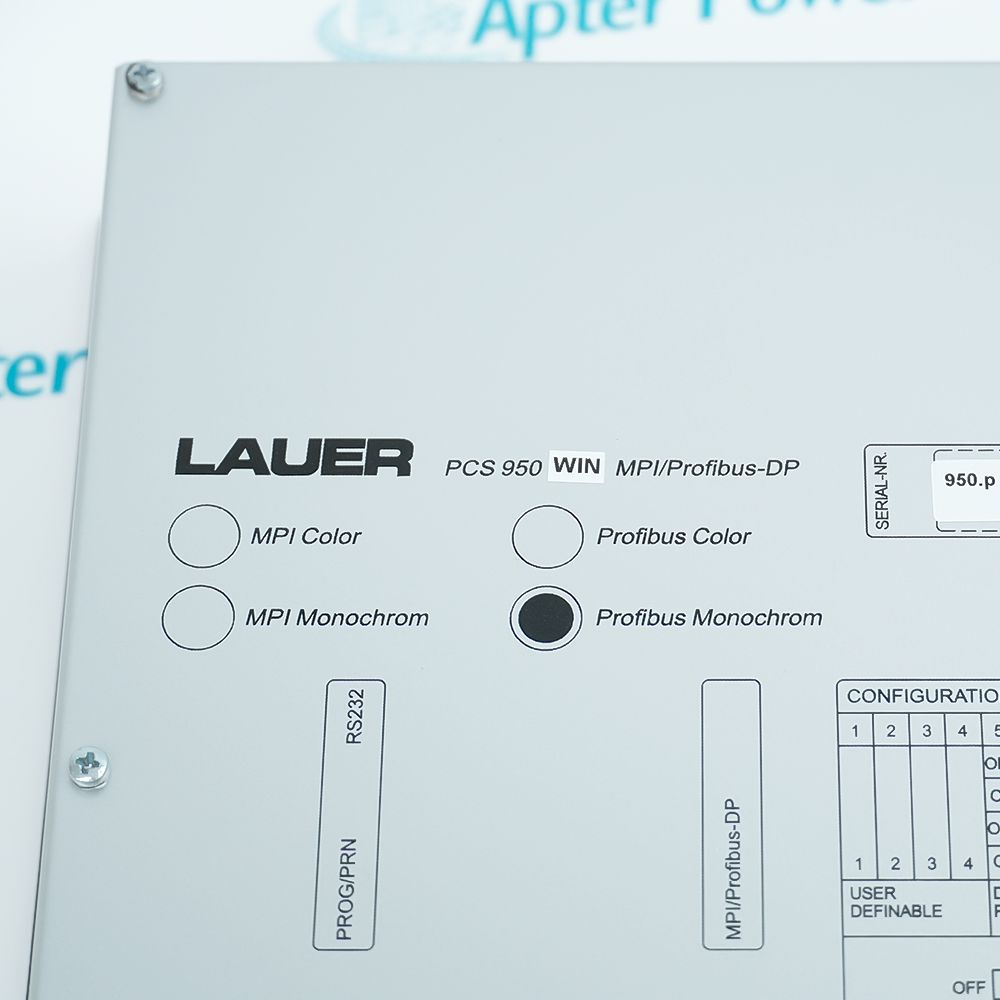
The PCS 950 WIN MPI/Profibus-DP is a high-performance industrial operator panel featuring integrated MPI (Multi-Point Interface) and Profibus-DP communication protocols. It primarily functions as an HMI interface for Siemens SIMATIC S7-300/400 series PLCs, handling graphical data display and control command inputs. Designed with a rugged IP65 front panel, a graphical LCD display, and mechanical tactile pushbuttons, it provides stable and reliable human-machine interaction in harsh industrial environments, supporting an operating range of 0-50°C and high vibration resistance.
High Compatibility
Plug & Play Maintenance
Electrical Safeguard
The operating consoles PCStopline offer the highest degree on perfection, unparalled in design and function. PCStopline keeps every thing under control - from the PCSmini to the PCSmaxi, with a superior operating culture and an unlimited setup freedom. PCS, the first programmable operating console with a large selection of "ready-to-use" opera ting functions or operating tools which are simply selected via instructions. You can realize even the most unuasal operating requests at ease and in a minimum of time.
Important Notice: Other accessories, manuals, cables, calibration data, software, etc. are not included with this equipment unless listed in the above stock item description.
Important Notice: Other accessories, manuals, cables, calibration data, software, etc. are not included with this equipment unless listed in the above stock item description.
Automotive Manufacturing
Status display for welding or assembly lines in body shops, monitoring robot cycle times and production counts in real-time.
Food & Beverage Processing
Monitoring tank pressure, temperature, and pasteurization line parameters to ensure food compliance with hygiene standards.
Packaging Machinery
Acts as the operator terminal for high-speed packaging or palletizing machines, handling complex recipe management and fault diagnostics.
Water Treatment & Pumping Stations
Monitoring pump set status, water levels, and automatic cleaning cycles for filter beds.
Machine Tools & Metalworking
Integrated into the peripheral control of CNC systems for auxiliary axis position display and hydraulic system monitoring.
Chemical & Fine Industries
Monitoring reactor agitation speeds and dosing sequence logic on control cabinets outside hazardous areas.
When using the PCS 950 WIN MPI/Profibus-DP, the keys lie in communication configuration and electrical environment maintenance. First, you must accurately set the station address via the rear DIL switches and ensure the termination resistors at the ends of the bus are correctly enabled to prevent data loss from signal reflection. For power, use a stable +24V DC industrial source and periodically check the internal 1.25A slow-blow fuse. During installation, ensure the front panel is tightly sealed against the cabinet to maintain the IP65 rating, while providing adequate cooling space to avoid operation in temperatures exceeding 50°C. Finally, as the device uses Flash storage, optimize your program logic to avoid unnecessary high-frequency write operations, thereby extending the equipment's service life.
It is a communication adapter used to connect a PC (typically via USB or Serial) to the MPI or Profibus-DP ports of a Siemens PLC. It enables data exchange between PC-based programming software and field control devices.
How to install the drivers for PCS 950 WIN MPI/Profibus-DP?
Usually, you need to install the drivers from the included CD or download them officially. After installation, select the corresponding adapter model in the
How is the PCS 950 WIN MPI/Profibus-DP powered during use?
Most models are powered directly via the DB9 port (24V DC) of the PLC, while some USB versions may draw part of their power from the PC side.
What do the LEDs on the PCS 950 WIN MPI/Profibus-DP panel represent?
They typically include Power, Active/USB (PC side communication), and MPI/DP (PLC side communication). Blinking LEDs indicate that data is being transmitted.
What should be noted when maintaining the PCS 950 WIN MPI/Profibus-DP?
It is strictly prohibited to hot-plug the DB9 side (PLC side) to prevent chip damage from static or potential differences. Store it in a dry place after use and avoid frequent bending of the cable.
Trusted by 5,000+ plants worldwide | Backed by our vast inventory of top-tier control parts, modules and cards, fast shipments are dispatched to cover your urgent needs. ABOUT US >>
Disclaimer: We are not an authorized distributor or distributor of the product manufacturer of this website, The product may have older date codes or be an older series than that available direct from the factory or authorized dealers. Because our company is not an authorized distributor of this product, the Original Manufacturer`s warranty does not apply.While many DCS PLC products will have firmware already installed, Our company makes no representation as to whether a DSC PLC product will or will not have firmware and, if it does have firmware, whether the firmware is the revision level that you need for your application. Our company also makes no representations as to your ability or right to download or otherwise obtain firmware for the product from our company, its distributors, or any other source. Our company also makes no representations as to your right to install any such firmware on the product. Our company will not obtain or supply firmware on your behalf. It is your obligation to comply with the terms of any End-User License Agreement or similar document related to obtaining or installing firmware.