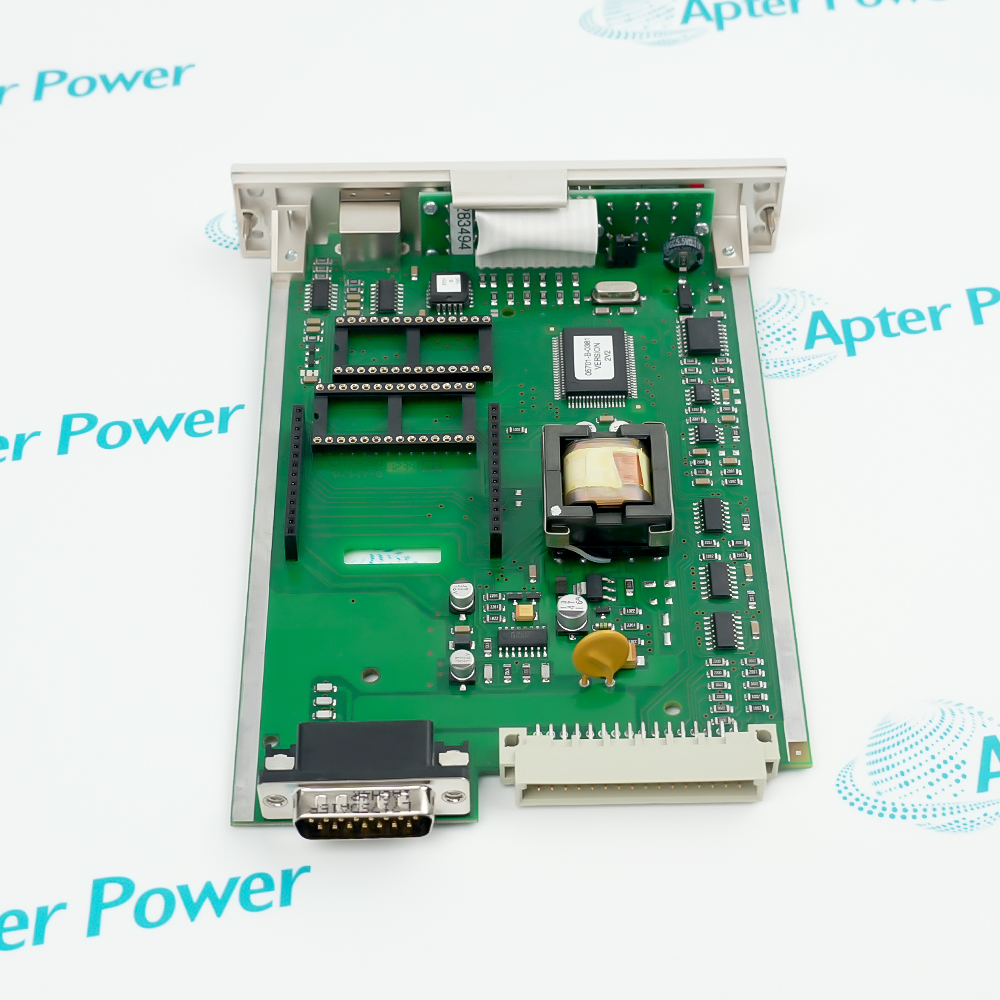
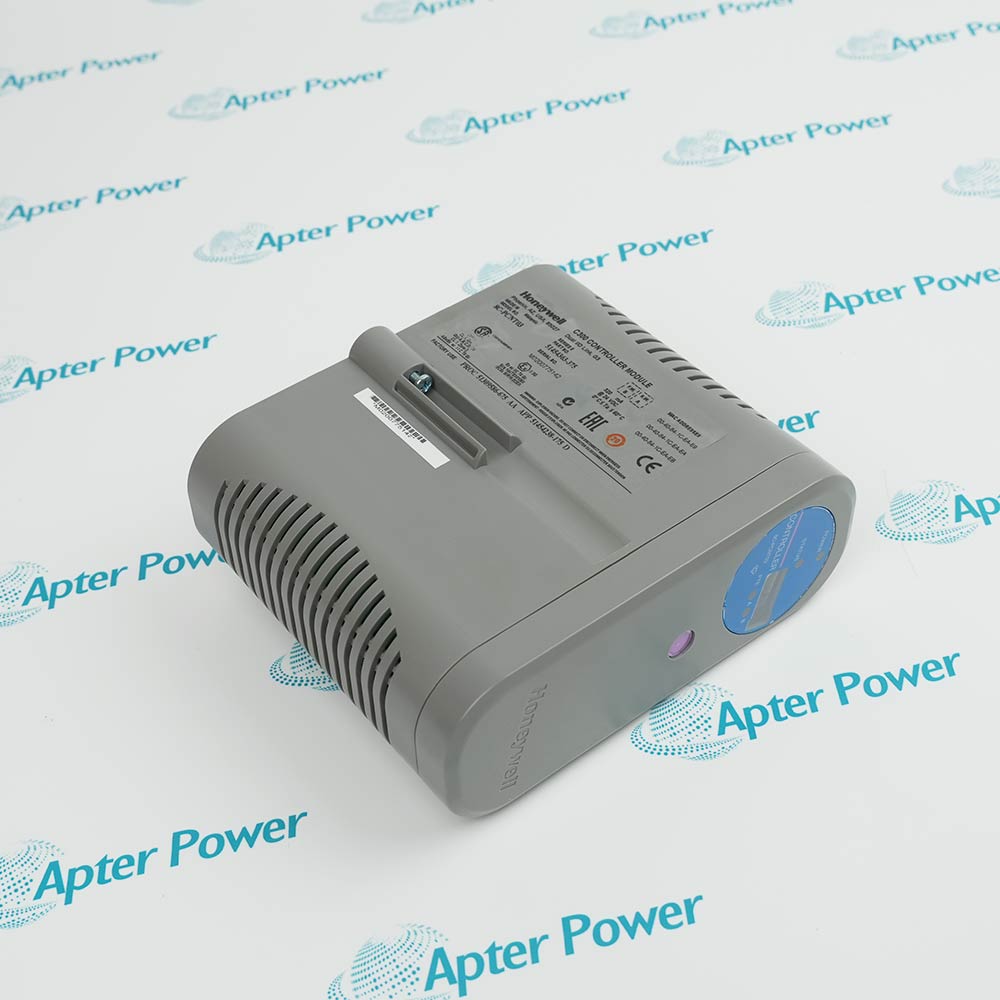
The Honeywell SC-UCMX01 51307195-175 is a non-redundant ControlEdge 2020 controller/edge device. Honeywell documentation identifies Ethernet and serial RS-485/RS-232 interfaces and supports Modbus TCP, RTU and ASCII communications for remote measurement and control applications.
- Compact edge-controller architecture
- Ethernet and serial protocol support
- Nonvolatile memory without a backup battery
- Wide published operating-temperature range
It handles Ethernet and serial RS-485/RS-232 communications; Modbus TCP client/server, Modbus RTU master/slave and Modbus ASCII master/slave. The documented compatible components are ControlEdge 2020 projects, approved power and terminal assemblies, and Honeywell configuration/maintenance tools for the installed firmware release.
Important Notice: Confirm firmware, cybersecurity baseline and project support status for the installed release before deployment.
Apter Power SC-UCMX01 51307195-175 Manuals and Guides
Important Notice: These are two separate Apter Power documents prepared from the cited Honeywell manufacturer information. Confirm the complete physical nameplate and current controlled Honeywell documents before installation or replacement.

Remote metering stationsAcquires and exchanges remote process data
Oil and gas measurement skidsExecutes configured control and protocol tasks
Utilities and pipeline monitoringConnects field devices to supervisory or cloud-oriented monitoring workflows
Distributed industrial assetsAcquires and exchanges remote process data
System Function 1Acquires and exchanges remote process data
Read and follow Honeywell ControlEdge PLC and RTU Network and Security Guide and the applicable Honeywell installation instructions before use. Verify the exact complete ordering code from the physical nameplate.
1Confirm the 51307195-175 nameplate and firmware level.
2Apply the current Honeywell network-security guidance.
3Verify serial mode, grounding and termination before connection.
4Use the documented mounting plate and environmental clearances.
5Back up the controller project before hardware exchange.