Get Parts Quote
Name
Company *
Phone *
Email *
Address
City
State / Province / Region
Zipcode
Country
Quantity *
Part Number *
Manufacturer
Preferred Condition
Additional Information
Cancel
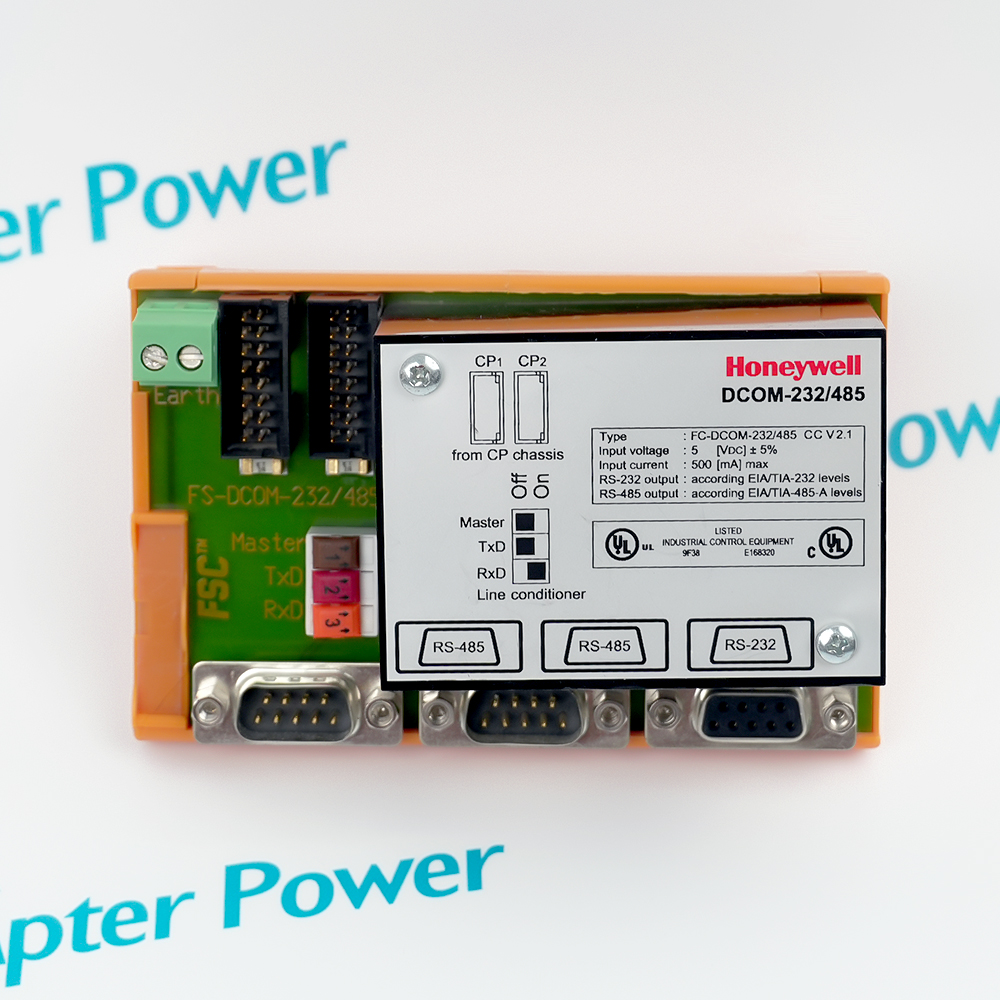
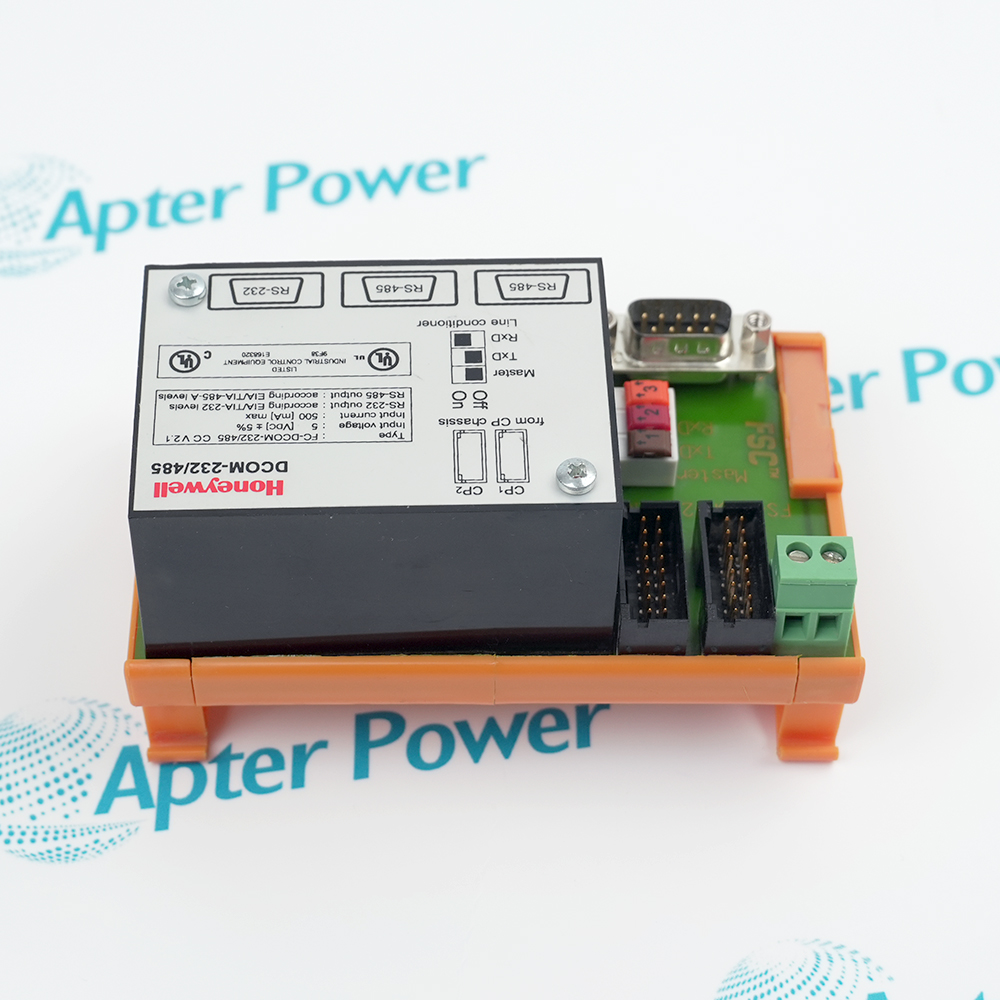
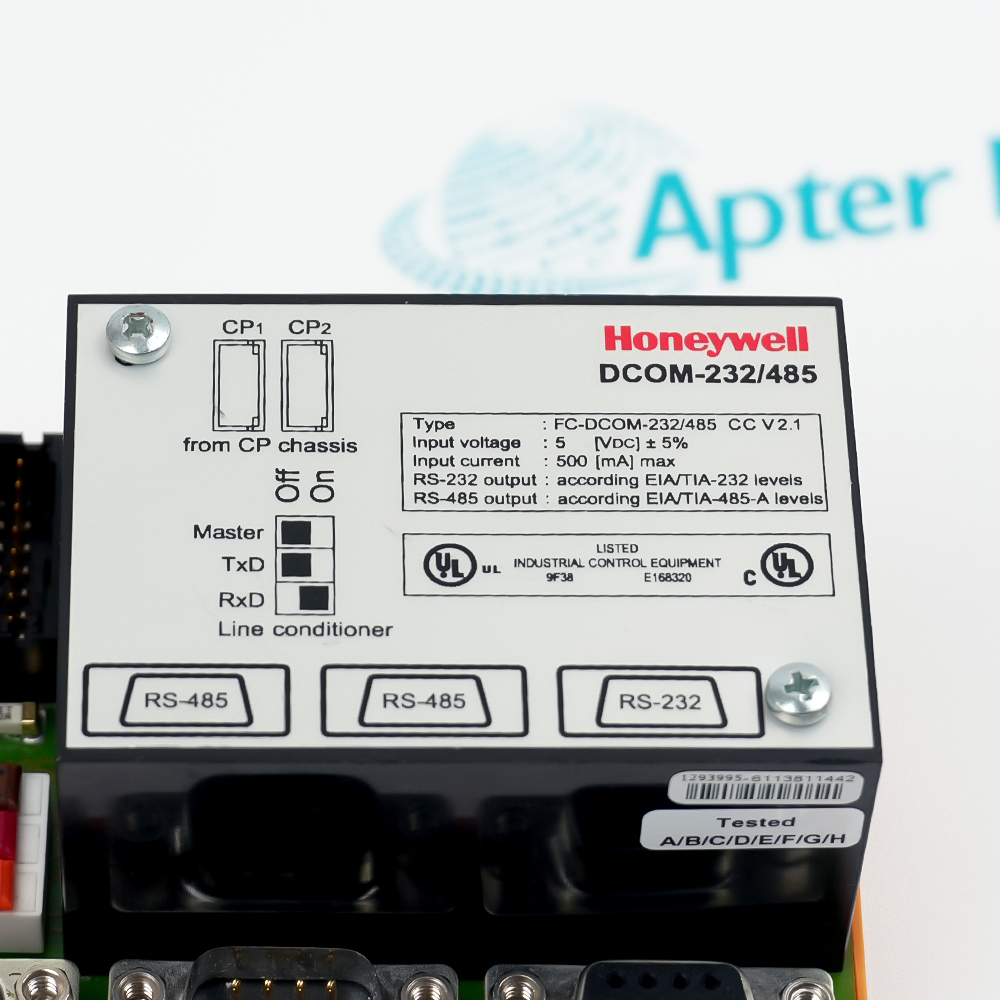
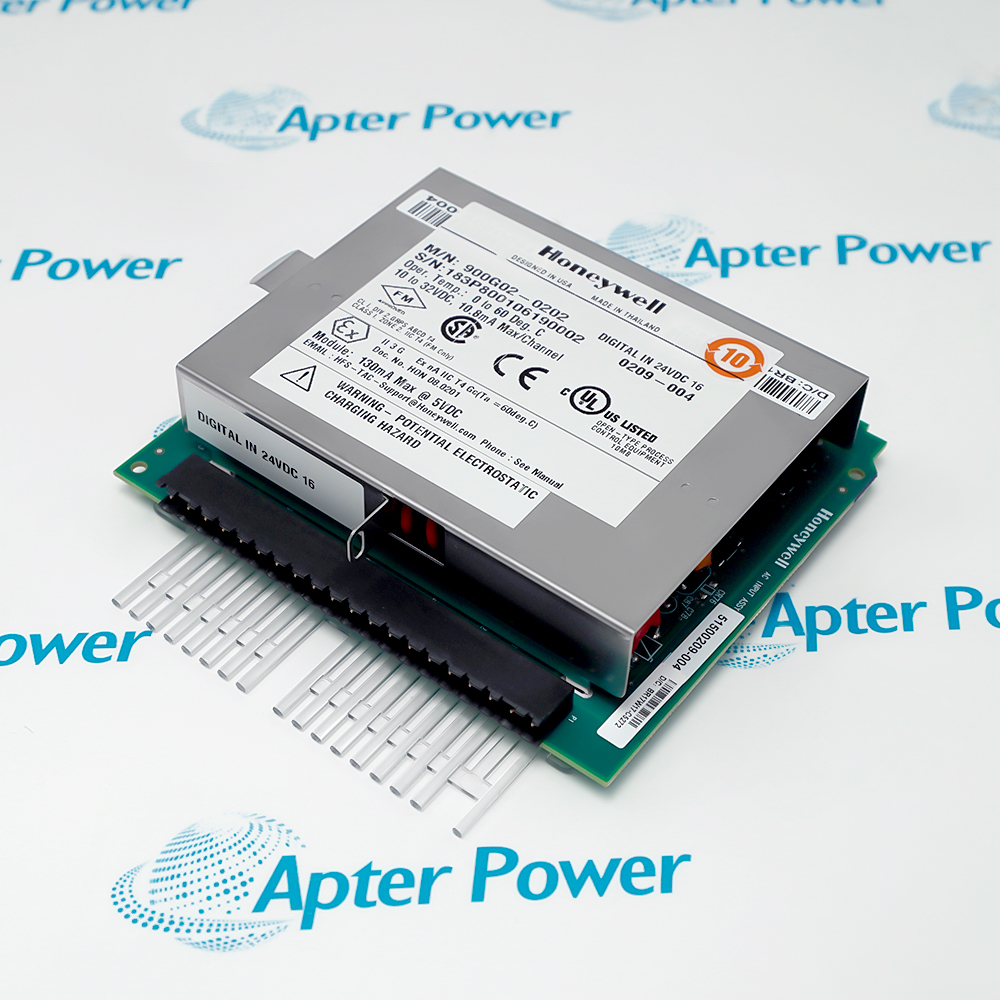
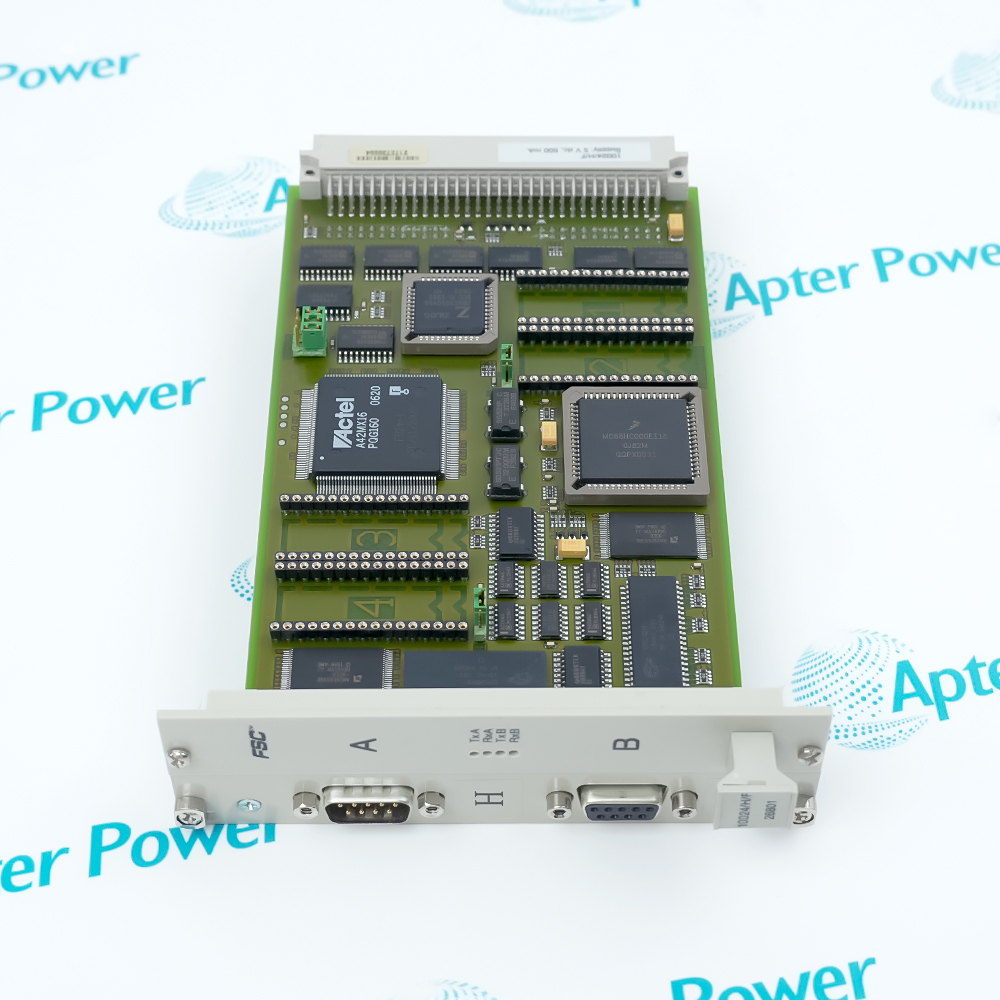
Honeywell DCOM-232/485
Product image is representative; revision or series may vary. Contact us to request a specific version.

DCOM-232/485

Five-Port HSE Communication FTA
In Stock

Product Describe:

Honeywell DCOM-232/485 is a five-port HSE communication FTA that terminates serial links for a Safety Manager USI-0002 interface.

Ask our team:

Get a quick price for: DCOM-232/485
Quantity*
Upload (gif, jpg, jpeg, png, bmp, doc, docx, xls, xlsx, ppt, pdf, csv)
For more information on how your data is processed and stored by Apterpower please read our privacy policy.

Technical specifications for DCOM-232/485

Technical specifications for DCOM-232/485

  • Manufacturer:
    Honeywell
  • Product Category:
    DCS System
  • Spare Part Number:
    FC-DCOM-232/485 FS-DCOM-232/485
  • Estimated shipping dimensions:
    11x7x6cm
  • Weight:
    0.14 kg
  • Tariff Code:
    8537101190
  • Counliy of origin:
    USA
  • Serial interfaces:
    EIA-232; EIA-485
  • Network function:
    HSE communication
  • Port count:
    5
  • Companion module:
    USI-0002
  • FTA function:
    Communication termination and switching
  • Baud rate:
    RS232 supports 0-250 kBaud; RS485/422 supports up to 2 MBaud and is compatible with transparent transmission, FM0, FM1 or Manchester encoding.
  • Physical interface:
    typically includes 1 RS232 output port and 2 RS485 output ports.
  • Installation method:
    Supports standard DIN rail (TS32/TS35 × 7.5) installation.
  • Working temperature:
    Industrial grade design, supporting a wide range of working environments from -40 ° C to+70 ° C.
  • Operating Voltage:
    24 V DC

Information

Information

Overview Manuals Common Applications Product Precautions
Honeywell DCOM-232/485 is a five-port HSE communication FTA that terminates serial links for a Safety Manager USI-0002 interface.
  • Terminates EIA-232 and EIA-485 links
  • Provides five HSE communication ports
  • Pairs with the USI-0002 module
  • Routes safety-system communication channels

DCOM-232/485 operates with USI-0002 module, Shielded serial cable, Safety Manager controller, EIA-232 or EIA-485 field devices.

Its engineered use includes Safety PLC serial gateways, Redundant controller communications, Package-unit serial links, Safety-network maintenance access.

Important Notice: Confirm the complete DCOM-232/485 marking, installed-system configuration, field connections and controlled functional test before commissioning or replacement.


Apter Power DCOM-232/485 Manuals and Guides
Apter Power DCOM-232/485 Product Technical Reference PDFHoneywell DCOM-232/485 Official Technical Manual PDF
The first document is an Apter Power model-specific technical reference. The second supports installation, configuration and engineering verification for DCOM-232/485.
Safety PLC serial gatewaysTerminates EIA-232 and EIA-485 links
Redundant controller communicationsProvides five HSE communication ports
Package-unit serial linksPairs with the USI-0002 module
Safety-network maintenance accessRoutes safety-system communication channels
Read the applicable Honeywell instructions before work. Verify DCOM-232/485 and the installed Safety Manager configuration.
1Verify the complete DCOM-232/485 marking and its assigned Safety Manager position before work.
2Isolate the applicable power and field energy before disconnecting DCOM-232/485.
3Protect DCOM-232/485 connectors and electronic assemblies with approved ESD controls.
4Record the installed wiring, channel assignment and configuration before replacement.
5Match USI-0002 module and Shielded serial cable to the documented system arrangement.
6Commission DCOM-232/485 with controlled status, signal and diagnostic checks.
7Retain the final safety plc serial gateways functional-test result in the maintenance record.

Technical notes

Technical notes

Select one electrical interface per port, maintain EIA-485 termination and shield continuity, and prove each configured link before enabling command traffic.

FAQS

  • Does DCOM-232/485 match USI-0002 module in a Safety PLC serial gateways installation?
    Verify the complete DCOM-232/485 marking, the documented Safety Manager position and the installed USI-0002 module before fitting the assembly.
  • How should DCOM-232/485 be wired when it must terminates eia-232 and eia-485 links?
    Isolate the circuit, identify every terminal and reproduce the approved polarity, shield and channel assignment for DCOM-232/485; then continuity-test the affected path.
  • Which Safety Manager records should be captured before removing DCOM-232/485?
    Record the as-found wiring, installed position, active configuration and diagnostic state associated with DCOM-232/485 before disconnection.
  • What controlled test confirms that DCOM-232/485 can provides five hse communication ports?
    Apply the approved field or simulated stimulus, observe the Safety Manager indication and confirm the intended response without bypassing the normal interlocks.
  • Which Shielded serial cable condition should be checked when DCOM-232/485 reports an abnormal state?
    Check the Shielded serial cable supply, seating and connection first, then compare channel diagnostics with the recorded DCOM-232/485 baseline.
  • Can DCOM-232/485 be moved directly into Redundant controller communications without validating EIA-232 or EIA-485 field devices?
    No. Confirm the EIA-232 or EIA-485 field devices, revision, connection scheme and Safety Manager configuration before transferring DCOM-232/485 to that duty.
  • What maintenance evidence is required after DCOM-232/485 is used for Package-unit serial links?
    Retain the nameplate record, corrective action, final diagnostics and a controlled package-unit serial links functional-test result for DCOM-232/485.
  • How should DCOM-232/485 be returned to service in Safety-network maintenance access?
    Restore power under control, verify pairs with the usi-0002 module, exercise the intended signal path and release DCOM-232/485 only after the Safety Manager remains in its approved operating state.
Why Choose Apter Power?
1.Full one year warranty on all components
2.Professional after selling team
3.Same-day dispatch payment come
4.All units are fully tested well with certificate
5.Speak With an Expert Sales Representative
6.More than 20 years experience in automation
7.Stable employees more than 10+ years working experience
Common Applications
  • Oil
  • Gas
  • Power Generation
  • Process Control
  • Marine
  • Transportation
Delivery and payment
Delivery
Logistic partners UPS, FedEx and DHL
International delivery available
Same day dispatch from warehouse inventory
Warranty
All parts new original are covered by Apterpower 12 month warranty

Returns
No hassle returns policy

Dedicated customer support team

Payment options
We accept Bank transfers and the following methods of payment:
Trusted by 5,000+ plants worldwide | Backed by our vast inventory of top-tier control parts, modules and cards, fast shipments are dispatched to cover your urgent needs. ABOUT US >>
Disclaimer: We are not an authorized distributor or distributor of the product manufacturer of this website, The product may have older date codes or be an older series than that available direct from the factory or authorized dealers. Because our company is not an authorized distributor of this product, the Original Manufacturer`s warranty does not apply.While many DCS PLC products will have firmware already installed, Our company makes no representation as to whether a DSC PLC product will or will not have firmware and, if it does have firmware, whether the firmware is the revision level that you need for your application. Our company also makes no representations as to your ability or right to download or otherwise obtain firmware for the product from our company, its distributors, or any other source. Our company also makes no representations as to your right to install any such firmware on the product. Our company will not obtain or supply firmware on your behalf. It is your obligation to comply with the terms of any End-User License Agreement or similar document related to obtaining or installing firmware.

Product Browsing History

We’re Here When You Need Us

From product insights to customer service needs, our experienced service team will focus on getting you what you need quickly

Enquire

Complete our online form.

Call Us

Speak to one of our team.

Live Chat

Send us a message.