-
Match the complete marking
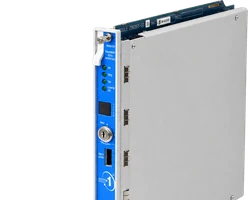
Match the complete Emerson KJ4005X1-BC1 marking and actual installed configuration. Check right-hand orientation, mating contacts, connector latches and carrier mounting condition.
-
Check the offered item before ordering
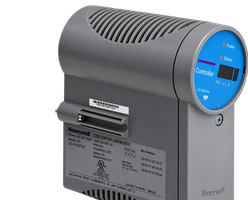
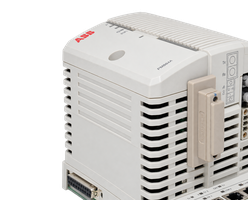
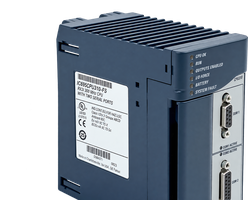
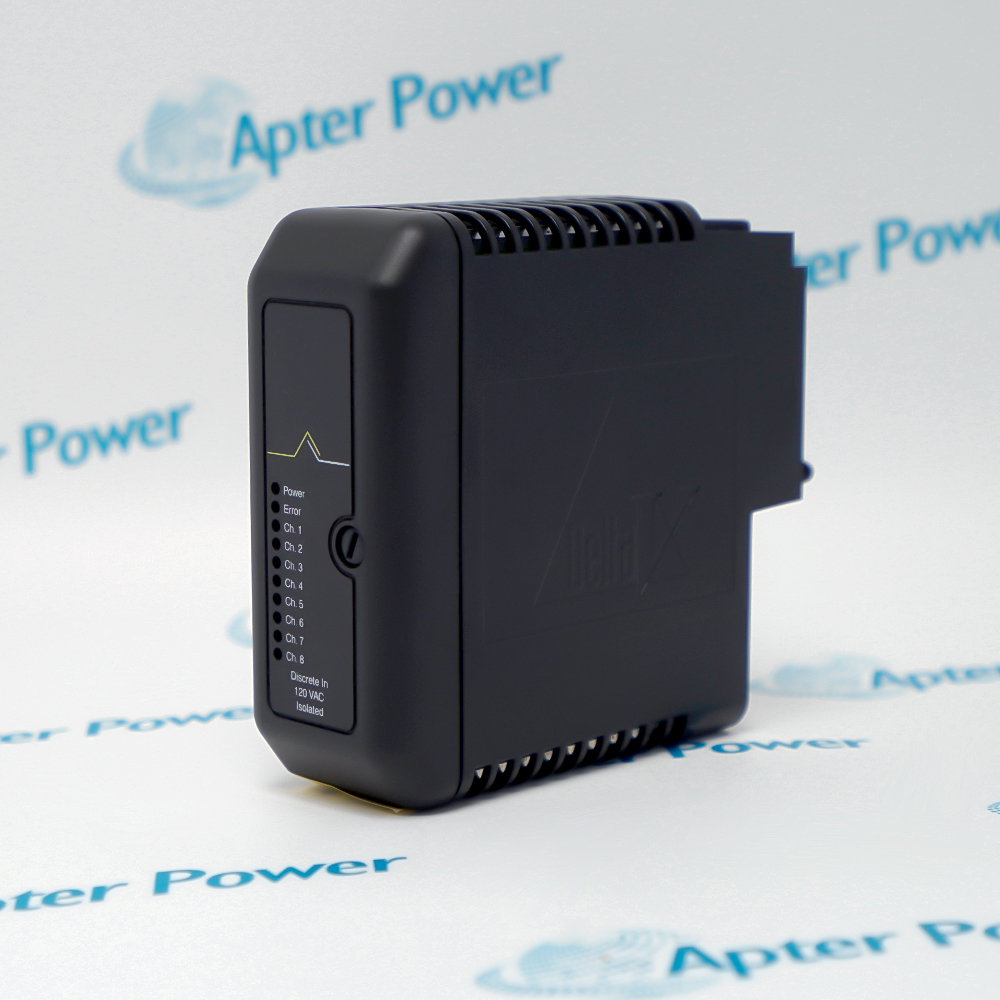
Compare offered-unit photographs, interfaces and included items with the installed KJ4005X1-BC1 and its applicable installation requirements.
Technical specifications for KJ4005X1-BC1
-
Manufacturer:Emerson
-
Product Category:DCS Systems
-
Spare Part Number:KJ4005X1-BC1
-
Weight:0.26 kg
-
Tariff Code:8537101190
-
Extender position:Right-hand, one-wide
-
LocalBus power rating:12 V DC at 15 A
-
Carrier-plus-extender length:6.5 m maximum
-
Ambient temperature:−40 to +70 °C
-
Relative humidity:5–95%, non-condensing
-
Shock rating:10 g, half-sine, 11 ms
-
Vibration, 13.2–150 Hz:0.7 g
-
Airborne contaminants:ISA-S71.04 G3
Information
- Emerson KJ4005X1-BC1 supports a planned carrier layout where the right-hand end connection must remain consistent with the mating extender, cable route and overall LocalBus length.
Service boundary: De-energize before disconnecting carrier hardware
Layout control: Assess the complete carrier-and-extender route
The total combination of I/O carriers and LocalBus extenders must remain within the permitted system length. Interconnecting cables between enclosures require conduit, and cable routing must preserve connector engagement without mechanical strain.
Carrier, extender and power-plug work requires system power to be removed. The assembly has no user-serviceable internal parts and does not require calibration; restoration is verified through the connected system and its I/O behavior.
KJ4005X1-BC1 Original Technical Excerpt
DeltaV S-Series System Carriers, ATEX60, January 2024. Selected original pages retain the relevant technical tables and interface context. PDF · 1 pages.KJ4005X1-BC1 Installation & Verification Guide
Apter Power field guide covering map the right-hand extension, isolate and inspect the route, restore the mating assembly, validation and handover. PDF · 5 pages.
Application scope: The applications below describe the installed measurement or control path. Select compatible companion equipment; accessories are included only when expressly itemized.
Horizontal carrier extension
Continue the approved S-series carrier arrangement at its right-hand end.Cabinet I/O layout
Route LocalBus extension hardware within the permitted total length.Carrier maintenance
Restore a damaged right-hand extender while retaining the system layout.Enclosure interconnection
Connect the approved carrier route with protected inter-enclosure cabling.
Record the right-hand carrier position, mating extender and cable route. Identify every downstream module affected by the intervention and retain the approved carrier layout.
Remove system power before disconnecting the extender. Check the full carrier-plus-extender length, inter-enclosure conduit and the support provided near the mating connectors.
Follow the S-series installation procedure and fit the right-hand extender with the specified mating hardware. Check contacts and latches before completing the supported cable route.
Restore power in the approved sequence and review the status of the affected carrier modules. Exercise representative I/O transactions and observe stability under the normal operating load.
Inspect the completed route, covers and enclosure transitions. Record the extender identity and downstream checks, preserving the existing carrier configuration for future maintenance.
Retain the final KJ4005X1-BC1 identity, tested settings and accepted channel or system response for subsequent maintenance.
Alternative Names
Technical notes
Whole-route limit: Count the complete I/O-carrier and LocalBus-extender combination when checking the 6.5 m limit. A cable that fits physically can still make the total arrangement unsuitable.
Power isolation: Remove system power before connecting or disconnecting carriers, extenders, extension cables or power plugs. Do not treat the passive appearance of an extender as permission for live service.
Enclosure transitions: Use conduit for interconnecting cables between enclosures. Inspect support and strain at the cabinet transition so that cable routing does not load the mating connector.

FAQ View All FAQ
-
Can KJ4005X1-BC1 be disconnected while the connected controller remains powered?No. Remove system power before disconnecting the extender or related carrier hardware, following the applicable installation procedure.
-
Why must the complete carrier route be measured when using KJ4005X1-BC1?The limit applies to the combination of I/O carriers and LocalBus extenders, not only one cable segment. Evaluate the full installed arrangement.
-
Does KJ4005X1-BC1 add another independent I/O channel or controller?No. It is carrier-extension hardware. I/O and controller functions belong to the connected modules.
-
How should a cable crossing between enclosures from KJ4005X1-BC1 be protected?Use the required conduit and provide support so that the enclosure transition does not strain the connector or compromise the approved route.
-
What prevents a left-hand extender from being substituted casually for KJ4005X1-BC1?The mating orientation and carrier-side function differ. Confirm the right-hand execution and the matching cable arrangement before ordering.
-
Does KJ4005X1-BC1 require periodic calibration after installation?No calibration is required. Verify mechanical connection, power and the connected system response; do not disassemble the unit for adjustment.
-
What should be inspected if downstream I/O becomes intermittent after servicing KJ4005X1-BC1?Check connector seating, latching, cable strain, route length and the connected carrier power arrangement before changing I/O configuration.
-
How should the system be accepted after replacing KJ4005X1-BC1?Confirm stable communication and operation of all affected downstream modules, then validate representative field I/O and the intended fault response.
Supporting new and legacy automation
-
Please try to be as accurate as possible with your search.
-
We can quote you on 1000s of specialist parts, even if they are not listed on our website.
-
We can't find any results for “”.
Related cases and sourcing guidance
View all case studiesYou May Also Like
Product Browsing History
-
Whatsapp: +86 18030235313
Send us a message. -
sales13@apterpower.com
Complete our online form. -
+86 18030235313
Speak to our team in your native language.