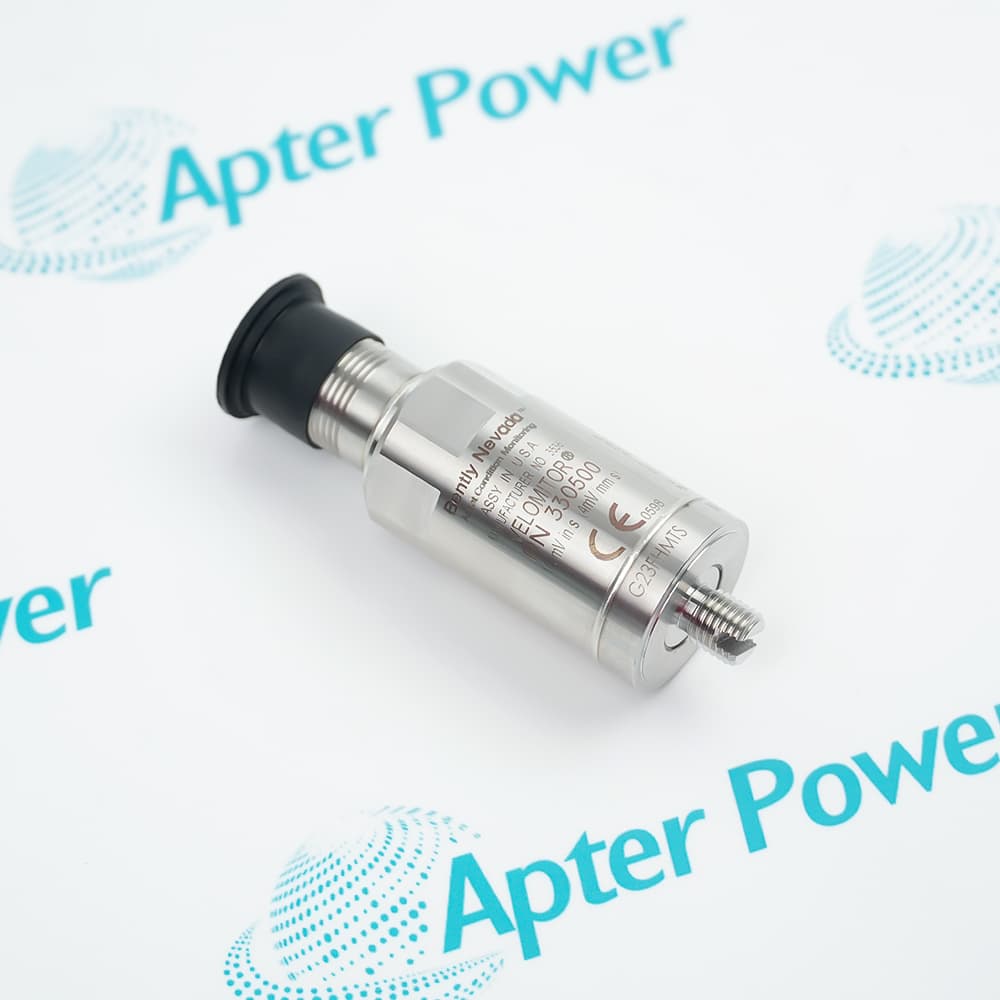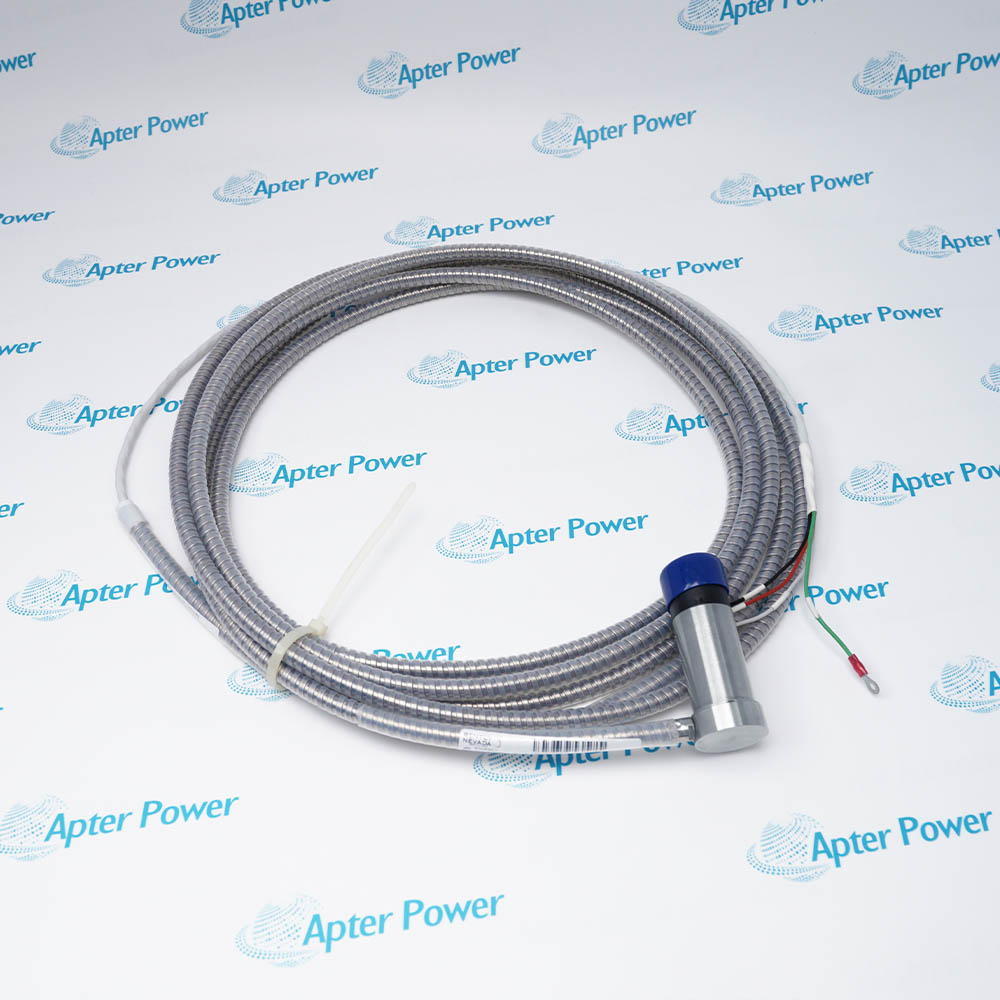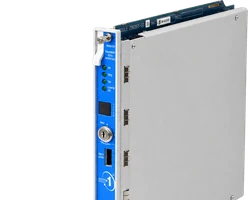
Technical specifications for 138492-01
-
Manufacturer:Bently Nevada
-
Product Category:Machinery Monitoring Systems
-
Spare Part Number:138492-01
-
Weight:0.85 kg
-
Tariff Code:8537101190
-
Counliy of origin:USA
-
Accessory type:Replacement mounting pad
-
Mounting arrangement:Panel mount
-
Product family:3300 XL Proximitor sensor accessories
-
Related DIN-mount pad:138493-01 (different mounting arrangement)
Information
- Keeping the sensor mounting arrangement consistent simplifies cabinet maintenance. Bently Nevada 138492-01 supports replacement of the panel-mount pad while the Proximitor sensor and its measuring chain remain separately identified.
Panel arrangement: Replacement for a panel-mounted configuration
Separate component: Ordered independently from the Proximitor sensor
Mounting distinction: Different from the 138493-01 DIN-mount pad
A mounting-pad replacement does not determine probe range, signal sensitivity or monitor settings. Check those requirements against the actual sensor, probe and extension cable used in the channel.
Manufacturer accessory excerpt
1-page manufacturer-original excerpt: 141194 Rev. AN, page 19, identifying the 138492-01 panel-mount mounting pad among the 3300 XL accessories.Installation preparation & verification
2-page Apter Power guide for 138492-01: configuration review, installation preparation and post-work verification. Not a manufacturer-issued manual.
Platform applications: Select the mounting accessory for the actual sensor housing and cabinet arrangement. Confirm the attachment interface and panel-mount configuration before replacement; the pad does not determine the electrical performance of the monitoring channel.
-
Panel-mounted sensor maintenance
Replace a mounting pad in a supported 3300 XL panel-mounted Proximitor installation. Check the existing housing and attachment points before ordering the accessory. -
Cabinet refurbishment
Retain the established sensor layout when refurbishing a monitoring cabinet. Allow access for terminal work and identification without using the pad to support cable loads. -
Accessory spares planning
Identify the pad separately from the Proximitor sensor in the spares list. This helps distinguish a mechanical mounting requirement from an electronic sensor replacement. -
Mounting configuration review
Compare panel mounting with the installed cabinet design. A DIN-rail configuration uses a different mounting pad and should not be treated as an automatic substitute.
Compare the 138492-01 part reference and panel arrangement with the installed assembly; request photographs when the old marking is unclear.
Confirm the sensor housing and pad interface before assembly. Do not derive drilling dimensions or fastener torque from a system-family name.
Apply the cabinet work and channel isolation procedure before disturbing sensor wiring or mounting hardware.
Keep the probe and extension-cable connections identified. Avoid pulling cables or transferring their weight to the mounting pad.
Examine the pad and housing for cracks, deformation or damaged attachment points. Use the applicable mounting instructions for the actual assembly.
Check that the sensor is secure and accessible. Where the measuring chain was disturbed, complete the required channel verification before operation.
Alternative Names
Technical notes
Mounting compatibility: Match the panel-mount pad to the installed Proximitor housing and mounting arrangement before fitting. Do not substitute the 138493-01 DIN-mount pad solely because it belongs to the same accessory family.
Channel integrity: Preserve terminal identification and cable routing during cabinet work. Any sensor disconnection or replacement requires the applicable channel checks before return to service.

FAQ View All FAQ
-
Is 138492-01 an electronic Proximitor sensor?No. It is a replacement panel-mount mounting pad. A Proximitor sensor, probe and extension cable are separate components; their electrical ratings do not describe this mounting accessory.
-
Can 138492-01 replace the DIN-mount pad in an existing cabinet?The panel-mount pad and the 138493-01 DIN-mount pad serve different mounting arrangements. Confirm the installed sensor housing and cabinet attachment before choosing either accessory.
-
What should I compare before ordering 138492-01?Compare the existing pad, sensor housing, attachment points and cabinet mounting arrangement. Send clear photos of those interfaces so the offer can identify the required mechanical accessory without assuming fit from the system name alone.
-
Does purchasing 138492-01 include a Proximitor sensor or mounting screws?Supply scope is confirmed in quotation. Have the pad quantity, any required fasteners, the sensor if separately required, and accompanying documents itemized. Mention of compatible equipment does not mean that equipment is included.
-
Can I see the offered 138492-01 before placing an order?Request current photos of both sides of the pad, attachment features and available part or package markings. The offered condition is New, original product; confirm the actual supplied item and packaging in the quotation.
-
How are quantity and dispatch timing agreed for 138492-01?Provide the required quantity, destination and required date. Confirm available quantity, the dispatch date and the event that starts the agreed lead time in writing; the shipping-service description is not an inventory commitment.
-
Which records can be supplied with 138492-01?State whether you need an invoice, packing list, origin record or inspection evidence before ordering. Availability and inclusion of each document must be confirmed for the offered pad; a manufacturer certificate is not automatically included.
-
What warranty terms should be confirmed for 138492-01?Agree the warranty period, coverage, exclusions and claim procedure for the mounting pad in the quotation. Clarify how damage during fitting or a mismatch with the installed housing is handled before accepting the offer.
Supporting new and legacy automation
-
Please try to be as accurate as possible with your search.
-
We can quote you on 1000s of specialist parts, even if they are not listed on our website.
-
We can't find any results for “”.
You May Also Like
Product Browsing History
-
Whatsapp: +86 18030235313
Send us a message. -
sales13@apterpower.com
Complete our online form. -
+86 18030235313
Speak to our team in your native language.