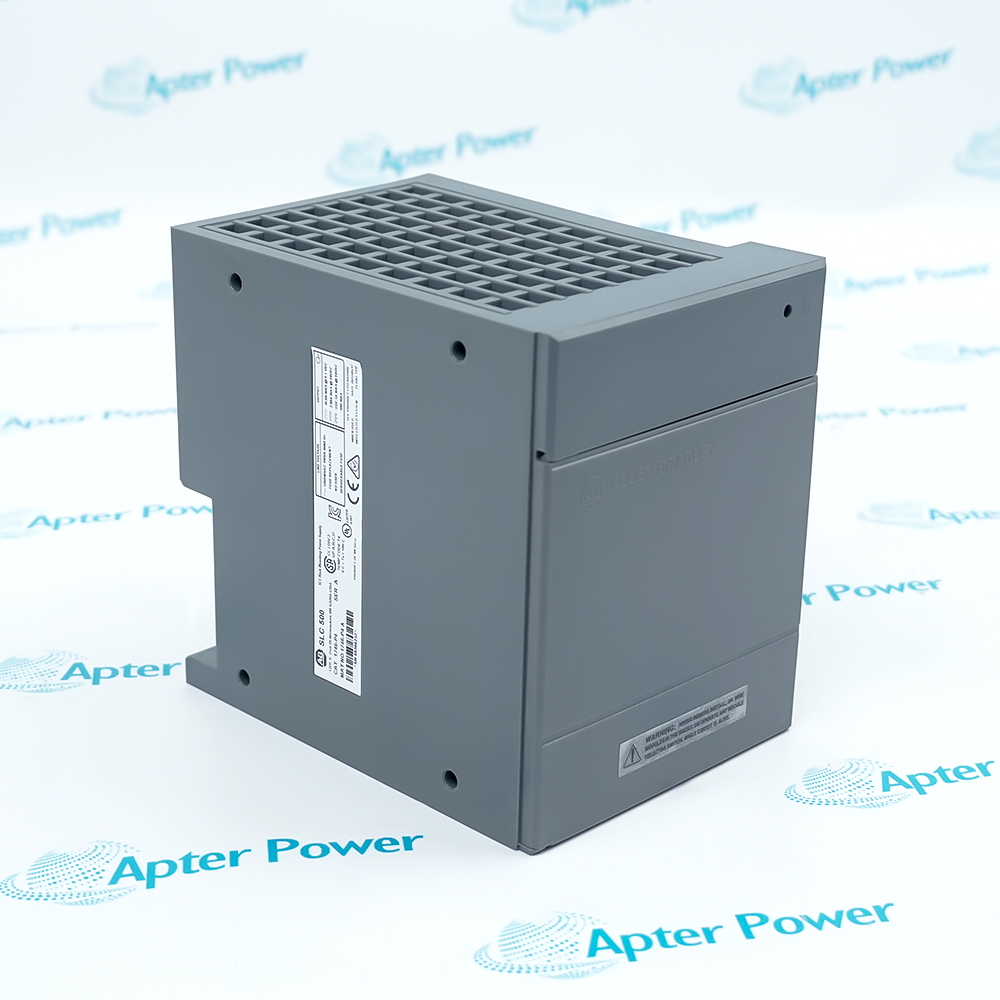
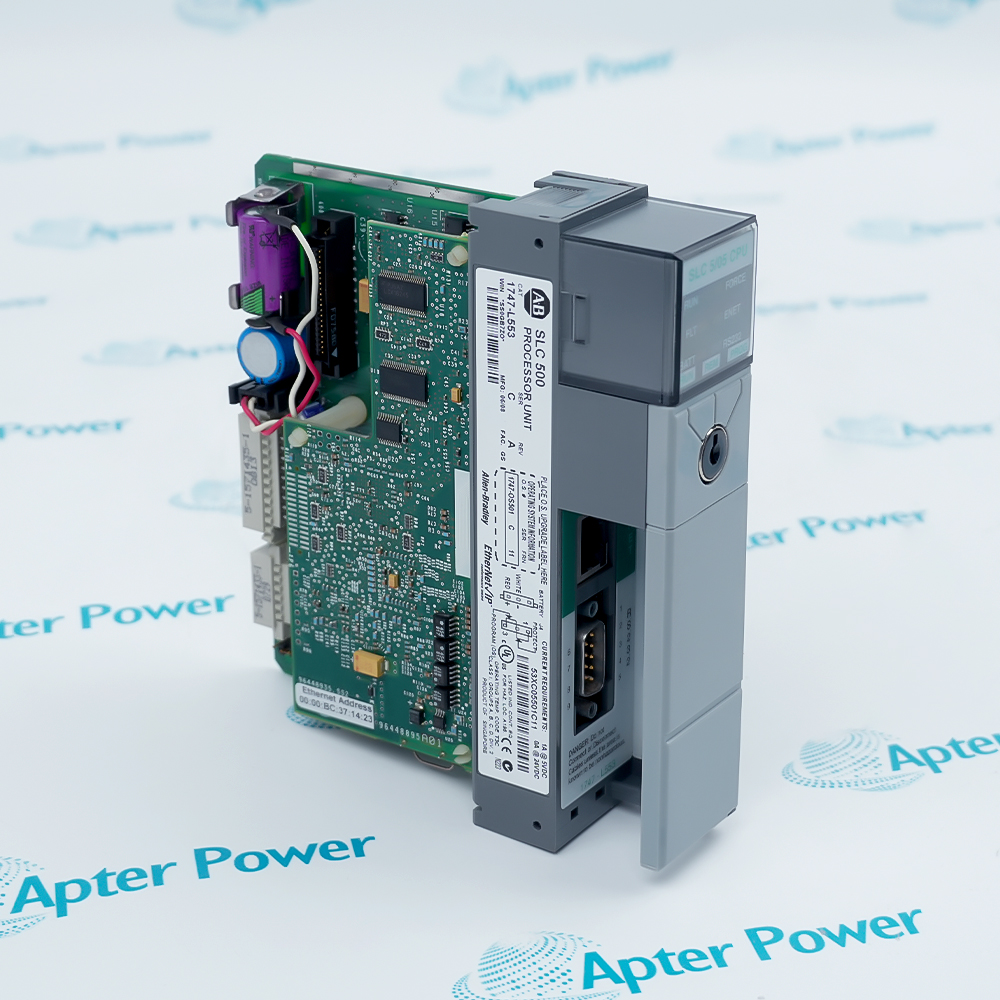
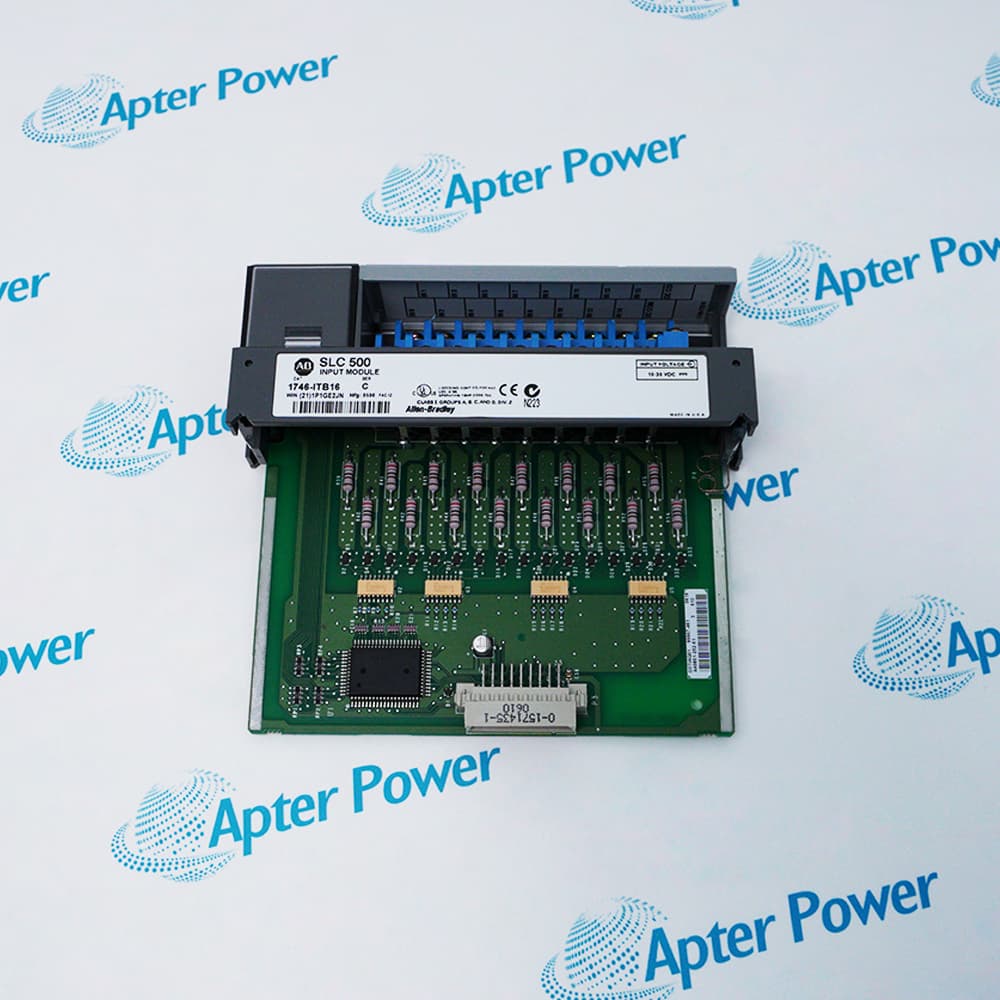
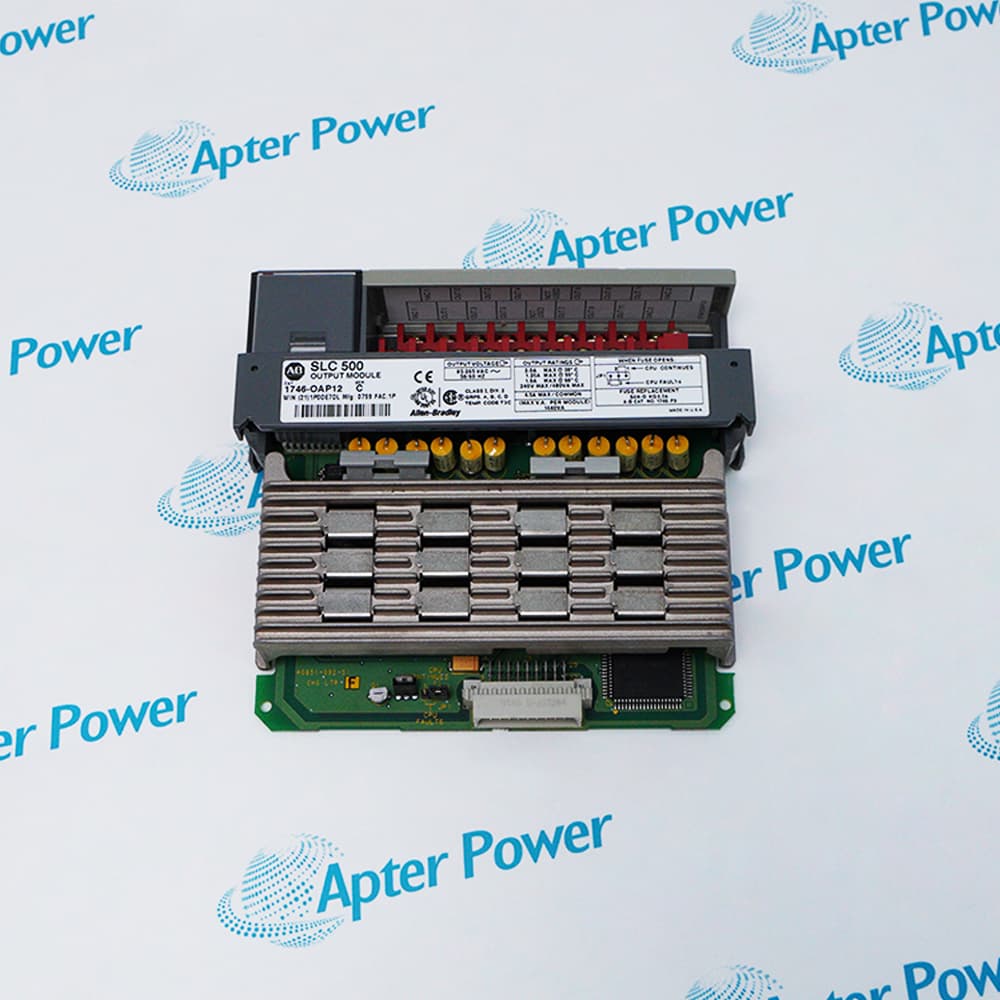
With more than 30.000 high-quality spare parts, they can be sold immediately. Our large inventory allows us to quickly meet customer needs, thereby reducing downtime and protecting production schedules. Our timely delivery time provides you with security and save money.
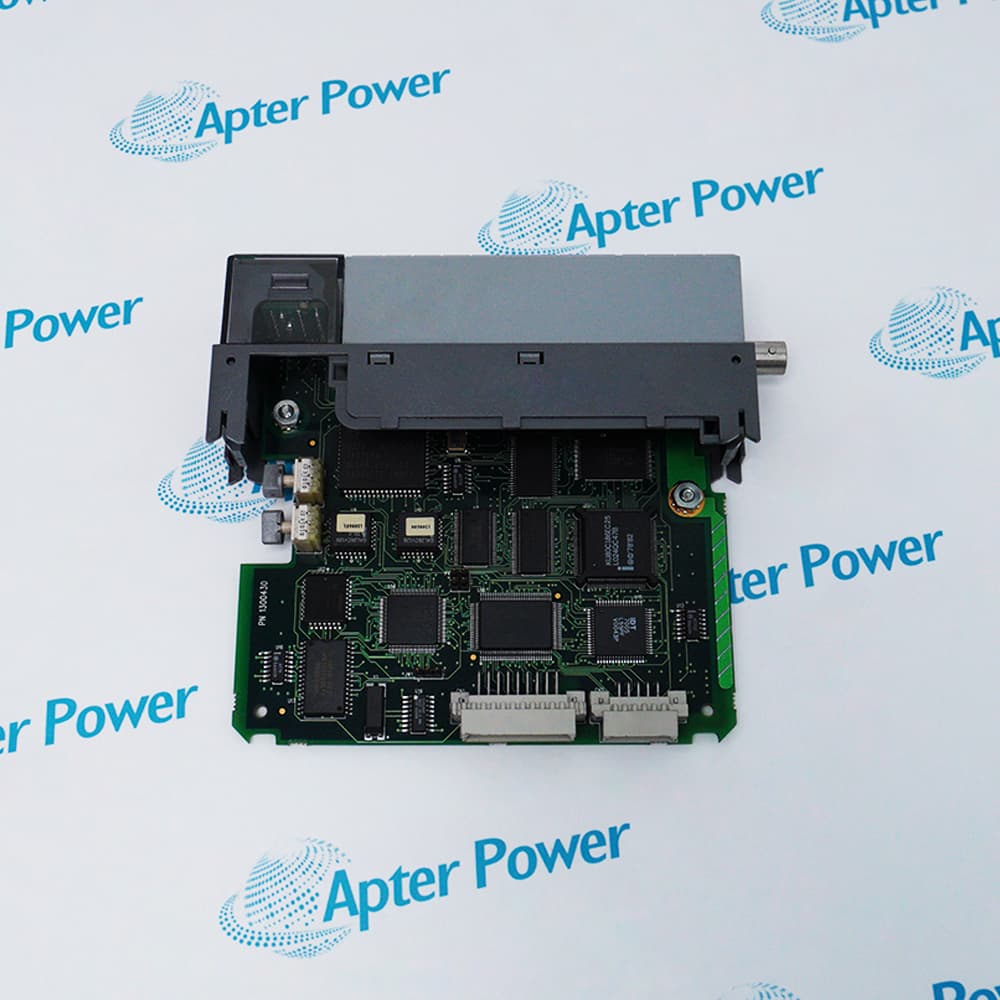
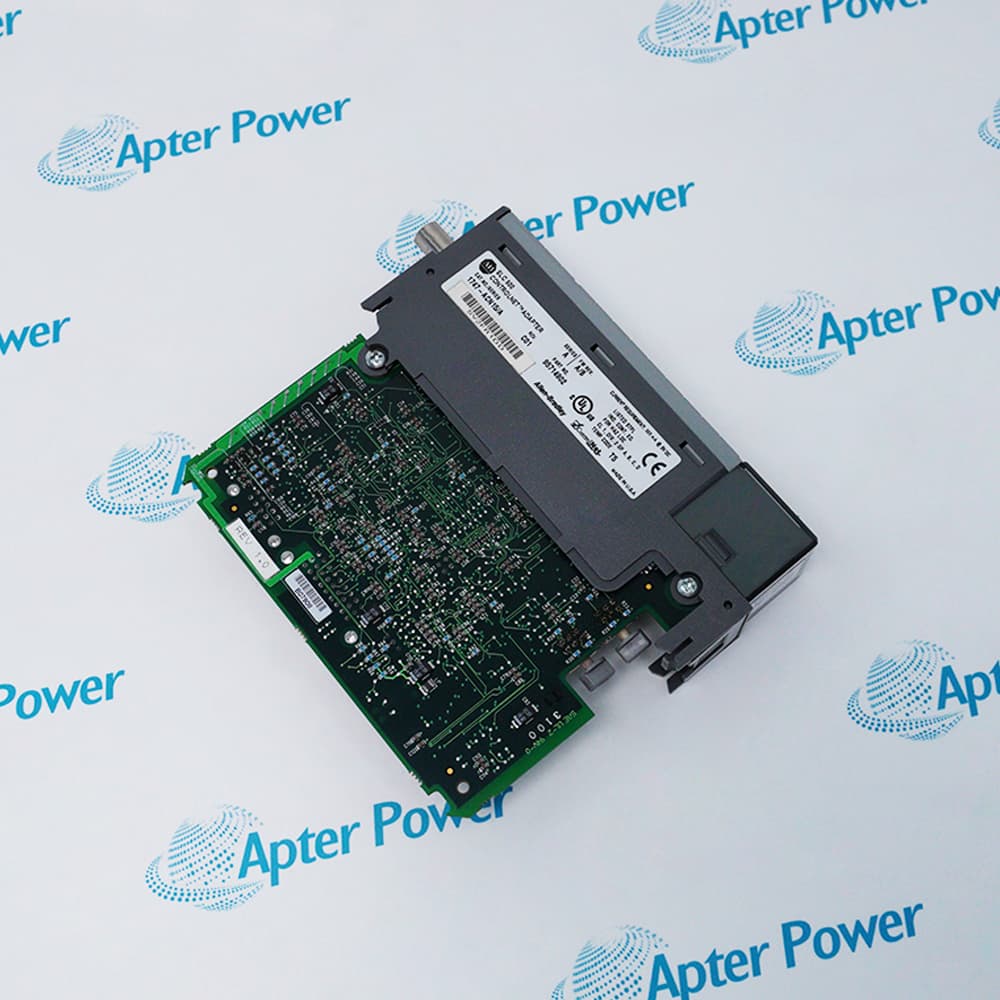
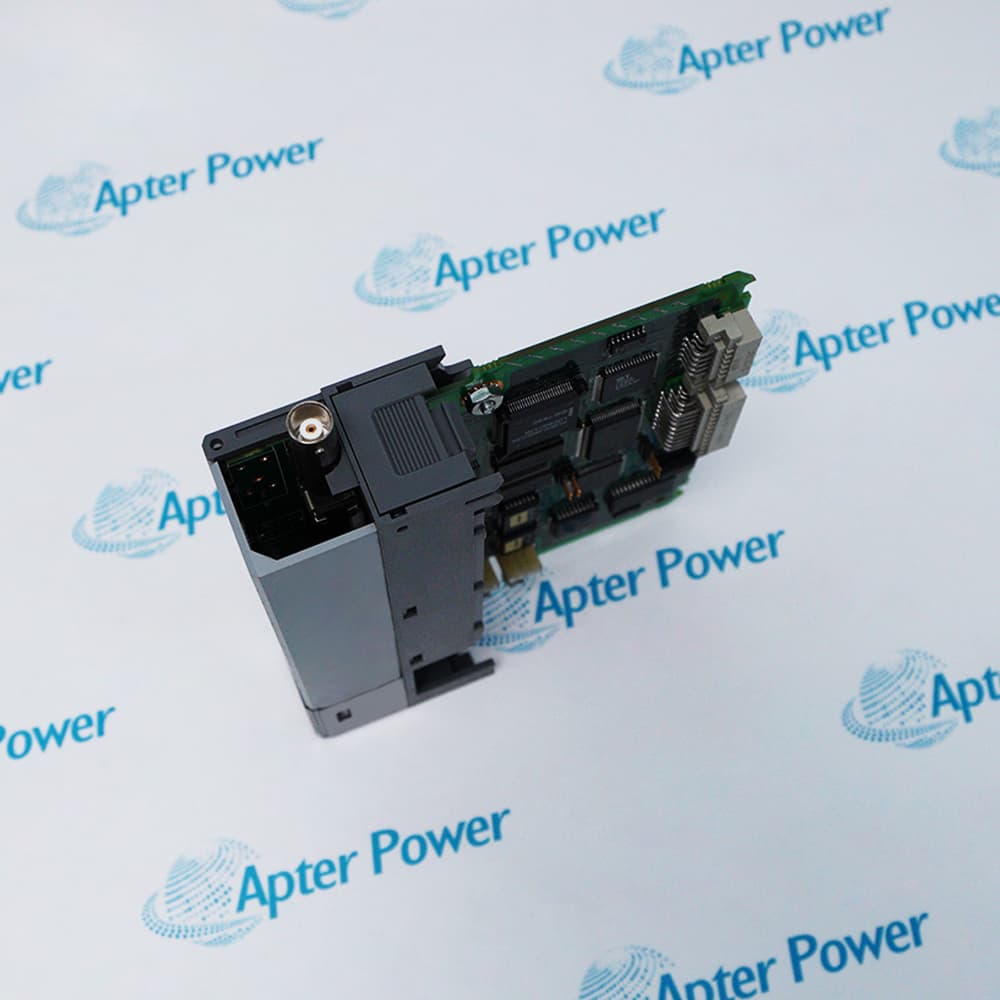
The 1747-ACN15 is a ControlNet adapter module that links 1746 I/O modules to a ControlNet network. The adapter resides in slot 0 of the 1746 chassis and communicates with a ControlNet scanner via the network to control I/O modules in up to three 1746 chassis.
5 Mbps Deterministic Throughput
30-Slot I/O Capacity
Integrated NAP Connectivity
The module uses RG-6 quad-shield coaxial cable to provide a high-speed, 5 Mbps communication link. It includes a Network Access Port (NAP) for temporary connection of programming terminals and an alphanumeric display that provides diagnostic information and status codes during operation.
Important Notice: Other accessories, manuals, cables, calibration data, software, etc. are not included with this equipment unless listed in the above stock item description.
Allen-Bradley 1747-ACN15 I/O ADAPTER Manuals, Datasheets, Drivers, Link
Important Notice: Other accessories, manuals, cables, calibration data, software, etc. are not included with this equipment unless listed in the above stock item description.
Automotive Manufacturing
Supports high-speed, deterministic I/O control for complex assembly lines and robotic welding cells. It ensures time-critical synchronization of distributed 1746 I/O racks across the production floor.
Oil and Gas
Provides reliable communication for remote wellhead monitoring and refinery process control. It is designed to operate in hazardous locations where ControlNet redundancy and robust media are required.
Water Treatment
Manages distributed pumping stations and chemical dosing systems across large-scale municipal facilities. It allows for integrated control of distant I/O chassis while maintaining high-speed data throughput.
Food and Beverage
Facilitates automated batch processing, packaging, and high-speed bottling lines. The adapter ensures precise coordination between the main controller and distributed sensors or actuators for strict quality control.
Steel and Mining
Withstands harsh industrial environments while controlling heavy-duty material handling and ore processing equipment.
Pharmaceutical Production
Ensures repeatable and predictable control for validated manufacturing processes and cleanroom environments.
The 1747-ACN15 must be installed in the leftmost slot (slot 0) of a 1746-A4, 1746-A7, 1746-A10, or 1746-A13 I/O chassis, requiring 900 mA of backplane current at 5V DC and 0 mA at 24V DC. During installation, users must ensure power is removed to prevent electrical arcs that could cause explosions in hazardous locations, and must set a unique network address from 01 to 99 using the ten’s and one’s switches located on the top of the module. For proper network media connection, the tap’s connector must be linked to the channel A connector for non-redundant media, while any unused BNC connectors on the taps must be terminated with a 75-ohm dummy load to ensure signal integrity.
How do I set the network address for the 1747-ACN15 adapter module?
The switches on the top of the adapter module determine the network address; use the ten’s and one’s switches to select a unique address from 01 to 99 (00 is invalid).
What is the proper procedure for installing the 1747-ACN15 module into the chassis?
Remove power, align the circuit board with the left slot's card guide, slide it in until latched, and press firmly to seat it in the backplane connectors.
Can I insert or remove the 1747-ACN15 module while the power is applied?
No; if you insert or remove the module with power applied, an electrical arc can occur, which could cause an explosion in hazardous location installations.
How should the 1747-ACN15 be connected to a non-redundant ControlNet network?
Connect the tap’s connector to the channel A connector on the 1747-ACN15; channel B is not used for non-redundant media.
What are the diagnostic indicators on the 1747-ACN15 used for?
Health indicators indicate normal operation and error conditions, while an alphanumeric display provides status code indications during initialization or operation errors.
Trusted by 5,000+ plants worldwide | Backed by our vast inventory of top-tier control parts, modules and cards, fast shipments are dispatched to cover your urgent needs. ABOUT US >>
Disclaimer: We are not an authorized distributor or distributor of the product manufacturer of this website, The product may have older date codes or be an older series than that available direct from the factory or authorized dealers. Because our company is not an authorized distributor of this product, the Original Manufacturer`s warranty does not apply.While many DCS PLC products will have firmware already installed, Our company makes no representation as to whether a DSC PLC product will or will not have firmware and, if it does have firmware, whether the firmware is the revision level that you need for your application. Our company also makes no representations as to your ability or right to download or otherwise obtain firmware for the product from our company, its distributors, or any other source. Our company also makes no representations as to your right to install any such firmware on the product. Our company will not obtain or supply firmware on your behalf. It is your obligation to comply with the terms of any End-User License Agreement or similar document related to obtaining or installing firmware.