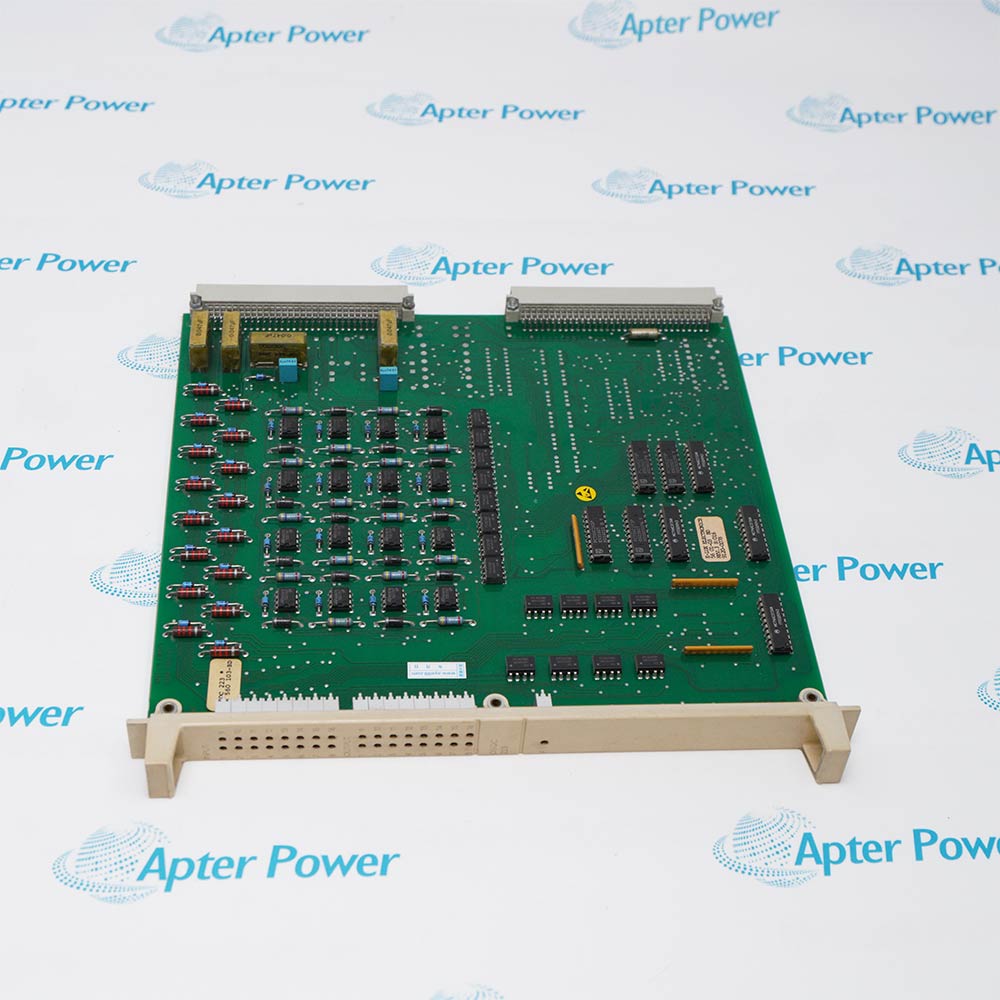
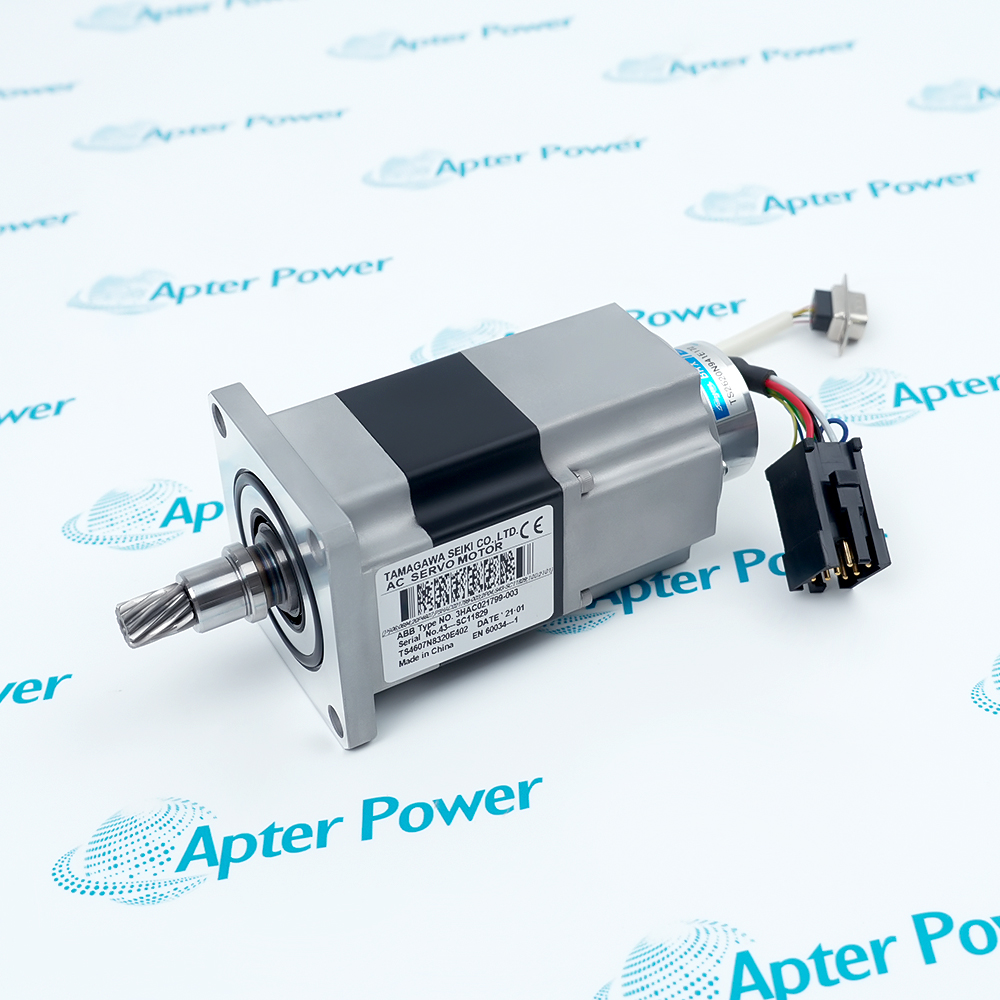
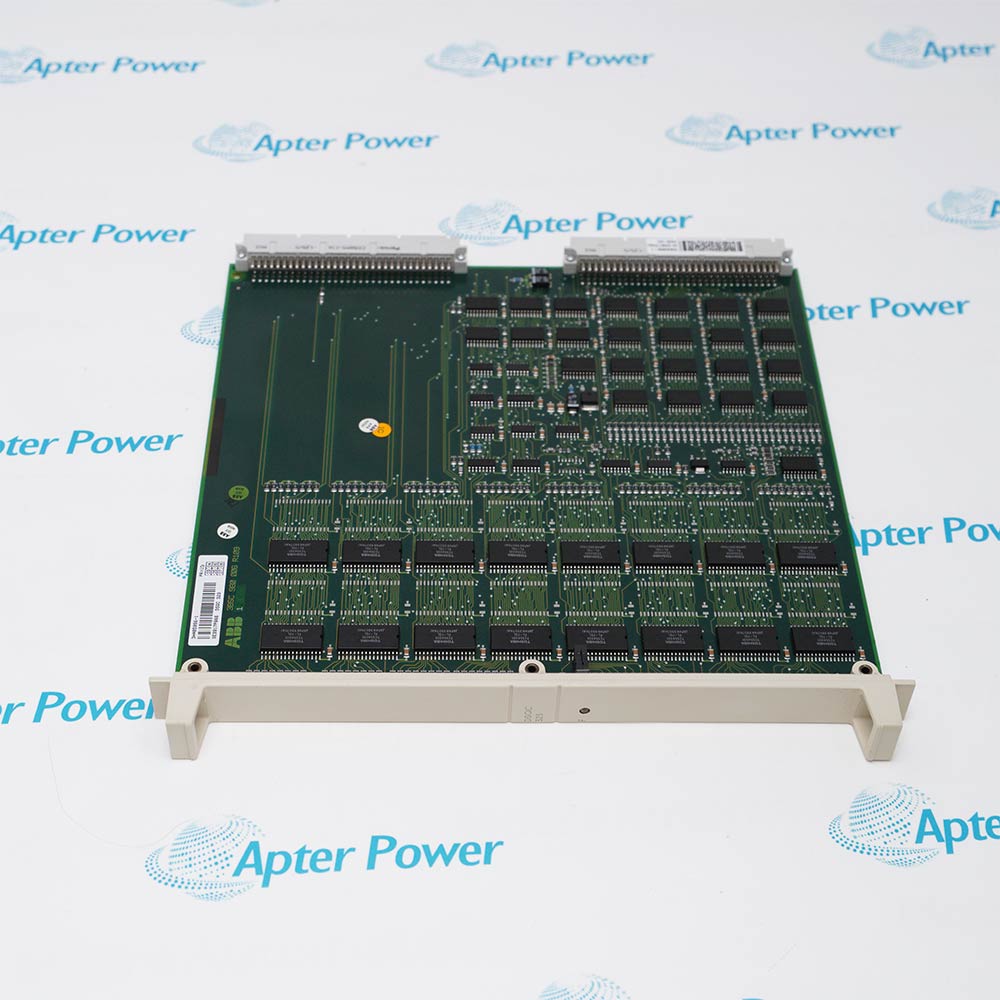
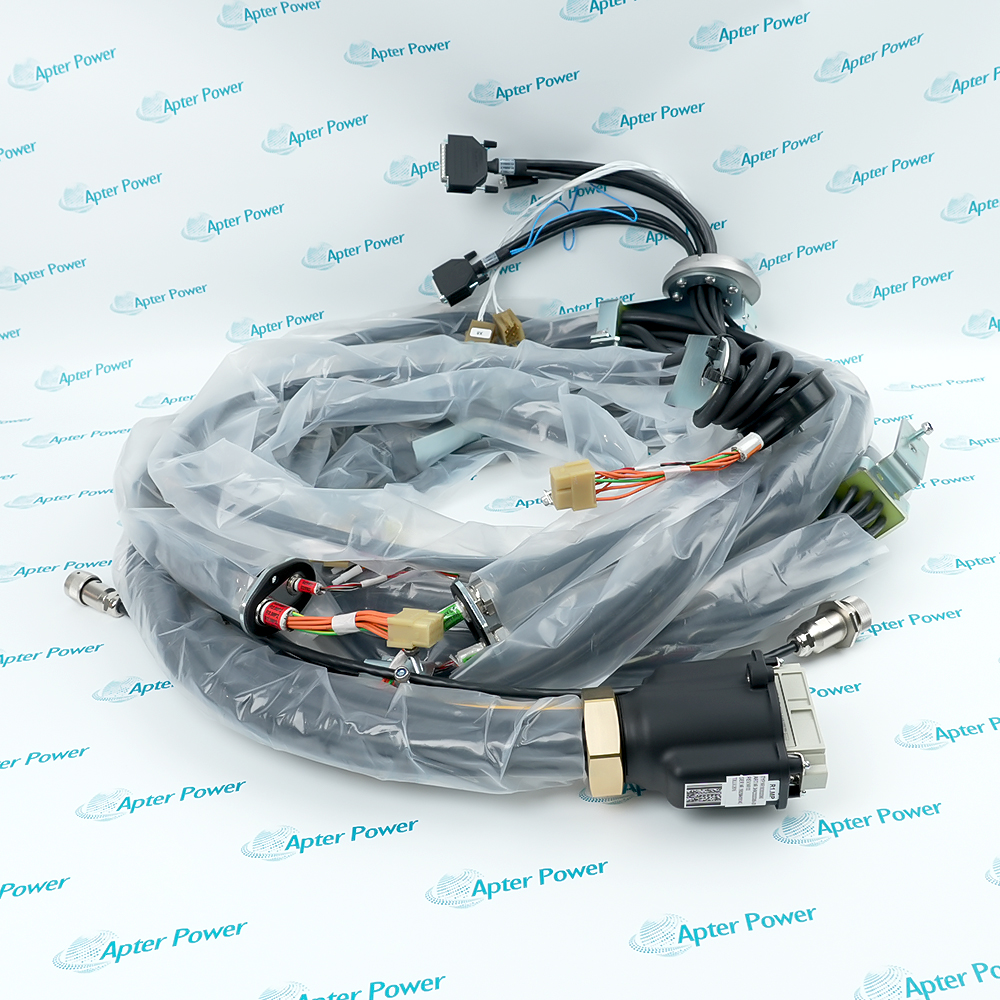
With more than 30.000 high-quality spare parts, they can be sold immediately. Our large inventory allows us to quickly meet customer needs, thereby reducing downtime and protecting production schedules. Our timely delivery time provides you with security and save money.
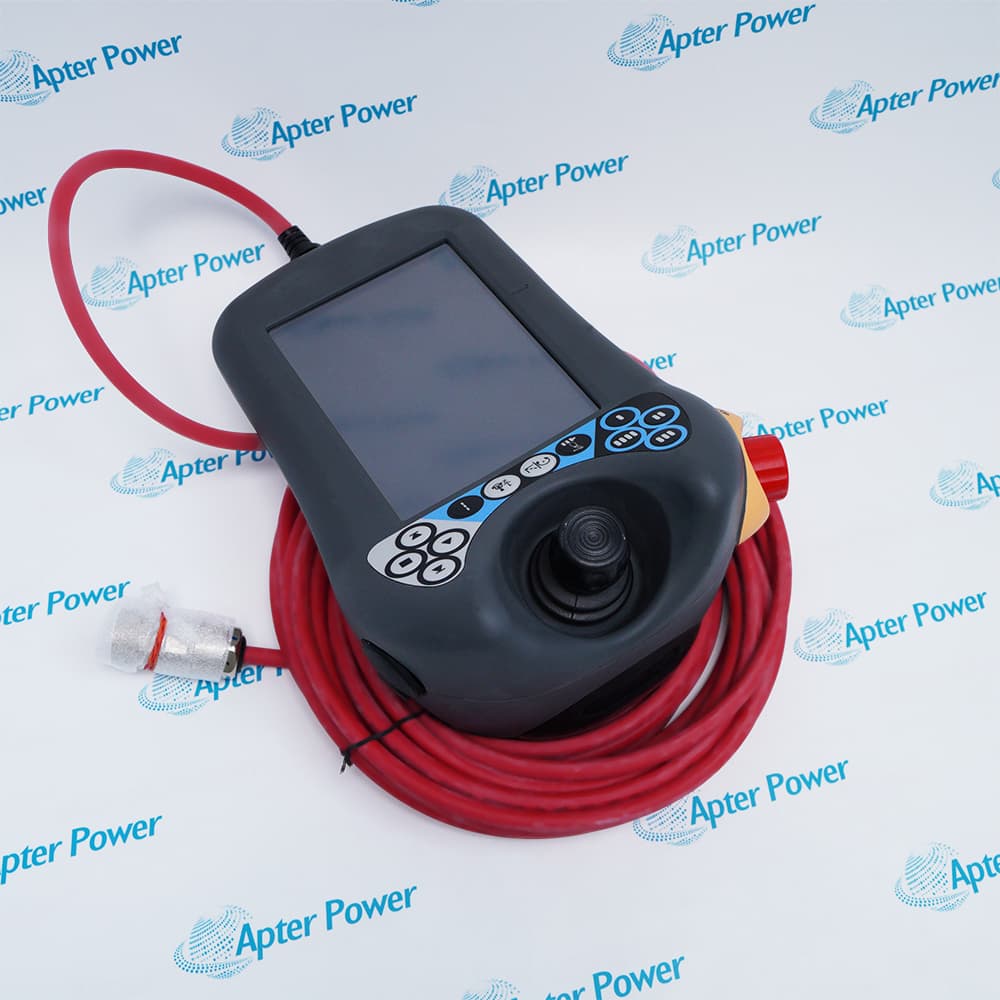
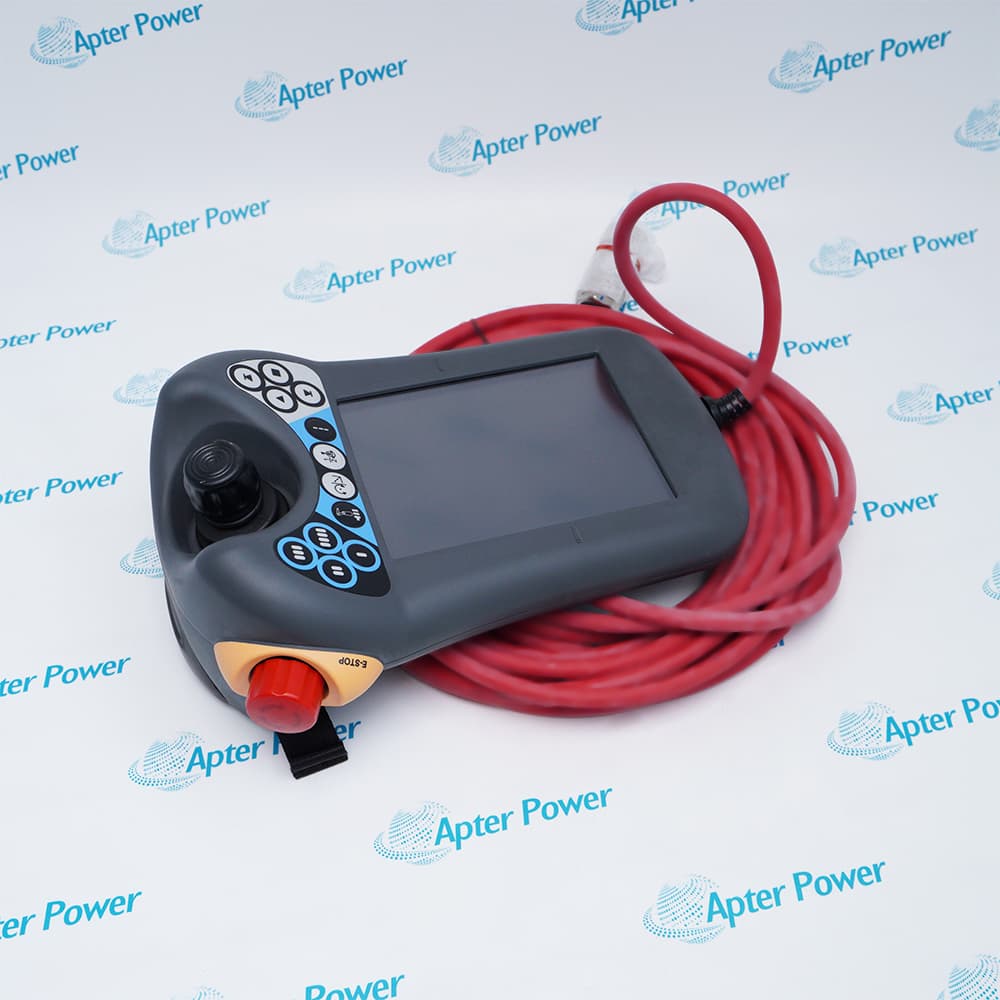
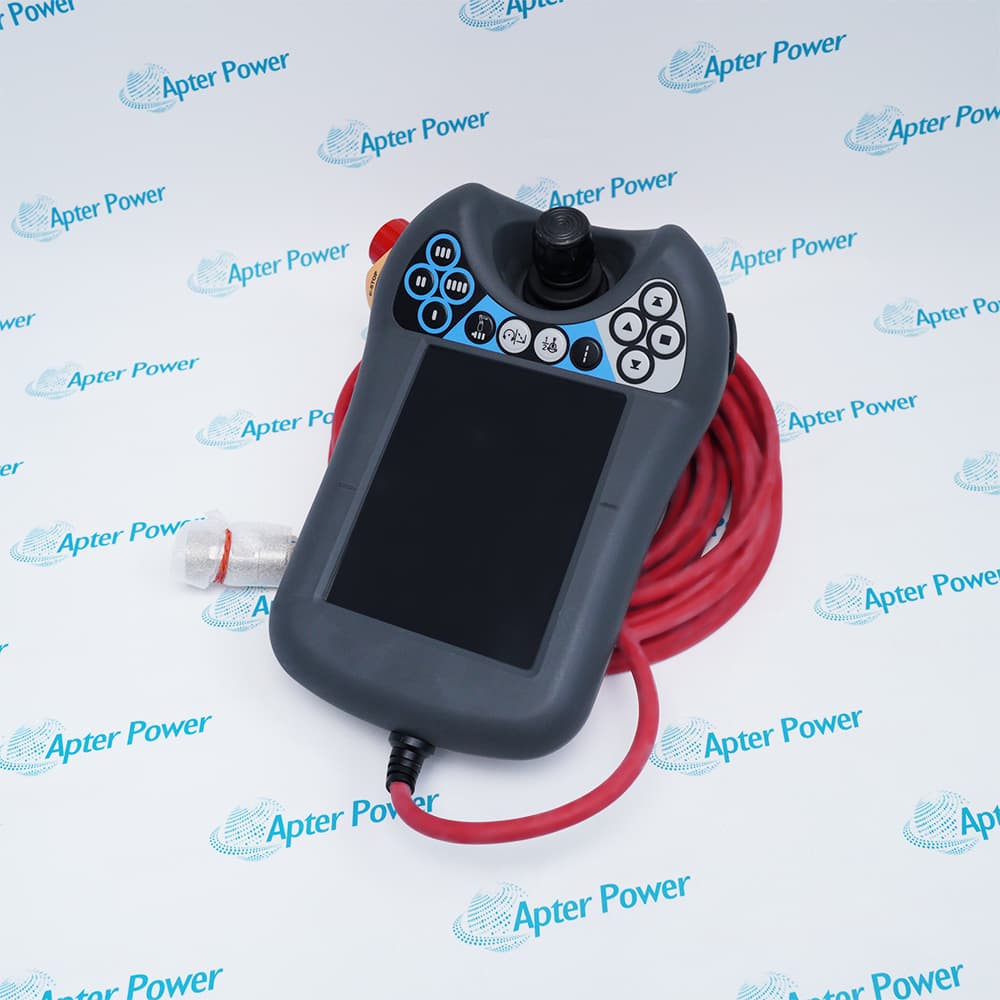
The DSQC 679 is a high‑precision teach pendant designed specifically for ABB industrial robots. This pendant serves as the primary operator interface, allowing for programming, manual guidance, and safe operation of robots. Its compact and ergonomic design ensures ease of handling while maintaining high reliability in industrial environments.
High Precision
Ergonomic Design
Reliable Communication
Equipped with a responsive touchscreen, joystick, and emergency stop button, the DSQC 679 enables precise control over robot movements. Its robust build and intuitive interface reduce operator fatigue and improve programming efficiency. Advanced communication with ABB IRC5 controllers ensures real‑time feedback and smooth operation, making it ideal for demanding automation tasks.
Important Notice: Other accessories, manuals, cables, calibration data, software, etc. are not included with this equipment unless listed in the above stock item description.
ABB DSQC 679 Teach Pendant Manuals, Datasheets, Drivers, Link
Important Notice: Other accessories, manuals, cables, calibration data, software, etc. are not included with this equipment unless listed in the above stock item description.
Automotive Assembly
The teach pendant is widely used in automotive manufacturing lines for precise robot control in welding, painting, and assembly tasks. It allows operators to program and guide robots efficiently, improving production speed and consistency.
Electronics Manufacturing
In electronics production, precise and repeatable robot movements are critical. The pendant enables fine control for tasks such as PCB handling, component placement, and inspection.
Material Handling
Robots equipped with this pendant can handle palletizing, packaging, and sorting operations. Operators can easily program and adjust robot paths for different product sizes and weights.
Welding Applications
The pendant provides intuitive control for spot and arc welding robots. Operators can program complex weld paths, monitor robot movements, and adjust parameters in real-time.
Painting & Coating
For automated painting and coating lines, the pendant allows precise path programming and speed adjustments. Real-time monitoring ensures consistent surface coverage and reduces overspray.
General Automation
The pendant is used for various automated tasks such as inspection, assembly, and logistics robots. Its versatility allows easy adaptation to new processes, making it a key tool for flexible manufacturing solutions.
The ABB DSQC 679 (3HAC028357‑001) teach pendant provides an intuitive and ergonomic interface for programming, configuring, and controlling ABB industrial robots. With its high‑resolution color touchscreen, multi‑language graphical GUI, and programmable function keys, operators can efficiently define robot motion paths, adjust parameters, and monitor robot status in real time.
Equipped with a robust emergency stop button and enable device, the pendant ensures multiple safety layers during teaching and manual operation. Its Ethernet and USB connectivity supports program upload/download, data logging, and peripheral integration for flexible workflow management.
What is ABB DSQC 679 and what is its main purpose?
The ABB DSQC 679 (model 3HAC028357‑001) is a high‑performance teach pendant used with ABB industrial robots, particularly with IRC5 controllers. It serves as the operator’s handheld interface for programming, manually guiding, and controlling robot motion. The pendant includes an ergonomic design, touchscreen, joystick, and emergency stop for safe and precise operations. This device is essential for setting up automated tasks and monitoring robot behavior in real‑time.
How do I connect the DSQC 679 teach pendant to the controller?
Connect the DSQC 679 (3HAC028357‑001) to an ABB IRC5 robot controller using the dedicated pendant cable — usually a 21‑pin interface. Ensure the power supply (24 V DC) and communication connector are properly secured. Always verify connection integrity before powering up to avoid communication errors. Proper setup ensures stable data exchange and smooth robot control.
The DSQC 679 display is stuck on booting – what should I do?
If a DSQC 679 pendant gets stuck at boot or loading the application, the issue may be corrupted firmware or a hardware fault in the pendant. Try holding the Stop button and a function key during power‑up to force a firmware reload. If it still won’t boot, check the ribbon cable/PCB connections or contact ABB support for diagnostic and flash repair.
How can I troubleshoot communication errors between DSQC 679 and the robot controller?
Communication issues often originate from loose or damaged cables between the DSQC 679 and the IRC5 controller. Start by checking all physical connections and replacing any worn cables. Restart both the pendant and the controller. Updating firmware on both devices can also fix protocol mismatches or compatibility problems.
What maintenance should be done to keep DSQC 679 reliable?
Regularly clean the DSQC 679 touchscreen and buttons with a soft, lint‑free cloth to avoid dust build‑up. Periodically calibrate the touch interface to maintain responsiveness. Inspect cables and connectors for wear. For more complex faults (e.g., unresponsive buttons or severe display issues), consult trained technicians or ABB service to avoid further damage.
Trusted by 5,000+ plants worldwide | Backed by our vast inventory of top-tier control parts, modules and cards, fast shipments are dispatched to cover your urgent needs. ABOUT US >>
Disclaimer: We are not an authorized distributor or distributor of the product manufacturer of this website, The product may have older date codes or be an older series than that available direct from the factory or authorized dealers. Because our company is not an authorized distributor of this product, the Original Manufacturer`s warranty does not apply.While many DCS PLC products will have firmware already installed, Our company makes no representation as to whether a DSC PLC product will or will not have firmware and, if it does have firmware, whether the firmware is the revision level that you need for your application. Our company also makes no representations as to your ability or right to download or otherwise obtain firmware for the product from our company, its distributors, or any other source. Our company also makes no representations as to your right to install any such firmware on the product. Our company will not obtain or supply firmware on your behalf. It is your obligation to comply with the terms of any End-User License Agreement or similar document related to obtaining or installing firmware.