












Get Parts Quote
Name
Company *
Phone *
Email *
Address
City
State / Province / Region
Zipcode
Country
Quantity *
Part Number *
Manufacturer
Preferred Condition
Additional Information
Cancel
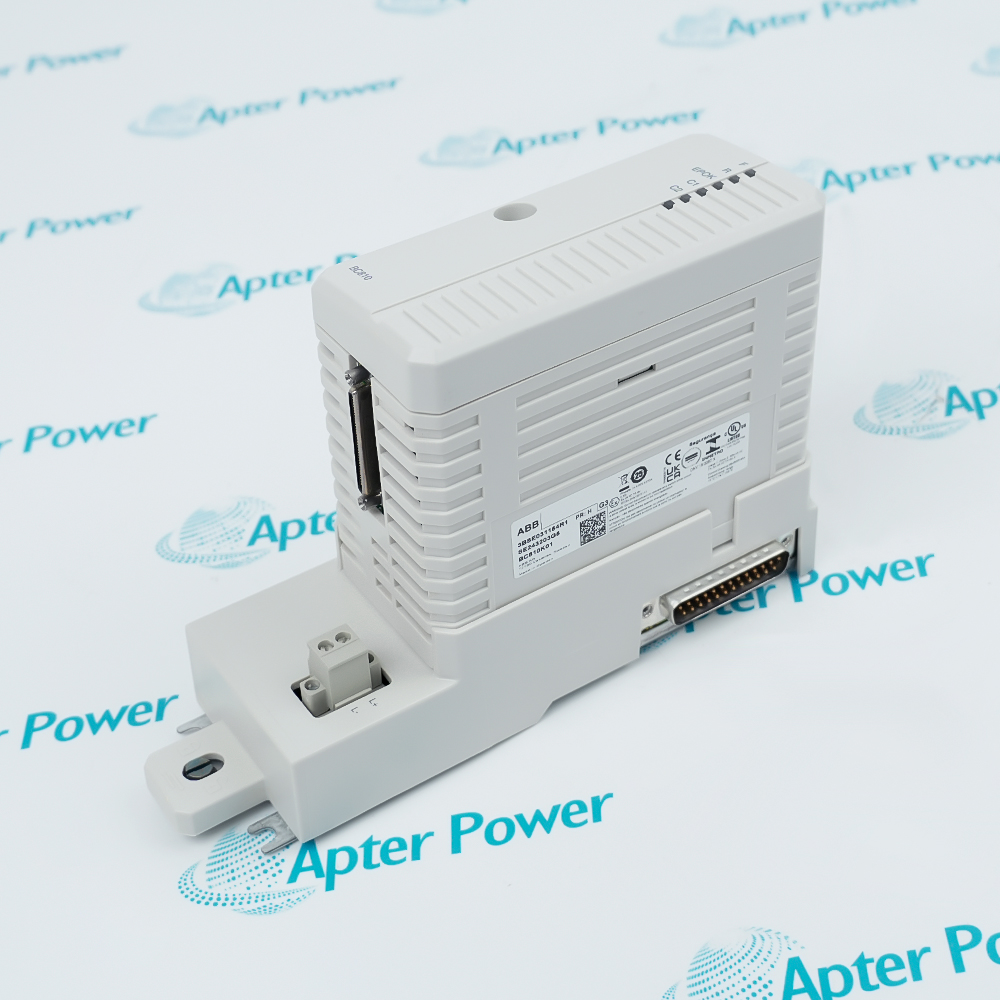
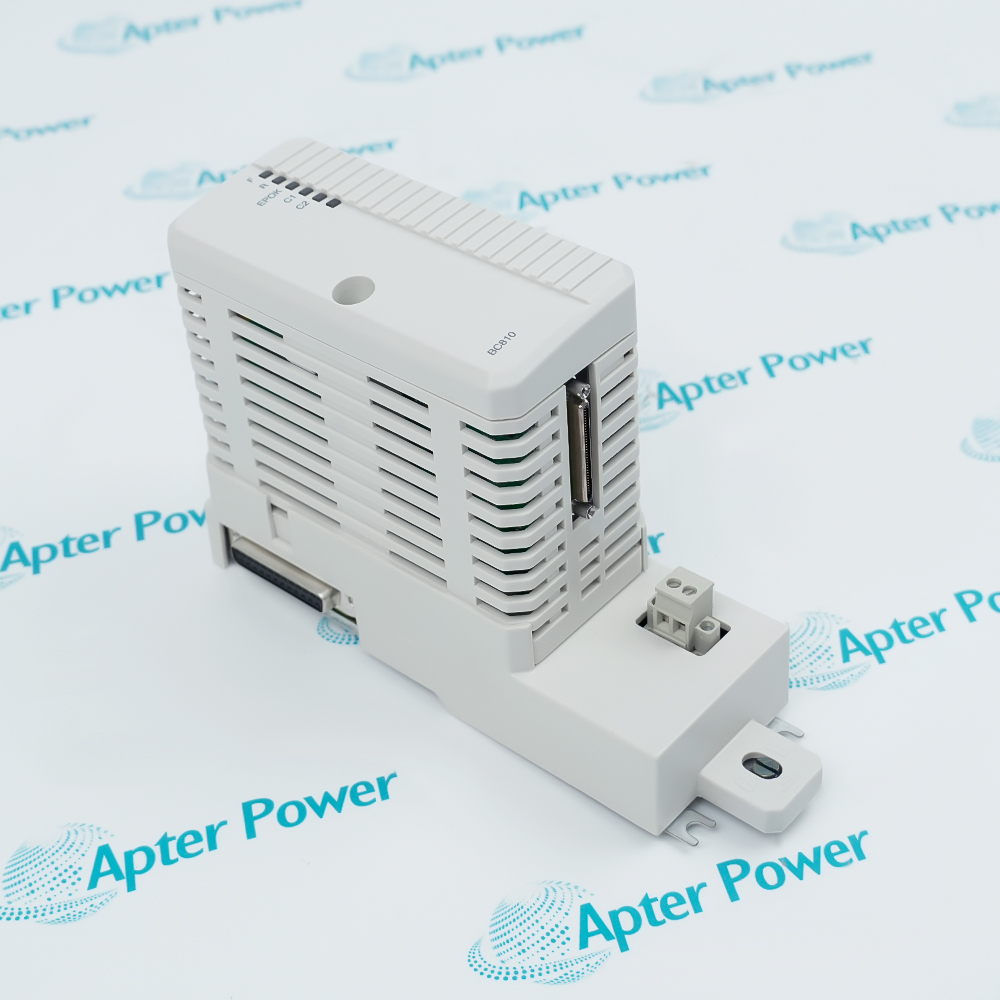
ABB BC810K01-3BSE031154R1
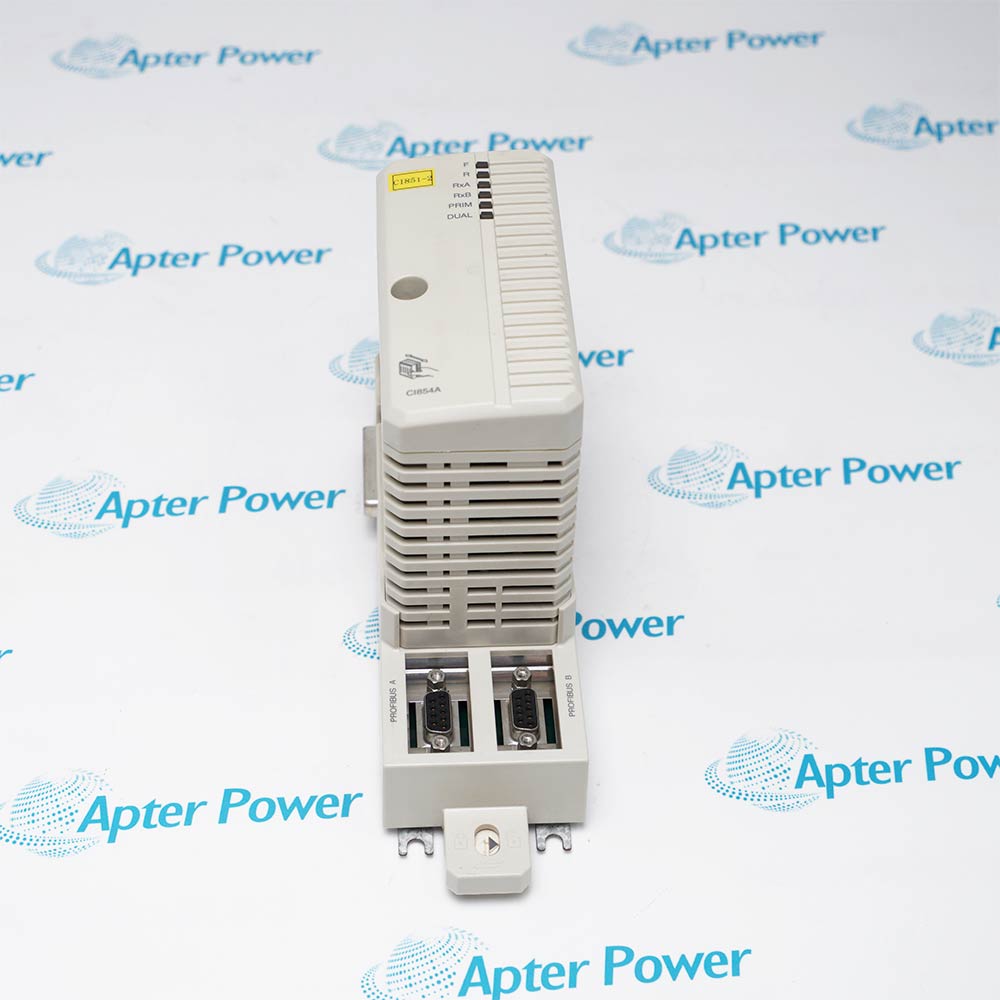
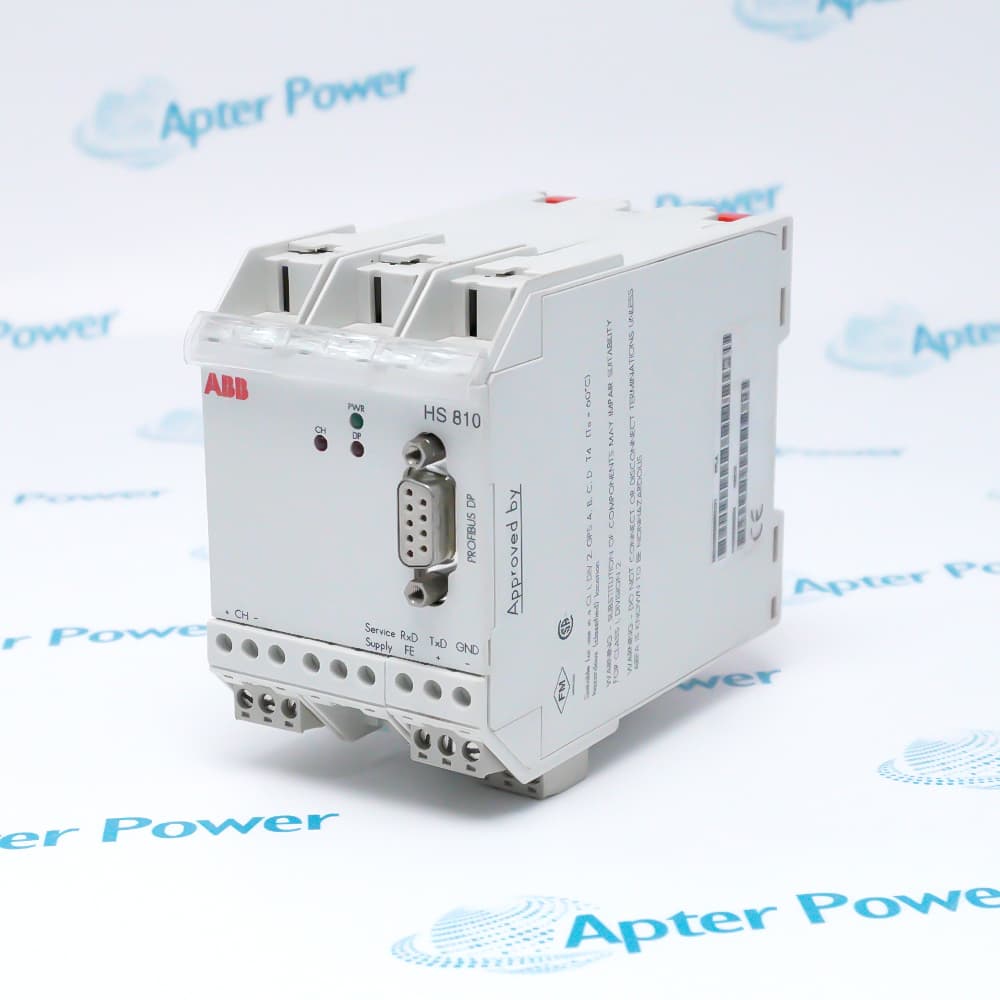
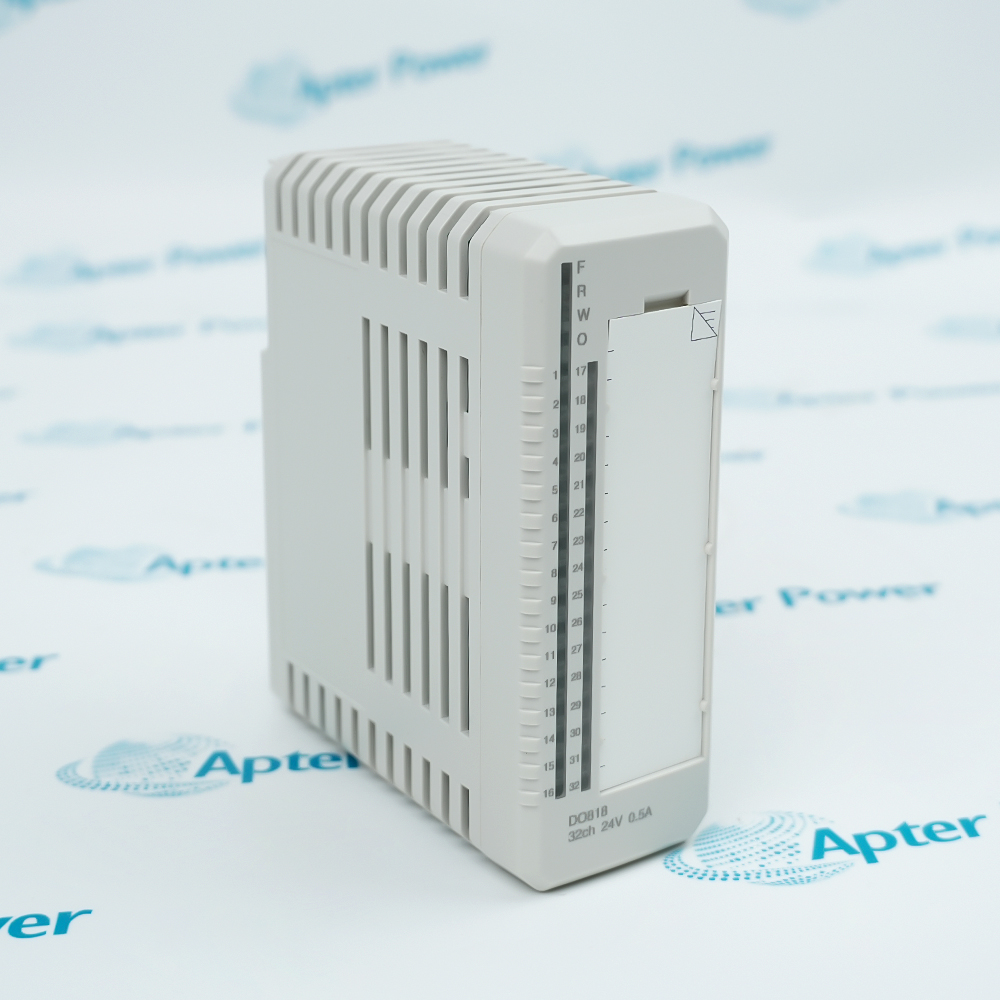
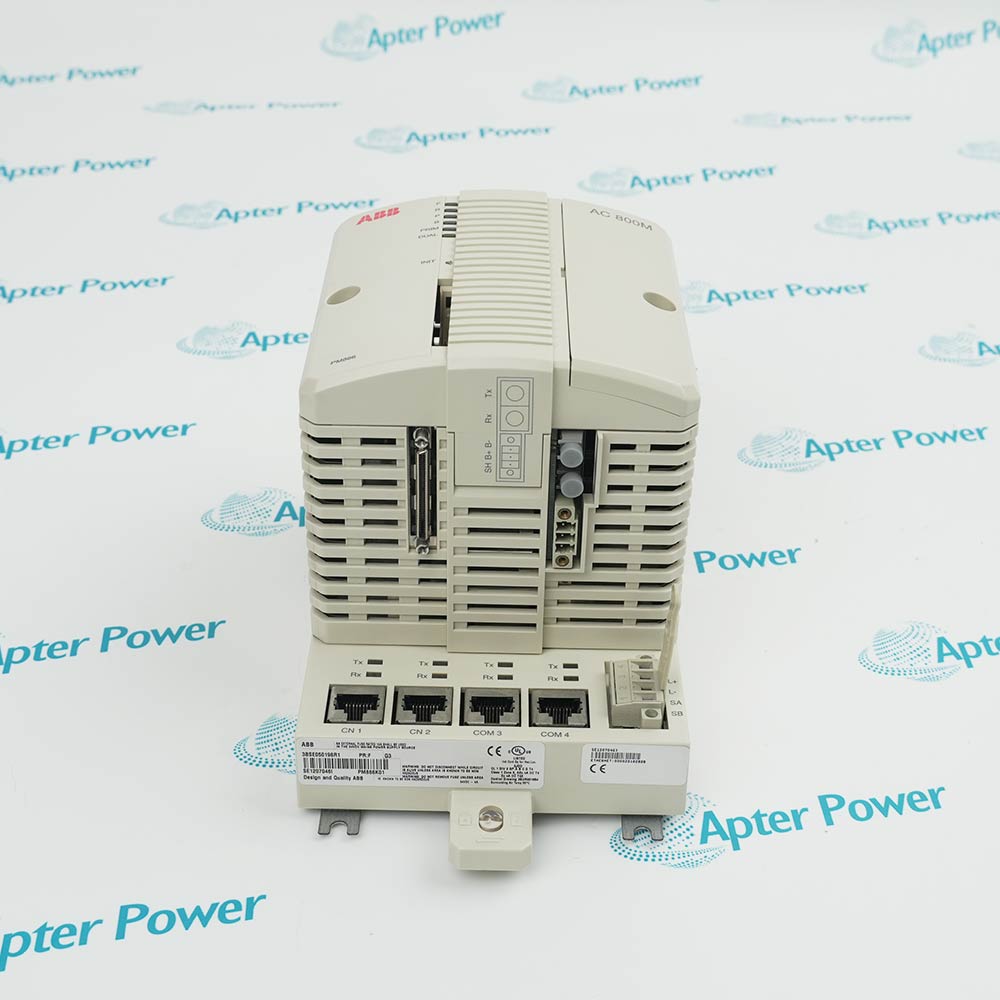
Product image is representative; revision or series may vary. Contact us to request a specific version.

BC810K01-3BSE031154R1

BC810K01 CEX-Bus Interconnection Unit Kit
In Stock
Ships by Tuesday, October 6
Fast Shipping Available

Product Describe:

ABB BC810K01-3BSE031154R1 is a CEX-Bus interconnection unit kit for ABB AC 800M controller hardware. The kit includes the BC810 interconnection unit, TP857 baseplate and TB850 CEX-Bus terminator.

Ask our team:

Get a quick price for: BC810K01-3BSE031154R1
Quantity*
Upload (gif, jpg, jpeg, png, bmp, doc, docx, xls, xlsx, ppt, pdf, csv)
For more information on how your data is processed and stored by Apterpower please read our privacy policy.

Technical specifications for BC810K01-3BSE031154R1

Technical specifications for BC810K01-3BSE031154R1

  • Manufacturer:
    ABB
  • Product Category:
    DCS System
  • Spare Part Number:
    3BSE031154R1
  • Estimated shipping dimensions:
    18.5x6.5x12.6cm
  • Weight:
    0.43 kg
  • Tariff Code:
    8537101190
  • Counliy of origin:
    Sweden
  • Type designation:
    BC810K01
  • Catalog description:
    CEX-Bus Interconnection Unit Kit
  • Kit contents:
    BC810, TP857 baseplate, TB850 terminator
  • Supply:
    24 V DC nominal (19.2 to 30 V DC)
  • Current consumption:
    50 mA typical; 70 mA maximum
  • Power dissipation:
    1.2 W typical
  • Protection:
    IP20
  • Hot swap:
    Supported
  • Power input connector:
    2-pin screw connector, L+ / L-
  • Baseplate:
    TP857, preset two-letter Alpha code lock
  • Interconnection cable:
    TK851
  • Status indicators:
    F red; R green; EPOK green; C1/C2 yellow

Information

Information

Overview Manuals Common Applications Product Precautions
ABB BC810K01-3BSE031154R1 links separate CEX-Bus segments in an AC 800M controller installation.
  • Separates the communication bus into independent segments.
  • Supports availability with redundant communication interfaces.
  • Provides distinct bus-activity and external-power indications.
  • Uses a mechanically coded baseplate to identify the module position.

Install the BC810 unit on its TP857 baseplate and use the documented TK851 interconnection arrangement. The processor supplies the unit through the CEX-Bus; the external input provides a redundant power path for the bus.

Important Notice: Confirm ABB BC810K01-3BSE031154R1, the keyed TP857 baseplate, TB850 termination, TK851 cable and the primary/backup arrangement before service. Apply the separate baseplate shutdown requirement during maintenance.

Apter Power ABB BC810K01-3BSE031154R1 Manuals and Guides
Apter Power ABB BC810K01-3BSE031154R1 Product and System Technical Reference PDFABB BC810K01-3BSE031154R1 Official AC 800M Controller Hardware Guide PDF

The first document presents model-specific technical data. The second is ABB publication 3BSE036352-610 Rev A; its BC810 sections cover installation, interconnection and indicator data.

Redundant interface segmentation

Divides the controller communication bus to support availability when communication interfaces are redundant.

CEX-Bus power resilience

Supports an external power path in addition to the processor-supplied CEX-Bus path.

Interconnection status checks

Allows the primary and backup bus indications to be interpreted separately during controller maintenance.

Keyed controller hardware assembly

Uses TP857 mechanical coding to maintain the intended interconnection-unit position.

Read ABB AC 800M Controller Hardware Product Guide 3BSE036352-610 Rev A before work on ABB BC810K01-3BSE031154R1. Separate module replacement from powered-baseplate servicing.
1
Match the BC810 unit to the preset two-letter Alpha code on TP857; do not defeat the mechanical key.
2
Do not manipulate a CEX-Bus baseplate while the system is powered and running.
3
Before changing or removing a baseplate, remove all CEX modules on that segment under the shutdown procedure.
4
Check the external two-pin L+ / L- connection against the specified 19.2 to 30 V DC range.
5
Account for power received from the processor through the CEX-Bus as well as the external supply path.
6
Use the documented TK851 connection between the two BC810 modules.
7
Interpret C1 off as no CEX-Bus activity; assess the affected segment accordingly.
8
Interpret C2 according to primary or backup position: C2 is always off on the backup side.

Technical notes

Technical notes

For ABB BC810K01-3BSE031154R1, distinguish BC810 hot-swap support from TP857 baseplate servicing: CEX-Bus baseplates must not be manipulated in a powered, running system. Confirm external supply limits, the TK851 interconnection arrangement and the primary/backup meaning of C1/C2 indicators.

FAQS

  • Can ABB BC810K01-3BSE031154R1 separate a shared CEX-Bus into independent sections?
    Yes. Its BC810 interconnection unit divides the CEX-Bus into two independent segments, supporting availability in systems with redundant communication interfaces.
  • Does ABB BC810K01-3BSE031154R1 depend only on its external power connector?
    No. BC810 receives power from the processor through the CEX-Bus. The external connector can provide redundant power support to that bus; assess both supply paths in the installed design.
  • Does an unlit C2 LED on the backup side of ABB BC810K01-3BSE031154R1 indicate a fault?
    Not by itself. ABB states that C2 is always off on the backup side. On the primary side, C2 off means that the backup side is disconnected or inactive.
  • What does an unlit C1 LED on ABB BC810K01-3BSE031154R1 tell the technician?
    The BC810 indicator table defines C1 off as no CEX-Bus activity. Check the associated segment activity before interpreting this indication as a failed interconnection unit.
  • Which cable links two interconnection units in an ABB BC810K01-3BSE031154R1 arrangement?
    ABB identifies the TK851 RCU Link Cable for interconnection between two BC810 modules. It is separate from the BC810, TP857 and TB850 items listed in this kit.
  • Does hot-swap support for ABB BC810K01-3BSE031154R1 permit live removal of its TP857 baseplate?
    No. ABB prohibits manipulating CEX-Bus baseplates while the system is powered and running. Before changing or removing a baseplate, remove all CEX modules on that segment under the approved shutdown procedure.
  • How does the baseplate in ABB BC810K01-3BSE031154R1 prevent installation of the wrong module type?
    TP857 uses a preset two-letter Alpha code lock. Match the correct BC810 unit to its keyed baseplate; do not defeat the mechanical coding.
  • Is an 18 V reading at the external input acceptable for ABB BC810K01-3BSE031154R1?
    No. The specified external supply range is 19.2 to 30 V DC, nominally 24 V DC, at the two-pin L+ and L- connector. Correct the supply condition before relying on the external power path.
Trusted by 5,000+ plants worldwide | Backed by our vast inventory of top-tier control parts, modules and cards, fast shipments are dispatched to cover your urgent needs. ABOUT US >>
Disclaimer: We are not an authorized distributor or distributor of the product manufacturer of this website, The product may have older date codes or be an older series than that available direct from the factory or authorized dealers. Because our company is not an authorized distributor of this product, the Original Manufacturer`s warranty does not apply.While many DCS PLC products will have firmware already installed, Our company makes no representation as to whether a DSC PLC product will or will not have firmware and, if it does have firmware, whether the firmware is the revision level that you need for your application. Our company also makes no representations as to your ability or right to download or otherwise obtain firmware for the product from our company, its distributors, or any other source. Our company also makes no representations as to your right to install any such firmware on the product. Our company will not obtain or supply firmware on your behalf. It is your obligation to comply with the terms of any End-User License Agreement or similar document related to obtaining or installing firmware.

We’re Here When You Need Us

From product insights to customer service needs, our experienced service team will focus on getting you what you need quickly

Enquire

Complete our online form.

Call Us

Speak to one of our team.

Live Chat

Send us a message.

