Speak to a sourcing specialist
sales13@apterpower.com
Get a quick price for SR1220E2 SR1220E2-3SN
E-mail *
Mobile *
Company
Content *
Quantity *
Upload (gif, jpg, jpeg, png, bmp, doc, docx, xls, xlsx, ppt, pdf, csv)
For more information on how your data is processed and stored by Apterpower please read our privacy policy

What happens after you enquire

  • 1

    Requirement review

    We review the part number, quantity and delivery requirements and ask for any missing details.
  • 2

    Quotation and availability

    We confirm the proposed item, condition, availability, price and estimated lead time in the quotation.
  • 3

    Order confirmation and dispatch

    Once the quotation and purchasing details are agreed, your contact will coordinate the order and available dispatch information.

Technical specifications for SR1220E2 SR1220E2-3SN

  • Manufacturer:
    Yokogawa
  • Product Category:
    DCS Systems
  • Spare Part Number:
    SR1220E2 SR1220E2-3SN
  • Estimated shipping dimensions:
    13x29.7x35cm
  • Weight:
    7.56 kg
  • Tariff Code:
    8537101190
  • Counliy of origin:
    Japan
  • Hardware class:
    Control card
  • Installation:
    Legacy control-system backplane
  • Execution:
    SR1220E2-3SN variant
  • Configuration scope:
    Installed station control function
  • Maintenance method:
    Like-for-like board replacement

Information

Overview Manuals Common Applications Product Precautions
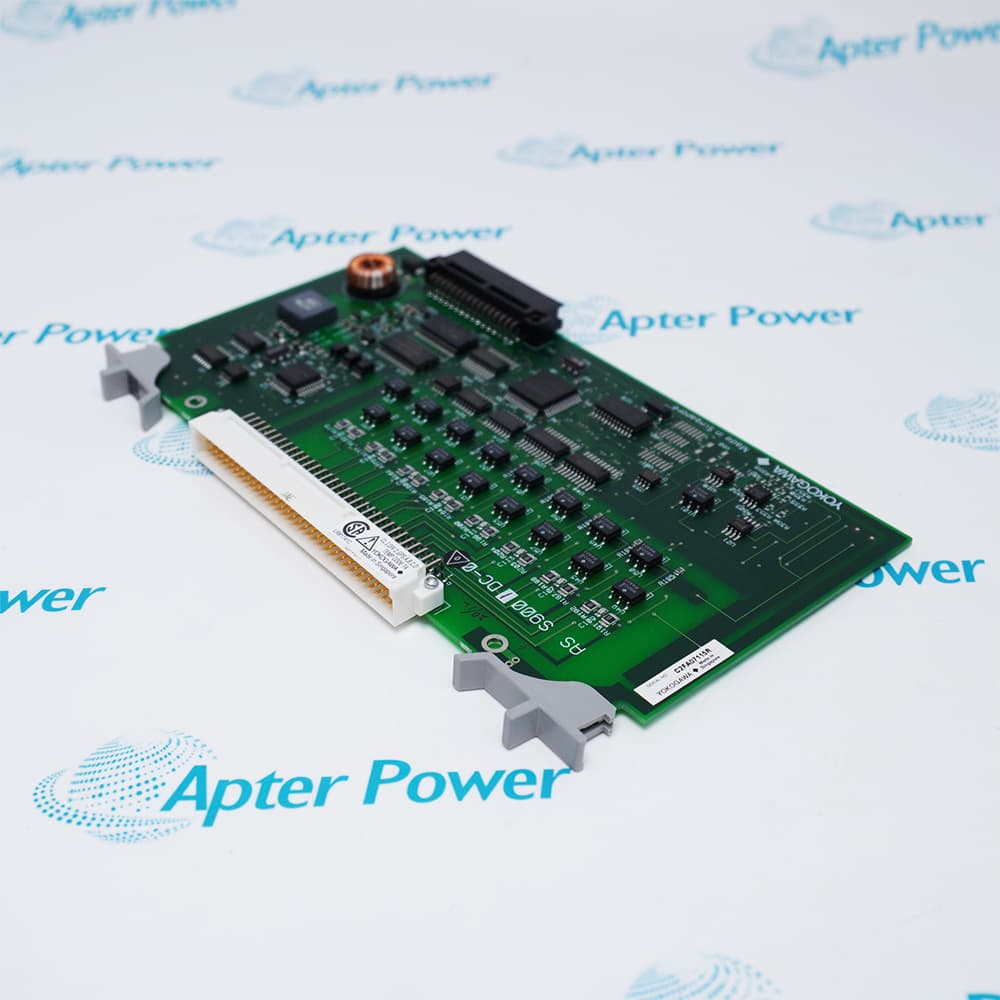
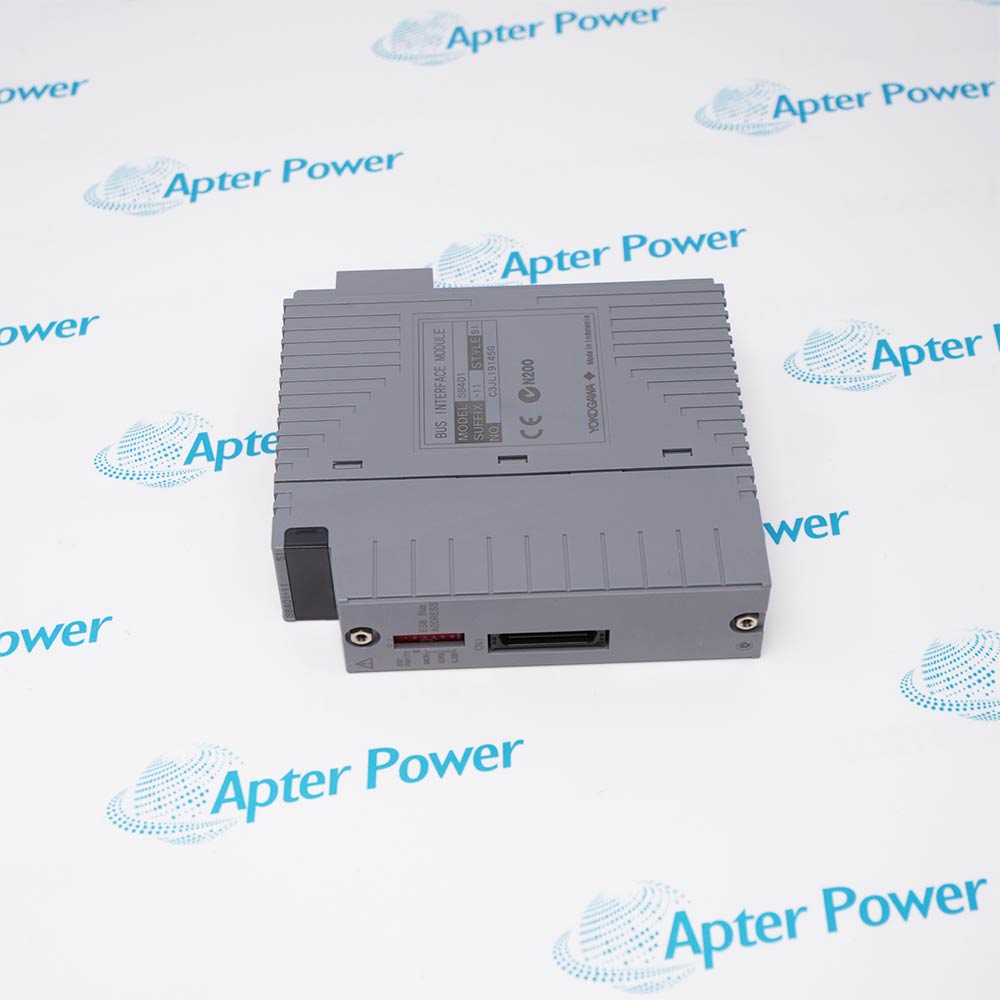
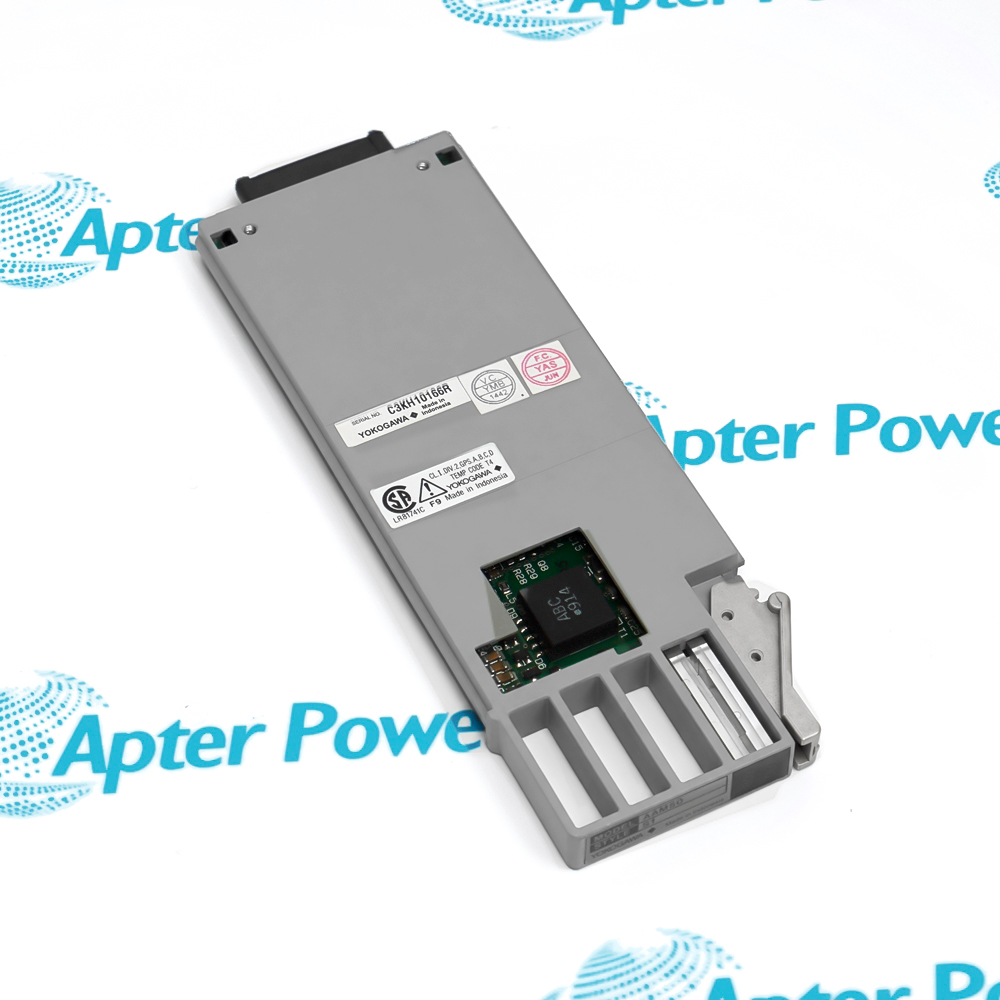
SR1220E2 SR1220E2-3SN maintains the retained control-card function at a specific backplane position, where revision identity and station configuration govern replacement suitability.
  • Performs the retained control-card function in the installed station.
  • Uses a complete board and variant identity for replacement control.
  • Exchanges power and signals through the system backplane.
  • Requires the associated configuration and companion-card record to be preserved.

SR1220E2 SR1220E2-3SN should be matched to the documented system position, companion hardware and retained project configuration before the channel or station is returned to control.

Important Notice: Preserve the complete SR1220E2 SR1220E2-3SN identity and verify its documented electrical, network or signal response before release.

Yokogawa SR1220E2 SR1220E2-3SN Manuals & Downloads
Yokogawa SR1220E2 SR1220E2-3SN Technical Reference (PDF)Yokogawa SR1220E2 SR1220E2-3SN Installation & Commissioning Guide (PDF)

The first document covers the product function, system role and technical selection. The installation guide covers identification, connection checks, commissioning and the acceptance record.


Legacy controller repair
Restores a documented control-card position after board-level failure.
Station spare planning
Keeps a verified variant for the installed hardware release.
Backplane fault isolation
Separates card failure from rack power or connector problems.
Modernization survey
Captures the board function and system dependency before migration.
Before installing Yokogawa SR1220E2 SR1220E2-3SN, confirm the documented system, interfaces and controlled configuration.
1
Record both SR1220E2 and SR1220E2-3SN markings.
2
Capture the exact backplane slot and adjacent card arrangement.
3
Back up all available station configuration before shutdown.
4
Place controlled outputs and interlocks in a safe maintenance state.
5
Remove rack power and use ESD protection.
6
Inspect backplane contacts without bending or cleaning them abrasively.
7
Restore the documented board execution and configuration.
8
Verify startup, communication, I/O exchange and control response before release.

Technical notes

Preserve the complete SR1220E2 SR1220E2-3SN identity and verify its documented electrical, network or signal response before release.

FAQ View All FAQ

  • Why are two markings retained for Yokogawa SR1220E2 SR1220E2-3SN?
    The board code and full variant marking together identify the installed control-card execution.
  • Which slot information should accompany Yokogawa SR1220E2 SR1220E2-3SN?
    Record the rack, backplane slot, adjacent cards and connector orientation before removal.
  • What configuration should be preserved for Yokogawa SR1220E2 SR1220E2-3SN?
    Save the station database, board-specific parameters and all related communication settings available for the installed system.
  • How should outputs be handled while Yokogawa SR1220E2 SR1220E2-3SN is offline?
    Transfer affected loops and interlocks to the approved safe maintenance condition before power removal.
  • Which backplane checks are suitable for Yokogawa SR1220E2 SR1220E2-3SN?
    Inspect alignment, connector damage, retention and rack power without altering adjacent hardware.
  • Why is revision matching important for Yokogawa SR1220E2 SR1220E2-3SN?
    Legacy control cards may depend on the installed station release, backplane execution and companion hardware.
  • What startup evidence is expected from Yokogawa SR1220E2 SR1220E2-3SN?
    The board should reach its documented normal indication and exchange data without rack or communication diagnostics.
  • Which functional test closes service on Yokogawa SR1220E2 SR1220E2-3SN?
    Verify affected I/O values, control calculations, alarms, interlocks and communication paths against the retained station record.
Related reading

Related cases and sourcing guidance

View all case studies
Manufacturers

Product Browsing History

Revisit the products you recently viewed on Apter Power.
SPEAK TO OUR TEAM
Let’s find the right solution for you.
Send us the part number, quantity and delivery destination. Our team will help confirm availability and lead time.
  • Whatsapp: +86 18030235313

    Send us a message.
  • sales13@apterpower.com

    Complete our online form.
  • +86 18030235313

    Speak to our team in your native language.