Speak to a sourcing specialist
sales13@apterpower.com

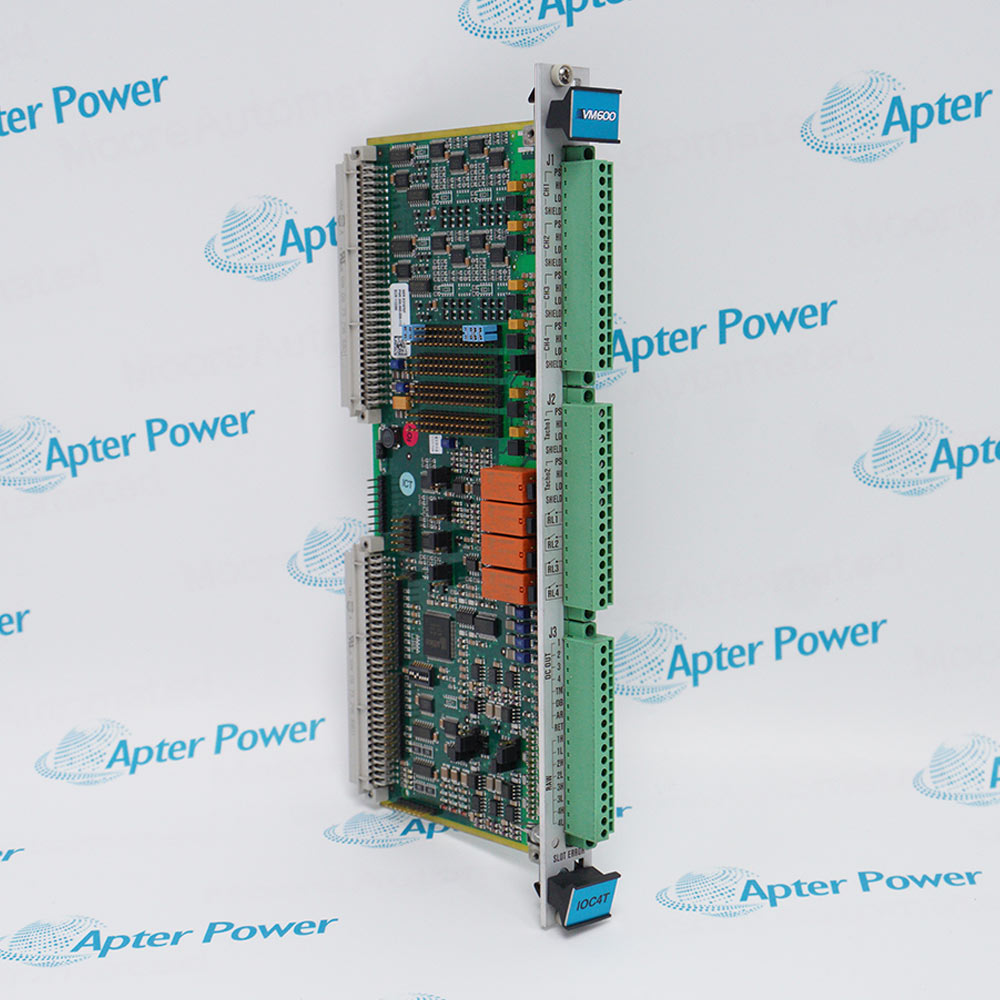
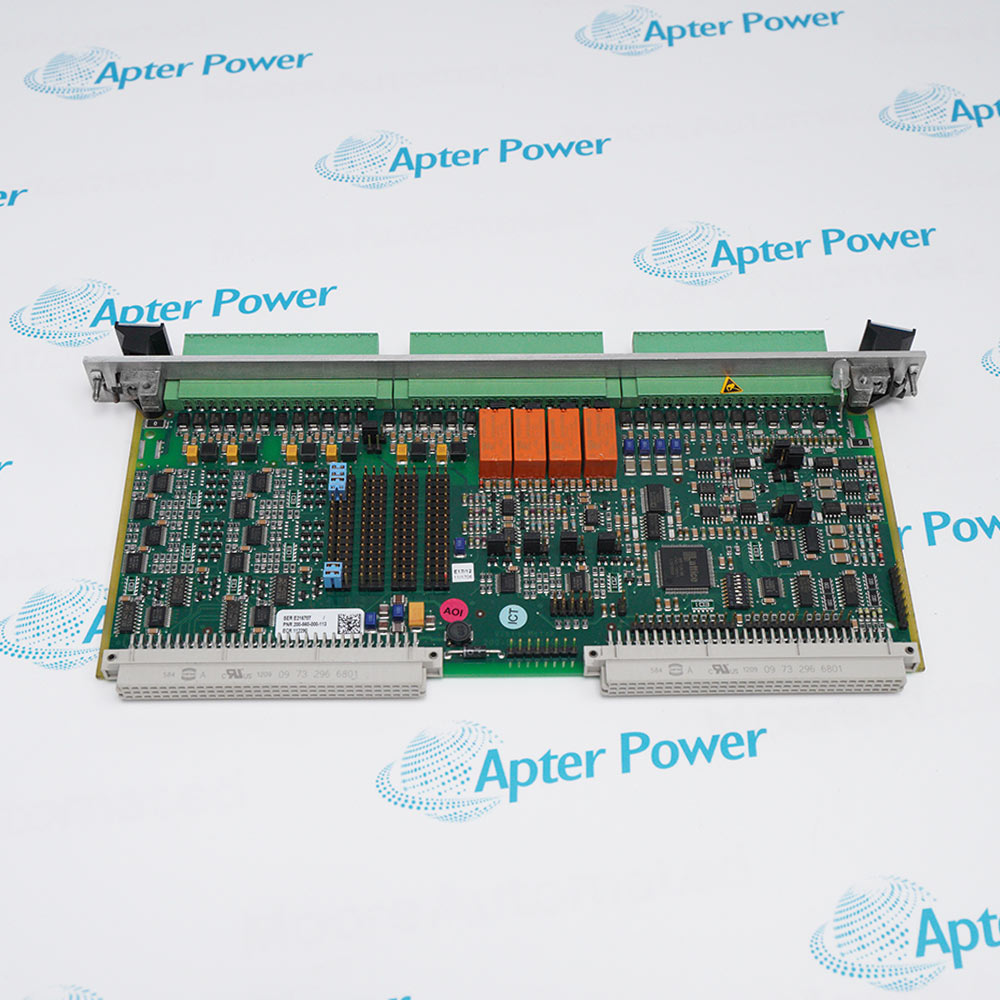
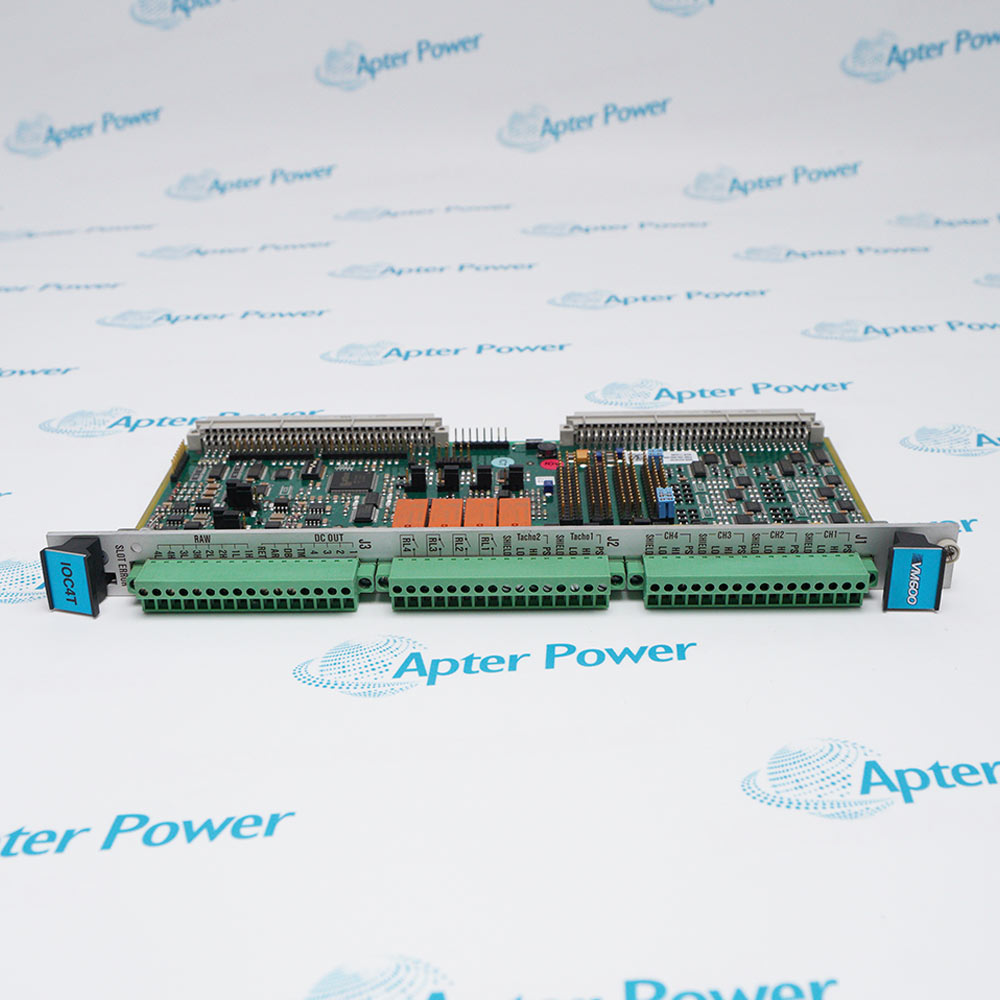
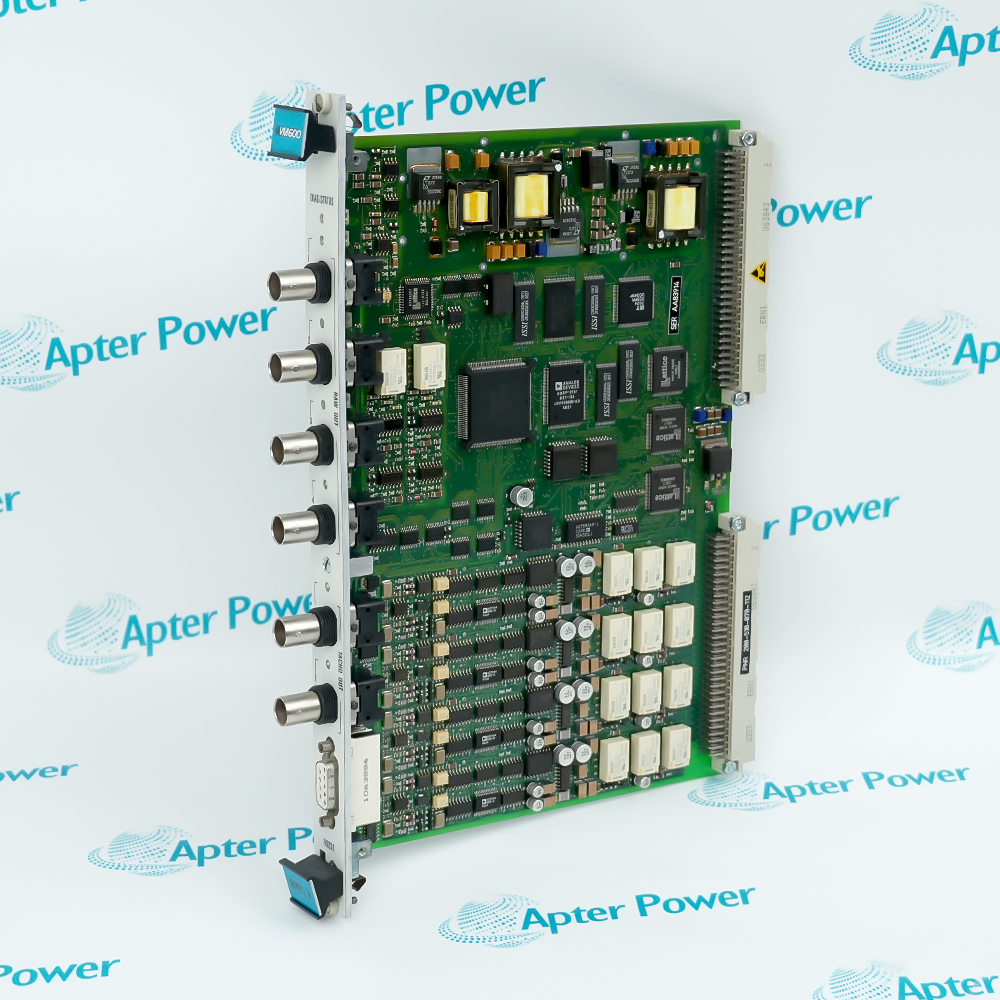
VM600 IOC4T 200-560-000-113

Input/output card
In Stock
Vibro-Meter VM600 IOC4T 200-560-000-113
Product image is representative; revision or series may vary. Contact us to request a specific version.

Product Describe:

Input/output card
4 per IOC4T card 
Admissible load on output 
>100 kΩ for voltage output.
<325 Ω for current output.
Get a quick price for VM600 IOC4T 200-560-000-113
E-mail *
Mobile *
Company
Content *
Quantity *
Upload (gif, jpg, jpeg, png, bmp, doc, docx, xls, xlsx, ppt, pdf, csv)
For more information on how your data is processed and stored by Apterpower please read our privacy policy

What happens after you enquire

  • 1

    Requirement review

    We review the part number, quantity and delivery requirements and ask for any missing details.
  • 2

    Quotation and availability

    We confirm the proposed item, condition, availability, price and estimated lead time in the quotation.
  • 3

    Order confirmation and dispatch

    Once the quotation and purchasing details are agreed, your contact will coordinate the order and available dispatch information.

Technical specifications for VM600 IOC4T 200-560-000-113

  • Manufacturer:
    Vibro-Meter
  • Product Category:
    DCS Systems
  • Spare Part Number:
    200-560-000-113
  • Estimated shipping dimensions:
    26.2x12.4x2cm
  • Weight:
    0.24 kg
  • Tariff Code:
    8537101190
  • Counliy of origin:
    Switzerland
  • Accuracy:
    ≤±1.5%
  • Linearity error:
    ≤±0.5%
  • Admissible load on output:
    >100 kΩ for voltage output
  • Nominal rated voltage:
    250 VAC
  • Nominal rated current:
    5 AAC

FAQ View All FAQ

  • What is VM600 IOC4T 200-560-000-113?
    VM600 IOC4T 200-560-000-113 is an Input/output card.
  • What is an input/output card?
    It represents the relationship between inputs and outputs in a computer system. When you open a document on your computer and use the keyboard to print it, you are experiencing I/O in action. The keyboard serves as the input device, while the printer acts as the output device.
  • How does an I/O card work?
    On your computer, I/O works by allowing data to flow between two objects – an input device (such as a keyboard) which provides raw data and an output device (such as a monitor) which displays the results of processing that data.
Related reading

Related cases and sourcing guidance

View all case studies
SPEAK TO OUR TEAM
Let’s find the right solution for you.
Send us the part number, quantity and delivery destination. Our team will help confirm availability and lead time.
  • Whatsapp: +86 18030235313

    Send us a message.
  • sales13@apterpower.com

    Complete our online form.
  • +86 18030235313

    Speak to our team in your native language.