Get Parts Quote
Name
Company *
Phone *
Email *
Address
City
State / Province / Region
Zipcode
Country
Quantity *
Part Number *
Manufacturer
Preferred Condition
Additional Information
Cancel
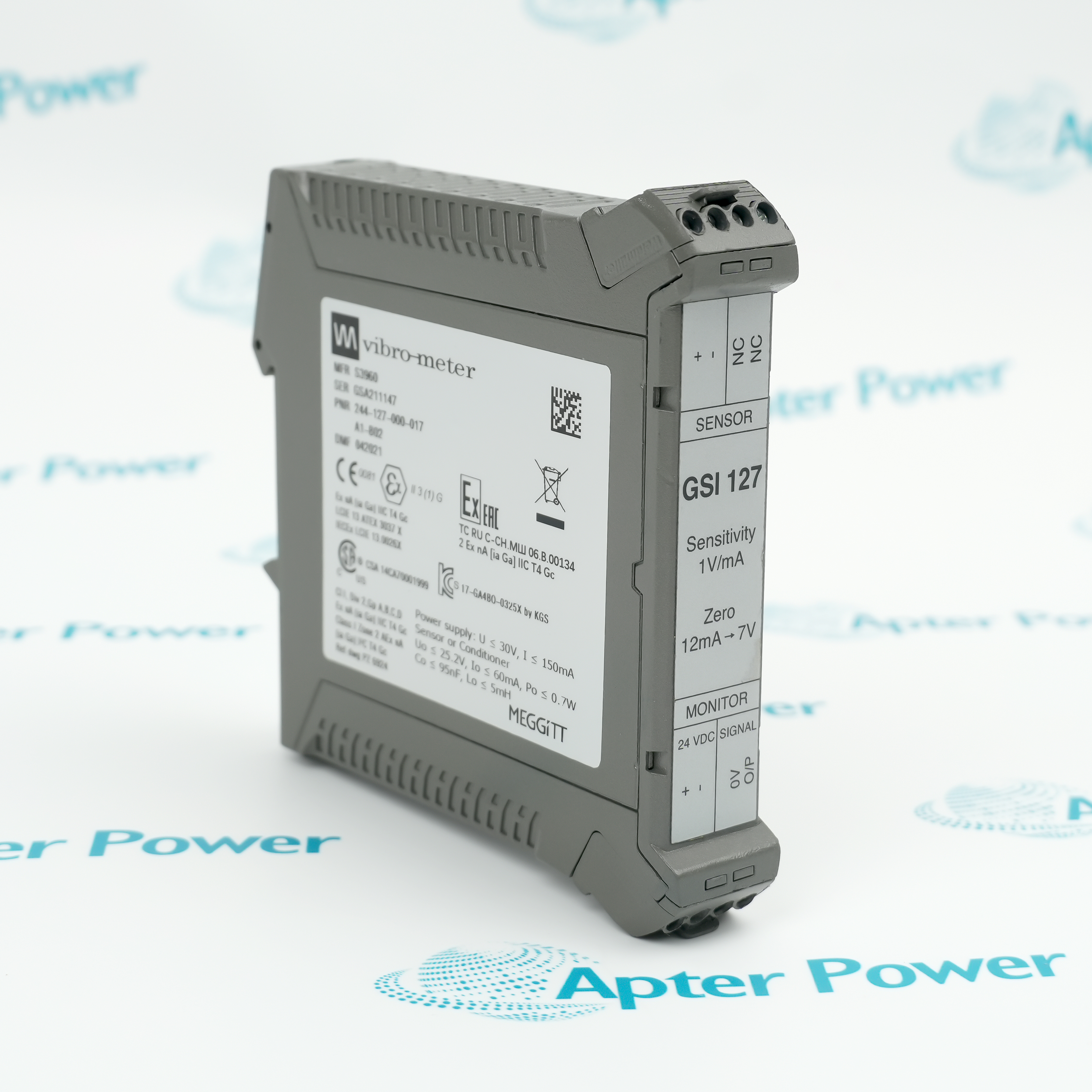
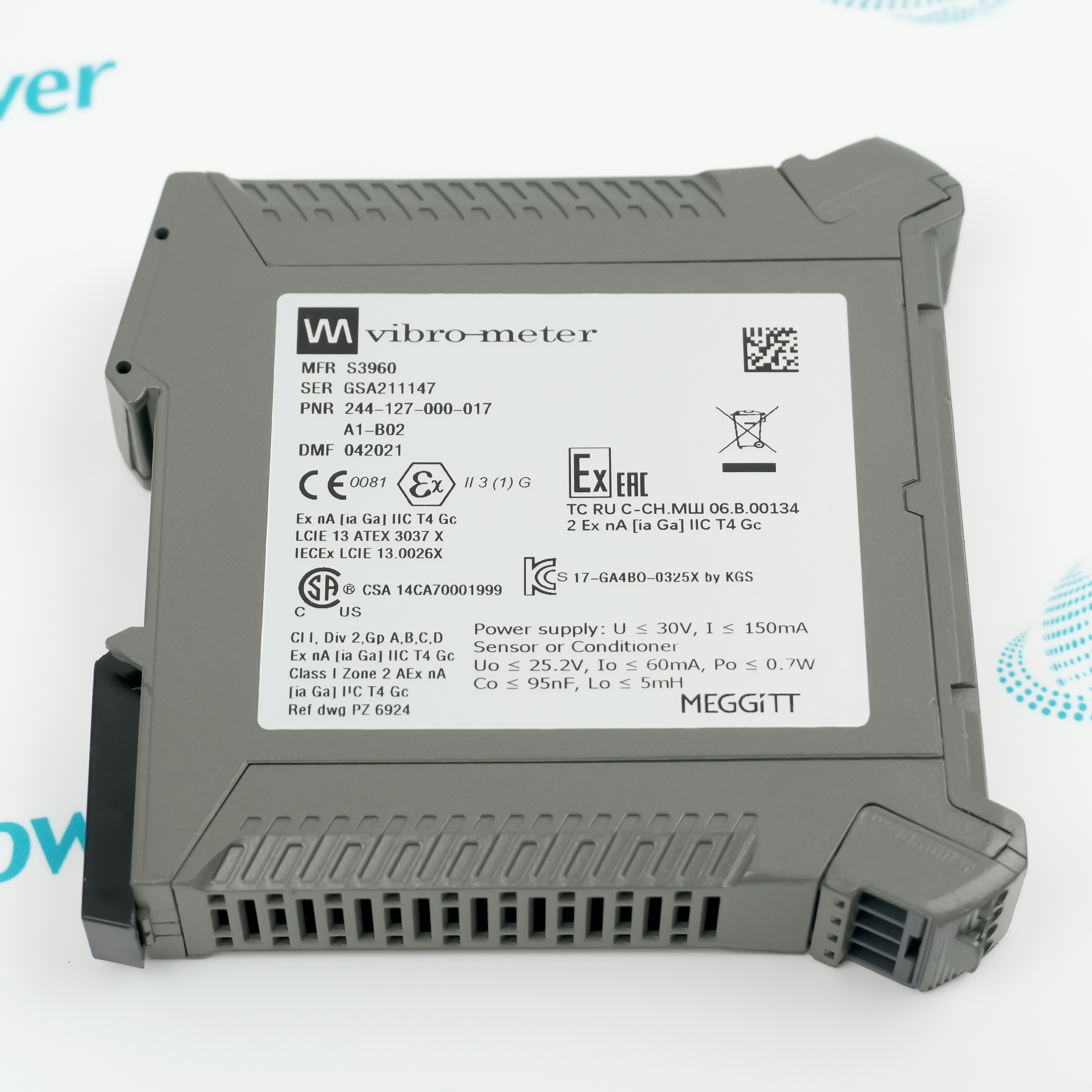
Vibro-Meter GSI127 244-127-000-017 A1-B02
Product image is representative; revision or series may vary. Contact us to request a specific version.

GSI127 244-127-000-017 A1-B02

GSI127 Galvanic Separation Unit
In Stock

Product Describe:

Vibro-Meter GSI127 244-127-000-017 A1-B02 is a standard-environment galvanic separation unit with the B02 current-to-voltage transfer option. It separates the sensor circuit from monitoring equipment while translating the selected current signal for longer-distance transmission.

Ask our team:

Get a quick price for: GSI127 244-127-000-017 A1-B02
Quantity*
Upload (gif, jpg, jpeg, png, bmp, doc, docx, xls, xlsx, ppt, pdf, csv)
For more information on how your data is processed and stored by Apterpower please read our privacy policy.

Technical specifications for GSI127 244-127-000-017 A1-B02

Technical specifications for GSI127 244-127-000-017 A1-B02

  • Manufacturer:
    Vibro-Meter
  • Product Category:
    General Automation
  • Spare Part Number:
    244-127-000-017 A1-B02
  • Estimated shipping dimensions:
    2.2x11.5x11.8cm
  • Weight:
    0.15 kg
  • Tariff Code:
    8537101190
  • Counliy of origin:
    Switzerland
  • Base part number:
    244-127-000-017
  • Environment option:
    A1 standard
  • Transfer option:
    B02
  • B02 sensitivity:
    1 V/mA
  • B02 zero relationship:
    12 mA to 7 V; 13 mA to 8 V
  • Power supply input:
    18 to 30 VDC
  • Current at 24 V, no load:
    80 mA maximum
  • Current at 24 V, 20 mA sensor load:
    120 mA maximum
  • Sensor-side supply:
    20 VDC +/-1 V
  • Sensor current range:
    0 to 20 mA
  • Voltage output range:
    2 to 20 VDC at 10 kohm
  • Bandwidth:
    DC to 20 kHz within +/-0.5 dB
  • Sensor-to-monitor isolation:
    4 kVrms
  • Mounting:
    TH35 DIN rail
  • Operating temperature:
    0 to 70 deg C

Information

Information

Overview Manuals Common Applications Product Precautions
GSI127 A1-B02 provides galvanic separation and a defined current-to-voltage interface between a Vibro-Meter sensor loop and monitoring equipment.
  • Provides 4 kVrms sensor-to-monitor separation
  • Converts the B02 current signal at 1 V/mA
  • Supports DC-to-20 kHz measurement transfer
  • Uses removable terminals on a TH35 DIN-rail housing

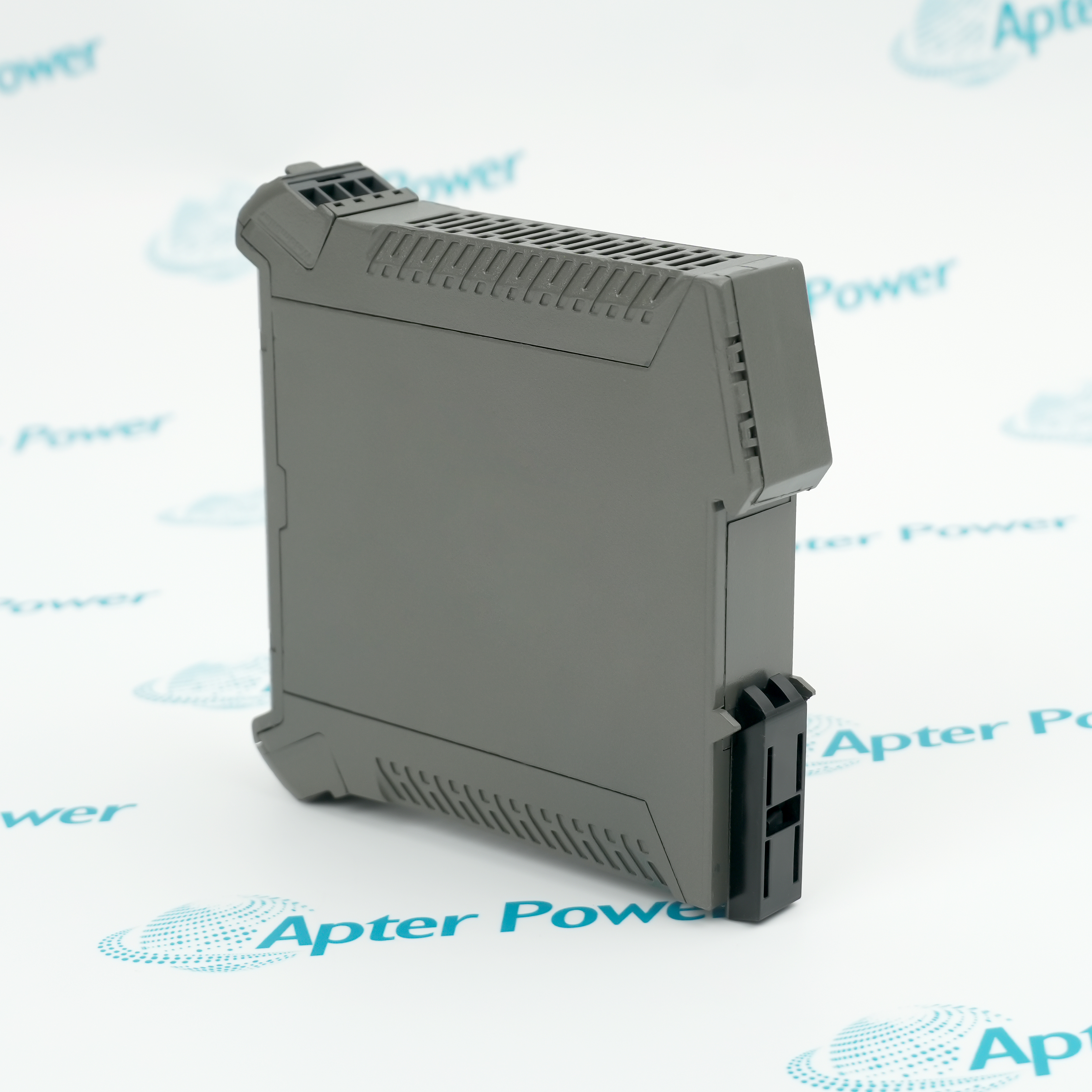
The A1 code selects the standard-environment unit and B02 selects 1 V/mA conversion for current-output equipment such as IPC-series or VE210 arrangements. The unit clips to TH35 rail and uses separate sensor-side, power and monitor-side terminal groups.

Important Notice: Confirm the complete A1-B02 option code, 18 to 30 VDC supply, TH35 mounting, removable terminal assignments, sensor type and current output, monitor voltage input, cable shields, B02 1 V/mA scaling, zero setting and controlled channel-response test before commissioning.

Apter Power GSI127 244-127-000-017 A1-B02 Manuals and Guides

The first document is the model-specific technical and system reference. The second is a distinct field workbook for installation, wiring, commissioning and acceptance records.


Long-distance vibration-signal transfer
Converts an approved current-output sensor interface for transmission to a voltage-input monitor.
Machinery-protection loop isolation
Separates the transducer circuit from the monitoring channel in the documented cabinet design.
Condition-monitoring cabinet integration
Provides the defined B02 conversion between IPC-series or VE210 current output and monitoring equipment.
Ground-loop mitigation
Maintains galvanic separation between sensor and monitor sides without a protective-earth connection to the unit.
Read the applicable Vibro-Meter installation instructions before work. Verify GSI127 244-127-000-017 A1-B02, the installed host system and all configured field interfaces before isolation, wiring or commissioning.
1
Confirm the full GSI127 244-127-000-017 A1-B02 marking.
2
Isolate the 18 to 30 VDC supply and sensor loop before terminal work.
3
Keep sensor-side, power and monitor-side conductors on their documented terminals.
4
Verify polarity and the B02 1 V/mA zero relationship before energization.
5
Maintain separation and shielding between measurement and power wiring.
6
Secure the housing and removable terminal blocks on the TH35 rail.
7
Inject or observe a controlled signal across the expected operating range.
8
Confirm monitor scaling, waveform response and channel diagnostics before service.

Technical notes

Technical notes

Mount the A1-B02 GSI127 on a TH35 DIN rail, verify the 18 to 30 VDC supply and land sensor and monitor wiring on the designated removable terminals. Confirm the B02 1 V/mA conversion, zero relationship, polarity and channel response before returning the measurement loop to service.

FAQS

  • What is the exact system role of GSI127 244-127-000-017 A1-B02?
    It is the A1 standard-environment GSI127 with B02 current-to-voltage transfer and galvanic separation.
  • Which host, rack or carrier is required for GSI127 244-127-000-017 A1-B02?
    Use it between the documented current-output sensor interface and a compatible voltage-input monitoring channel.
  • What wiring or connector checks apply to GSI127 244-127-000-017 A1-B02?
    Land sensor, supply and monitor conductors on their dedicated removable terminals and preserve the shield arrangement.
  • How is GSI127 244-127-000-017 A1-B02 configured for service?
    Configure the monitoring channel for the B02 1 V/mA transfer and its stated zero relationship.
  • Which diagnostics should be reviewed for GSI127 244-127-000-017 A1-B02?
    Check supply voltage, converted output, noise, channel scaling and monitoring-system diagnostics.
  • What must be preserved when replacing GSI127 244-127-000-017 A1-B02?
    Preserve the full option code, terminal map, sensor and monitor identities, scaling and baseline signal record.
  • How should GSI127 244-127-000-017 A1-B02 be commissioned after installation?
    Energize the supply, verify zero and span with a controlled signal, then compare the installed measurement with the baseline.
  • What model-specific limitation must be checked for GSI127 244-127-000-017 A1-B02?
    A1 and A2 are different environment versions and B02 is a specific transfer option, so the full suffix must match.
Trusted by 5,000+ plants worldwide | Backed by our vast inventory of top-tier control parts, modules and cards, fast shipments are dispatched to cover your urgent needs. ABOUT US >>
Disclaimer: We are not an authorized distributor or distributor of the product manufacturer of this website, The product may have older date codes or be an older series than that available direct from the factory or authorized dealers. Because our company is not an authorized distributor of this product, the Original Manufacturer`s warranty does not apply.While many DCS PLC products will have firmware already installed, Our company makes no representation as to whether a DSC PLC product will or will not have firmware and, if it does have firmware, whether the firmware is the revision level that you need for your application. Our company also makes no representations as to your ability or right to download or otherwise obtain firmware for the product from our company, its distributors, or any other source. Our company also makes no representations as to your right to install any such firmware on the product. Our company will not obtain or supply firmware on your behalf. It is your obligation to comply with the terms of any End-User License Agreement or similar document related to obtaining or installing firmware.

We’re Here When You Need Us

From product insights to customer service needs, our experienced service team will focus on getting you what you need quickly

Enquire

Complete our online form.

Call Us

Speak to one of our team.

Live Chat

Send us a message.