Speak to a sourcing specialist
sales13@apterpower.com

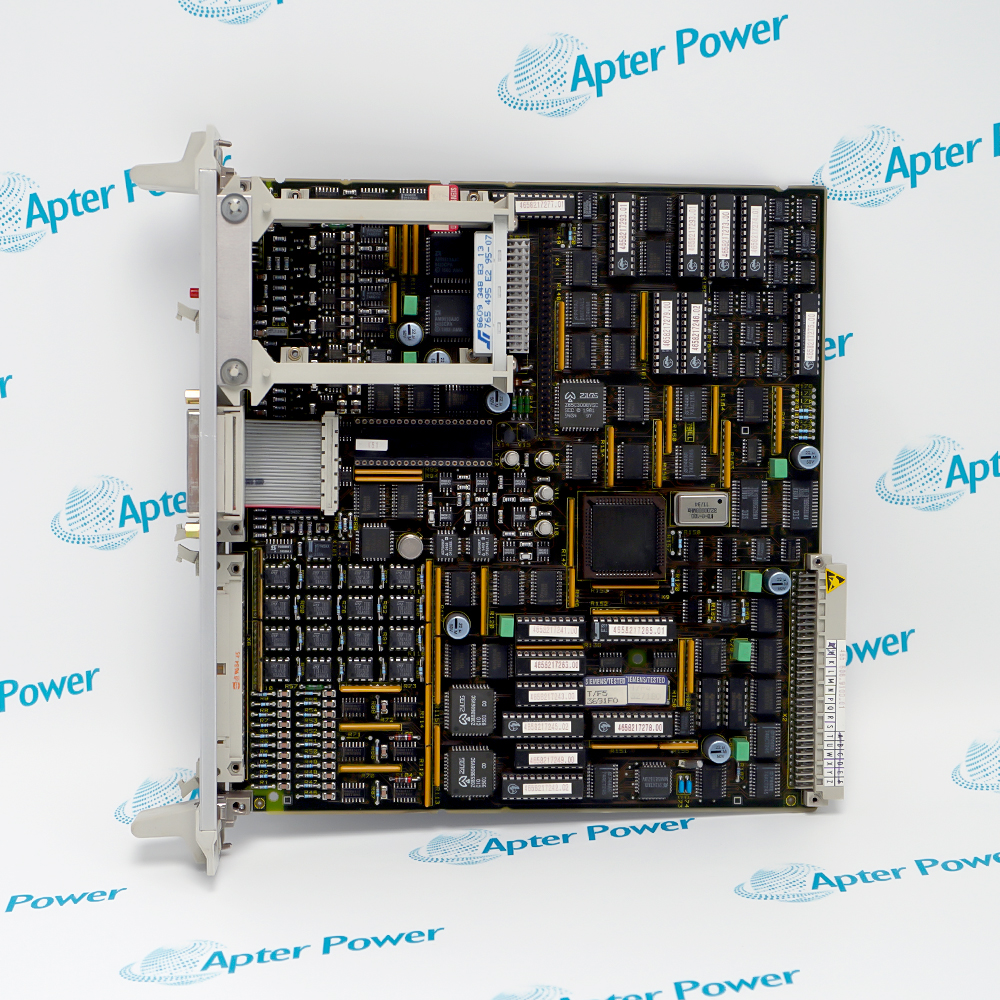
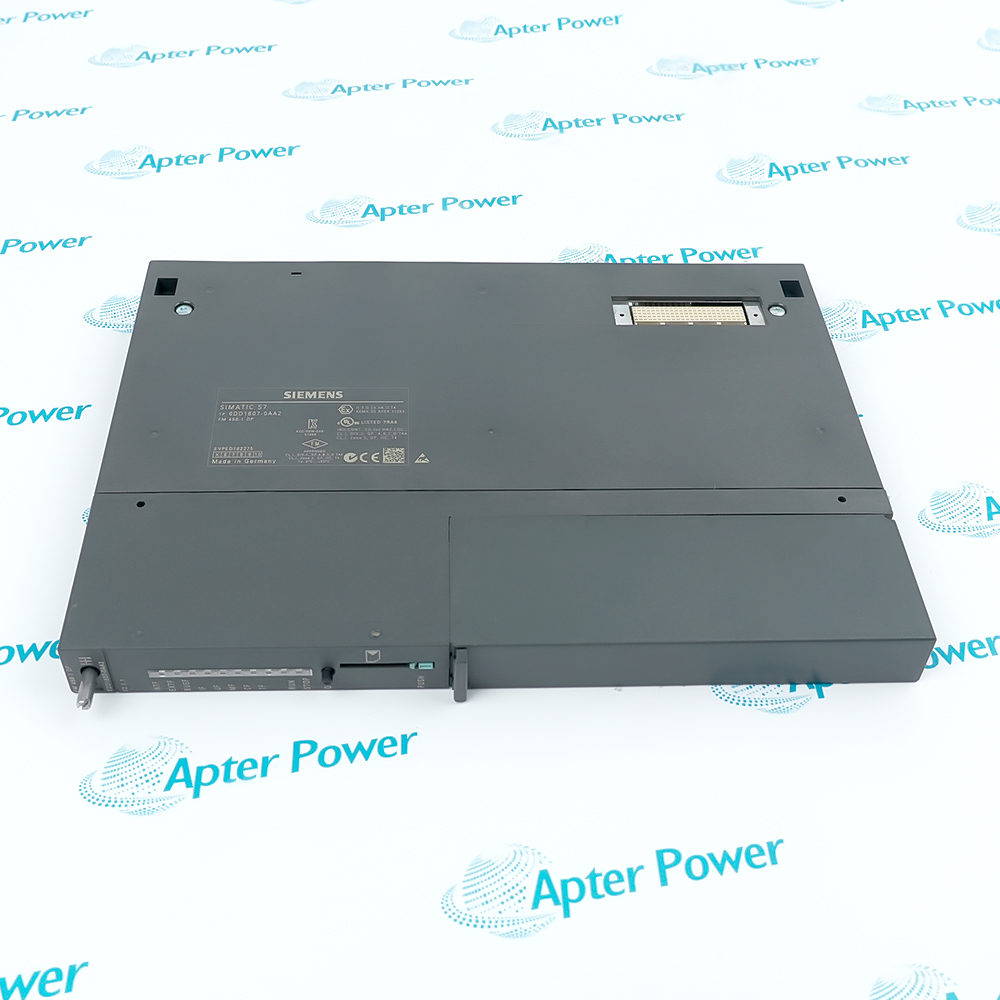
6DD1688-0AD0

Communication Module
Ships by Friday, November 6
Product image is representative; revision or series may vary. Contact us to request a specific version.

Product Describe:

Siemens 6DD1688-0AD0 is an SS4 serial communication module for the SIMADYN D CS7 support module, supporting DUST and USS applications.
  • Manufacturer part number
    6DD1688-0AD0
  • Shipping
    Swift global dispatch
  • Condition
    New, original product
  • Shipping size (est.)
    2.1cm x 21cm x 7cm
  • Country of Origin
    Germany
Get a quick price for 6DD1688-0AD0
E-mail *
Mobile *
Company
Content *
Quantity *
Upload (gif, jpg, jpeg, png, bmp, doc, docx, xls, xlsx, ppt, pdf, csv)
For more information on how your data is processed and stored by Apterpower please read our privacy policy

What happens after you enquire

  • 0

    Review your reference

    Send the full 6DD1688-0AD0 marking and installed SIMADYN D SS4 configuration.
  • 1

    Confirm the offer

    Review the exact assembly, condition, included items and quoted dispatch date.
  • 2

    Arrange dispatch

    Confirm delivery details for 6DD1688-0AD0; tracking follows when shipment is arranged.
  • Match the complete marking

    Include 6DD1688-0AD0 and any revision or assembly number visible on the item. Keep the exact reference on your enquiry and quotation.

  • Check the offered item before ordering

    Request available label and connector photos. Have your maintenance team compare the offered 6DD1688-0AD0 with the installed equipment and applicable Siemens documentation.

Technical specifications for 6DD1688-0AD0

  • Manufacturer:
    Siemens
  • Product Category:
    General Automation
  • Spare Part Number:
    6DD1688-0AD0
  • Weight:
    0.1 kg
  • Tariff Code:
    8537101190
  • Module designation:
    SS4
  • Required carrier:
    CS7
  • Carrier capacity:
    Up to 3 communication modules
  • CPU data exchange:
    16 KB dual-port RAM on CS7
  • Protocols:
    DUST1, DUST2, DUST3, USS
  • Standard interface:
    RS-232
  • Optional interface modules:
    SS1: 20 mA; SS2: RS-232; SS31: RS-485
  • USS role:
    Master
  • Maximum baud rate:
    187.5 kbaud; protocol/interface dependent
  • Optional-module socket:
    X51, 40-pin dual-inline
  • Connector parts set:
    SM8, 26-pin high-density connector

Information

Overview Downloads Applications / Compatibility Product Precautions
  • Siemens 6DD1688-0AD0 links a configured SIMADYN D system to service equipment, printers, SIMATIC S5 or USS devices. Protocol selection and physical signaling must match the connected equipment.
Product type: SS4 communication module
Carrier: CS7 support module
Maximum baud rate: 187.5 kbaud, configuration dependent
The 6DD1688-0AD0 SS4 is installed in a CS7 support module, which accepts up to three communication modules. HWConfig defines the carrier, communication module and selected slot. Exchange with the CPU uses the 16 KB dual-port RAM on CS7, so carrier configuration is part of the communication arrangement.

Supported protocol applications include DUST1 for configuring and operator PCs, DUST2 for a message printer and DUST3 for SIMATIC S5 AS 512 or CP 525 connections. With USS, SS4 acts as master for devices such as OP2 panels, VD1 displays and compatible converters. The maximum rate is 187.5 kbaud, subject to the protocol software and physical-interface hardware.

The standard physical interface is RS-232. Optional SS1, SS2 and SS31 interface modules provide 20 mA current-loop, RS-232 with control signals and RS-485 arrangements respectively. Fit an optional module at X51 with pin-one orientation aligned. Connect the SS4 and CS7 front panels as specified, secure the signal connector and bond cable shielding over a broad surface at the cabinet entry.
Controller platform reference: SIMADYN D SS4. Match the installed configuration before replacement.
Technical downloads for 6DD1688-0AD0: an original Siemens reference excerpt and an Apter Power installation planning guide.
SS4 functions depend on the selected protocol software and physical-interface module; CS7 is the required support module. The planning guide is prepared by Apter Power; apply the complete manufacturer instructions and the stated applicability boundaries.
System and supply context: SS4 functions depend on the selected protocol software and physical-interface module; CS7 is the required support module. Accessories are included only when itemized in the quotation.

Platform applications: The following applications describe SIMADYN D SS4 functions. Match the complete 6DD1688-0AD0 identity to the installed system before selecting a replacement.
Prepare 6DD1688-0AD0 against the installed configuration and applicable Siemens instructions. Plan isolation and the resulting interruption of system operation before replacement.
Isolate the system

Place the connected process in a safe state and isolate the control supply before handling SS4 or its interface module.

Match the protocol

Verify DUST or USS configuration and the corresponding equipment; physical fit alone does not establish communication compatibility.

Check the carrier

Retain CS7 slot allocation and HWConfig settings when replacing the module.

Orient the interface

At X51, align the recess and pin-one marking of the optional interface with the socket.

Bond and terminate

Connect front-panel grounding, secure the connector and maintain shield bonding. Apply the specified termination at the ends of an RS-485 bus.

Verify diagnostics

Check the associated CS7 LEDs and a controlled data exchange before releasing the process.

Alternative Names

6DD1688-0AD0 Siemens 6DD1688-0AD0

Technical notes

Installation relationship: Supported protocol applications include DUST1 for configuring and operator PCs, DUST2 for a message printer and DUST3 for SIMATIC S5 AS 512 or CP 525 connections. With USS, SS4 acts as master for devices such as OP2 panels, VD1 displays and compatible converters. The maximum rate is 187.5 kbaud, subject to the protocol software and physical-interface hardware.

Configuration: SS4 functions depend on the selected protocol software and physical-interface module; CS7 is the required support module.

Technical reference: Siemens SIMADYN D Hardware, Edition 12.2004, SS4 communications-module instructions.


FAQ View All FAQ

  • Which carrier is required for 6DD1688-0AD0?
    SS4 plugs into CS7. A CS7 carrier accepts up to three communication modules and must be configured with the chosen slot.
  • Which protocols can 6DD1688-0AD0 implement?
    It supports DUST1, DUST2, DUST3 and USS applications using the appropriate protocol software and interface arrangement.
  • What is the standard interface on 6DD1688-0AD0?
    The standard physical interface is RS-232 for a PC COM connection.
  • How can 6DD1688-0AD0 provide RS-485 signaling?
    Use the applicable SS31 interface module for the RS-485 USS arrangement. Match termination and bus wiring to the installation.
  • What baud rate can 6DD1688-0AD0 support?
    The maximum is 187.5 kbaud, depending on protocol software and the selected interface hardware.
  • What role does 6DD1688-0AD0 have on USS?
    SS4 operates as USS master for supported connected devices, such as OP2 panels, VD1 displays and appropriate converters.
  • Where is the optional interface fitted on 6DD1688-0AD0?
    The optional interface fits into the 40-pin X51 socket. Socket recess and pin-one markings must coincide.
  • How is communication status for 6DD1688-0AD0 indicated?
    The associated CS7 slot provides green and yellow status LEDs for initialization, data transfer and faults. SS4 also has four local interface LEDs that are not visible once installed.
Related reading

Related cases and sourcing guidance

View all case studies
Manufacturers

Product Browsing History

Revisit the products you recently viewed on Apter Power.
SPEAK TO OUR TEAM
Let’s find the right solution for you.
Send us the part number, quantity and delivery destination. Our team will help confirm availability and lead time.
  • Whatsapp: +86 18030235313

    Send us a message.
  • sales13@apterpower.com

    Complete our online form.
  • +86 18030235313

    Speak to our team in your native language.