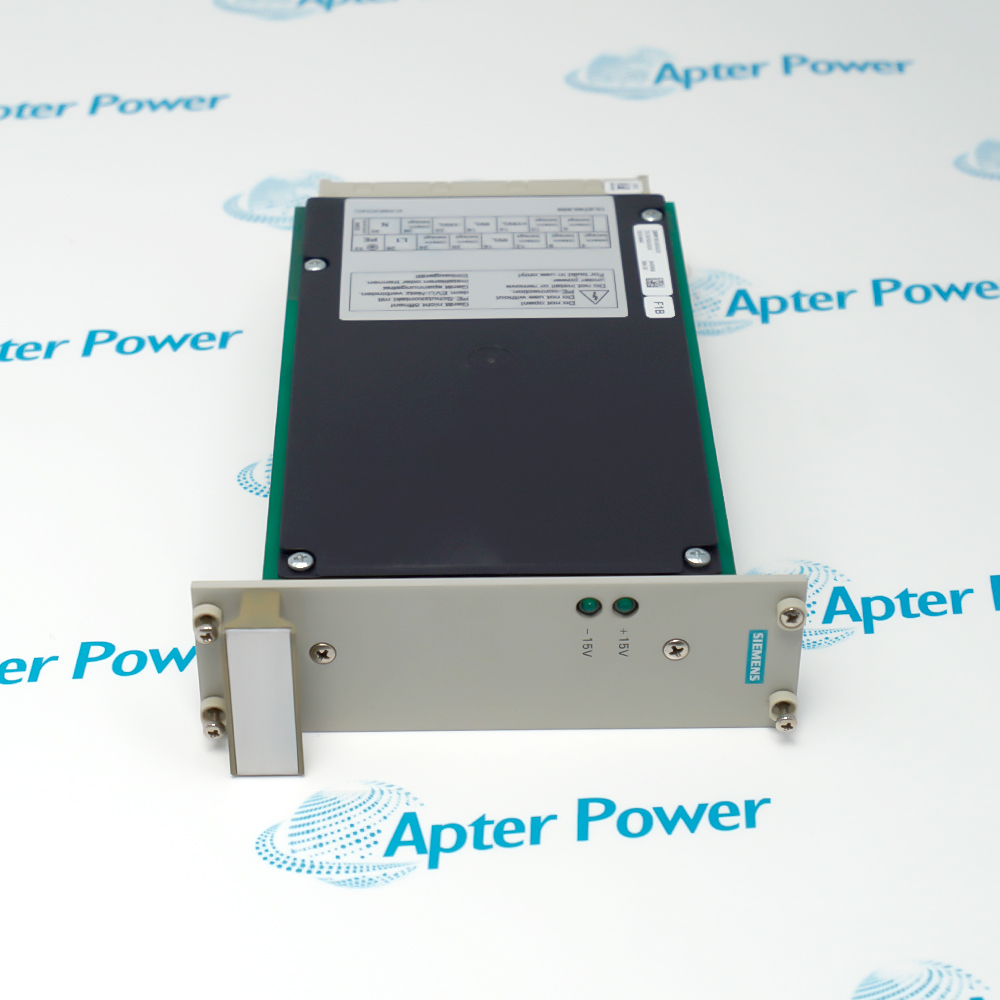
Product image is representative; revision or series may vary. Contact us to request a specific version.
Product Describe:
Siemens 6BK1100-0BA01-1AA0 is the SICOMP IMP 100 operator panel with a 10.4-inch TFT flat-screen LCD, SVGA 800 x 600 resolution and PC/AT-compatible architecture.
Siemens 6BK1100-0BA01-1AA0 provides the SICOMP IMP 100 operator-panel position through a 10.4-inch color TFT display and PC/AT-compatible platform.
Identifies the SICOMP IMP 100 industrial operator panel.
Uses a 10.4-inch flat-screen color TFT LCD.
Provides SVGA 800 x 600 display resolution.
Uses a PC/AT-compatible architecture that must match the installed host configuration.
The installed computer, display connections, power arrangement and panel mounting must be preserved together when replacing this lifecycle-ended operator panel.
Important Notice: verify the complete 1AA0 execution, PC/AT host relationship and every retained panel interface.
The first document organizes exact product values and engineering boundaries; the second provides a separate field sequence for readiness, installation, verification and handover.

Machine visualization
Displays the retained PC/AT-compatible operator application at the machine.
Process operation
Presents established graphics and status information on the 10.4-inch TFT panel.
Legacy HMI maintenance
Supports exact-spare replacement in a retained SICOMP IMP 100 installation.
Panel retrofit control
Retains the accepted mounting, host, power and display-interface arrangement.
Apply these checks to the exact Siemens 6BK1100-0BA01-1AA0 installation before isolation, replacement or release.
1
Confirm the complete Siemens 6BK1100-0BA01-1AA0 and SICOMP IMP 100 markings.
2
Record the PC/AT host, panel opening, mounting and every connection.
3
Back up the installed application and configuration before isolation.
4
Place all operator-command paths in the approved maintenance state.
5
Compare the 10.4-inch TFT and SVGA 800 x 600 execution.
6
Restore power, display and peripheral interfaces from the as-built record.
7
Review startup, display quality and host diagnostics after energization.
8
Test representative screens and operator functions before release.
Technical notes
Use the as-built panel configuration for every power, display and peripheral connection. Verify the 10.4-inch SVGA screen, PC/AT host relationship and representative operator functions before release.