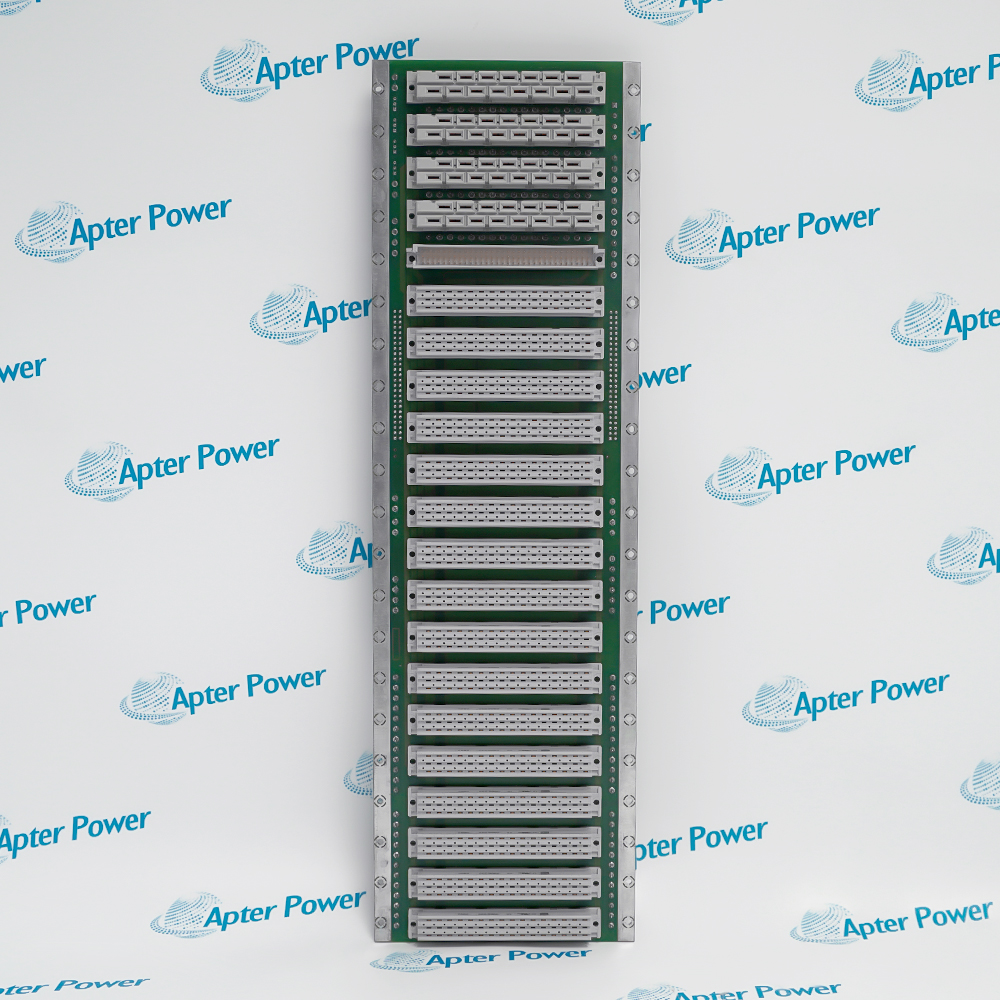
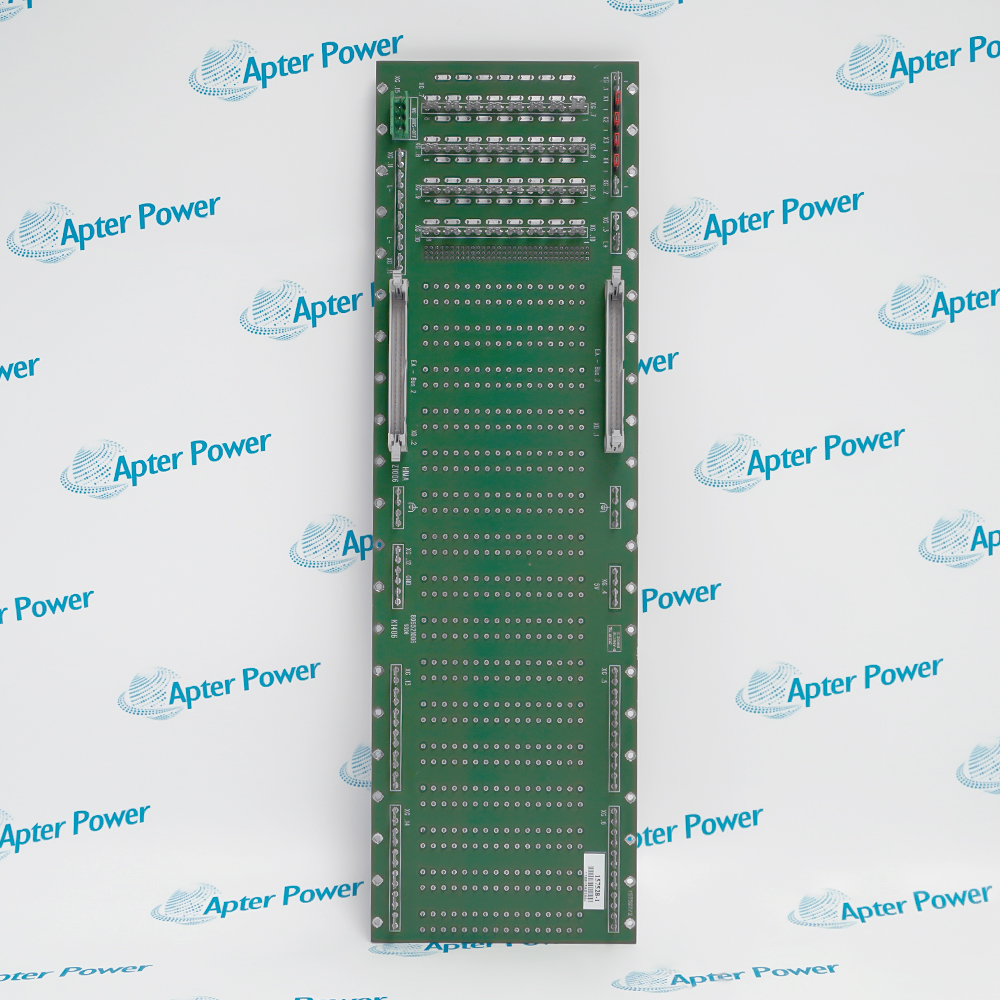
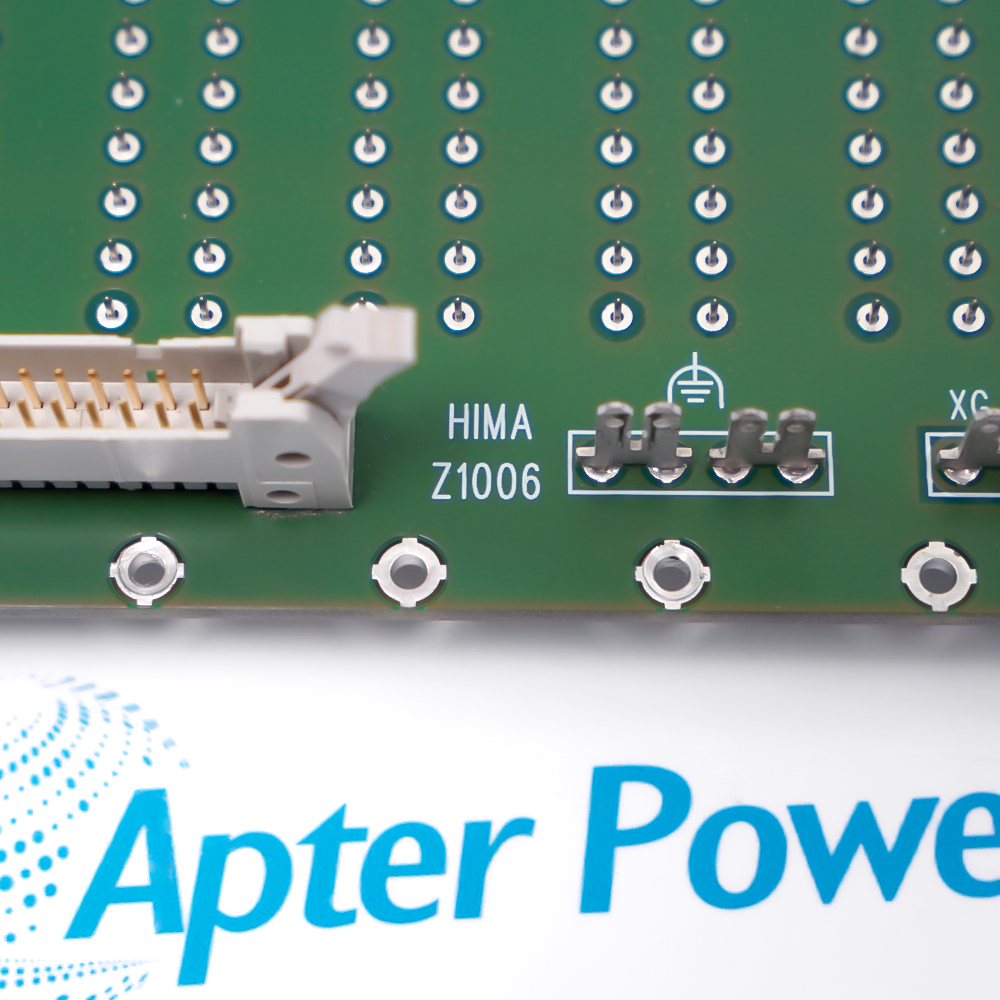
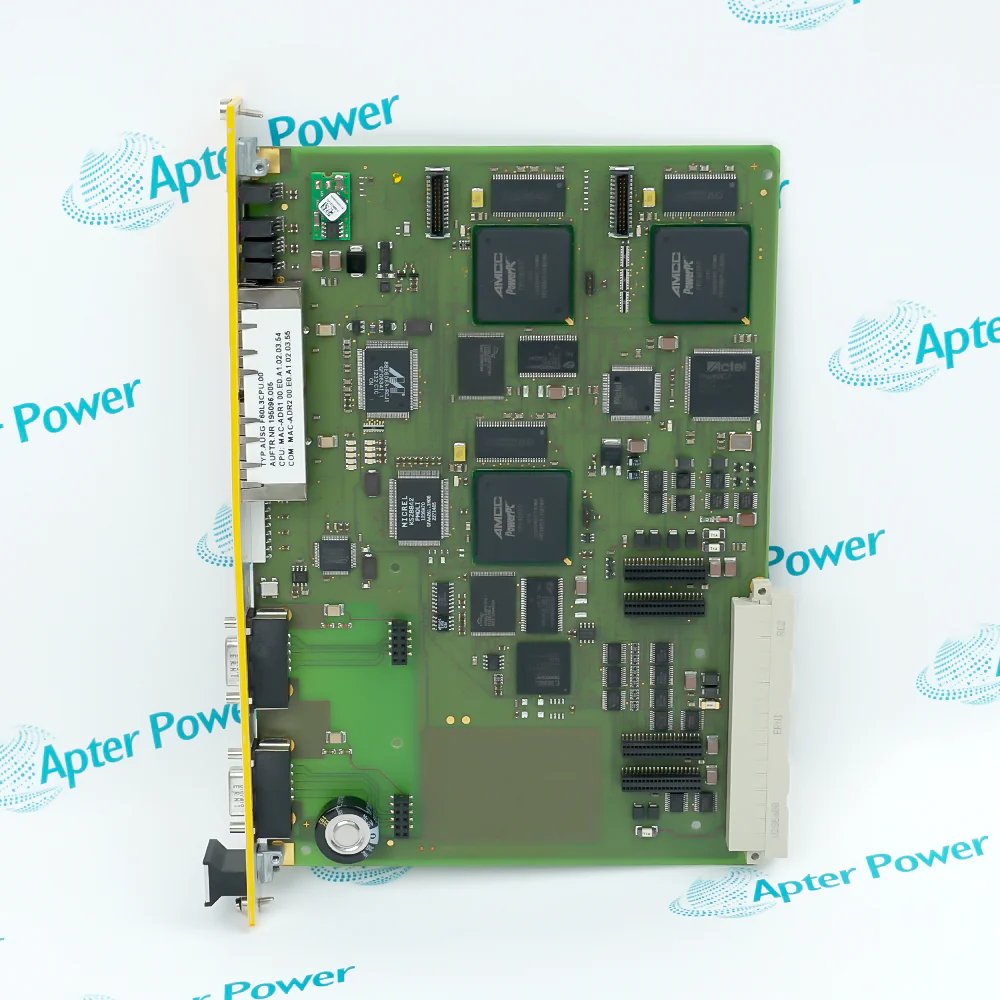
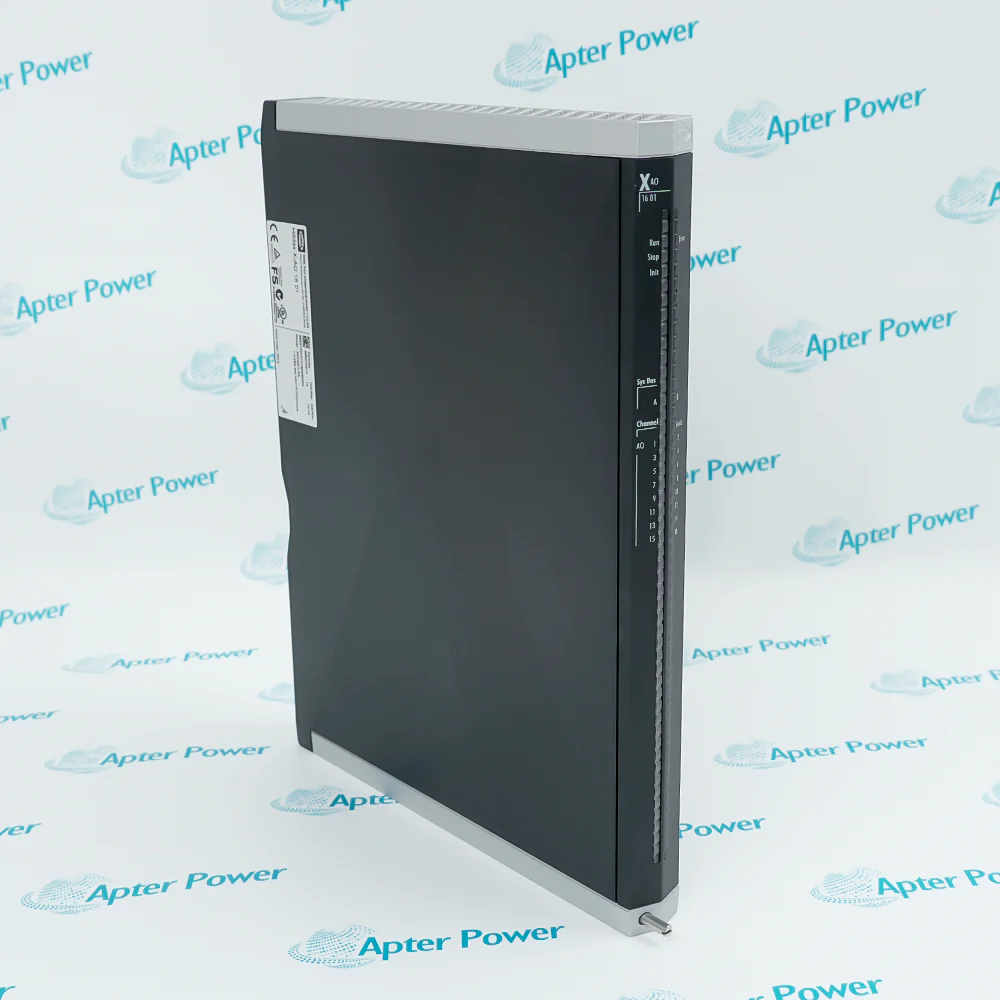
Technical specifications for Z1006
-
Manufacturer:HIMA
-
Product Category:PLC Systems
-
Spare Part Number:Z1006
-
Estimated shipping dimensions:8.4x7.7x5.2cm
-
Weight:0.3 kg
-
Tariff Code:8537101190
-
Counliy of origin:Germany
-
Safety Rating:SIL 3
Information
- Uses the Z1006 model identity
- Occupies the assigned HIMA system position
- Interfaces with the installed safety-system hardware
- Supports controlled proof-test and diagnostic verification
Z1006 is installed with Compatible HIMA safety controller, Assigned rack or carrier position, Installed safety wiring, Approved safety application and proof-test procedure.
Engineered applications include Process safety shutdown, Burner or turbine protection, Safety-system maintenance, Proof-test and restoration work.
Important Notice: Place the process in its approved safe state, preserve terminal and slot identities, restore the validated safety application and complete the required proof test before return to service.
Apter Power Z1006 Manuals and Guides
Apter Power Z1006 Product Technical Reference PDFZ1006 Engineering Installation and Verification WorkbookThe first document presents model-specific technical identity and engineering data. The second provides a separate installation, connection and commissioning workflow.
Process safety shutdown
Z1006 supports this documented HIMA safety automation system engineering task.
Burner or turbine protection
Z1006 supports this documented HIMA safety automation system engineering task.
Safety-system maintenance
Z1006 supports this documented HIMA safety automation system engineering task.
Proof-test and restoration work
Z1006 supports this documented HIMA safety automation system engineering task.
Verify the complete Z1006 marking and the assigned HIMA safety automation system position before work.
Place the connected machine or process in the approved maintenance state before disturbing Z1006.
Isolate the applicable power and field energy, then confirm a safe state before disconnecting Z1006.
Record connector, conductor, slot and configuration identities before removal of Z1006.
Use ESD controls and protect keyed interfaces, exposed contacts and electronic assemblies during handling.
Confirm that the installed companion hardware and approved project match the Z1006 arrangement.
Restore power in a controlled sequence and review device, rack and host diagnostics.
Prove the intended function and retain the final test result before returning Z1006 to service.

Technical notes
FAQ View All FAQ
-
What is Z1006?HIMA Z1006 is hima industrial safety-system module. It performs the configured module role within a HIMA safety automation installation.
-
Which system uses Z1006?Use Z1006 only in the documented HIMA safety automation system arrangement and the installed hardware configuration.
-
What should be checked before installing Z1006?Confirm the complete marking, assigned position, companion hardware and approved configuration before field work.
-
How should wiring be handled when replacing Z1006?Record every connector and conductor before removal, preserve polarity and shielding, and follow the applicable manufacturer connection instructions.
-
How is Z1006 configured after replacement?Restore only the approved project or device settings, then verify status and diagnostics before automatic operation.
-
How should Z1006 be commissioned?Energize under controlled conditions, exercise the intended system function and record the final diagnostic state.
-
What maintenance record is needed for Z1006?Retain the as-found connection record, installed position, configuration revision and functional-test result.
-
Can Z1006 be substituted directly?A substitution requires complete catalog-number, hardware-revision, interface and system-compatibility checks against the controlling documentation.
Supporting new and legacy automation
-
Please try to be as accurate as possible with your search.
-
We can quote you on 1000s of specialist parts, even if they are not listed on our website.
-
We can't find any results for “”.
You May Also Like
Product Browsing History
-
Whatsapp: +86 18030235313
Send us a message. -
sales13@apterpower.com
Complete our online form. -
+86 18030235313
Speak to our team in your native language.