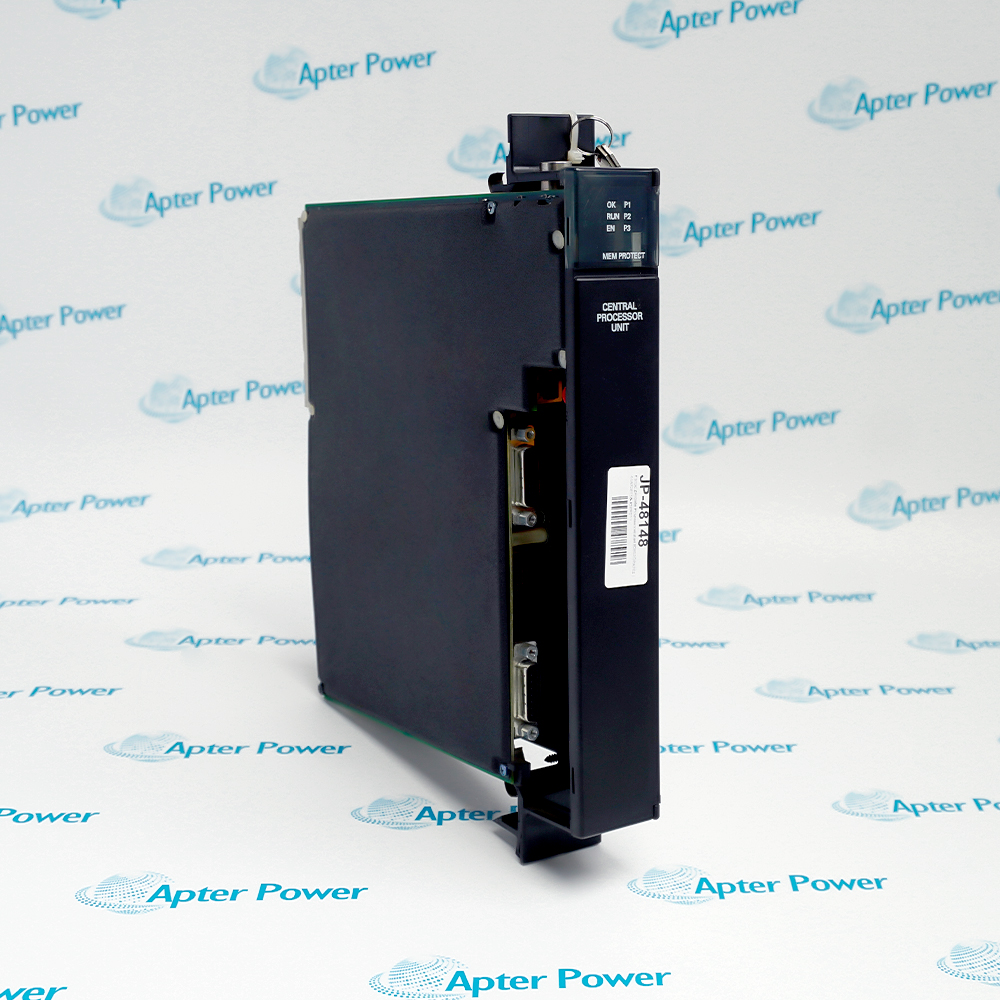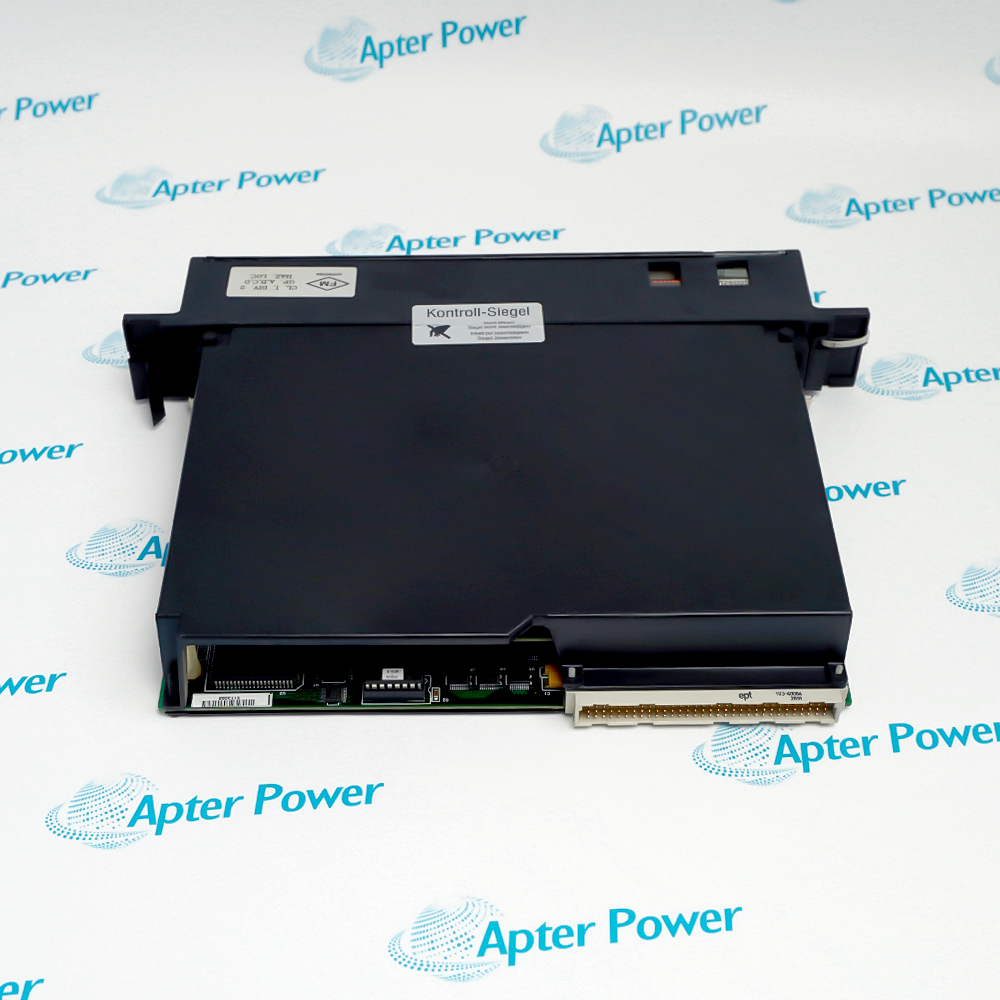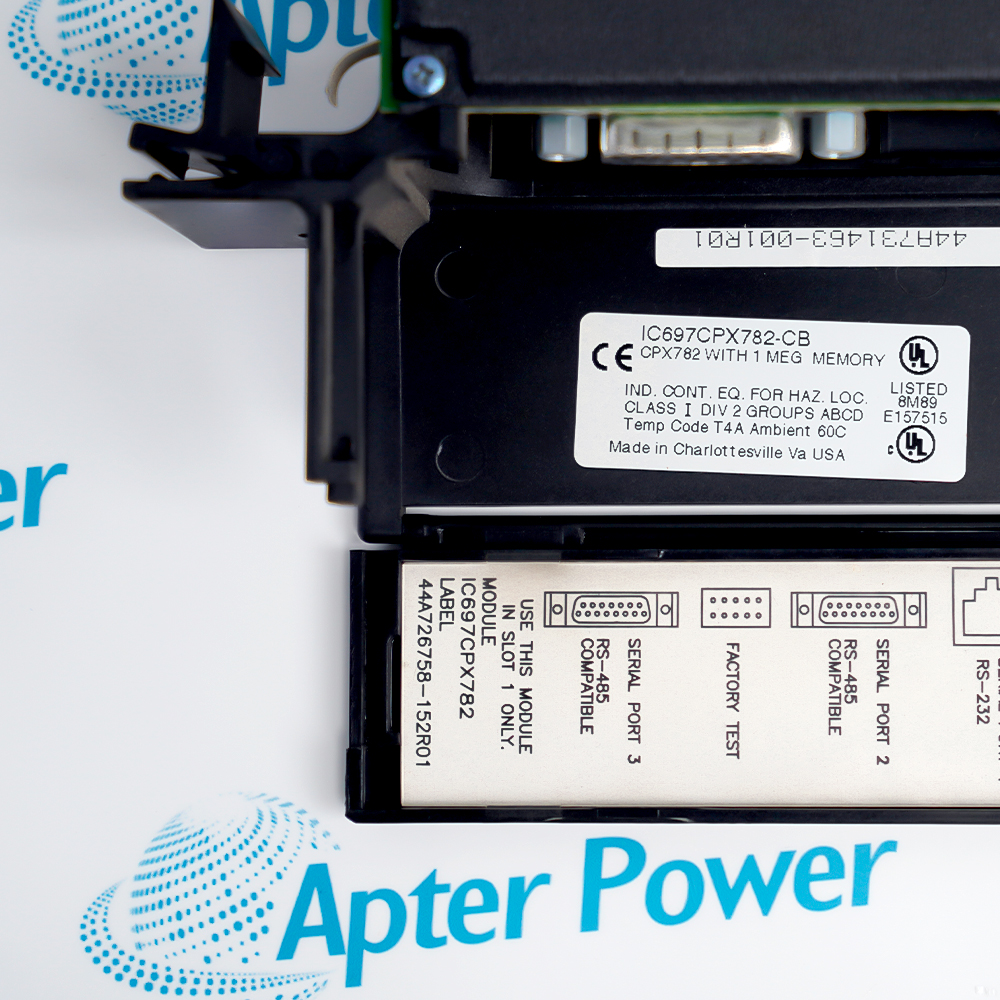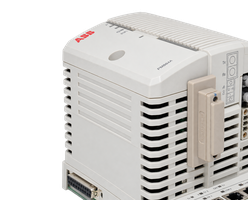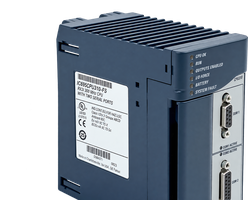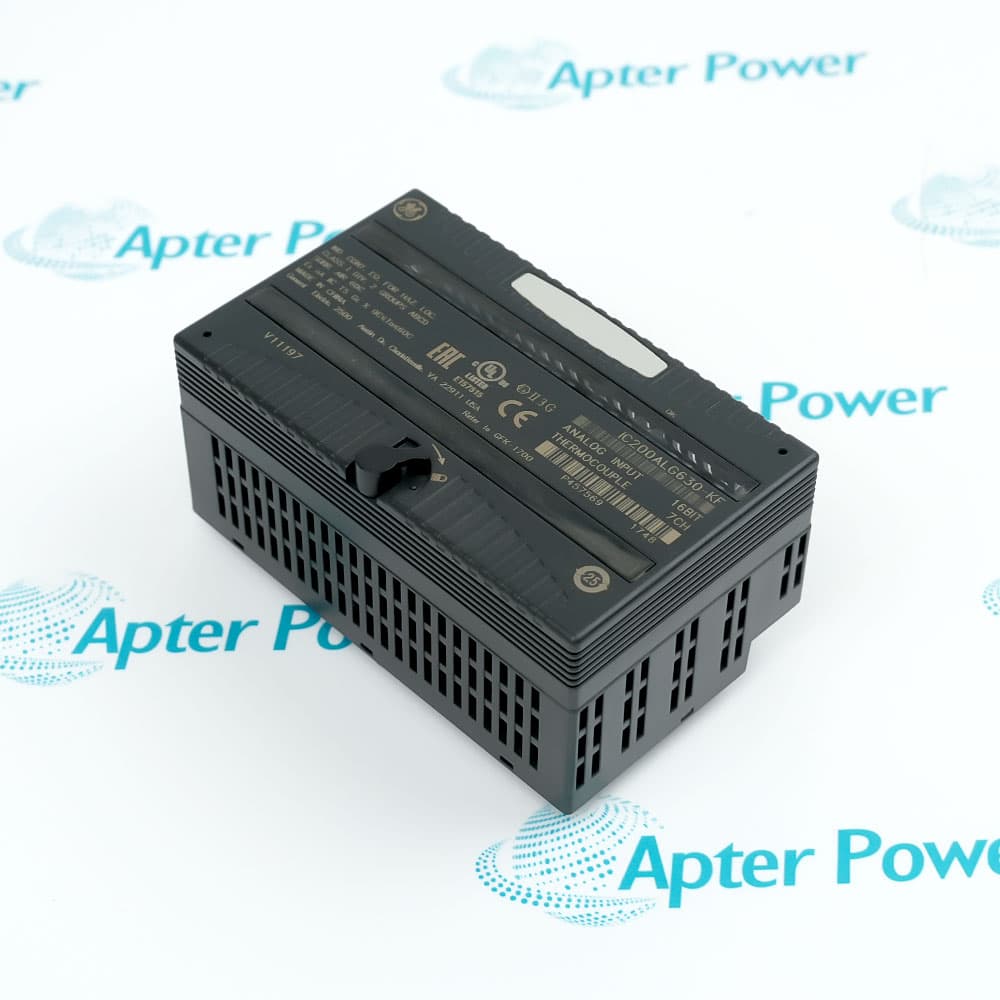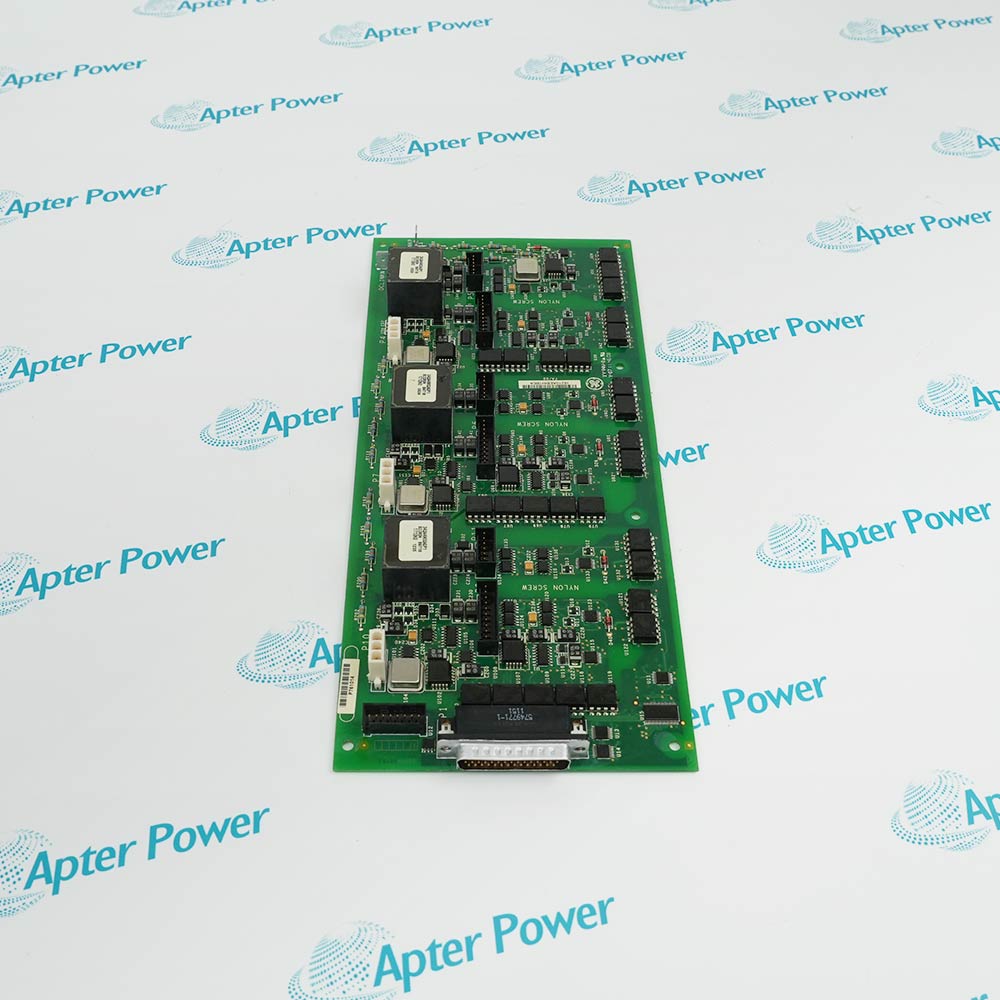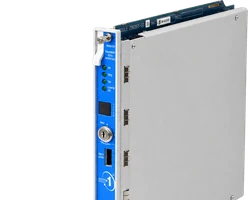
Product image is representative; revision or series may vary. Contact us to request a specific version.
Product Describe:
GE IC697CPX782 is a Series 90-70 PLC CPU module with user flash memory and three serial communication ports. Manufacturer product information for releases 8.00 and 8.10 defines the compatible programming software, firmware behavior and companion-module requirements.
Executes Series 90-70 PLC logic with user flash memory
Provides additional serial ports for configured communications
Supports current and previous firmware-release features
Requires documented programming and companion-module compatibility
Apply GE IC697CPX782 only in the documented system position after checking its interfaces, companion hardware and configured values.
Important Notice: Confirm the full IC697CPX782 marking, installed revision, compatible hardware and approved commissioning record before release.
The first document presents model-specific technical and system data. The second provides a separate installation, connection, commissioning and acceptance workflow.

Series 90-70 control
Runs the approved PLC application in a compatible VME rack.
Serial integration
Uses the configured CPU serial ports for approved device communications.
Flash-backed application
Stores approved logic and configuration in user flash memory.
Legacy CPU replacement
Restores an identical CPX782 after firmware and companion-module checks.
Read the applicable GE instructions before work. Verify GE IC697CPX782 and the installed system configuration before commissioning.
1
Verify the complete IC697CPX782 suffix and firmware release.
2
Back up logic, hardware configuration, reference data and user flash contents.
3
Confirm the installed programming-software version supports the CPU release.
4
Record all serial-port parameters before removal.
5
Check PCM and CMM companion-module revision compatibility.
6
Use the documented Series 90-70 rack and slot arrangement.
7
Restore memory-protect and operating-mode settings exactly.
8
Verify communications, I/O scan and the controlled machine sequence before release.
Technical notes
Use only the complete GE IC697CPX782 identity and the current manufacturer documentation. Verify the installed revision, companion hardware, wiring and saved configuration before replacement or release.