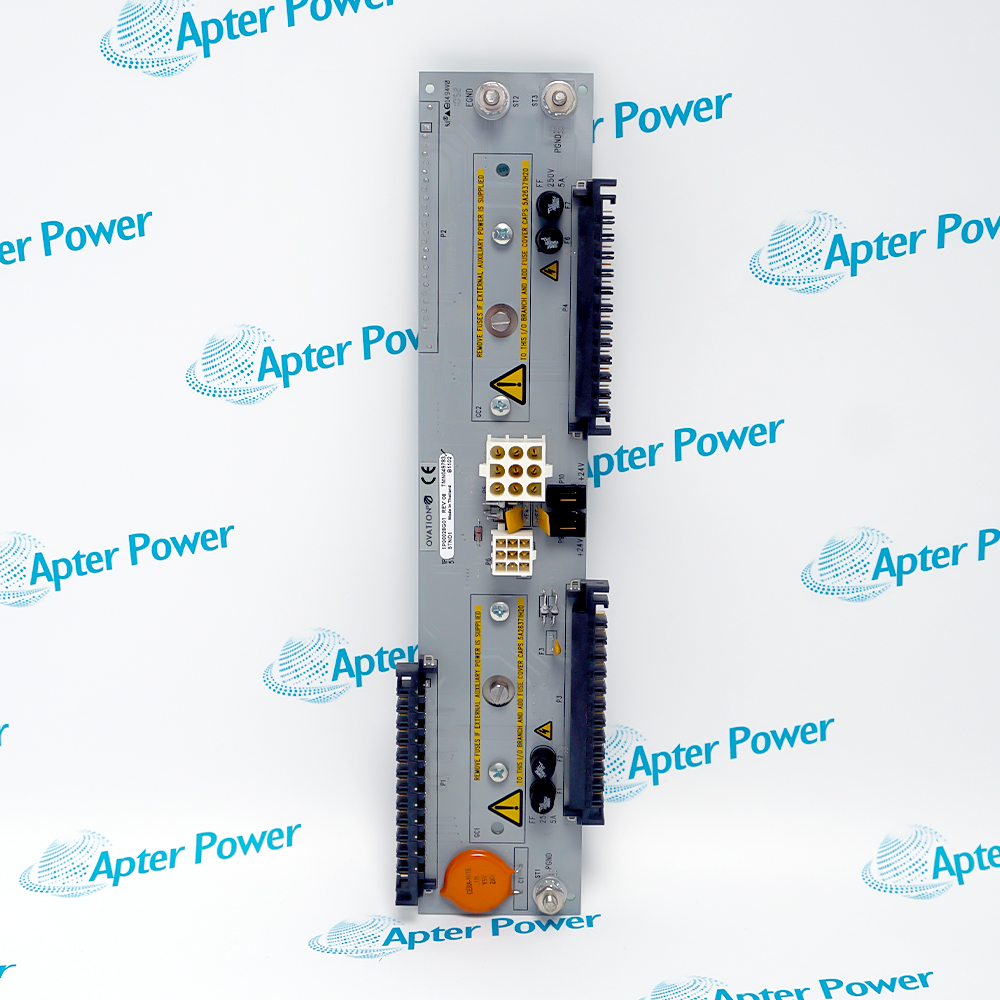
Product image is representative; revision or series may vary. Contact us to request a specific version.
Product Describe:
WESTINGHOUSE 5X00226G01 provides the controller-side interface between OCR400 processing hardware and the installed Ovation I/O structure. It is an interface card, not a field signal module.
Within an OCR400 cabinet, WESTINGHOUSE 5X00226G01 occupies the I/O-interface position that supports controller communication with connected I/O branches. Replacement work must preserve the exact G01 identity and installed controller configuration.
OCR400 controller hardware
Controller-side I/O interface
Ovation DCS platform
Exact G01 hardware identity
Commission the OCR400 interface boundary by reconciling processor status, card seating, backplane continuity and the return of every configured I/O branch.
Important Notice: Place the OCR400 controller in the site-approved maintenance state before handling WESTINGHOUSE 5X00226G01.
The Technical Reference defines the OCR400 interface identity and boundaries; the installation guide covers slot capture, card handling, connector inspection and I/O-branch communication acceptance.

OCR400 maintenance
Supports controlled replacement of the controller I/O interface card.
I/O communication recovery
Provides the interface path between processing hardware and connected I/O.
Cabinet commissioning
Defines a checkpoint for slot, connector and communication-status checks.
Controller troubleshooting
Separates processor, interface-card, backplane and I/O-branch diagnosis.
Protect the OCR400 controller state and I/O communication record before disturbing this interface card.
1
Place the OCR400 controller in the site-approved maintenance state before handling WESTINGHOUSE 5X00226G01.
2
Confirm the full 5X00226G01 identity and its installed controller position before removal.
3
Record slot location, connector seating and controller redundancy state before disturbing the card.
4
Do not use the module as a direct field-signal termination point.
5
Inspect backplane contacts, guides, retainers and adjacent cards for damage or contamination.
6
Restore the original controller hardware arrangement without substituting another group revision.
7
Check controller-to-I/O communication and diagnostic indications after installation.
8
Release the controller only after all configured I/O branches return to the approved operating state.
Technical notes
Confirm the complete 5X00226G01 identity, OCR400 slot position, adjacent-card arrangement and downstream I/O availability before release.