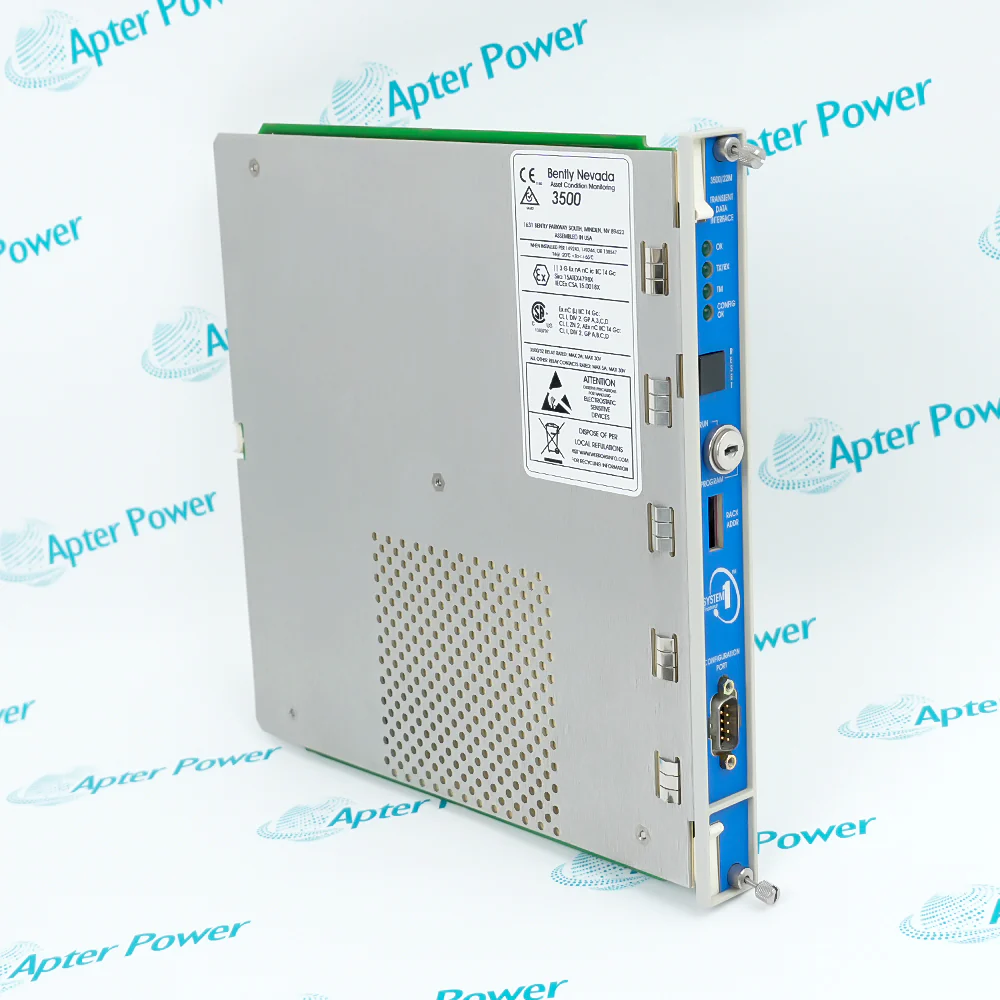
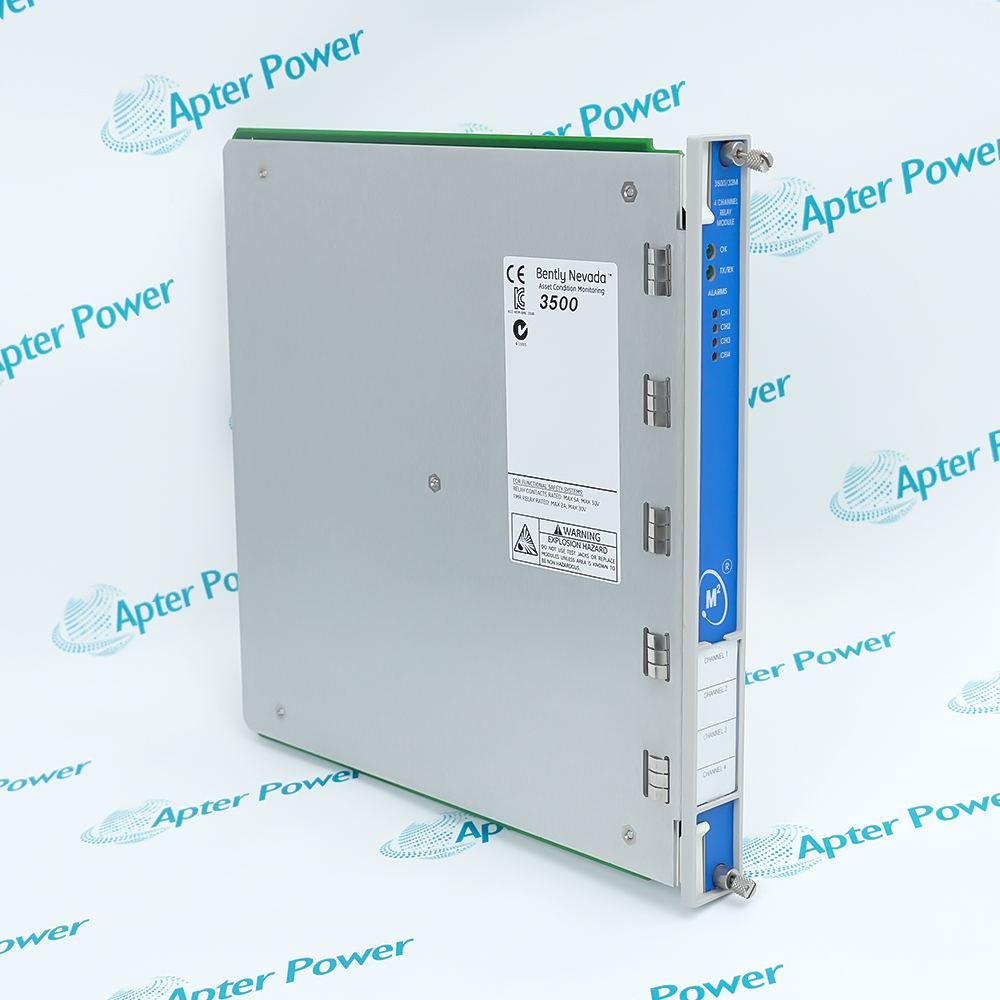
-
Match the complete marking
Include the complete Bently Nevada 3500/94M marking and any hardware revision on the item. Include the main/I/O markings, display type and router/KVM arrangement.
-
Check the offered item before ordering
Request available label and connector photos. Have your maintenance team compare the offered 3500/94M with the installed equipment and applicable Bently Nevada documentation.
Technical specifications for 3500/94M
-
Manufacturer:Bently Nevada
-
Product Category:Machinery Monitoring Systems
-
Spare Part Number:3500/94M
-
Weight:0.85 kg
-
Tariff Code:8537101190
-
Assembly role:VGA display monitor
-
Video interface:Analog VGA:RGB and sync
-
Touch interface:RS232
-
System direct cable:Up to 6 m
-
System custom screens:Up to 9
-
Optional router:Up to 4 racks
-
Module power:4.6 W maximum
-
Operating temperature:-20 to+65 degrees C
-
Humidity:95%;non-condensing
Information
- Bently Nevada 3500/94M organizes rack information into operator screens and can consolidate several rack views through the supported router arrangement.
Video interface: Analog VGA:RGB and sync
Touch interface: RS232
The system uses analog VGA video and RS232 touch-controller data. Standard display/router cabling reaches up to 6 m from a rack. The optional display-router arrangement allows one display to view up to four racks, while retaining the cable and component requirements for each rack.
Remote viewing over distances up to 10 km requires the supported single-mode fiber KVM extension arrangement. The KVM transmitter and receiver must be in a safe area or approved enclosure. Default displays include 1X-filtered vibration and proximity gap values. A configured page layout does not replace the underlying rack protection configuration.
3500/94M Official Technical Excerpt
The original technical excerpt for Bently Nevada 3500/94M covers display-system architecture, interfaces and I/O spare identity. PDF · 6 pages.3500/94M Installation & Verification Guide
Apter Power installation and verification guide covering assembly matching, video/touch cabling, rack mapping and display tests. PDF · 5 pages.
Application scope: Display and router capabilities apply to the correctly assembled system. Do not infer a complete operator station from a main or I/O board alone.
Rack information display
Present channel values, events and alarm/OK states from the assigned rack.Multi-rack operator view
Use the supported router configuration for up to four racks.Remote display arrangement
Use a supported fiber KVM for extended reach with the required location protection.Display-path maintenance
Verify both video and touch interaction after restoring the affected assembly.
Record 3500/94M and whether the job concerns the main module, normal I/O or power-only front-mount I/O. Retain the actual display and mounting arrangement.
Keep machinery protection under the approved plant procedure while the operator display is unavailable. Do not treat display access as the protection logic itself.
Confirm the direct VGA/router cables remain within the supported 6 m arrangement. For extended links, identify the supported KVM and safe-area installation.
Fit the intended main/I/O components and preserve normal versus power-only I/O selection. Reconnect the existing video, touch and power circuits by label.
Compare live channel data, alarm/OK states and event lists with the intended rack. For a router, test selection and state indication for every connected rack.
Verify that a KVM transmitter/receiver remains in the required safe area or approved enclosure. Resolve image degradation or missing touch data before release.
Alternative Names
Technical notes
Screen configuration: Retain the custom screen allocation and rack routing before replacement. A powered display does not establish that all configured rack data are available.
Remote extension: Fiber distance capability belongs to the complete KVM arrangement. Verify its interfaces and accessories before applying that distance to the display installation.

FAQ View All FAQ
-
How many custom display screens can 3500/94M support?Up to nine custom screens can be configured using 3500 Rack Configuration Software and organized around machine-train groups.
-
Can one display using 3500/94M show several 3500 racks?Yes. The optional display-router arrangement supports up to four racks on one display when the required modules, I/O and cables are installed.
-
What default information screens are provided by 3500/94M?One default bar-graph screen shows 1X-filtered vibration measurements and another shows proximity-transducer gap values.
-
What direct cable length is used between 3500/94M and a display or router?Standard VGA cabling is limited to 6 m from the rack in the supported arrangement. Longer ordinary cables may degrade image quality.
-
How can 3500/94M support a remote display up to 10 km away?Use the supported single-mode fiber KVM extender arrangement. Its receiver and transmitter require a safe area or an approved enclosure because they are not hazardous-area certified.
-
Which status information remains visible with 3500/94M?The display presents alarm and OK status, system and alarm events, and module/channel data. In the router arrangement, rack selection also indicates rack alarm or Not OK state.
-
Does 3500/94M include only a main module?The functional display system comprises the VGA module, associated I/O and a supported 10-inch or15-inch touch display. Confirm the actual supplied components separately.
-
Which physical interfaces carry video and touch data for 3500/94M?The I/O VGA port carries analog red, green, blue and synchronization signals; RS232 carries touch-controller data.
Supporting new and legacy automation
-
Please try to be as accurate as possible with your search.
-
We can quote you on 1000s of specialist parts, even if they are not listed on our website.
-
We can't find any results for “”.
You May Also Like
Product Browsing History
-
Whatsapp: +86 18030235313
Send us a message. -
sales13@apterpower.com
Complete our online form. -
+86 18030235313
Speak to our team in your native language.