Get Parts Quote
Name
Company *
Phone *
Email *
Address
City
State / Province / Region
Zipcode
Country
Quantity *
Part Number *
Manufacturer
Preferred Condition
Additional Information
Cancel

80190-780-01-R

HMI Interface Board
In Stock
Ships by Sunday, September 20
Fast Shipping Available

Product Describe:

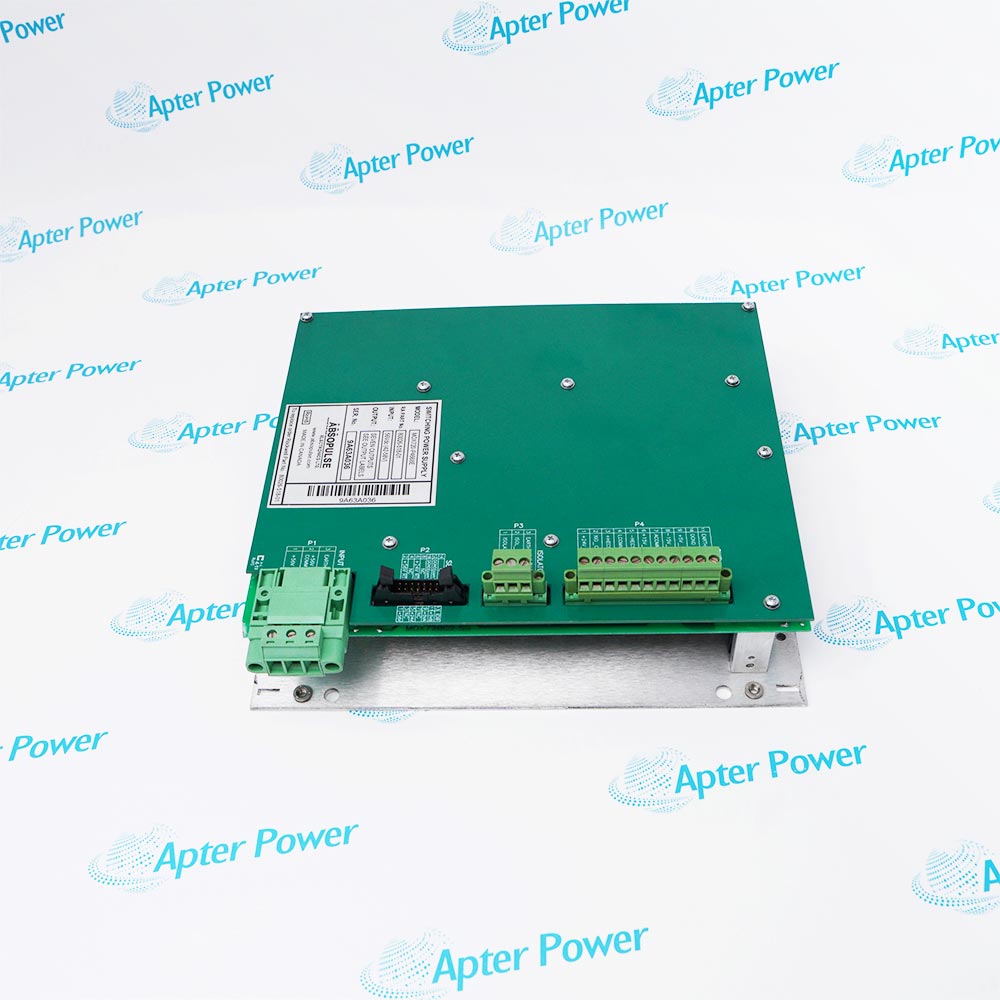
Allen-Bradley 80190-780-01-R is a PowerFlex 7000 HMI board module. It is identified for service within a documented PowerFlex 7000 medium-voltage drive arrangement.

Ask our team:

Get a quick price for: 80190-780-01-R
Quantity*
Upload (gif, jpg, jpeg, png, bmp, doc, docx, xls, xlsx, ppt, pdf, csv)
For more information on how your data is processed and stored by Apterpower please read our privacy policy.

Technical specifications for 80190-780-01-R

Technical specifications for 80190-780-01-R

  • Manufacturer:
    Allen-Bradley
  • Product Category:
    General Automation
  • Spare Part Number:
    80190-780-01-R
  • Estimated shipping dimensions:
    13.2x7.8x4.5cm
  • Weight:
    0.1 kg
  • Tariff Code:
    8537101190
  • Counliy of origin:
    USA
  • Assembly:
    HMI Board Module
  • Base board:
    PFNI - PowerFlex Network Interface Board
  • Processor module:
    NetBurner
  • Drive connection:
    DPM - Drive Processor Module
  • Diagnostic interface:
    J3 USART or USB
  • Internal DIM switch default:
    Enabled
  • Swap-port switch default:
    Off
  • Drive platform:
    PowerFlex 7000

Information

Information

Overview Manuals Common Applications Product Precautions
Allen-Bradley 80190-780-01-R is the PowerFlex 7000 HMI interface board module built around the PFNI base board and its processor module. It connects to the drive processor module and forms part of the drive control platform.
  • Combines the PFNI base board and processor module
  • Connects directly into the PowerFlex 7000 DPM
  • Provides USB and USART diagnostic-port selection
  • Retains job-specific documents on the installed SD card

Transfer the existing SD card when replacing 80190-780-01-R and keep the DIP switches at their documented settings unless Rockwell Automation directs otherwise. After installation, verify the DPM connection, HMI communications and loaded drive documentation before release.

Important Notice: Verify 80190-780-01-R from the physical marking and current manufacturer documentation before installation or configuration.

Apter Power Allen-Bradley 80190-780-01-R Manuals and Guides
Apter Power Allen-Bradley 80190-780-01-R Product Technical ReferenceApter Power Allen-Bradley 80190-780-01-R Installation and Verification Guide

Important Notice: Use these model-specific records together with the current manufacturer publication and the installed-system documentation.

PowerFlex 7000 HMI communication
Provides the documented interface between the HMI functions and the drive processor platform.
Drive firmware maintenance
Supports the manufacturer HMI updater procedure when drive and HMI interface firmware are maintained together.
Service diagnostics
Provides the documented diagnostic-port path used during authorized testing and support.
Controlled HMI replacement
Allows the installed SD card and job-specific documents to be transferred to the replacement board.
Read the applicable Allen-Bradley instructions before work. Verify 80190-780-01-R and the installed system configuration.
1
Confirm the complete 80190-780-01-R marking and installed PowerFlex 7000 HMI configuration.
2
Back up the drive and HMI configuration before disturbing the board or SD card.
3
Remove control power and follow the drive electrical-safety procedure before board access.
4
Use ESD controls and protect the PFNI connectors, processor module and SD card.
5
Transfer the existing SD card to preserve job-specific documents during replacement.
6
Leave Swap Port and Internal DIM switches at their documented defaults unless Rockwell Automation directs a change.
7
Reconnect the board to the DPM without offset or forced insertion.
8
Verify HMI communications, firmware compatibility and document access before returning the drive to service.

Technical notes

Technical notes

Transfer the existing SD card when replacing 80190-780-01-R and keep the DIP switches at their documented settings unless Rockwell Automation directs otherwise. After installation, verify the DPM connection, HMI communications and loaded drive documentation before release.

FAQS

  • What is Allen-Bradley 80190-780-01-R?
    It is the PowerFlex 7000 HMI interface board module, consisting of the PFNI base board and its processor module.
  • Where does Allen-Bradley 80190-780-01-R connect?
    Rockwell Automation states that the HMI interface board connects into the Drive Processor Module and becomes part of the drive control platform.
  • What should happen to the SD card when Allen-Bradley 80190-780-01-R is replaced?
    The existing SD card should be installed in the replacement board so job-specific manuals, drawings and other stored documents are retained.
  • What is the default Swap Port setting on Allen-Bradley 80190-780-01-R?
    The documented default is OFF; the diagnostic port remains on J3 and the USB path is assigned as described in publication 7000-UM201.
  • What is the default Internal DIM setting on Allen-Bradley 80190-780-01-R?
    The documented default is OFF, which leaves the internal DIM enabled.
  • May the DIP switches on Allen-Bradley 80190-780-01-R be changed during routine replacement?
    No change should be made unless the installed drive record or Rockwell Automation instruction specifically requires it.
  • Which official publication covers Allen-Bradley 80190-780-01-R configuration?
    Rockwell Automation publication 7000-UM201D-EN-P covers configuration, setup, operation, updating and troubleshooting of the HMI interface board.
  • What should be functionally proved after installing Allen-Bradley 80190-780-01-R?
    Verify the DPM connection, HMI communications, compatible firmware and access to the transferred SD-card documentation.
Trusted by 5,000+ plants worldwide | Backed by our vast inventory of top-tier control parts, modules and cards, fast shipments are dispatched to cover your urgent needs. ABOUT US >>
Disclaimer: We are not an authorized distributor or distributor of the product manufacturer of this website, The product may have older date codes or be an older series than that available direct from the factory or authorized dealers. Because our company is not an authorized distributor of this product, the Original Manufacturer`s warranty does not apply.While many DCS PLC products will have firmware already installed, Our company makes no representation as to whether a DSC PLC product will or will not have firmware and, if it does have firmware, whether the firmware is the revision level that you need for your application. Our company also makes no representations as to your ability or right to download or otherwise obtain firmware for the product from our company, its distributors, or any other source. Our company also makes no representations as to your right to install any such firmware on the product. Our company will not obtain or supply firmware on your behalf. It is your obligation to comply with the terms of any End-User License Agreement or similar document related to obtaining or installing firmware.

Product Browsing History

We’re Here When You Need Us

From product insights to customer service needs, our experienced service team will focus on getting you what you need quickly

Enquire

Complete our online form.

Call Us

Speak to one of our team.

Live Chat

Send us a message.