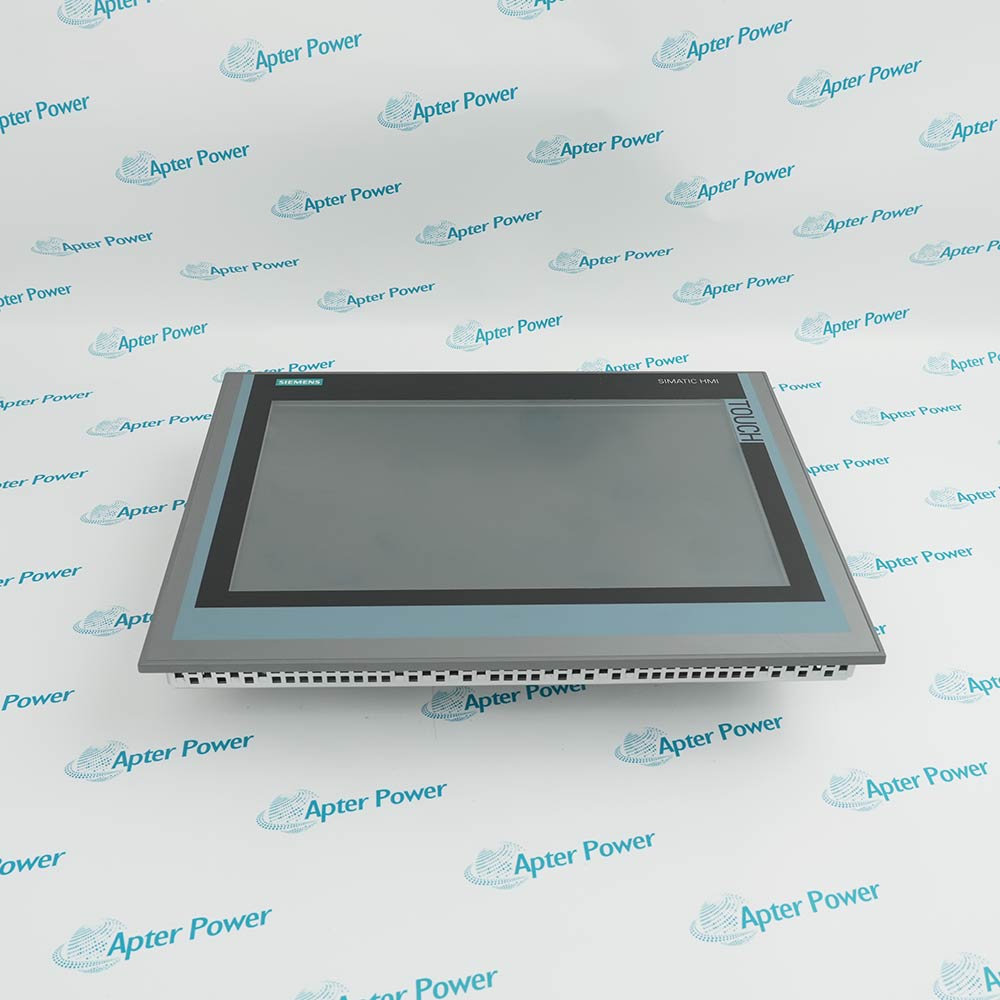
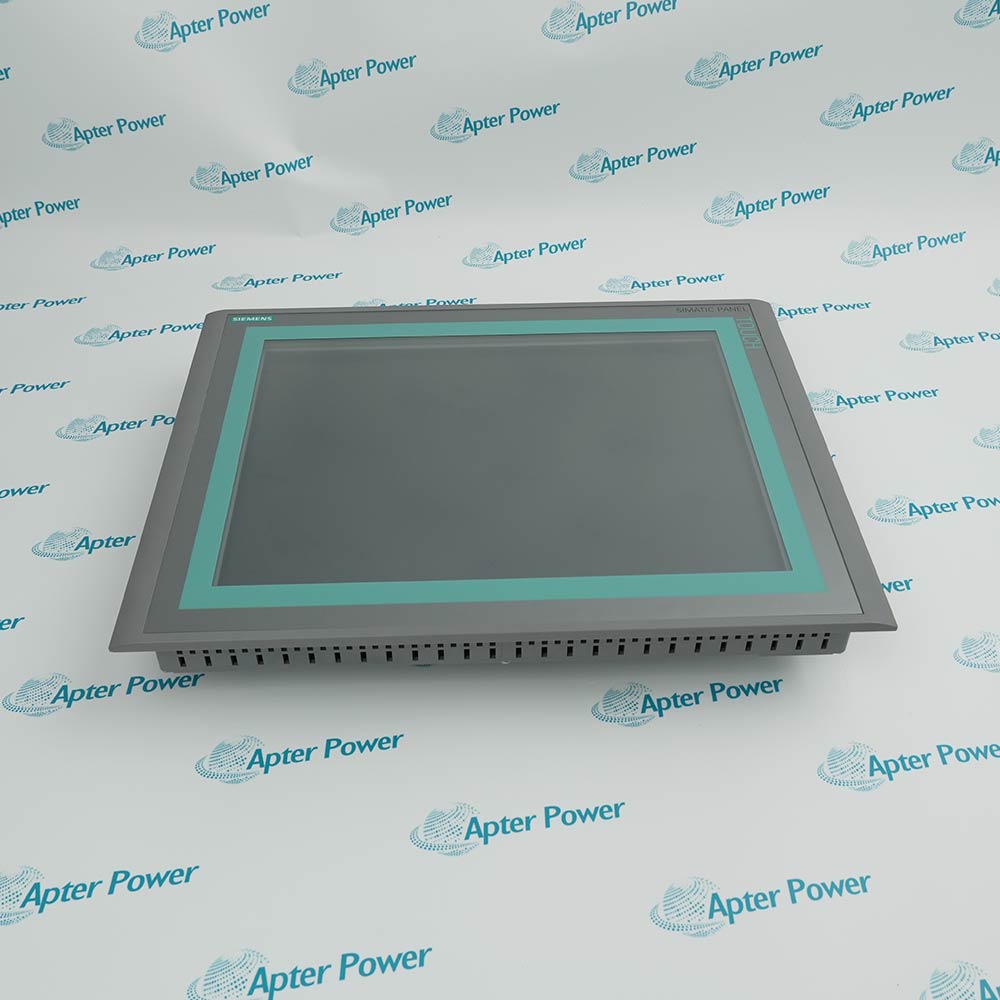
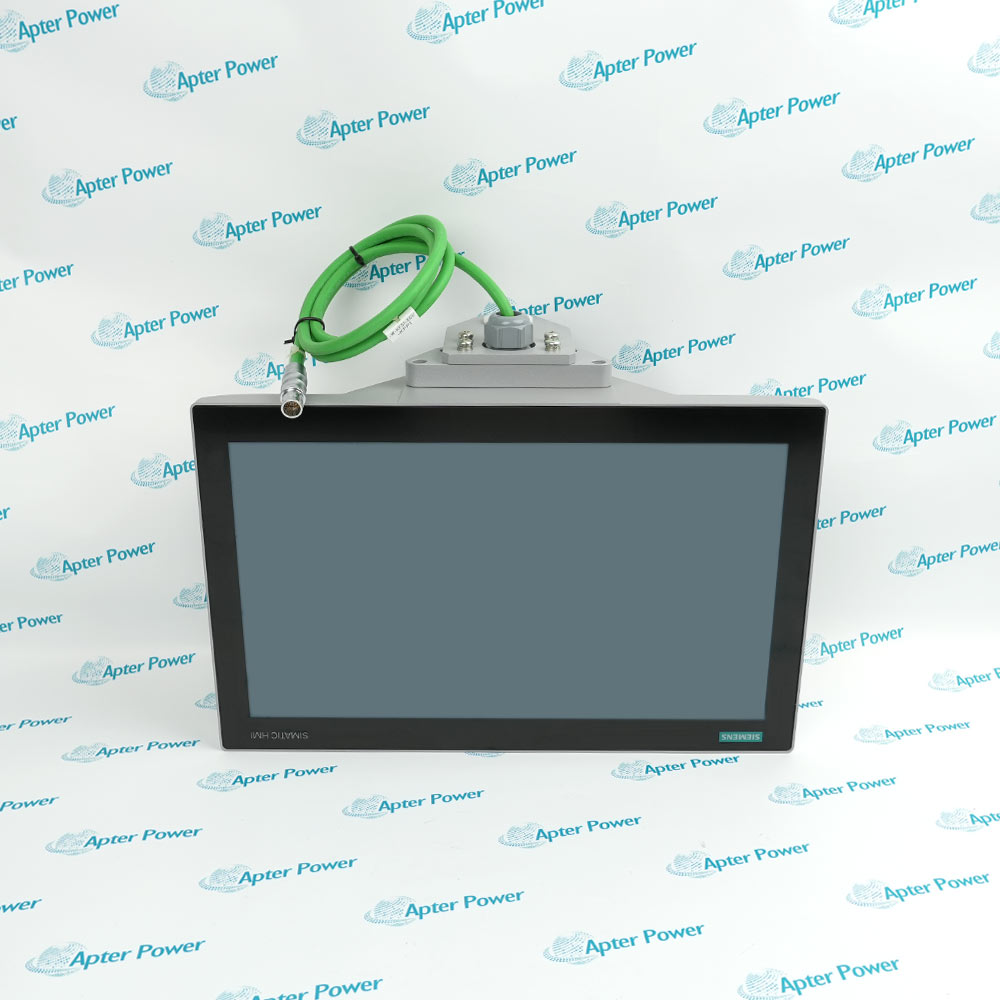
Product image is representative; revision or series may vary. Contact us to request a specific version.
Product Describe:
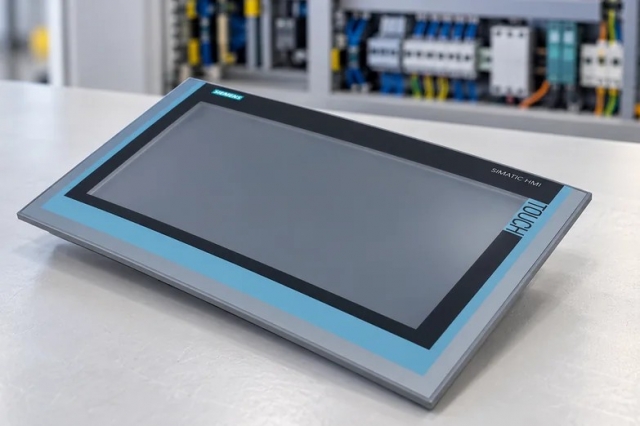
Siemens 6AV6640-0CA01-0AX0 is a SIMATIC HMI TP 170micro touch panel with a 5.7-inch four-blue-mode STN LCD, 320 x 240 resolution and 256 Kbyte working memory.
At the machine interface, Siemens 6AV6640-0CA01-0AX0 presents the configured operator screens and touch commands while maintaining the established panel supply and controller communication path.
The 5.7-inch STN LCD provides a 320 x 240 pixel operator display.
Four-blue-mode presentation is paired with direct touchscreen input.
The panel provides 256 Kbytes of working memory without a removable memory card.
A 24 V DC supply operates across the stated 20.4 to 28.8 V DC range.
Replacement acceptance combines project restoration, touch alignment, screen visibility and live controller-tag checks instead of relying on a successful power-up alone.
Important Notice: confirm the 0CA01 TP 170micro execution, preserve the HMI project and prove every safety-relevant operator action.
The first document organizes exact technical resources and interface decisions; the second provides a separate field sequence for readiness, installation, verification and handover.

Machine operation
Presents configured process values, commands and status screens at the equipment.
Alarm interaction
Displays the retained alarm views and accepts authorized operator acknowledgement.
Setpoint entry
Provides touch-driven entry fields for approved controller variables.
Maintenance visualization
Supports local observation of tags and service screens during controlled diagnostics.
Apply these checks to the exact Siemens 6AV6640-0CA01-0AX0 installation before isolation, replacement or release.
1
Confirm the complete 6AV6640-0CA01-0AX0 marking and TP 170micro identity.
2
Back up the installed HMI project and record its communication settings.
3
Place the machine and every touch-command path in the approved maintenance state.
4
Isolate the 24 V DC supply and label the controller communication connection.
5
Inspect the panel seal, mounting clamps, protective earth and cable retention.
6
Verify the 20.4-28.8 V DC supply range before energization.
7
Restore the project, complete touch calibration and review all alarm screens.
8
Test representative tags, commands and interlocks before service release.
Technical notes
Back up the TP 170micro project and communication settings before isolation. After restoration, calibrate the touch screen and verify representative tags, alarms, commands and interlocks against the live controller.