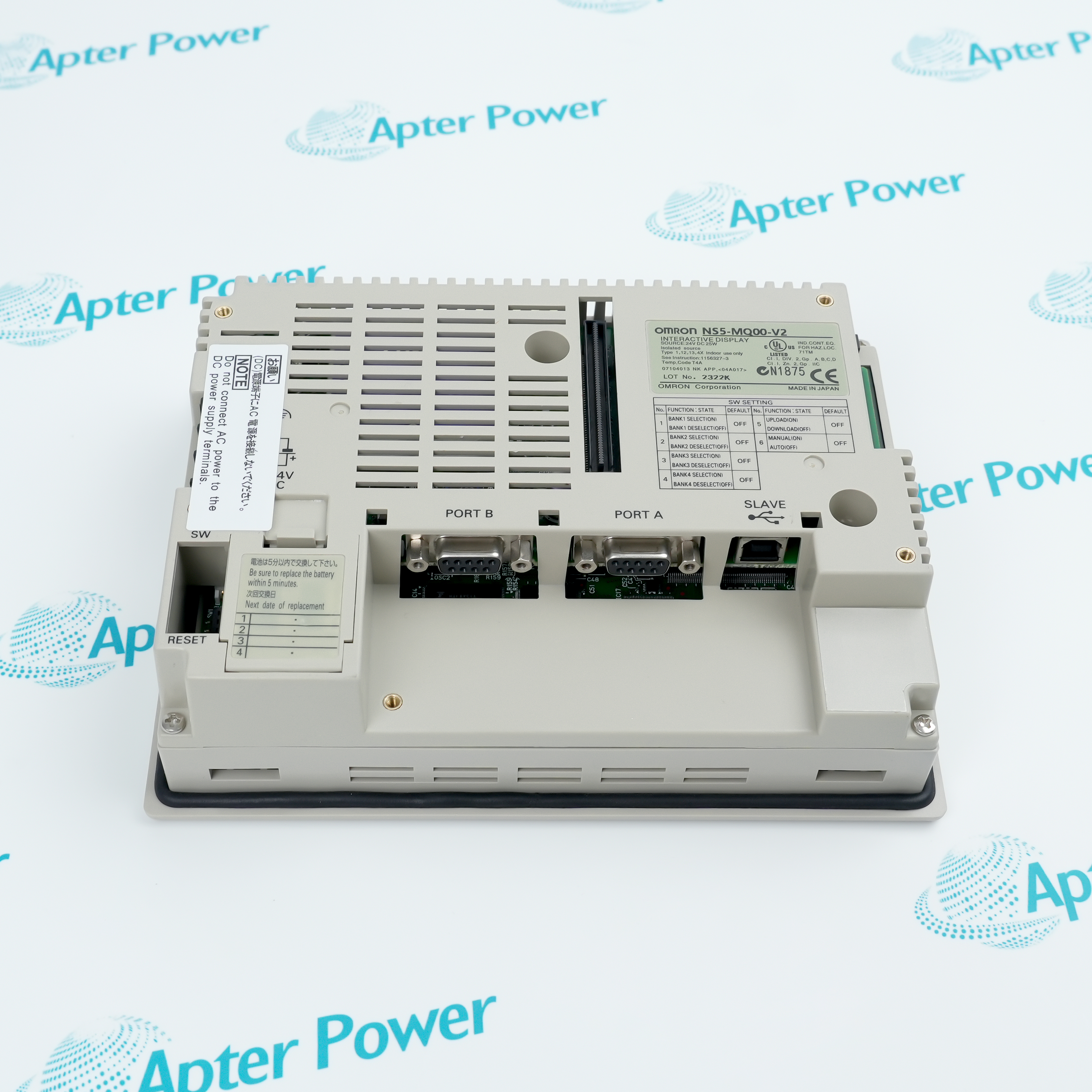
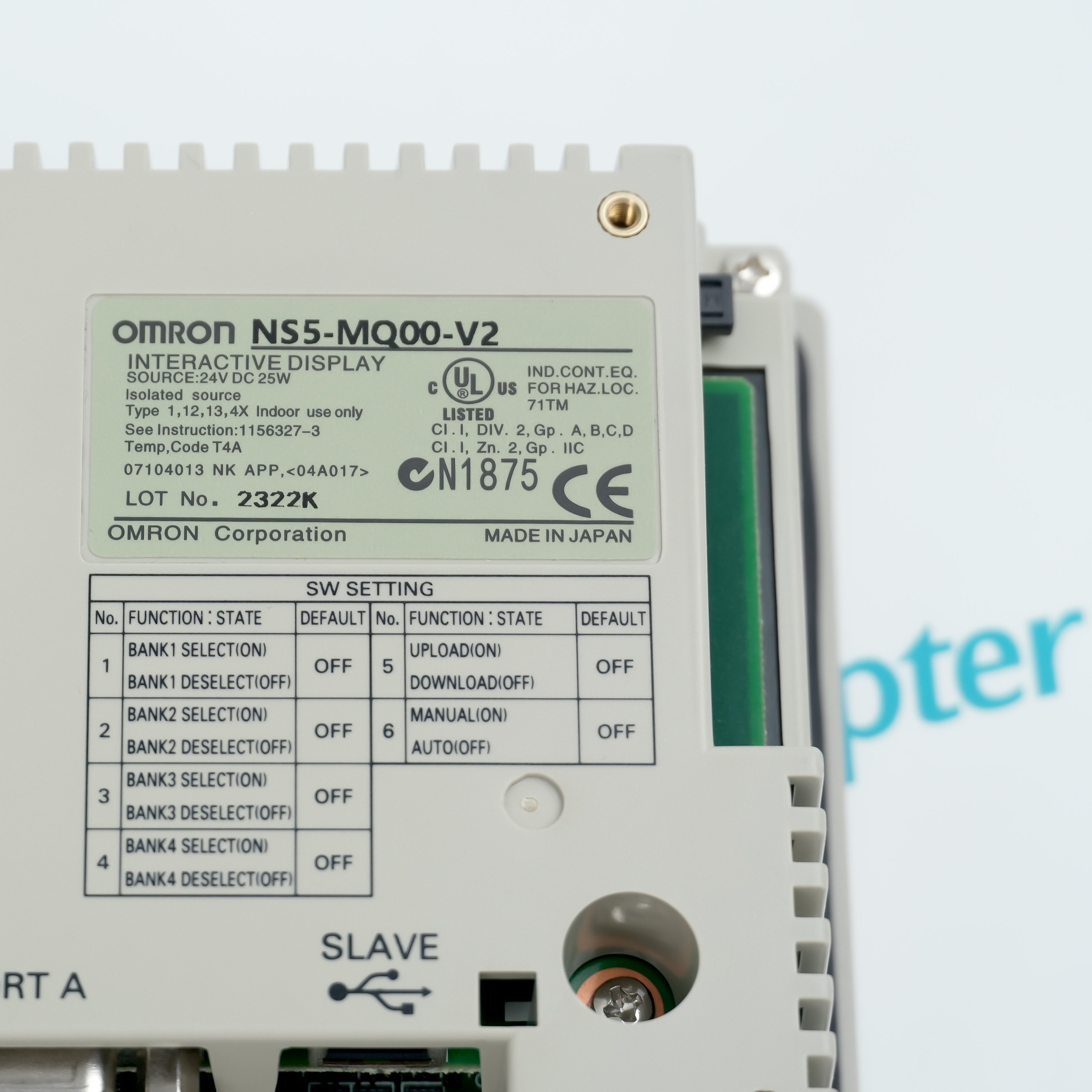
Omron NS5-MQ00-V2 is a monochrome programmable terminal for operator interaction in an NS-series control application.
- NS-series operator interface
- Screen-based machine operation
- Project-driven terminal configuration
- Panel-mount integration
NS5-MQ00-V2 provides the operator interface for the installed Omron automation application. Transfer or review the approved project, confirm the display, keys or touch operation, power wiring and configured communications arrangement, then perform a controlled screen-and-command check before release.
Important Notice: Confirm whether the panel hardware, communication cables, configuration media and mounting accessories required for NS5-MQ00-V2 are included in the quotation or stock description.
Apter Power NS5-MQ00-V2 Manuals and Guides
Important Notice: Confirm the physical nameplate, current manufacturer documents and installed-system requirements before configuration or installation.
NS5-MQ00-V2 installed-base maintenanceSupports like-for-like service of the documented 5.7-inch monochrome programmable terminal without Ethernet.
NS5-MQ00-V2 compatibility reviewChecks host hardware, revision, companion components, wiring and configuration before replacement.
NS5-MQ00-V2 installation planningDefines isolation, ESD, mounting, connection and parameter checks before field work.
NS5-MQ00-V2 commissioningSupports controlled diagnostic, channel, communication or process-response checks after installation.
Read the applicable Omron instructions before work. Verify NS5-MQ00-V2 and the installed-system configuration.
1Verify model NS5-MQ00-V2 and the complete order code on the physical label before use.
2Confirm NS5-MQ00-V2, panel cutout, 24 VDC supply, serial host protocol, CX-Designer project version and memory-card backup before replacement.
3Match every NS5-MQ00-V2 connector, terminal, cable and companion assembly before moving field wiring.
4Back up the applicable controller, monitor, HMI or I/O configuration before replacing NS5-MQ00-V2.
5Isolate energy and follow the approved site safety procedure before handling NS5-MQ00-V2.
6Follow ESD controls and protect NS5-MQ00-V2 connectors and printed-circuit assemblies during handling.
7Do not transfer ratings or suffix meanings from a similar model to NS5-MQ00-V2.
8After installing NS5-MQ00-V2, complete the relevant power, channel, link, diagnostic, alarm and fail-state checks.