Speak to a sourcing specialist
sales13@apterpower.com

IC697CMM741

Ethernet Controller
Ships by Saturday, November 7
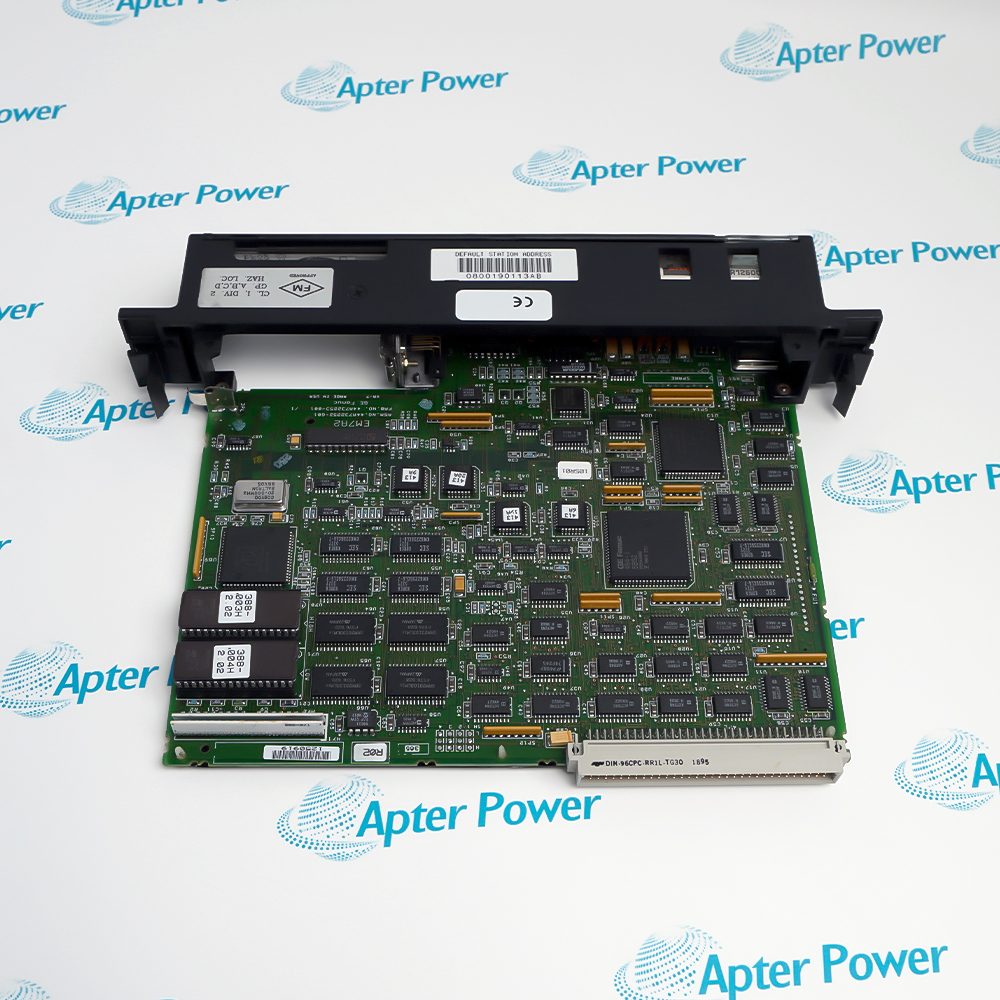
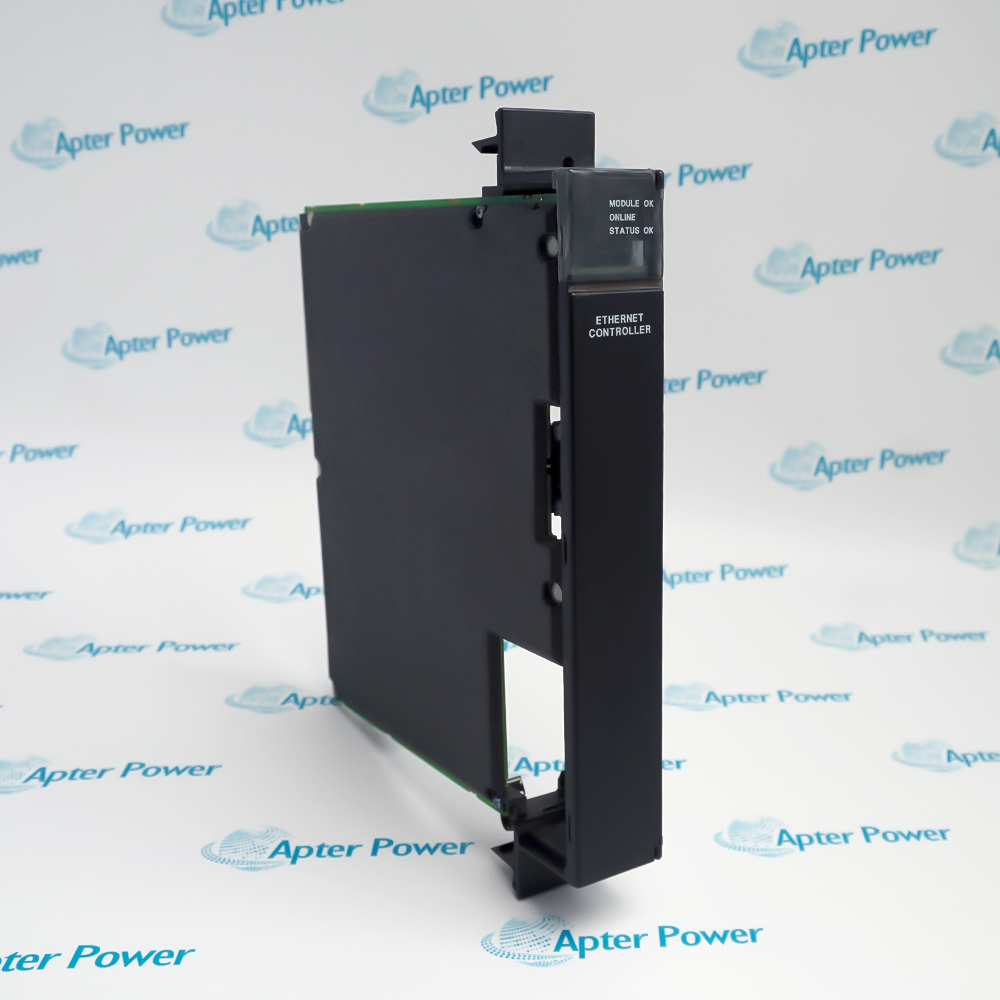
General Electric IC697CMM741
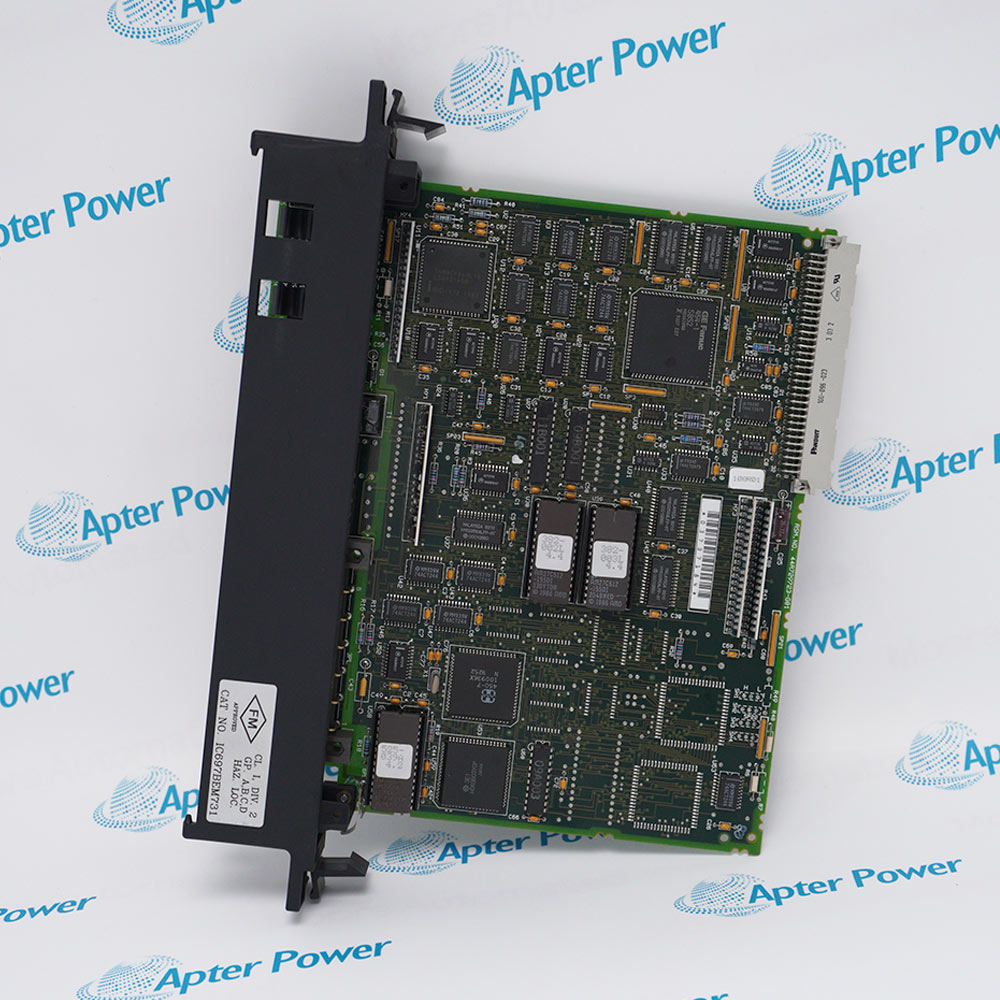
Product image is representative; revision or series may vary. Contact us to request a specific version.

Product Describe:

GE IC697CMM741 is a single-slot Series 90-70 Ethernet controller with a 15-pin AUI interface for an external transceiver. It connects the PLC to a 10 Mbps IEEE 802.3 network using the installed communications software.
  • Manufacturer part number
    IC697CMM741
  • Shipping
    Swift global dispatch
  • Condition
    New, original product
  • Shipping size (est.)
    4cm x 21.8cm x 29.1cm
  • Country of Origin
    USA
Get a quick price for IC697CMM741
E-mail *
Mobile *
Company
Content *
Quantity *
Upload (gif, jpg, jpeg, png, bmp, doc, docx, xls, xlsx, ppt, pdf, csv)
For more information on how your data is processed and stored by Apterpower please read our privacy policy

What happens after you enquire

  • 0

    Review your reference

    Send the full IC697CMM741 reference, label photos and required quantity.

  • 1

    Confirm the offer

    Confirm the required protocol package, rack supply, station configuration and external transceiver.

  • 2

    Arrange dispatch

    Confirm quantity, dispatch date, lead-time start and delivery details in the quotation.

  • Match the complete marking

    Include the complete IC697CMM741 marking and all series or revision details shown on the item. Match the offered hardware with the installed configuration before accepting the quotation.

  • Check the offered item before ordering

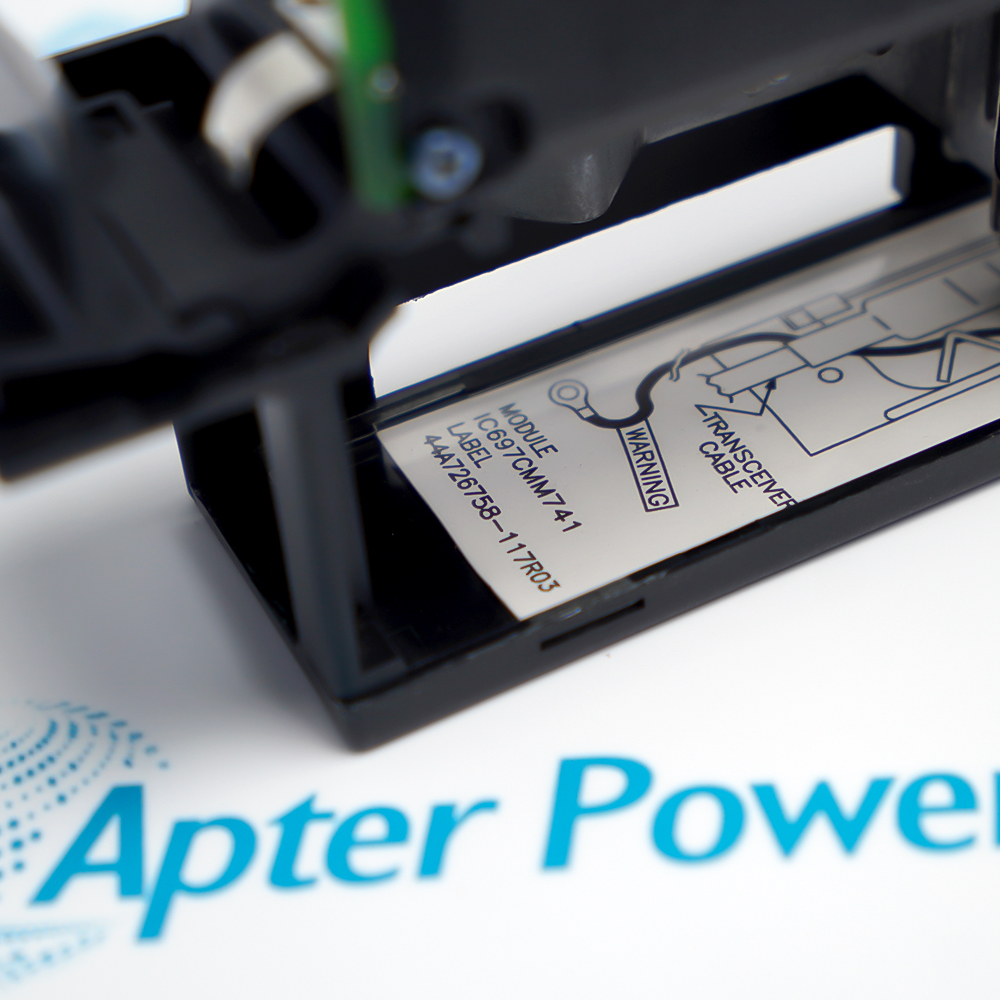
    Request available label and connector photos. Have your maintenance team compare the offered IC697CMM741 with the installed equipment and applicable GE documentation.

Technical specifications for IC697CMM741

  • Manufacturer:
    General Electric
  • Product Category:
    PLC Systems
  • Spare Part Number:
    IC697CMM741
  • Weight:
    0.48 kg
  • Tariff Code:
    8537101190
  • Ethernet data rate:
    10 Mbps
  • MAC interface:
    IEEE 802.3 CSMA/CD
  • Logical link control:
    IEEE 802.2 Class I
  • Network connector:
    15-pin female D-sub AUI
  • Local serial connector:
    9-pin female D-sub
  • Local serial interface:
    RS-232 DTE, 9600 bps
  • Typical +5 V current:
    1.00 A
  • Typical +12 V current:
    0.5 A
  • RAM backup:
    At least 6 months with battery
  • Status indicators:
    MODULE OK, ONLINE, STATUS OK
  • Rack occupancy:
    1 slot
  • Transceiver SQE:
    Enabled

Information

Overview Downloads Applications / Compatibility Product Precautions
  • GE IC697CMM741 keeps network protocol processing on a dedicated rack module, allowing host communication and Ethernet programming to be selected through the appropriate downloadable software package.
Network interface: 10 Mbps IEEE 802.3 through a 15-pin AUI port
Local service port: 9-pin RS-232 DTE, 9600 bps
Power demand: 1.00 A at +5 V DC and 0.5 A at +12 V DC
A user-supplied IEEE 802.3 transceiver adapts the AUI connection to the required Ethernet medium. The transceiver must have SQE enabled, and its cable is separate from the Ethernet controller. This hardware uses an external transceiver arrangement rather than an integrated RJ45 Ethernet port.

Communications software is loaded into battery-backed RAM. TCP/IP and MMS/OSI are alternative stacks selected for the application; installing the module alone does not establish a configured network service. Local or network Factory LAN System Manager tools provide configuration and software-loading functions for the corresponding package.

MODULE OK, ONLINE and STATUS OK indicators distinguish hardware health, network readiness and exceptions or loading activity. The local RS-232 port supports service access, while the default station-address label supplies the MAC identity unless a locally assigned address is configured. Rack placement must not leave empty slots to the left of the module.
Controller platform reference: GE Series 90-70 Factory LAN. Match the installed protocol package, rack arrangement and transceiver.
GE Fanuc Ethernet Controller, GFK-0532K, in GFK-0600F provides the manufacturer reference for IC697CMM741 and its applicable system arrangement. The separate installation guide covers station identity, rack grounding, transceiver attachment, software loading and network diagnostics.
Original manufacturer pages retain their technical context. Use the Apter Power guide with the applicable manufacturer instructions and approved installation design.
System and supply context: The controller connects an IC697 rack to an external transceiver and network. Communications software, management tools and transceiver hardware are distinct parts of the assembled installation.

Application scope: Applications depend on the downloaded protocol stack and host configuration; the hardware does not provide all protocol services simultaneously.
Prepare GE IC697CMM741 for its configured installation using these checks.
Preserve software

Back up the protocol package, configuration and station-address assignments.

Verify transceiver

Check IEEE 802.3 compatibility, media type and enabled SQE.

Power down for AUI work

Remove PLC power before connecting or disconnecting the transceiver.

Maintain rack continuity

Do not leave empty slots to the left of the configured Ethernet module.

Secure grounding

Fasten the module ground wire to the properly grounded rack.

Control restart actions

Prepare a load source before requesting restart and reload.

Alternative Names

IC697CMM741 GE IC697CMM741

Technical notes

Protocol selection: Only the installed communications stack defines the available Ethernet services.

LED interpretation: Read hardware, online and status indications separately before troubleshooting the host application.

Service connection: The 9-pin RS-232 connector is the local management port, not the Ethernet connection.


FAQ View All FAQ

  • Can an RJ45 Ethernet cable plug directly into IC697CMM741?
    No. The module exposes a 15-pin AUI port. Use an appropriate external IEEE 802.3 transceiver and AUI cable for the selected network medium.
  • Why must SQE be enabled on the IC697CMM741 transceiver?
    The module requires an 802.3-compatible transceiver with SQE enabled. Include that setting in the network hardware check instead of assuming a generic transceiver configuration is suitable.
  • Can IC697CMM741 run TCP/IP and MMS/OSI together?
    They are alternative downloadable communications stacks. Select and load the one required for the installed application and retain its matching configuration and management tools.
  • What is the IC697CMM741 local RS-232 pin assignment?
    The service interface is DTE: pin 2 is transmit, pin 3 is receive and pin 7 is signal ground. Match signals at the other device; do not assume an ordinary PC serial lead has the required wiring.
  • How does a long press of IC697CMM741 Restart differ from a short press?
    A press shorter than five seconds requests restart. Holding for five seconds or longer requests restart and software reload. Network data transfers are interrupted, so use either action only in an approved maintenance state.
  • What does a flashing STATUS OK LED mean on IC697CMM741?
    It indicates software loading or a search for a load source. Distinguish this from a steady off state during operation, which calls for supervisory investigation using the management tools.
  • May an empty rack slot be left immediately before IC697CMM741?
    No. The module does not operate properly with empty slots to its left. Install it in its configured position and verify the actual rack arrangement before starting network tests.
  • Why does IC697CMM741 require a rack supply with a +12 V output?
    Its power budget includes 1.00 A at +5 V and 0.5 A at +12 V, including the external transceiver and RS-232 loads. A supply without the required +12 V rail is unsuitable.
Related reading

Related cases and sourcing guidance

View all case studies
Manufacturers

Product Browsing History

Revisit the products you recently viewed on Apter Power.
SPEAK TO OUR TEAM
Let’s find the right solution for you.
Send us the part number, quantity and delivery destination. Our team will help confirm availability and lead time.
  • Whatsapp: +86 18030235313

    Send us a message.
  • sales13@apterpower.com

    Complete our online form.
  • +86 18030235313

    Speak to our team in your native language.