
Bently
View products








PLC-5 and SLC 500 systems are still operating in many production facilities, even though numerous products in these families have been discontinued. When a processor, I/O module, power supply, chassis, or communication module fails, finding stock is only one part of the job. The replacement must also match the installed system.
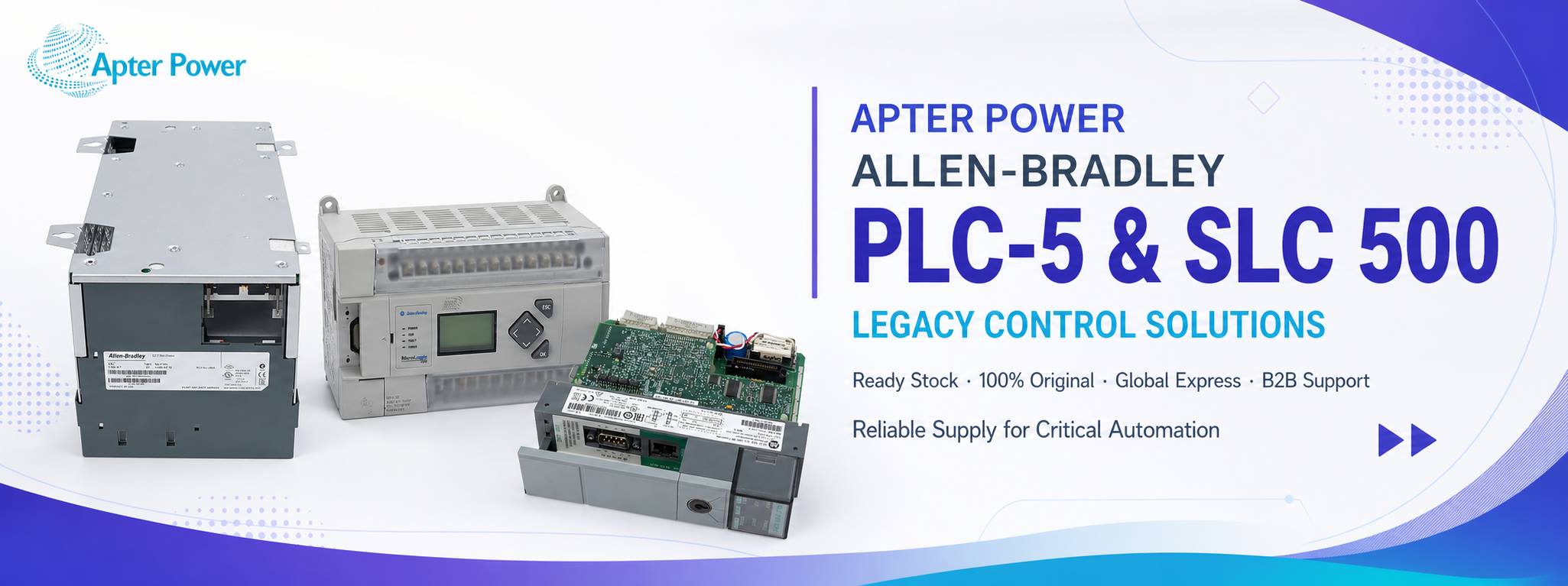
Legacy modules can look nearly identical. Capture these three groups of information before searching or requesting a quotation.
Record the full Allen-Bradley catalog number exactly as printed, including every suffix, series marking, hardware revision, firmware or operating-system revision where applicable, and date code.
Take clear front and side photographs showing labels, connectors, terminal blocks, the keyswitch, and all visible revision information.
Record the chassis, slot position, power supply, adjacent modules, and connected network. These details help separate similar-looking products with different functions.
A matching enclosure or connector does not prove interchangeability. For an SLC 500 system, identify the processor family and record the complete catalog number, series, revision, chassis, power supply, I/O modules, scanner or adapter modules, and the programming connection used at the site. Small differences in suffixes or revisions may affect suitability.
For PLC-5 equipment, confirm whether the requirement is a 1785 controller, 1771 I/O module, power supply, chassis, or communication interface. Record the network in use, including Universal Remote I/O, Data Highway Plus, serial, or Ethernet where documented. Compare every proposed replacement with the official Rockwell Automation publication for the exact catalog number, including chassis and slot rules, power requirements, communications, field wiring, grounding, environmental limits, and series-specific restrictions. If the official documentation does not confirm interchangeability, do not assume the parts are compatible.
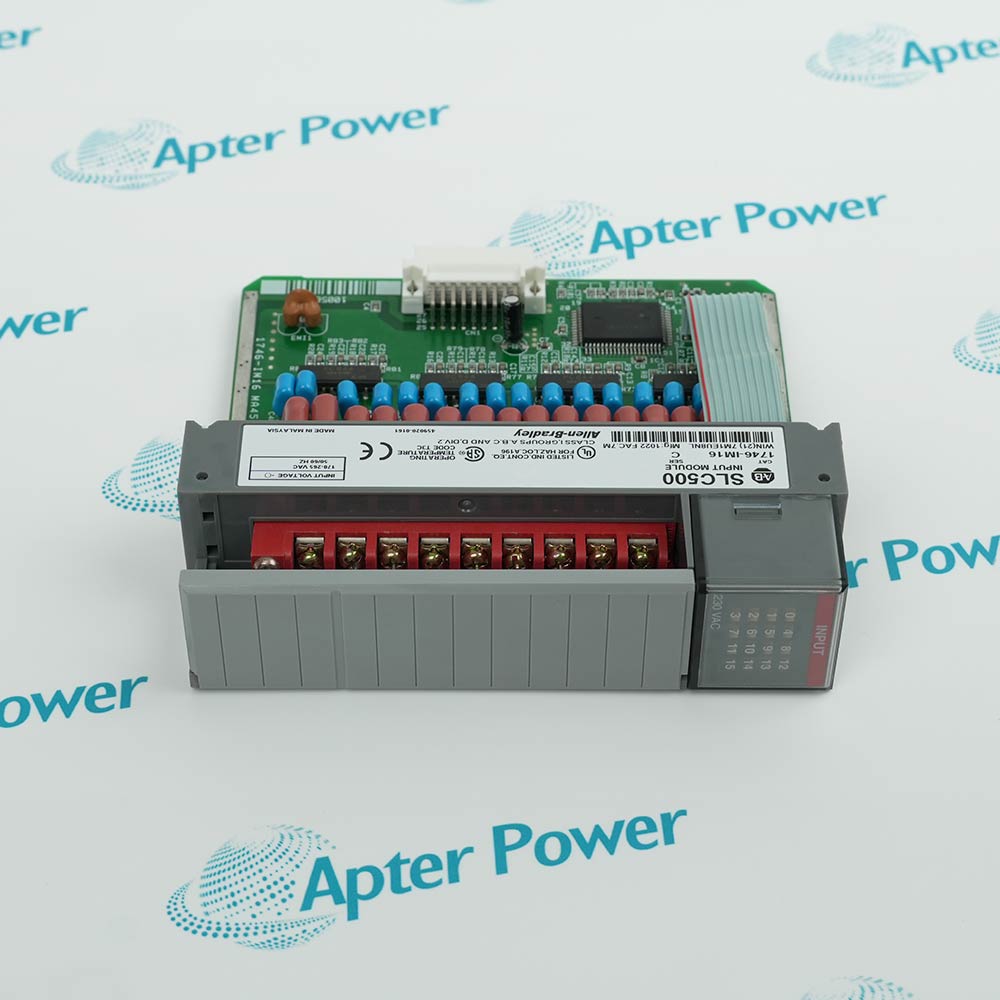
Before removing a processor or memory-related component, confirm that a current and readable application backup is available. Record the programming software, communication hardware, processor mode, and visible firmware information. A spare processor cannot restore production if the plant cannot communicate with it or reload the approved program.
Hardware supply and firmware availability are separate issues. Ask what firmware is installed on the offered unit, but verify all software and firmware requirements through official Rockwell Automation resources and the applicable licensing terms.
A clear written specification makes quotations easier to compare and helps prevent the wrong legacy component from reaching your site.
| Checkpoint | What to confirm before ordering |
|---|---|
| Part identity | Full catalog number, series or revision, required quantity, and clear nameplate photographs. |
| Condition | Written confirmation that the unit is new and unused, with photographs of the actual item and its label. |
| Compatibility | Any proposed substitute must be supported by a documented comparison with official manufacturer information. |
| Testing | The exact inspection or test performed, from visual checks to functional testing in a suitable system. |
| Commercial terms | Included accessories, warranty, dispatch estimate, shipping method, return terms, destination, and required delivery date. |
For equipment that remains critical to production, create a spare-parts register containing verified catalog numbers, approved revisions, installed quantities, failure impact, backup locations, and the official publications used for compatibility checks. This turns the next emergency into a controlled maintenance process.
Rockwell Automation encourages migration from discontinued SLC 500 products to newer CompactLogix platforms. Migration is not a direct hardware swap: it may involve program conversion, I/O conversion, communications, drawings, testing, commissioning, and operator training. A verified legacy spare can help protect production while a modernization project is properly planned.
If you know the complete part number, use the Apter Power product search. If the required PLC-5 or SLC 500 component is not listed, send an enquiry with the catalog number, quantity, revision information, destination, deadline, and nameplate photographs. Also identify the quotation validity required, the expected order or tender-award date, and whether stock needs to be reserved. Before ordering, reconfirm the offered unit and dispatch estimate; request its inspection record and the contact and process for an arrival discrepancy.

Start with the complete catalog number, including every suffix, series, and revision. Also record the chassis, slot, power supply, connected network, and visible firmware information, then verify the proposed replacement against the official Rockwell Automation documentation.
Not necessarily. Similar housings and connectors do not confirm compatibility. Electrical requirements, communication interfaces, addressing, chassis rules, series restrictions, and software support must all be checked before installation.
Send the full catalog number, quantity, preferred condition, series or revision, clear nameplate photographs, destination, and required delivery date. State whether substitutions are prohibited or require written approval.


Share your parts list, quantities and required date.
Email your parts list




