Bently
View products

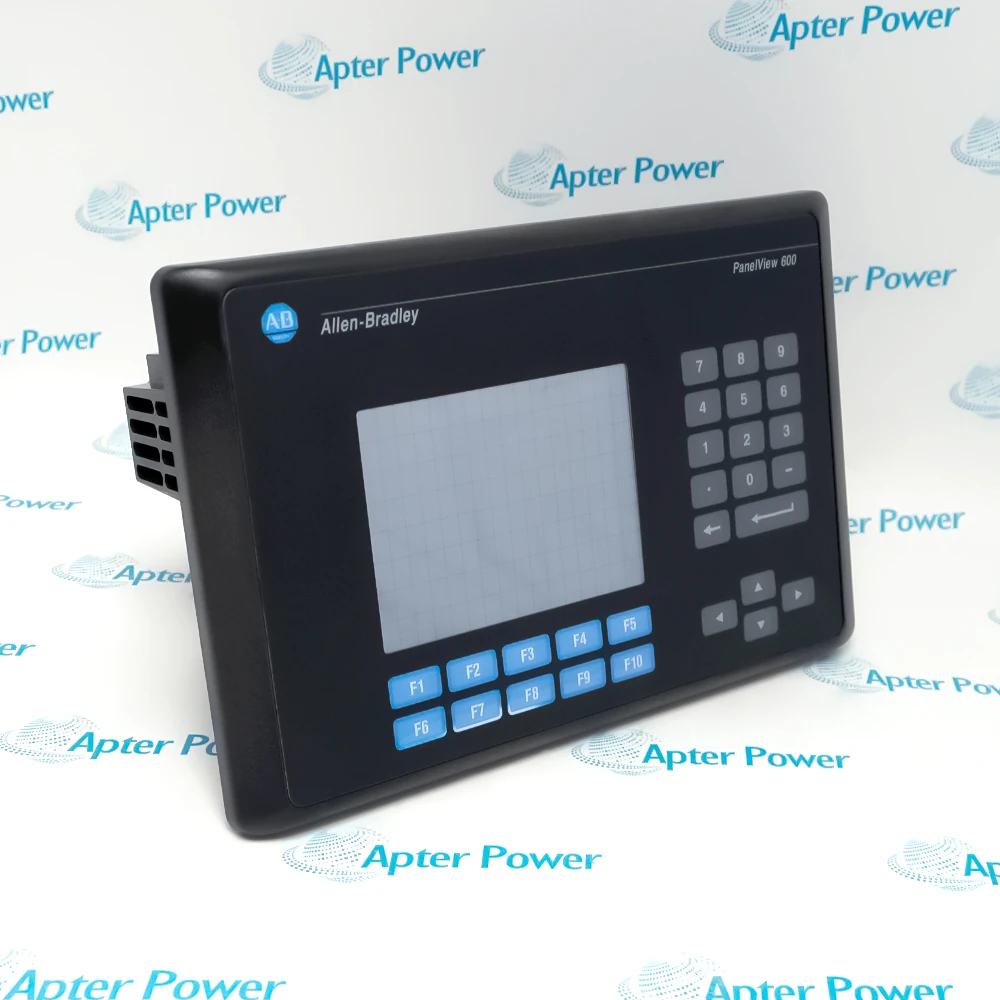
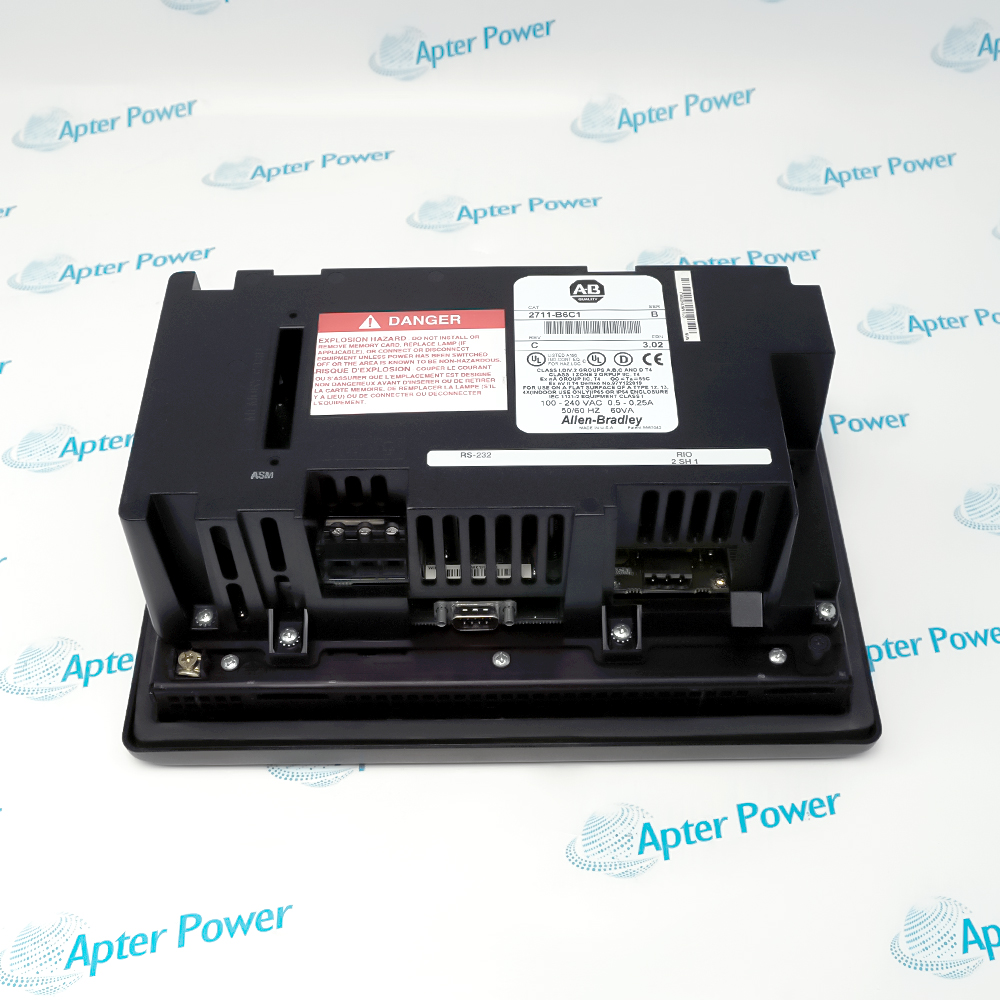
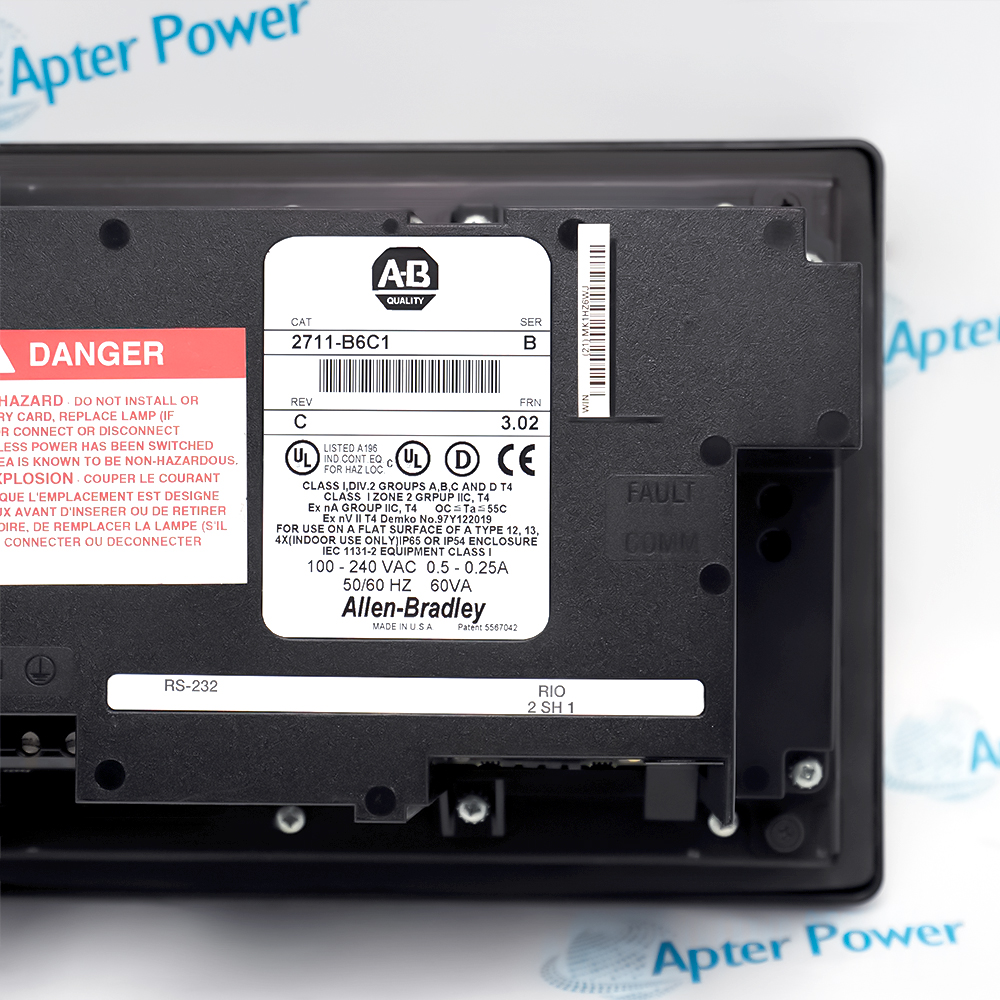
2711-B6C1 is installed with PanelView Standard 600 panel cutout, Remote I/O scanner and cabling, 85 to 264 V AC supply, PanelBuilder32 application backup.
Engineered applications include Machine operator station, Remote I/O process display, Alarm and status visualization, Legacy HMI migration verification.
Important Notice: Isolate AC power and the Remote I/O link, back up the PanelBuilder32 application, preserve node and communication settings, then test every active key and touch cell after replacement.
The first document presents model-specific technical identity and engineering data. The second provides a separate installation, connection and commissioning workflow.
2711-B6C1 supports this documented Allen-Bradley PanelView Standard 600 engineering task.
2711-B6C1 supports this documented Allen-Bradley PanelView Standard 600 engineering task.
2711-B6C1 supports this documented Allen-Bradley PanelView Standard 600 engineering task.
2711-B6C1 supports this documented Allen-Bradley PanelView Standard 600 engineering task.
Verify the complete 2711-B6C1 marking and the assigned Allen-Bradley PanelView Standard 600 position before work.
Place the connected machine or process in the approved maintenance state before disturbing 2711-B6C1.
Isolate the applicable power and field energy, then confirm a safe state before disconnecting 2711-B6C1.
Record connector, conductor, slot and configuration identities before removal of 2711-B6C1.
Use ESD controls and protect keyed interfaces, exposed contacts and electronic assemblies during handling.
Confirm that the installed companion hardware and approved project match the 2711-B6C1 arrangement.
Restore power in a controlled sequence and review device, rack and host diagnostics.
Prove the intended function and retain the final test result before returning 2711-B6C1 to service.