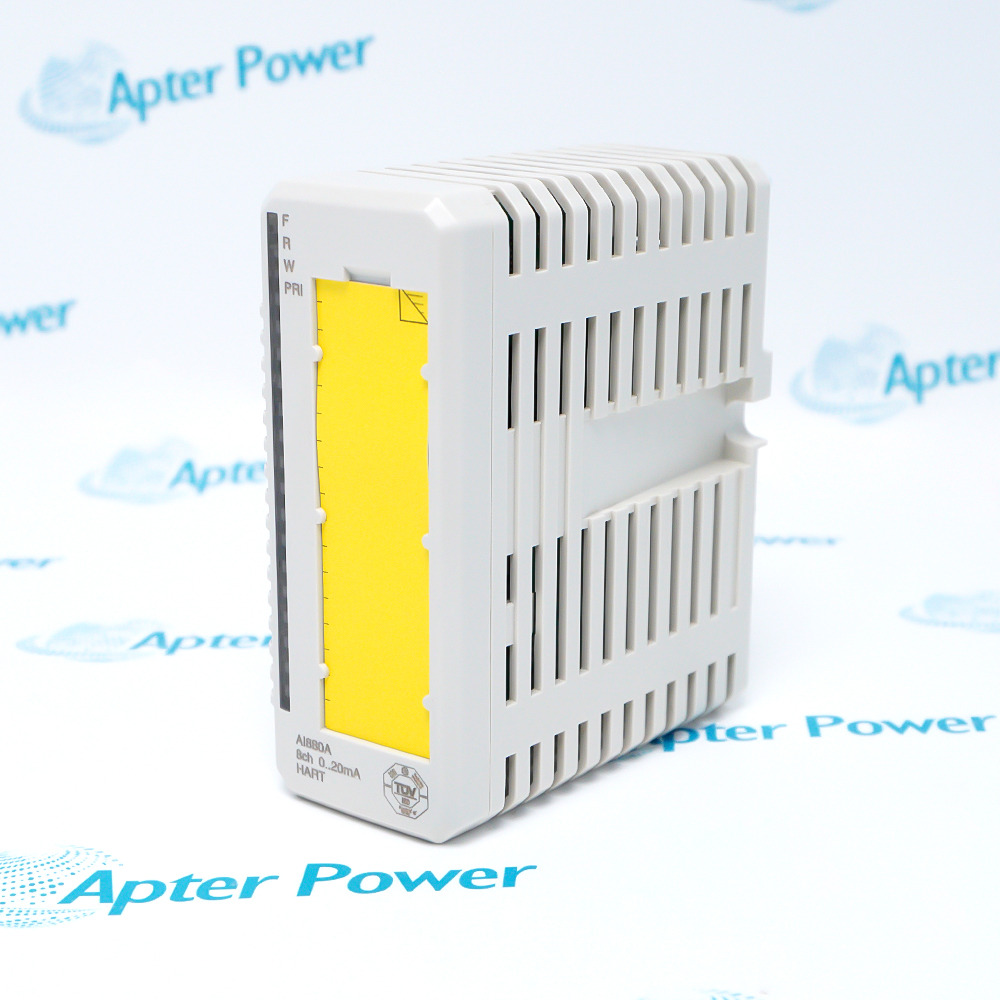
-
Match the complete marking
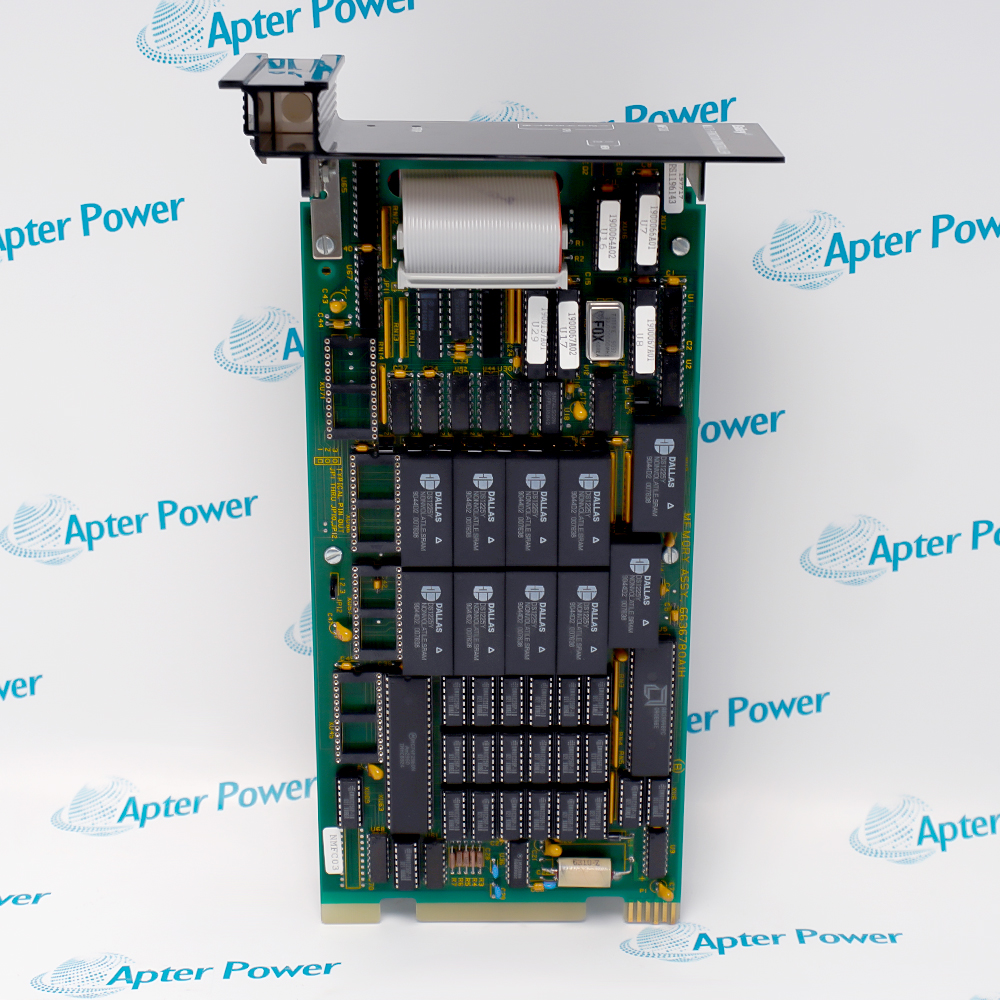
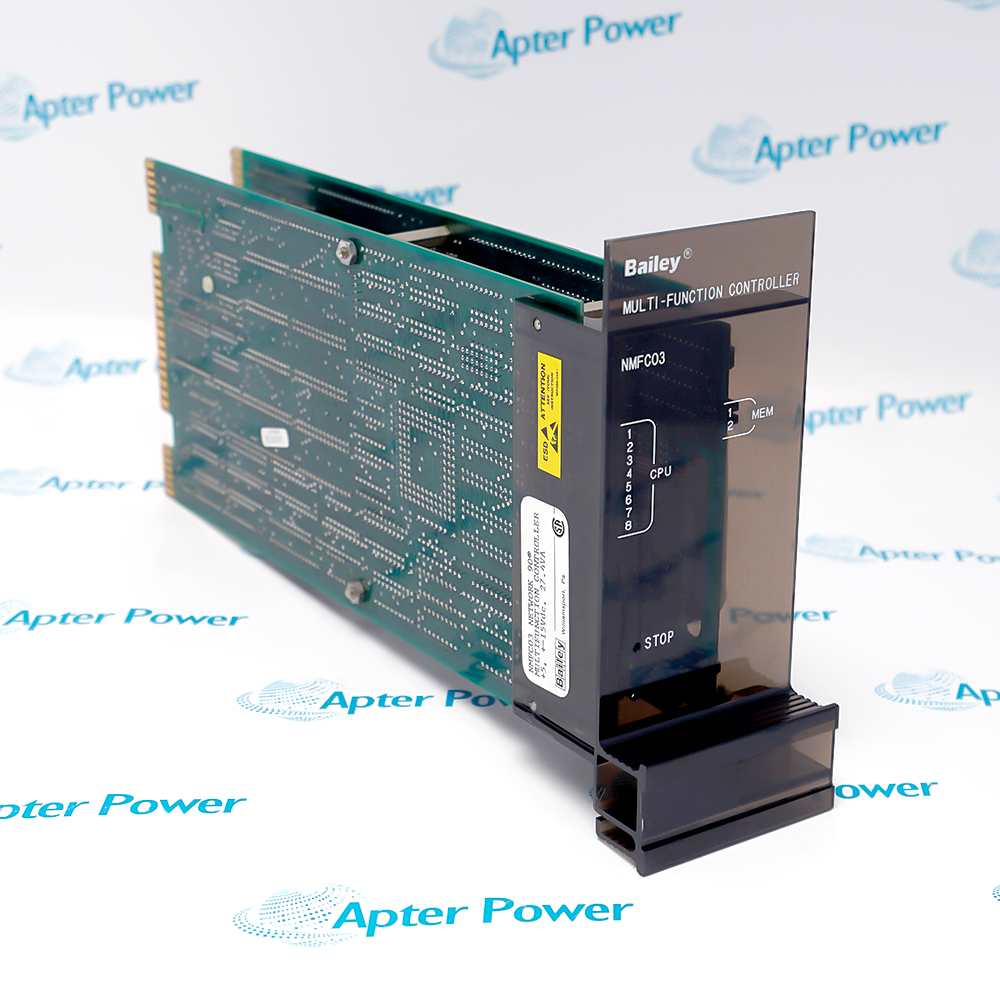
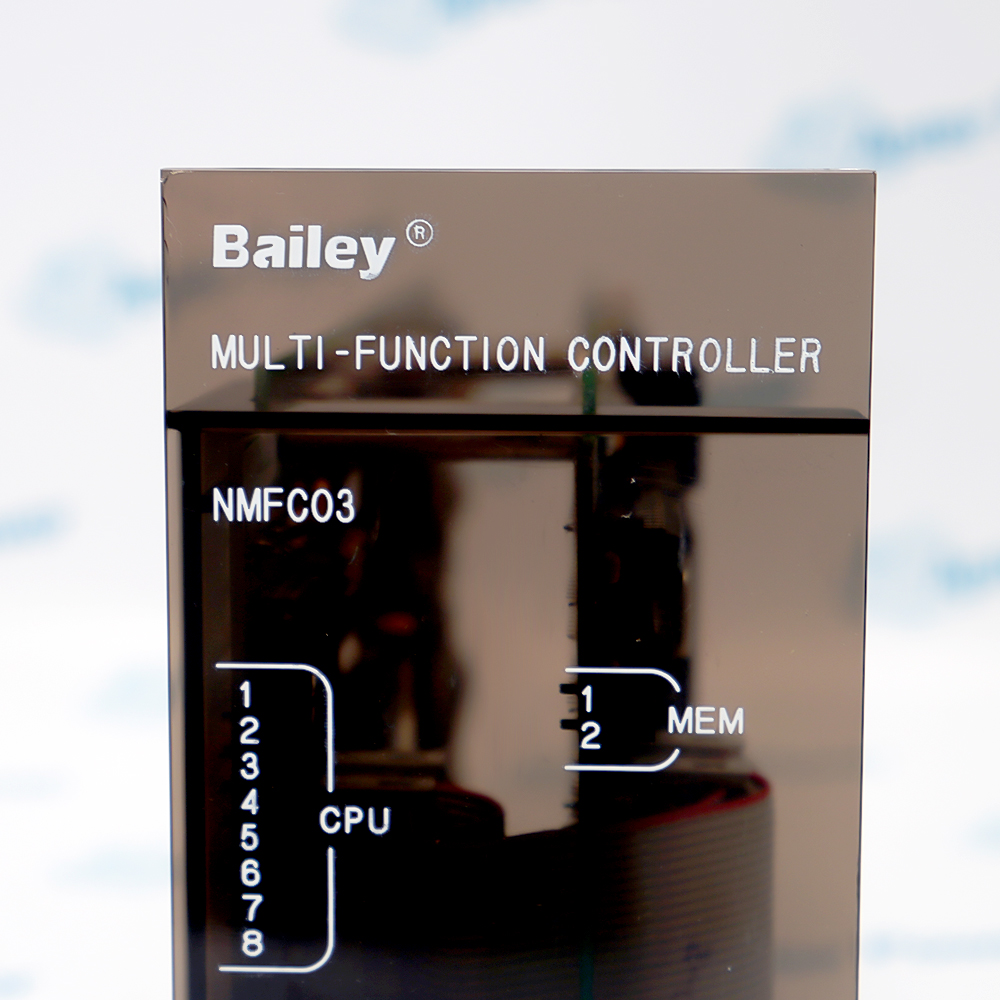
Include NMFC03 and any visible revision or assembly number on the enquiry and quotation.
-
Check the offered item before ordering
Request available label and connector or terminal photos. Have your maintenance team compare the offered NMFC03 with the installed equipment and applicable ABB documentation.
Technical specifications for NMFC03
-
Manufacturer:ABB
-
Product Category:DCS Systems
-
Spare Part Number:NMFC03
-
Weight:0.92 kg
-
Tariff Code:8537101190
-
Product designation:NMFC03
-
ABB material number:YNMFC03
-
Product function:Multi Function Controller
-
Control family:Symphony Harmony
-
Hardware role:Controller module
-
Service context:Installed-system controller
-
Replacement basis:Exact label and application configuration
Information
- Within the ABB Symphony Harmony arrangement, NMFC03 performs its documented multi function controller role and must be matched by complete marking.
System integration: Operation depends on coordinated communication with the connected Harmony modules and installed I/O.
Recovery discipline: Configuration records, connector positions and controller status must be retained before exchange.
Its active control behavior depends on the resident application, connected Harmony modules and cabinet engineering. These application records must be retained independently of the physical controller identity.
Before replacement, preserve the complete label, configuration records, connector positions and controller status. Restore the approved application and verify communications and representative I/O in a controlled sequence.
NMFC03 Technical Reference
Technical reference covering NMFC03, its documented function, system relationship and evidence boundary. PDF · 2 pages.NMFC03 Installation & Verification Guide
Field guide covering identity capture, isolation, connection control, commissioning and handover. PDF · 2 pages.
Application scope: Use NMFC03 only in the documented ABB Symphony Harmony position and confirm the installed configuration before exchange.
Installed-system service
Maintain the exact NMFC03 identity when replacing the fitted multi function controller.Configuration retention
Preserve application records, channel maps or hardware settings that belong to the installed system.Controlled troubleshooting
Use the approved system diagnostics to separate module, wiring and companion-hardware faults.Acceptance testing
Return the system to service only after representative functions match the recorded baseline.
Match NMFC03 and every visible revision or assembly identifier.
Record connectors, terminals, orientation and companion hardware before removal.
Use the complete system maintenance procedure and prove the required isolation.
Use ESD control and prevent mechanical load on connectors or board surfaces.
Reapply only the approved installed settings, wiring and application records.
Keep label photographs, test results, deviations and responsible sign-off.
Alternative Names
Technical notes
Installation relationship: NMFC03 belongs to the configured ABB Symphony Harmony hardware chain; the complete installed relationship governs replacement.
Protection: Follow the approved isolation, ESD and system-specific commissioning procedure before handling NMFC03.
Technical reference: ABB repair-service catalogues identifying YNMFC03 / NMFC03. ABB identifies NMFC03 as a Multi Function Controller in the Symphony Harmony product line; detailed application configuration remains installation specific.

FAQ View All FAQ
-
What application data should be backed up before replacing NMFC03?Secure the approved controller application and record the module position, addressing, communication settings and active I/O relationships. Confirm that the backup belongs to the installed NMFC03 arrangement before restoration.
-
How should the YNMFC03 material identity be used when checking NMFC03?Compare the NMFC03 product designation, YNMFC03 material number and every visible revision or assembly code. Treat these markings together as the replacement identity rather than relying on the short product name alone.
-
Which rack and cabinet relationships must be preserved for NMFC03?Document the slot, backplane relationship, neighboring controller modules, power connections and communication interfaces before removal. Restore the same physical and logical position unless an approved engineering change states otherwise.
-
How can communication problems be isolated after installing NMFC03?Verify the restored address and application first, then check interface wiring, companion-module diagnostics and controller communication status. This separates configuration or network issues from a controller-module fault.
-
What pre-removal diagnostics are useful for NMFC03?Capture controller status, active alarms, communication health and representative I/O values while the system is in a controlled state. Use the same observations after replacement as the acceptance baseline.
-
How should power and grounding be checked before fitting NMFC03?Confirm the rack supply, protective earth and cabinet reference against the approved Symphony Harmony drawing. Inspect connectors for damage and verify that no unintended voltage is present before seating the module.
-
What staged startup is appropriate for NMFC03?Restore the approved application, energize in the documented maintenance mode and observe initialization and communication diagnostics before enabling control. Proceed to representative I/O checks only after the controller state is stable.
-
What acceptance evidence should be retained for NMFC03?Retain the complete marking, backup identity, rack position, addressing, companion-module list, startup diagnostics and representative functional results with the controller service record.
Supporting new and legacy automation
-
Please try to be as accurate as possible with your search.
-
We can quote you on 1000s of specialist parts, even if they are not listed on our website.
-
We can't find any results for “”.
Related cases and sourcing guidance
View all case studiesYou May Also Like
Product Browsing History
-
Whatsapp: +86 18030235313
Send us a message. -
sales13@apterpower.com
Complete our online form. -
+86 18030235313
Speak to our team in your native language.