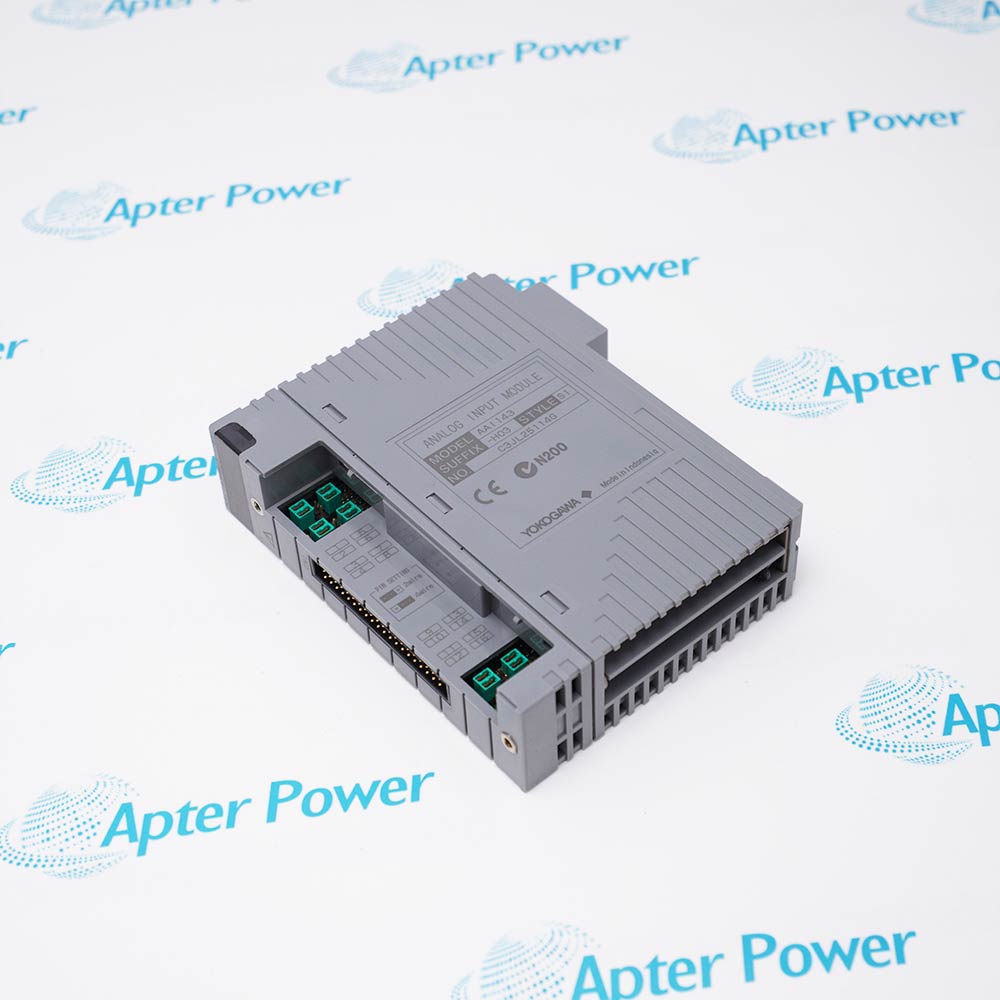
-
Match the complete marking
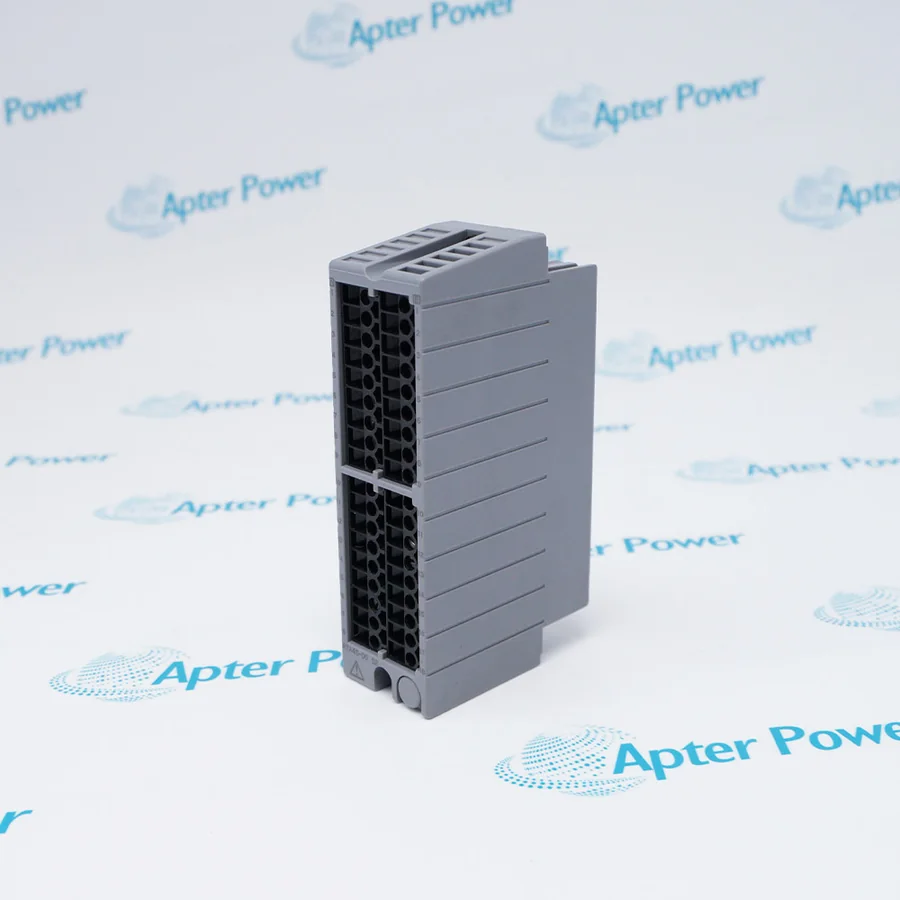
Include ADV161-P00 S2 and any revision or assembly number visible on the item. Keep the exact reference on your enquiry and quotation.
-
Check the offered item before ordering
Request available label and connector photos. Have your maintenance team compare the offered ADV161-P00 S2 with the installed equipment and applicable Yokogawa documentation.
Technical specifications for ADV161-P00 S2
-
Manufacturer:Yokogawa
-
Product Category:DCS Systems
-
Spare Part Number:ADV161-P00 S2
-
Weight:0.25 kg
-
Tariff Code:8537101190
-
I/O role:Digital input
-
Reference design:ADV161-P
-
Channels:64 isolated inputs
-
Input nominal voltage:24 V DC
-
ON voltage:20–26.4 V DC
-
OFF voltage:5 V DC or less
-
Rated input current:2.5 mA ±20% per channel
-
Status response:8 ms maximum
Information
- ADV161-P00 S2 receives discrete field states through isolated input channels in a configured CENTUM FIO station.
Signal family: Isolated 24 V DC states
Application: Configured sequence and interlock data
The referenced ON threshold is 20–26.4 V DC and the OFF threshold is 5 V DC or below. Rated input current is 2.5 mA ±20% per channel and status response is 8 ms maximum. These values describe the ADV161-P reference; the full P00 S2 execution still requires host and style matching.
The input image is used by the configured sequence and interlock logic in the field control station. During replacement, preserve channel assignments, contact polarity, common connections and any redundancy pairing. Verify all affected indications after the module is returned to service.
-
Yokogawa ADV161-P00 S2 technical reference
Apter Power technical reference - PDF, 2 pages. Product identity, verified characteristics, system role and engineering checks. -
Yokogawa ADV161-P00 S2 installation verification guide
Apter Power installation guide - PDF, 1 page. Pre-installation, configuration, commissioning and acceptance checks.
Compatibility scope: Match the P00 S2 execution to the installed node, isolated input wiring, terminal hardware and configured interpretation of each field state.
-
Discrete equipment status
Acquire run, ready or trip contacts for approved sequence logic. -
Limit and permissive signals
Bring field switch states into the configured FIO input image. -
Remote I/O maintenance
Restore the same input map in a matching FIO node without disturbing adjacent channels. -
Redundant input arrangements
Use an approved module pairing where the installed node and control project support redundancy.
Verify field supply, common and contact polarity.
Record every affected input assignment before removal.
Match the node, style and terminal hardware.
Use the approved maintenance bypass and test procedure.
Verify any paired input path is configured and healthy.
Confirm expected states and sequence response after installation.
Alternative Names
Technical notes
Technical basis: Yokogawa GS 33J60F70-01EN, Digital I/O Modules for FIO.
Applicability: ADV161-P family values describe the documented reference design; confirm style, terminal and host applicability to the complete offered marking.
Integration focus: Input behavior depends on the installed field contacts, wiring and channel configuration; verify both states during commissioning.

FAQ View All FAQ
-
How can an input stuck ON on ADV161-P00 S2 be diagnosed?Check field voltage at the terminal, contact state, common wiring, channel assignment and module diagnostics.
-
How should contact bounce be assessed for ADV161-P00 S2?Review the field device and configured logic filtering; the module response time alone does not define process debounce.
-
How should a floating field contact be diagnosed on ADV161-P00 S2?Measure the signal in both states and inspect common wiring, leakage paths and the configured input logic before condemning the module.
-
Can ADV161-P00 S2 accept arbitrary AC contact voltage?No. The documented reference is a 24 V DC input. Check the installed contact and supply design.
-
How should redundant input use of ADV161-P00 S2 be verified?Confirm the host node supports the intended pair and test both configured paths under the approved system procedure.
-
What records should be saved before exchanging ADV161-P00 S2?Save the 64-channel assignment, field wiring, common connections and interlock logic references.
-
Why is the complete P00 S2 marking relevant for ADV161-P00 S2?It identifies the offered style and option execution; base-family channel data alone does not prove all revision or terminal compatibility.
-
What acceptance test is suitable after fitting ADV161-P00 S2?Exercise or simulate each affected discrete input and verify the expected indication, sequence response and diagnostics.
Supporting new and legacy automation
-
Please try to be as accurate as possible with your search.
-
We can quote you on 1000s of specialist parts, even if they are not listed on our website.
-
We can't find any results for “”.
Related cases and sourcing guidance
View all case studiesYou May Also Like
Product Browsing History
-
Whatsapp: +86 18030235313
Send us a message. -
sales13@apterpower.com
Complete our online form. -
+86 18030235313
Speak to our team in your native language.