Speak to a sourcing specialist
sales13@apterpower.com

IC754VSI06STD-KH

QuickPanel View Operator Interface
In Stock
Ships by Sunday, November 8
Fast Shipping Available
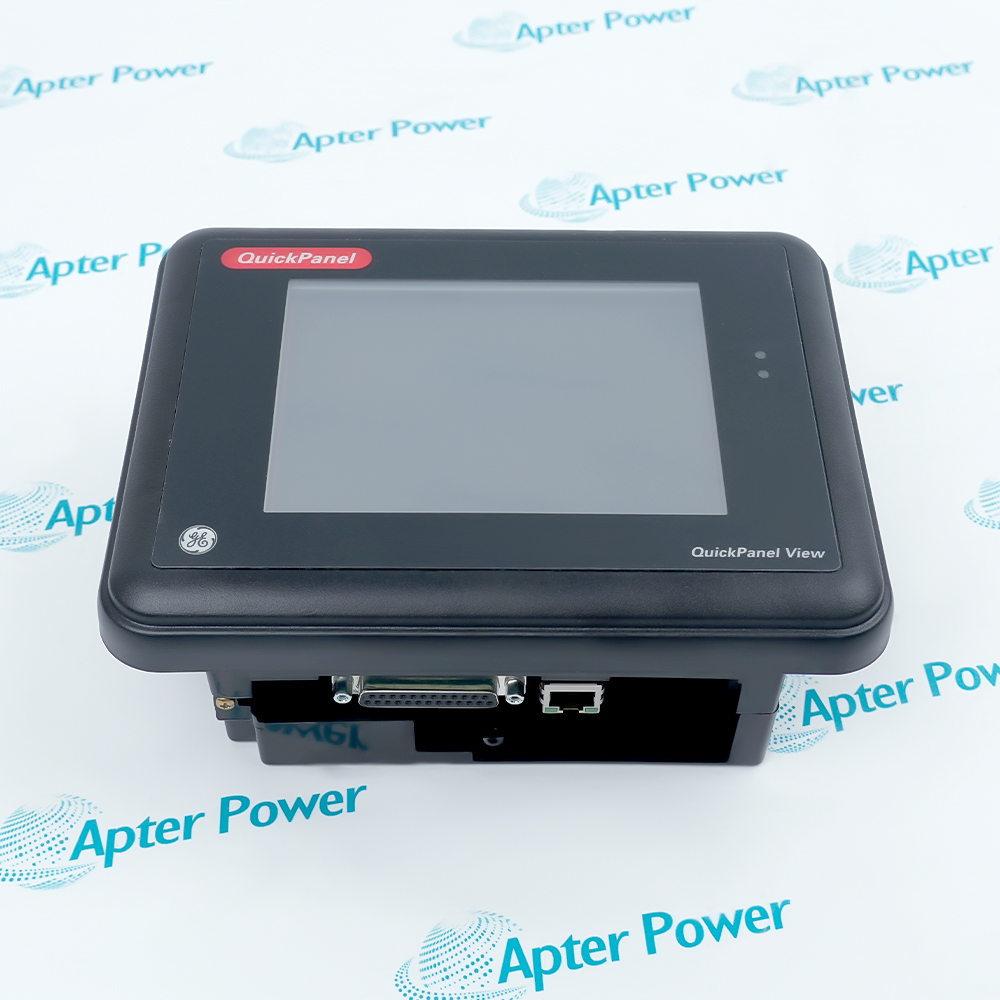
GE IC754VSI06STD-KH (1)
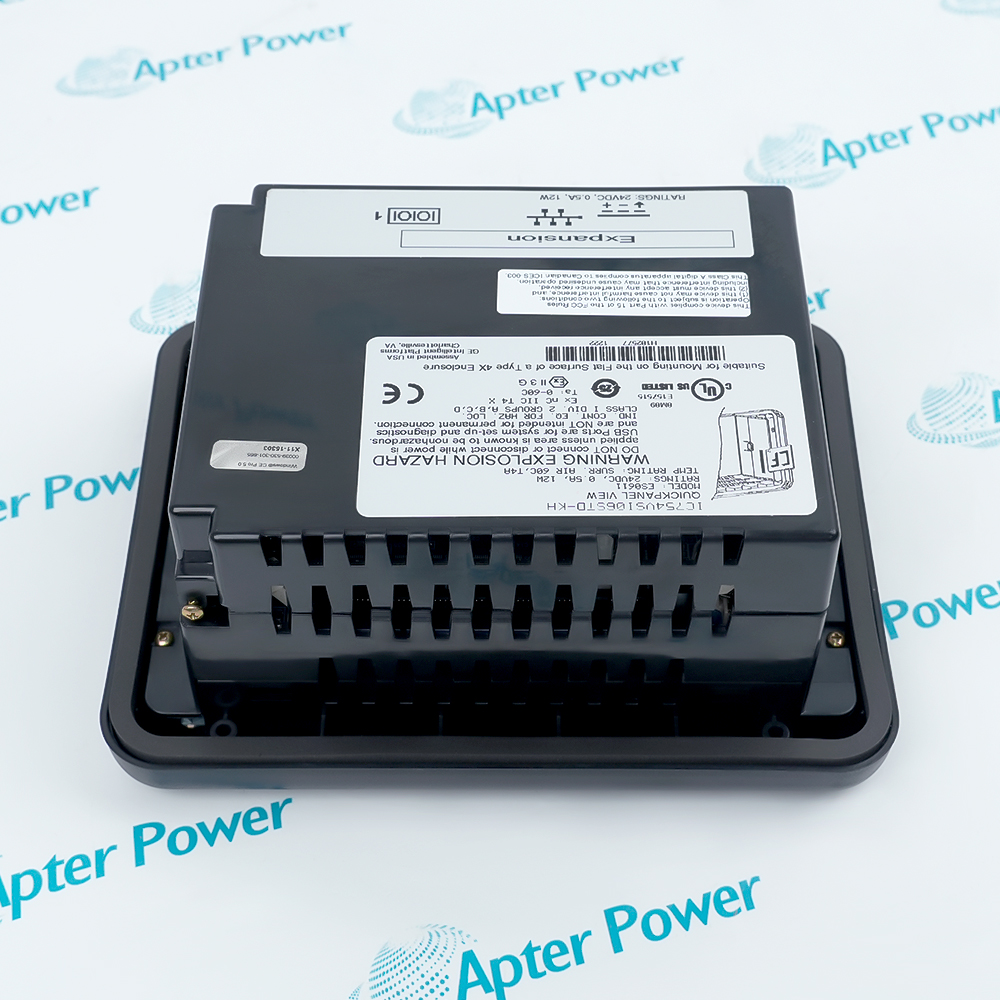
GE IC754VSI06STD-KH (2)
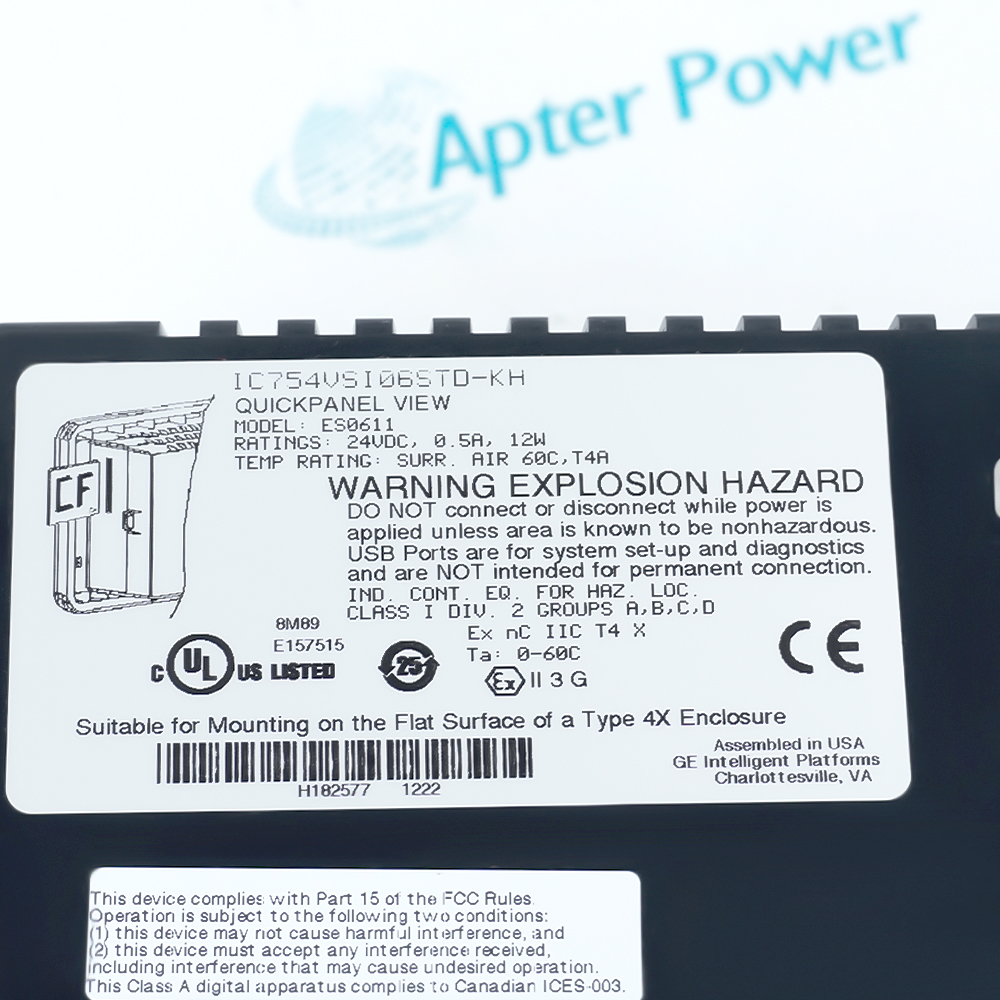
GE IC754VSI06STD-KH (3)
GE IC754VSI06STD-KH (1)
GE IC754VSI06STD-KH (2)
GE IC754VSI06STD-KH (3)
Product image is representative; revision or series may vary. Contact us to request a specific version.

Product Describe:

GE IC754VSI06STD-KH is a QuickPanel View intermediate operator interface with a 6-inch STN touch display. It combines machine-status visualization, operator input, alarm handling and animated process graphics in one panel.
Get a quick price for IC754VSI06STD-KH
E-mail *
Mobile *
Company
Content *
Quantity *
Upload (gif, jpg, jpeg, png, bmp, doc, docx, xls, xlsx, ppt, pdf, csv)
For more information on how your data is processed and stored by Apterpower please read our privacy policy

What happens after you enquire

  • 1

    Requirement review

    We review the part number, quantity and delivery requirements and ask for any missing details.
  • 2

    Quotation and availability

    We confirm the proposed item, condition, availability, price and estimated lead time in the quotation.
  • 3

    Order confirmation and dispatch

    Once the quotation and purchasing details are agreed, your contact will coordinate the order and available dispatch information.

Technical specifications for IC754VSI06STD-KH

  • Manufacturer:
    General Electric
  • Product Category:
    HMI Panels
  • Spare Part Number:
    IC754VSI06STD-KH
  • Estimated shipping dimensions:
    33.5×26.3×7.3cm
  • Weight:
    2.44 kg
  • Tariff Code:
    8537101190
  • Counliy of origin:
    USA
  • Product family:
    QuickPanel View
  • Interface class:
    Operator interface
  • Display class:
    6-inch STN touch
  • Operator input:
    Touch-screen controls
  • Data presentation:
    Numeric values and graphical status
  • Alarm function:
    Alarm display and acknowledgement
  • Graphic functions:
    Symbols and animated objects
  • Selection controls:
    List and drop-down objects
  • Command functions:
    Push-button and pilot-light objects
  • Remote function:
    Remote connectivity supported by the configured HMI application

Information

Overview Manuals Common Applications Product Precautions
GE IC754VSI06STD-KH gives machine operators a dedicated touch surface for viewing process states and entering controlled commands through a QuickPanel View application.
  • Presents numeric values, status graphics and pilot-light indications.
  • Accepts operator commands through its STN touch interface.
  • Supports alarm presentation and acknowledgement within the HMI project.
  • Displays animated objects, selection lists and application navigation controls.

The retained HMI project defines the tags, screens, alarm behavior and command permissions. Back up that project and record the controller connection before replacing the panel.

Important Notice: Verify boot, touch response, controller communication, displayed values and configured alarms before returning the operator station to service.

Technical documents for General Electric IC754VSI06STD-KH

Technical Reference — General Electric IC754VSI06STD-KHInstallation and Commissioning — General Electric IC754VSI06STD-KH

The technical reference, installation and commissioning guide, and complete product information PDF cover different scopes for this exact model.


Machine status display
Present live operating values, states and diagnostic indications.
Operator command station
Issue permitted commands through touch controls in the HMI project.
Alarm interaction
Display, classify and acknowledge configured process alarms.
Process visualization
Use symbols and animation to show equipment and sequence states.
Apply these checks to the exact GE IC754VSI06STD-KH operator station before replacement or release.
1
Export the existing HMI project before removing the installed panel.
2
Record the controller address, protocol and communication path.
3
Capture alarm classes, acknowledgement behavior and command permissions.
4
Confirm that every displayed value is linked to the intended controller tag.
5
Check touch response across the full active display after mounting.
6
Verify normal and communication-loss indications with controlled tests.
7
Test each operator command under the approved maintenance state.
8
Release the station only after alarms, trends, navigation and live data are stable.

Technical notes

Retain the full QuickPanel View application as the configuration record. During acceptance, test the data path independently from touch response and display quality.

FAQ View All FAQ

  • Which display technology does GE IC754VSI06STD-KH use?
    It uses a 6-inch STN touch display within the QuickPanel View intermediate operator-interface family.
  • How does GE IC754VSI06STD-KH present changing machine values?
    The HMI project can combine numeric values, graphical symbols and animated objects so the operator can interpret process state on one screen.
  • Can GE IC754VSI06STD-KH acknowledge configured alarms?
    Yes. Alarm presentation and acknowledgement are HMI functions, but the exact alarm list and permissions come from the retained application project.
  • What should be backed up before replacing GE IC754VSI06STD-KH?
    Back up the complete HMI application, communication settings, tag mapping, alarm configuration and any screen-specific command permissions.
  • Why must touch alignment be checked on GE IC754VSI06STD-KH after installation?
    The displayed control and the touch response must correspond at every active screen location; otherwise an operator could select the wrong object.
  • Which communication check is required for GE IC754VSI06STD-KH?
    Confirm that the restored project exchanges live data with the intended controller and that loss-of-communication states are reported correctly.
  • How should animated objects on GE IC754VSI06STD-KH be tested?
    Drive their source tags through known states and confirm each object's color, position or visibility follows the configured logic.
  • What completes the functional acceptance of GE IC754VSI06STD-KH?
    Verify boot, screen navigation, touch commands, displayed values, alarms, controller communication and the configured response to a communication interruption.
Related reading

Related cases and sourcing guidance

View all case studies
Manufacturers

Product Browsing History

Revisit the products you recently viewed on Apter Power.
SPEAK TO OUR TEAM
Let’s find the right solution for you.
Send us the part number, quantity and delivery destination. Our team will help confirm availability and lead time.
  • Whatsapp: +86 18030235313

    Send us a message.
  • sales13@apterpower.com

    Complete our online form.
  • +86 18030235313

    Speak to our team in your native language.